Your books: Fiscally Fit Business & QuickBooks
Guide 2 of 7
What it's for
Connecting only sends new changes. This one button catches your books up on everything from before: customers, jobs, invoices, payments, deposits, expenses and machines.
Where
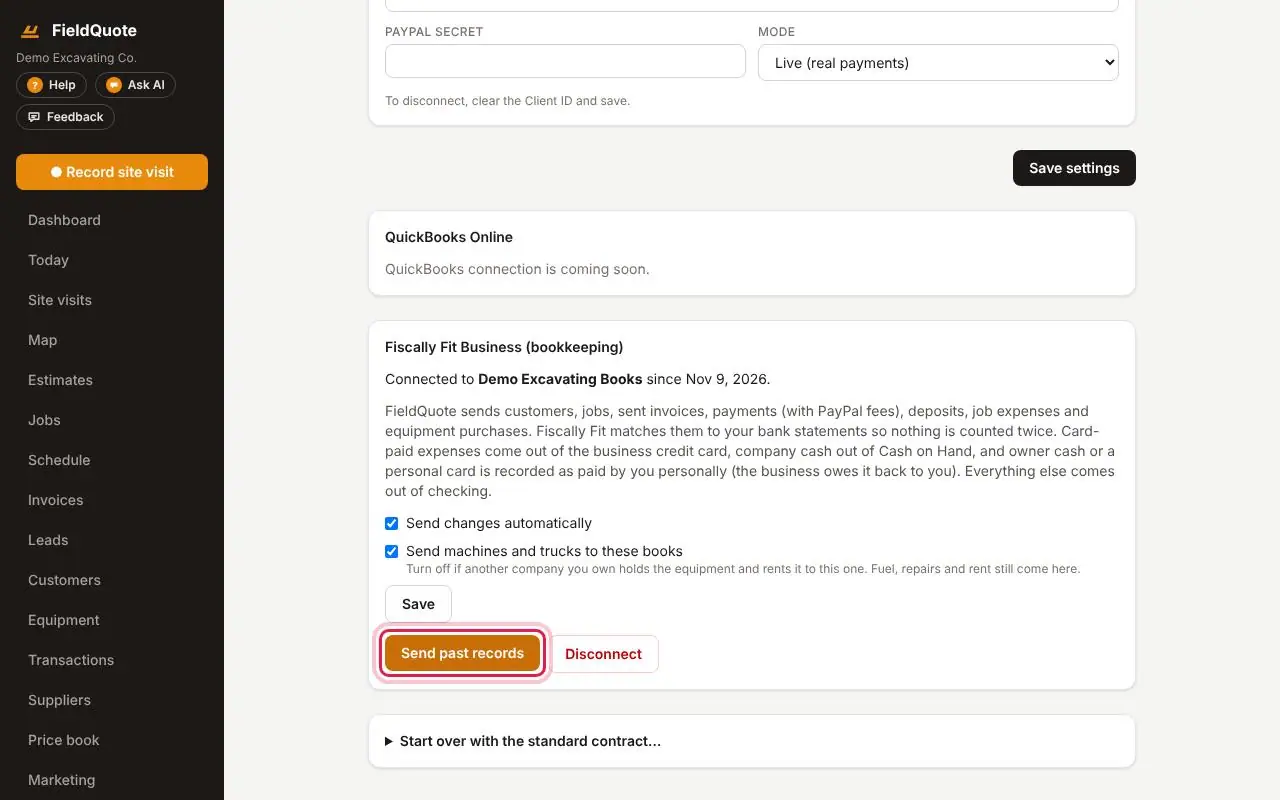
Settings › Fiscally Fit Business (bookkeeping) › Send past records (shows once you're connected).
Watch it
Steps
With Fiscally Fit connected, tap Send past records.
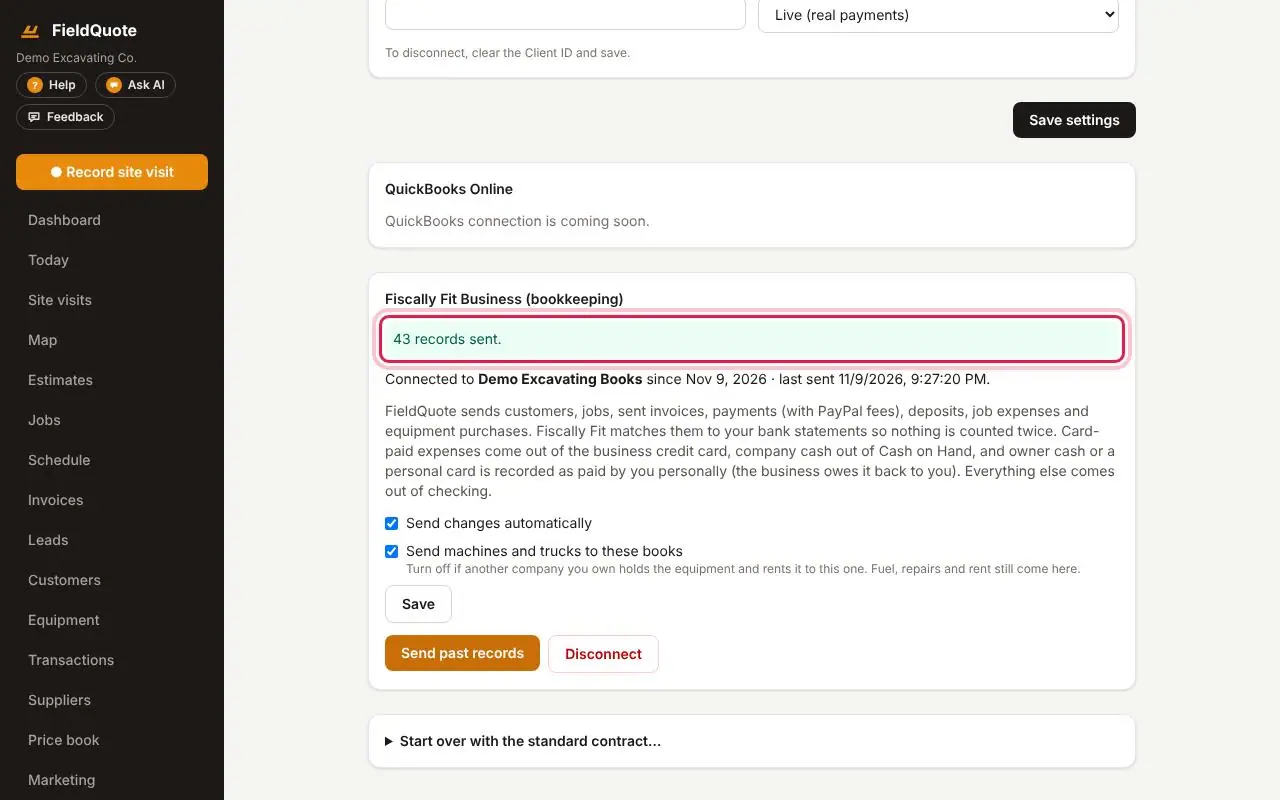
A green line says how many records went over (25 in the picture). If some couldn't be sent, it also says how many need attention.
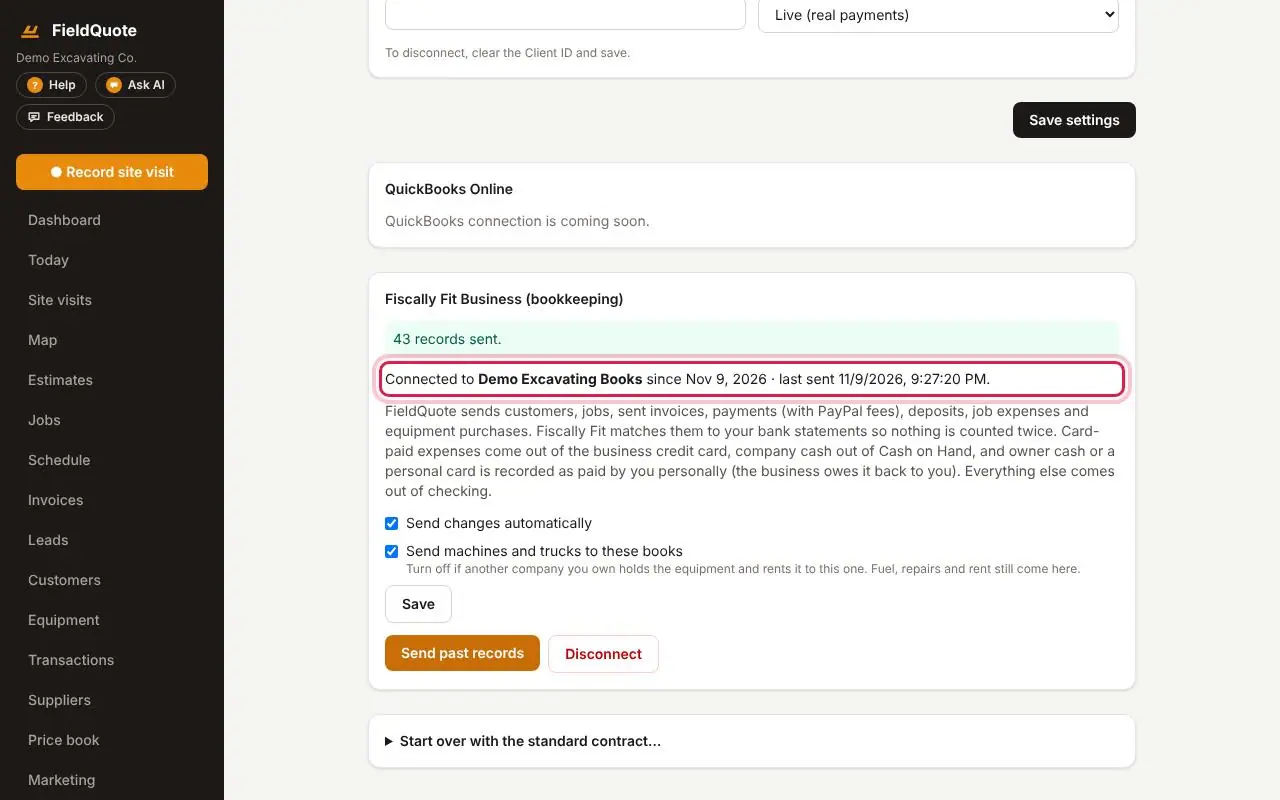
The connected line now ends with when it last sent.
What you'll see
What it sends:
every customer and supplier, and every job;
every invoice that's been sent (not drafts), with its payments;
deposits taken on estimates that aren't on an invoice yet;
every expense;
owned and financed machines and trucks with a purchase date and price, including sold ones — unless sending machines is switched off.
Common mistakes
Worrying about sending twice. Each record carries its FieldQuote id, so Fiscally Fit replaces it instead of adding a copy. Unchanged records are skipped.
An invoice with no customer. It can't go over: "Invoice … has no customer — pick one before it can go to Fiscally Fit." Pick the customer on the invoice, then send past records again. The same message shows under Last problem: in this section.
Limits
Only the owner or an admin can use it.
With automatic sending turned off, this button is also how you send changes when you choose.
Checked against the app on Nov 9, 2026. Pictures are from Demo Excavating Co., a made-up company.