Customers, texting & email, automatic follow-ups
Guide 6 of 20
What it's for
Customers see an email from your business, with your name at the top and your phone at the bottom, and can simply hit reply.
Where
Settings › Open message settings › Email. Your company email: Settings › Company (shown on estimates & invoices) › Email.
Watch it
Steps
Go to Settings and tap Open message settings.
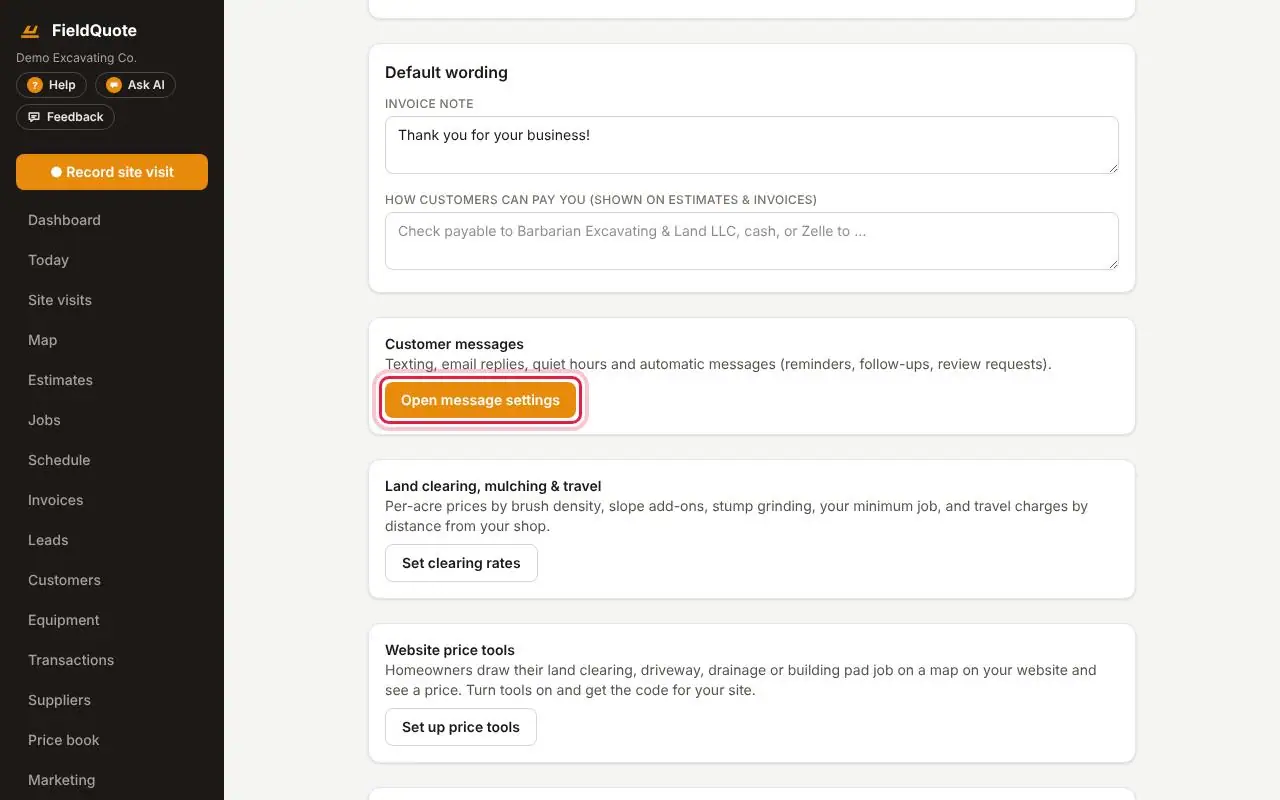
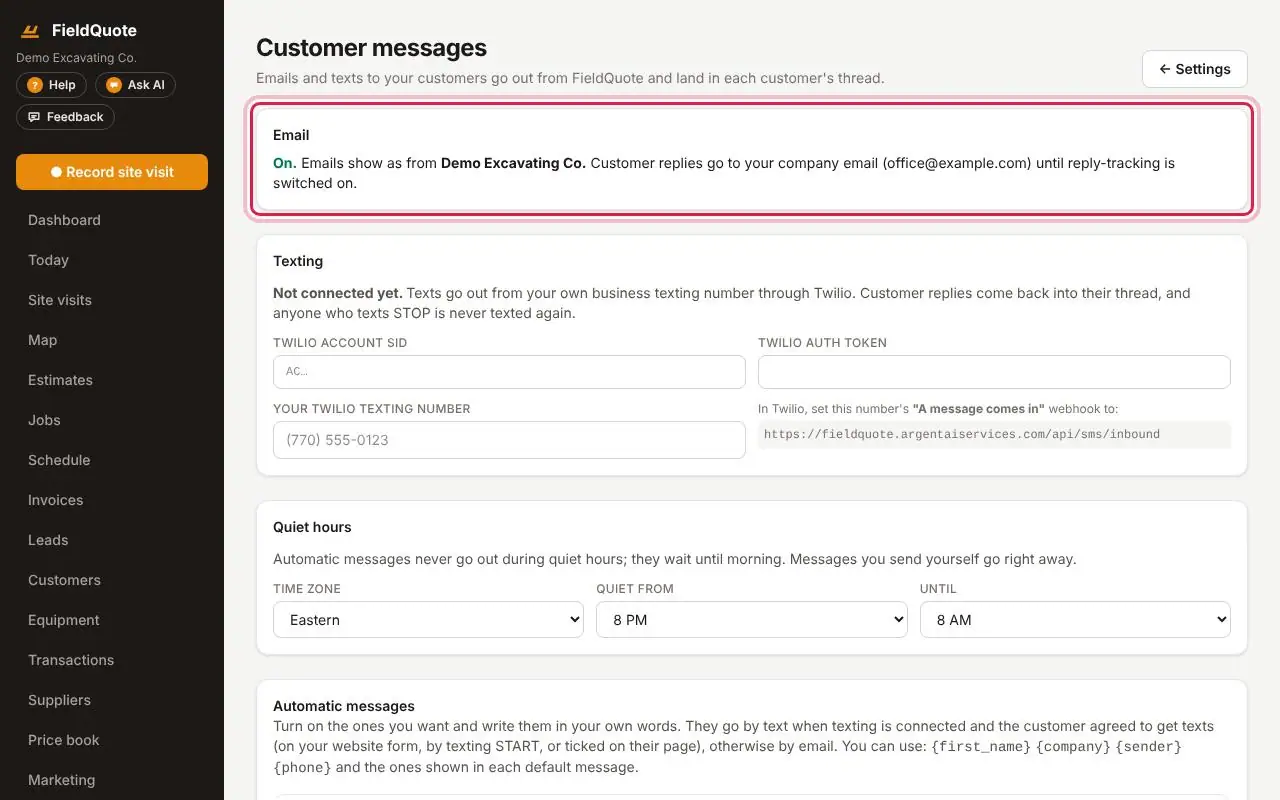
The Email section says email is on and shows the company name your emails come from. It also says where replies go.
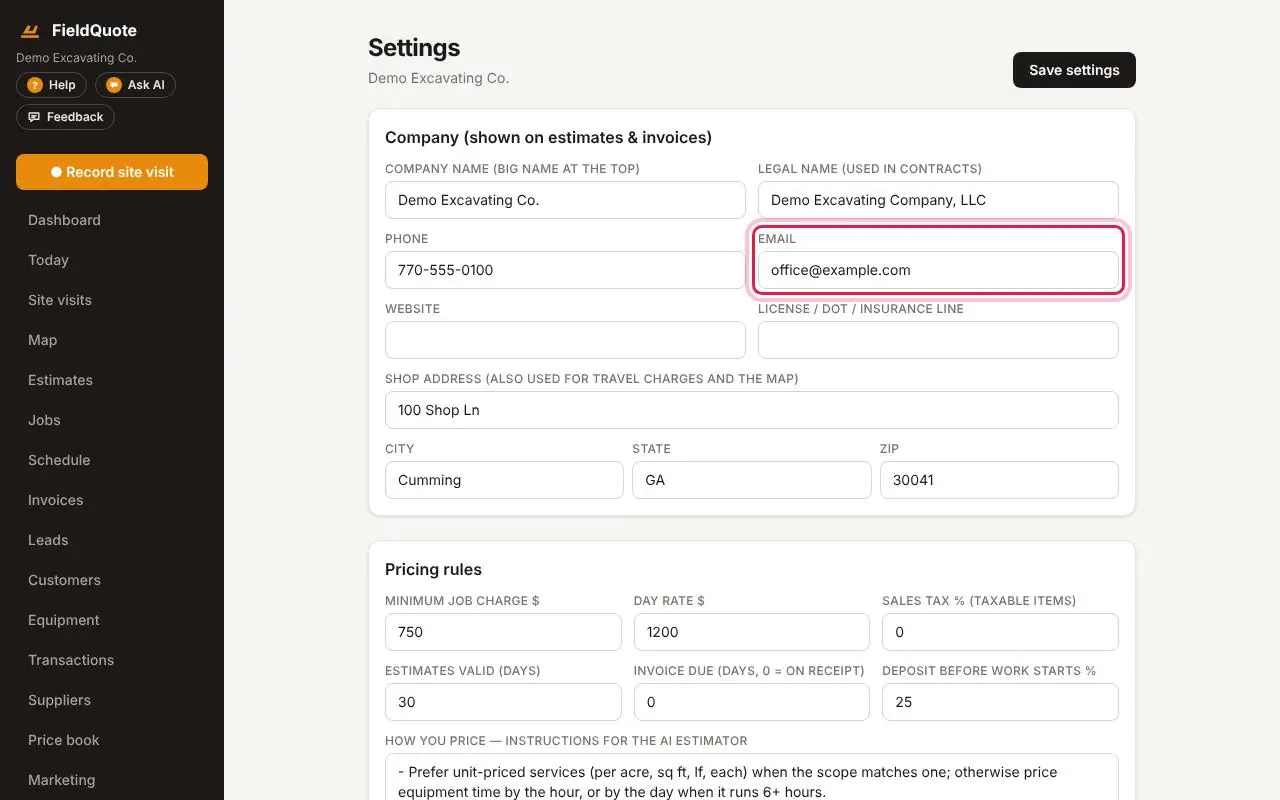
Make sure your company Email in Settings is right; replies go there whenever they can't go to the thread, and new-lead alerts use it too.
What you'll see
With reply-tracking on: "When a customer replies, the reply lands in their thread here and you get an alert email."
Without it: "Customer replies go to your company email … until reply-tracking is switched on."
Every email to a customer has your company name at the top and your name and phone at the bottom with "Reply to this email to reach us."
Common mistakes
Changing the company name only in your head. The name customers see is Company name (big name at the top) in Settings.
Leaving the company email blank. Replies (when not tracked) and alerts then go to the owner's sign-in email.
Limits
Only the owner or an admin can change the company name and email in Settings.
There's nothing to set up for email: it's always on.
Emails are sent from FieldQuote's mail service under your company name, not from your own mailbox, so they don't show in your email's Sent folder.
Reply-tracking is switched on for FieldQuote as a whole, not per company. The pictures here were taken with it off.
Checked against the app on Nov 9, 2026. Pictures are from Demo Excavating Co., a made-up company.