Jobs, scheduling, weather, 811 tickets & lien deadlines
Guide 11 of 14
What it's for
See what each job really made, with the stone and dump fees charged against the job they were for.
Where
The job's page › Job expenses.
Watch it
Steps
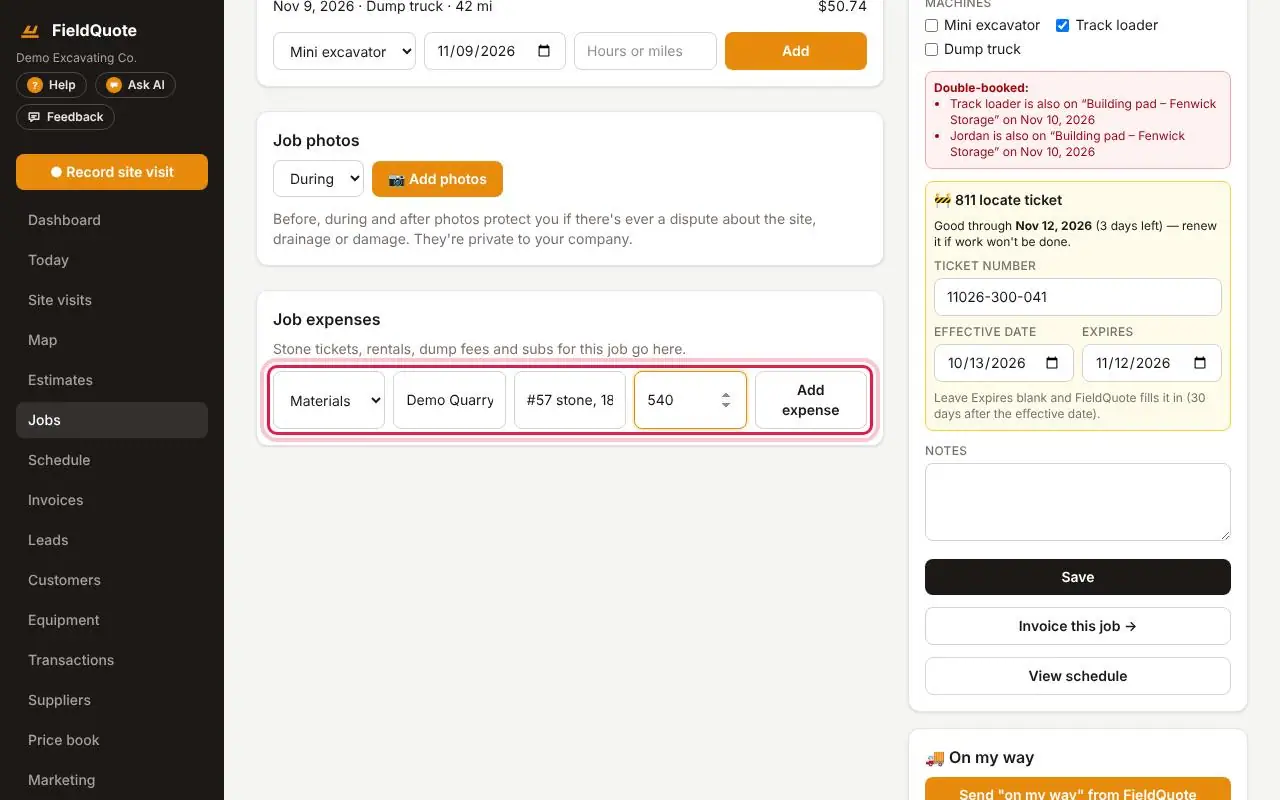
Pick the kind of expense, and fill in Paid to, What for and the Amount.
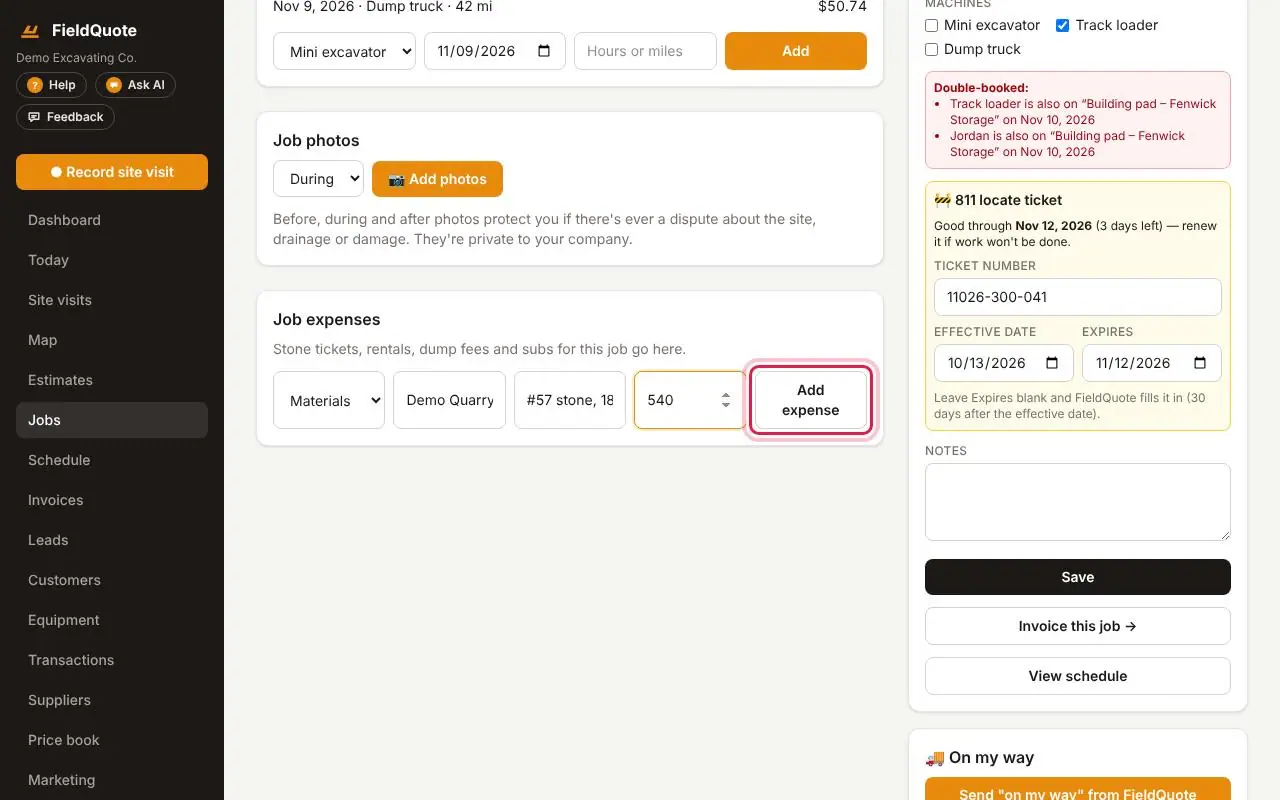
Tap Add expense.
It's listed on the job with today's date, and taken off Job profit.
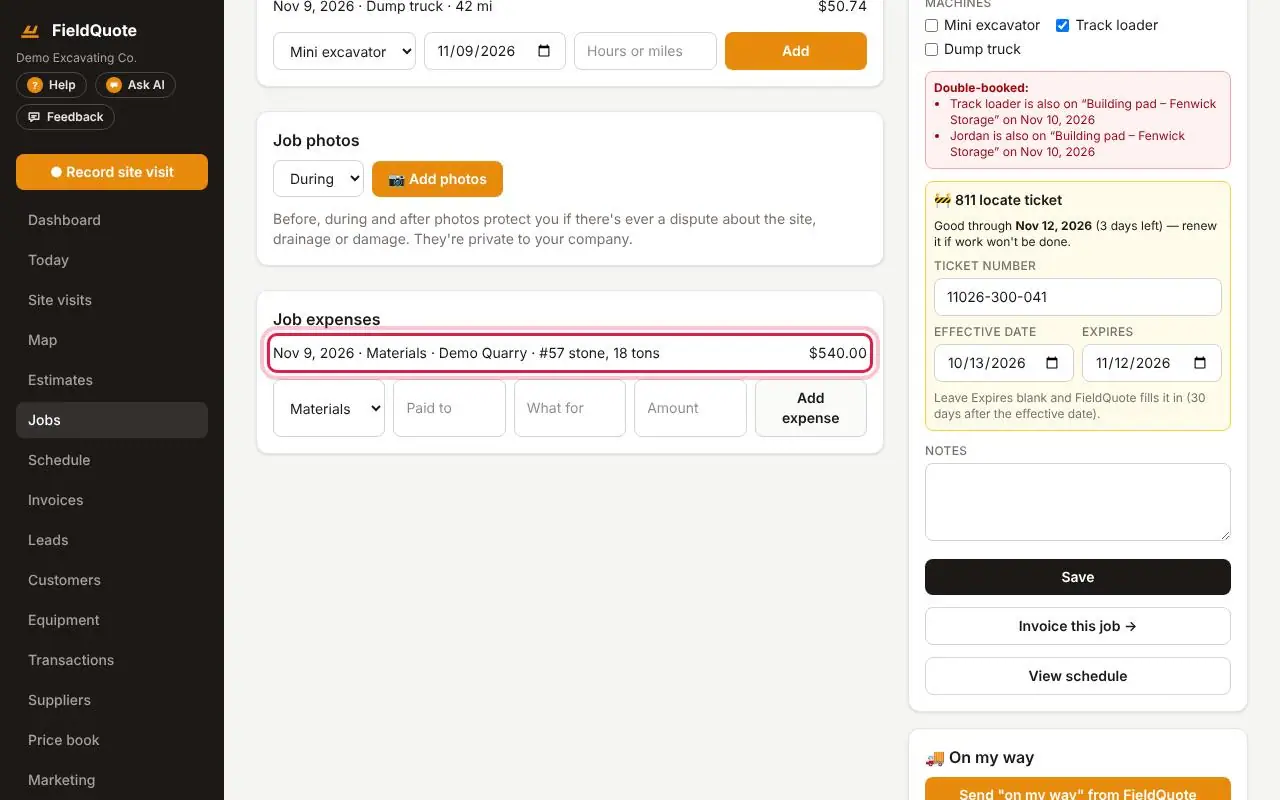
What you'll see
The expense on Transactions too, linked to the job.
With QuickBooks or Fiscally Fit Business connected and sending automatically, it's sent there as well.
Common mistakes
Logging machine fuel for a job here when you also track machine costs per hour. Fuel is already part of each machine's cost per hour; adding it again counts it twice.
Adding an expense from another day here. Expenses added on the job are dated today; for another date, add it on Transactions, where you can pick the date and the job.
Limits
The kinds here are materials, equipment rental, trucking, dump fees, subcontractor, permits, fuel and other. Others (like insurance) belong on Transactions without a job.
Expenses can't be changed. To fix one, delete it with ✕ on Transactions and add it again.
Checked against the app on Nov 9, 2026. Pictures are from Demo Excavating Co., a made-up company.