Jobs, scheduling, weather, 811 tickets & lien deadlines
Guide 12 of 14
What it's for
Find out which kinds of jobs are worth taking, and price the next one better.
Where
The job's page › Job profit, and the Profit column on Jobs.
Watch it
Steps
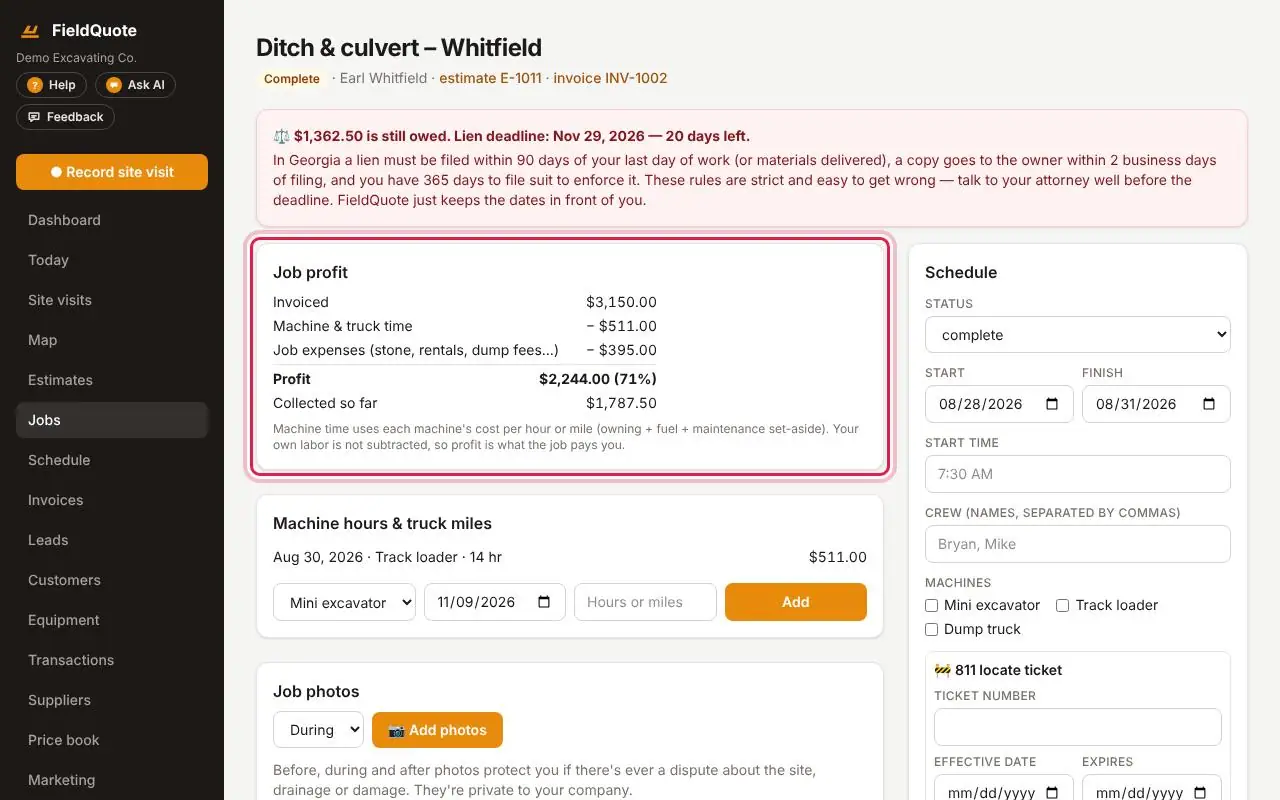
On the job, Job profit shows the price (Invoiced, or Estimate price before you invoice), minus Machine & truck time and Job expenses (stone, rentals, dump fees…), the Profit with its margin, and Collected so far.
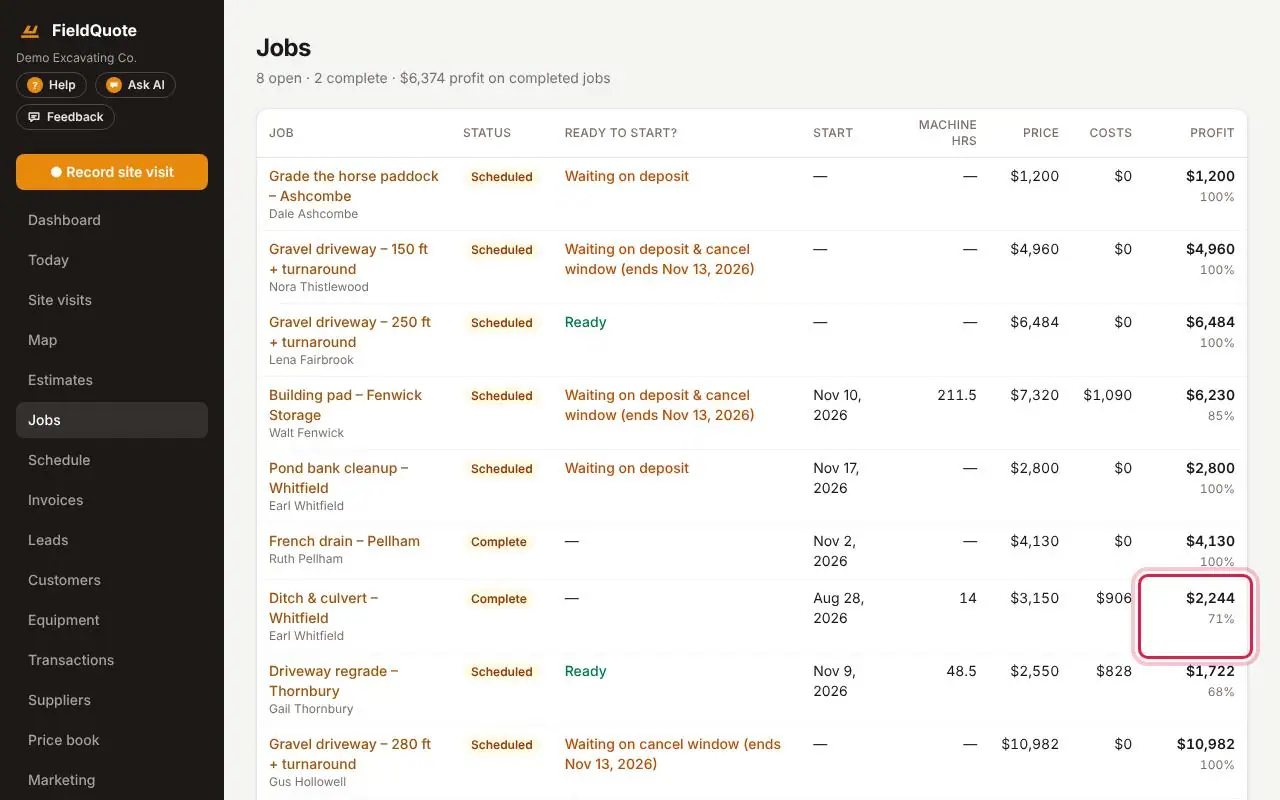
On Jobs, each job's price, costs and profit (with the margin) are in the last columns.
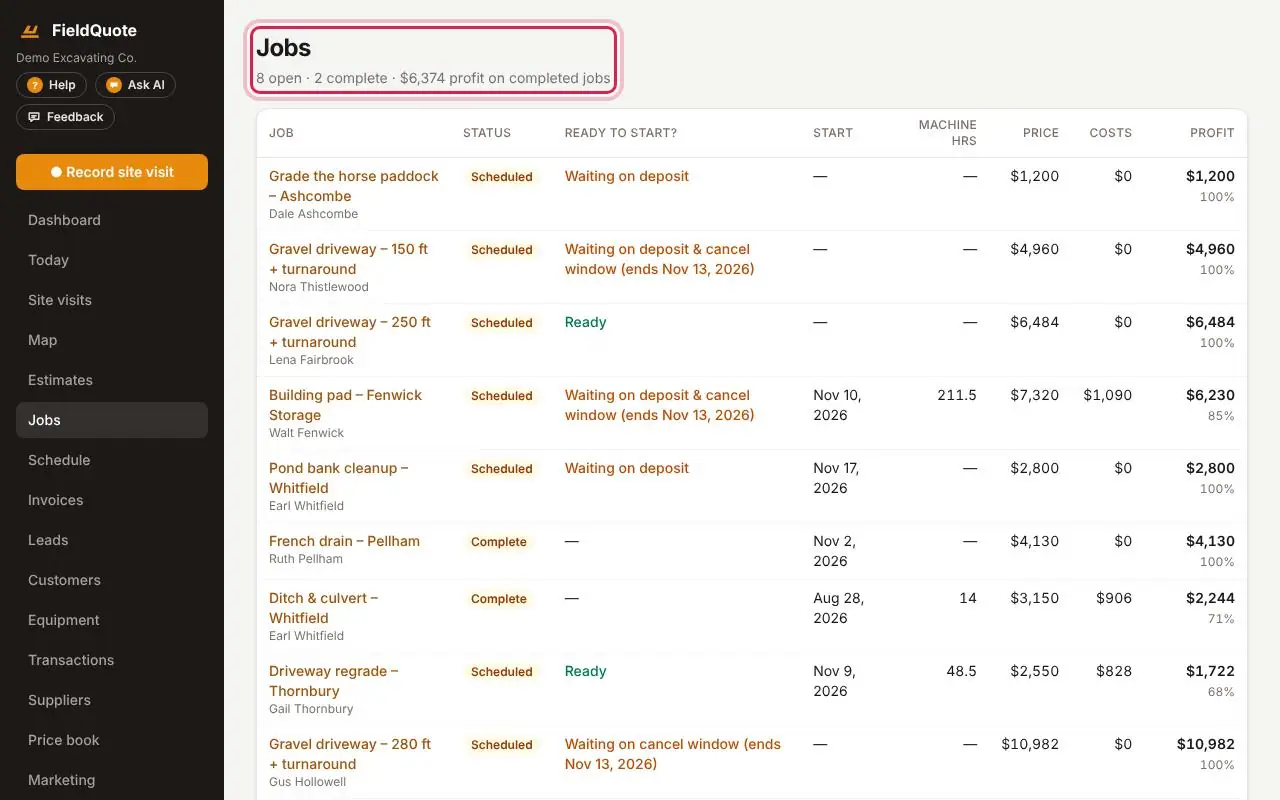
The top of Jobs adds up the profit on all completed jobs.
What you'll see
A profit in red when costs are more than the price.
Collected so far: payments on the invoice, or the deposit before there's an invoice.
Common mistakes
Reading profit as money in the bank. It's what the job earned; Collected so far is what's been paid.
Forgetting to log hours and expenses. A job with nothing logged shows 100%.
Limits
Your own time and wages aren't subtracted; profit is what the job pays you and your crew.
Overhead (insurance, phone, office) isn't spread over jobs.
Checked against the app on Nov 9, 2026. Pictures are from Demo Excavating Co., a made-up company.