Suppliers & material prices
Guide 2 of 14
What it's for
Winter hours, a new salesman, a new account number: keep them right so the office calls the right number.
Where
Suppliers › the supplier › Edit supplier details at the bottom of its box.
Watch it
Steps
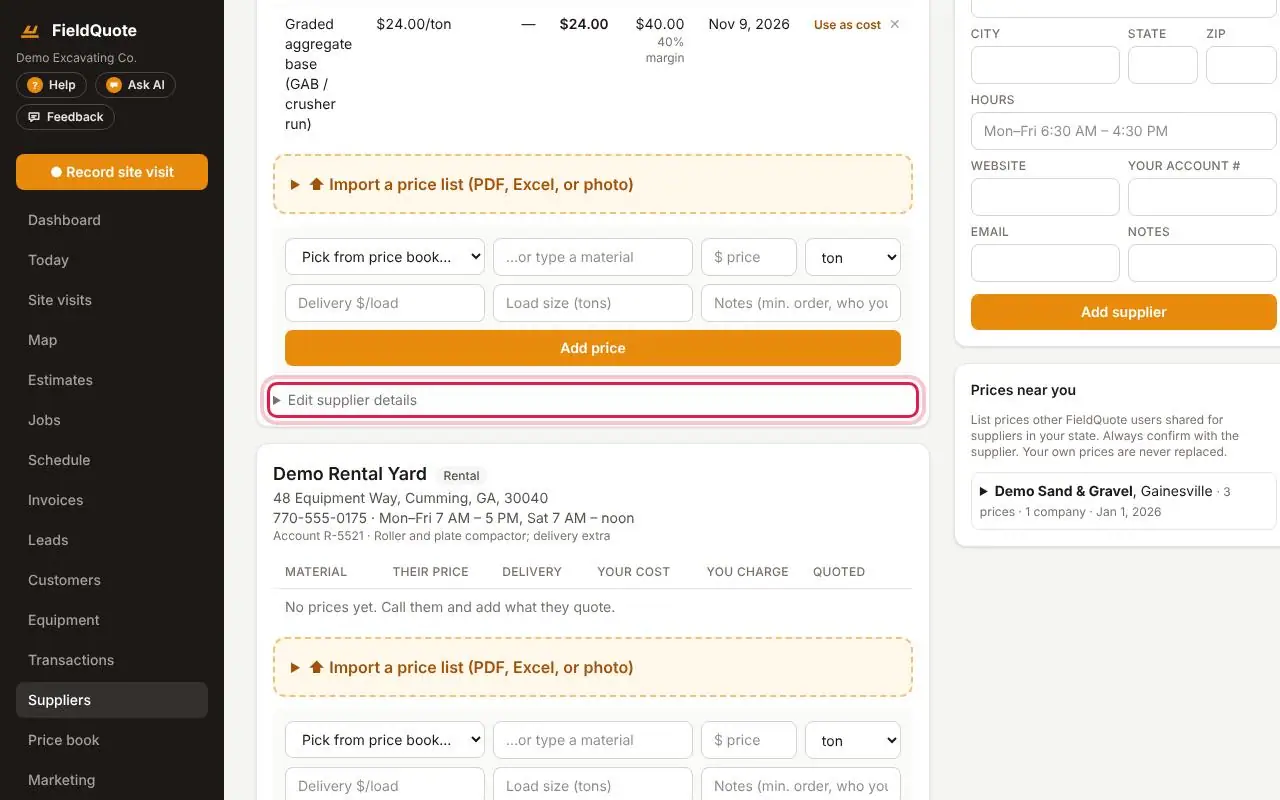
Under the supplier's prices, tap Edit supplier details.
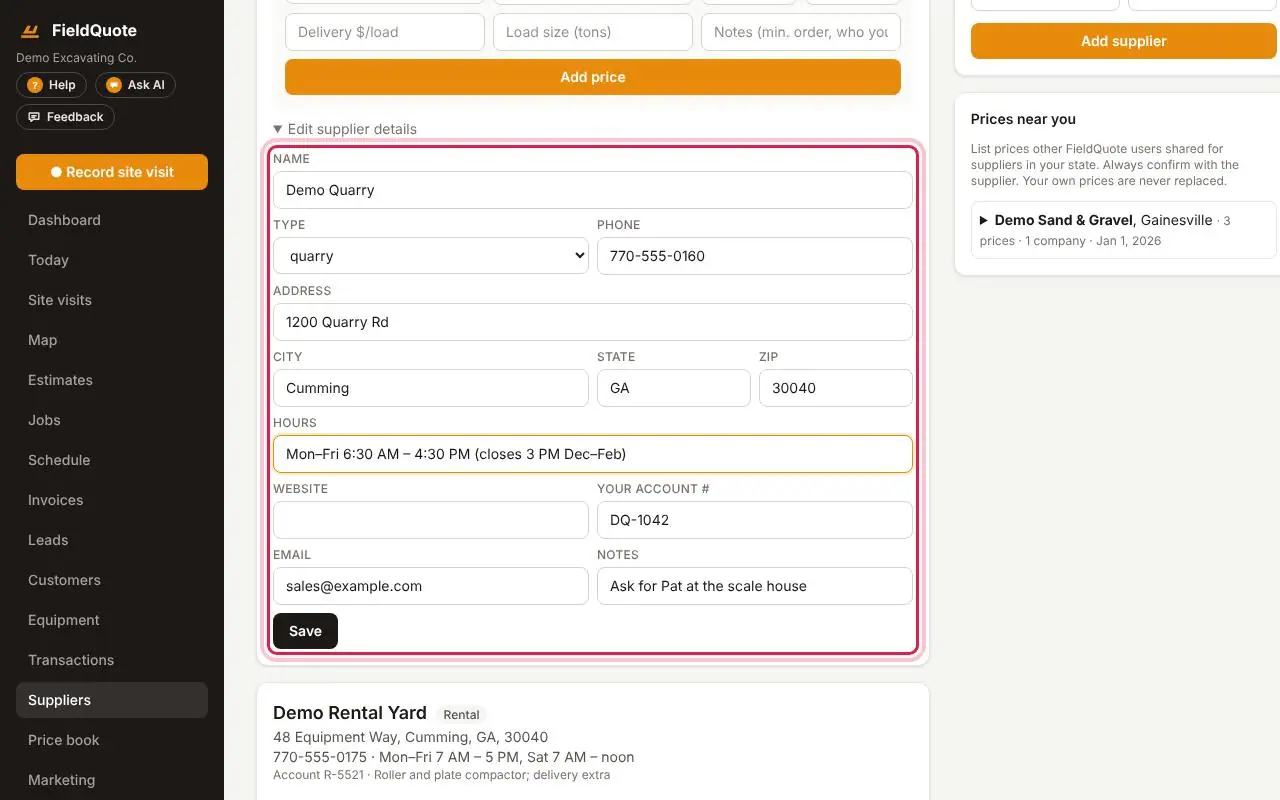
Change what you need and tap Save.
What you'll see
The new details at the top of the supplier's box.
Common mistakes
Renaming a supplier to make it a different one. Its prices stay with it. Add a new supplier instead.
Limits
Only the owner or an admin can change suppliers and their prices, because they set your price-book costs. Team members see the suppliers and prices with "View only. Only the owner or an admin can change this."
Changing the details doesn't change any prices.
A supplier's name is also what other contractors see if you share its list prices (your company name never is).
Checked against the app on Nov 9, 2026. Pictures are from Demo Excavating Co., a made-up company.