Today screen & dashboard
Guide 8 of 8
What it's for
FieldQuote is new, and you're one of the first companies using it. When something doesn't work the way you expect, or you wish it did something it doesn't, this is the quickest way to tell Bryan at Argent — right from the screen where it happened.
Where
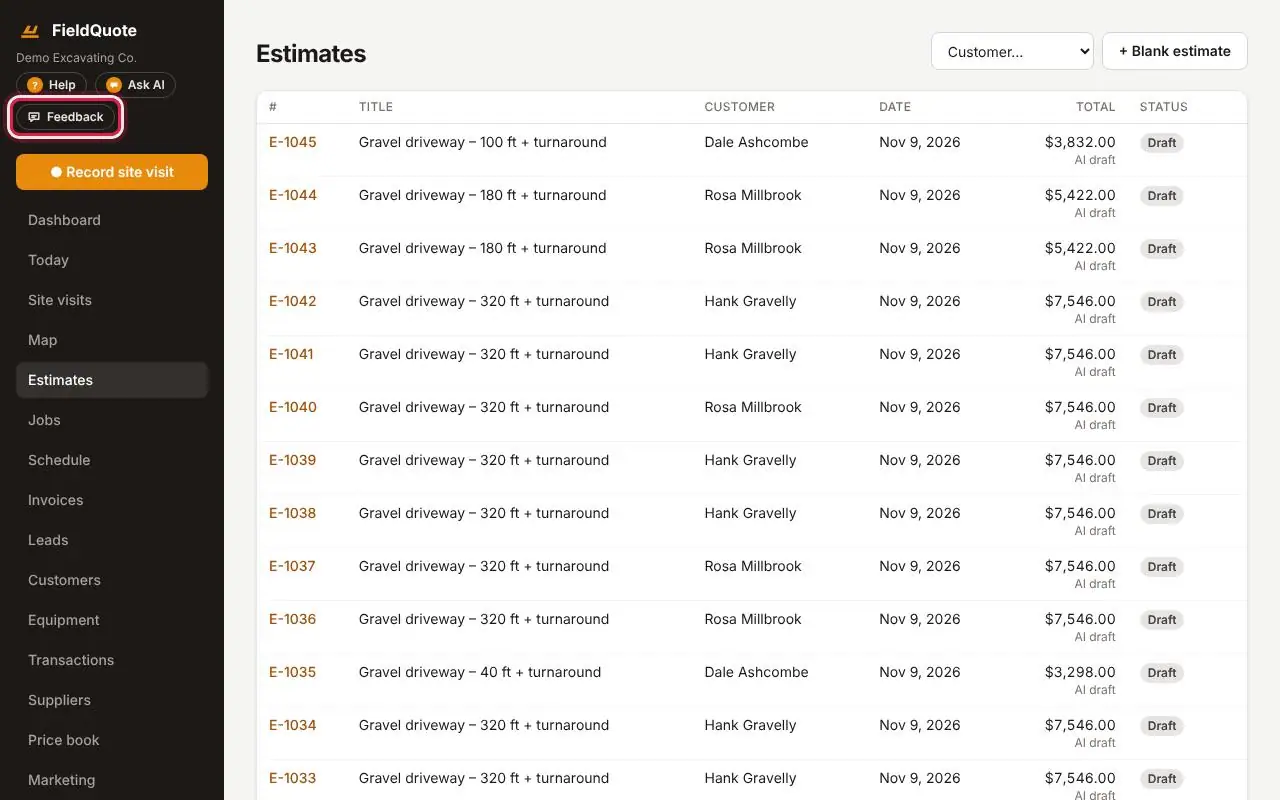
Feedback at the top of the menu on a computer, next to Help and Ask AI. On a phone it's at the end of the menu. It's also at the bottom of the Ask AI panel: Send feedback.
Watch it
Steps
Go to the screen where it happened and tap Feedback.
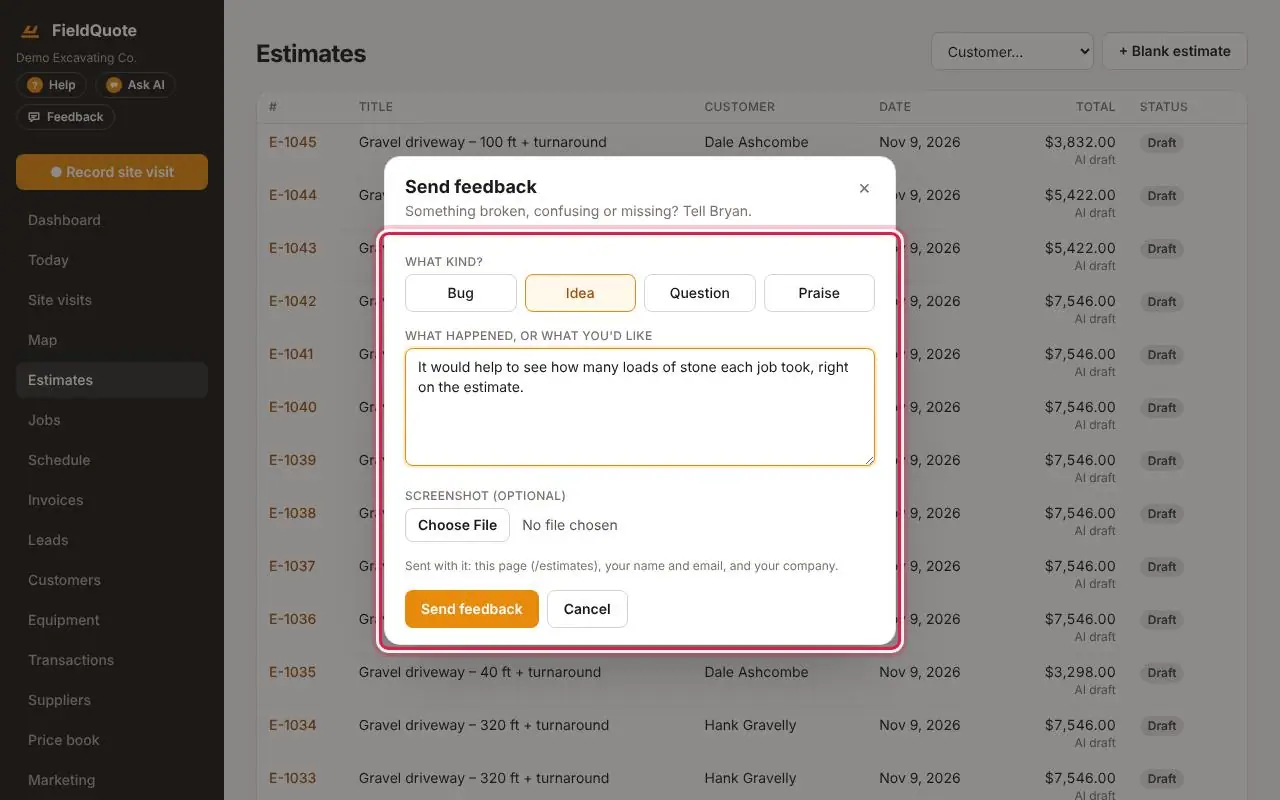
Pick what kind it is — Bug, Idea, Question or Praise — and type it under What happened, or what you'd like.
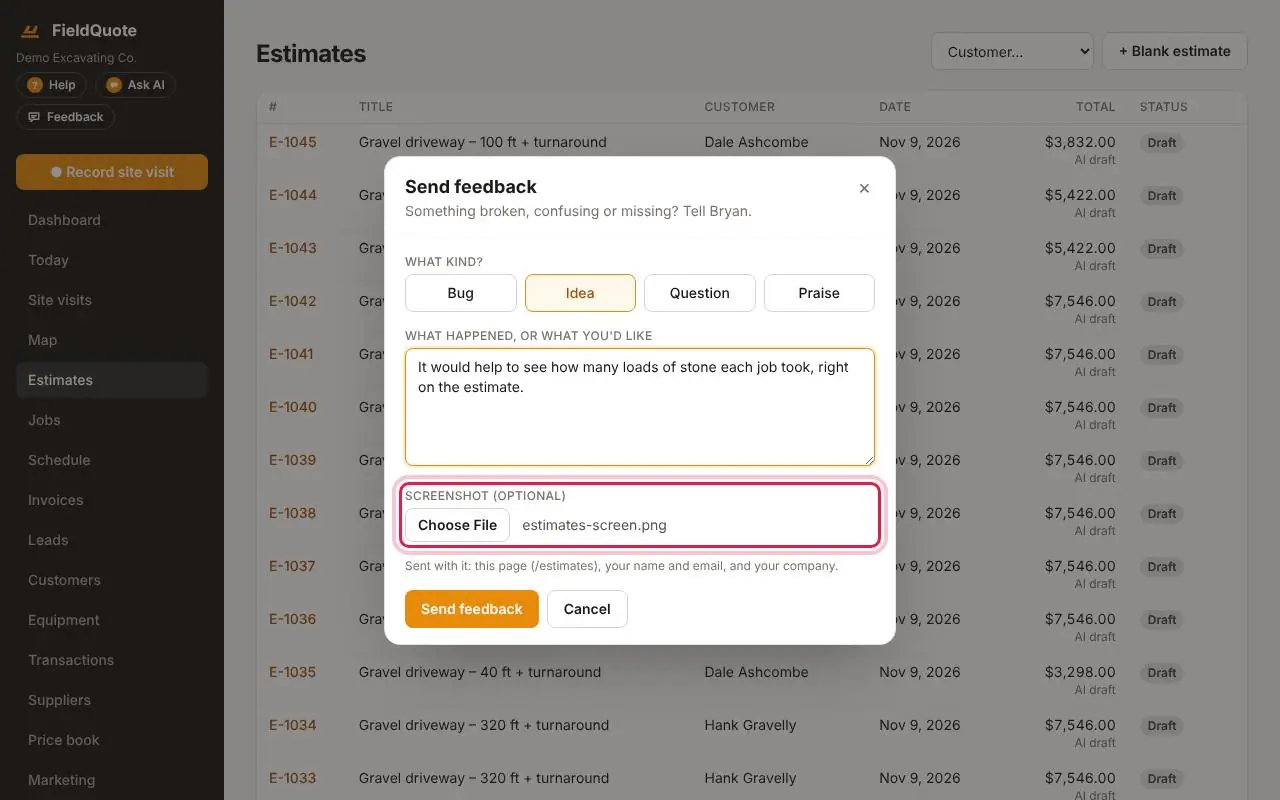
To show what you saw, add a picture under Screenshot (optional): take a screenshot on your phone or computer first, then pick it here.
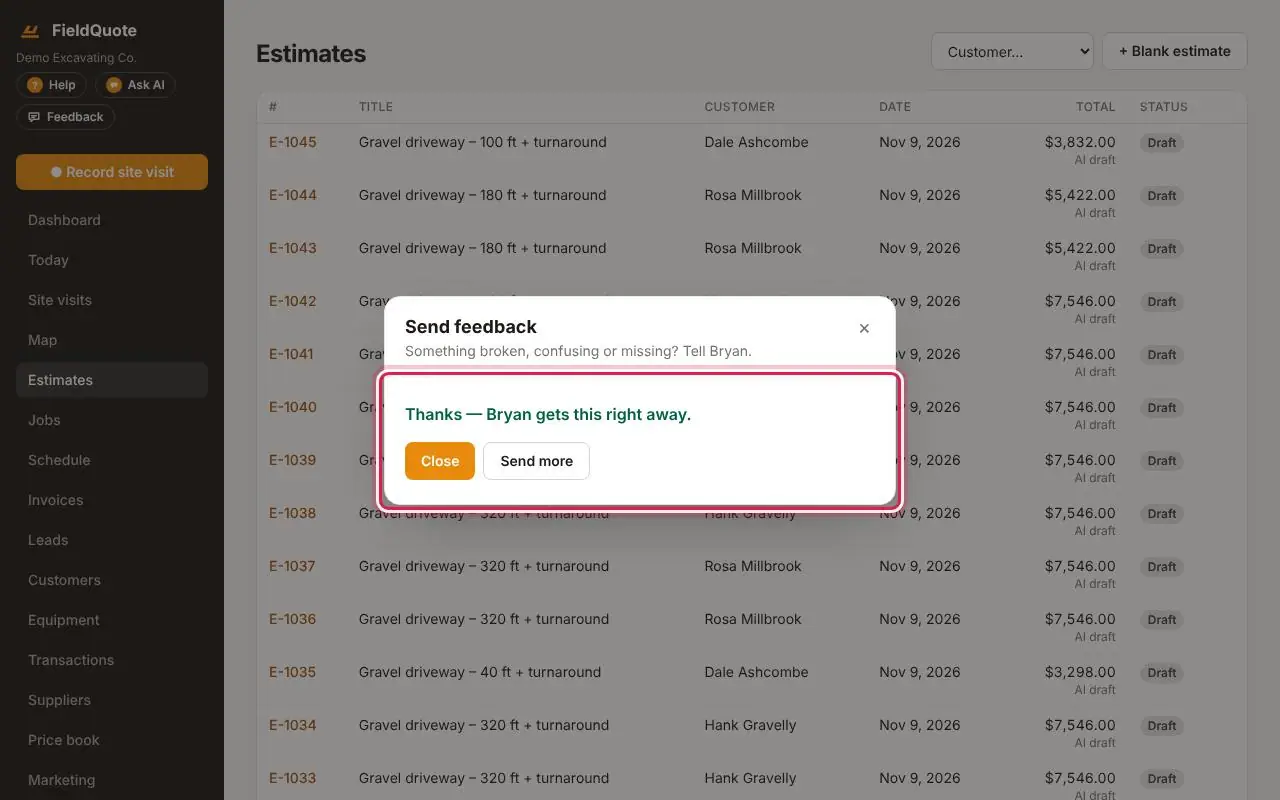
Tap Send feedback. It says "Thanks — Bryan gets this right away."
What you'll see
The page you were on goes with it by itself; the form says so: "Sent with it: this page (…), your name and email, and your company."
Bryan gets it by email straight away, with your name and email, so he can write back to you.
Send more to send another; Close to go back to what you were doing.
Common mistakes
Opening it from a different screen than the one with the problem. Go to that screen first, so it's sent along.
A screenshot that isn't a picture (a PDF or a video): "The screenshot has to be a picture (JPG or PNG). Nothing was sent. Pick another file or leave it out."
Waiting for an answer on the screen. Replies come by email.
Limits
Up to 4,000 characters, and one screenshot of up to 10 MB.
Anyone on the team can send feedback, team members too, even after the subscription has ended.
Sending a lot in a short time: "That's a lot of feedback in an hour. Try again a bit later."
Checked against the app on Nov 9, 2026. Pictures are from Demo Excavating Co., a made-up company.