Today screen & dashboard
Guide 7 of 8
What it's for
A quick, straight answer without digging through Help: how to do something in FieldQuote, why a number or a status looks the way it does, or what one of your own records shows — for example why an estimate came to what it did.
Where
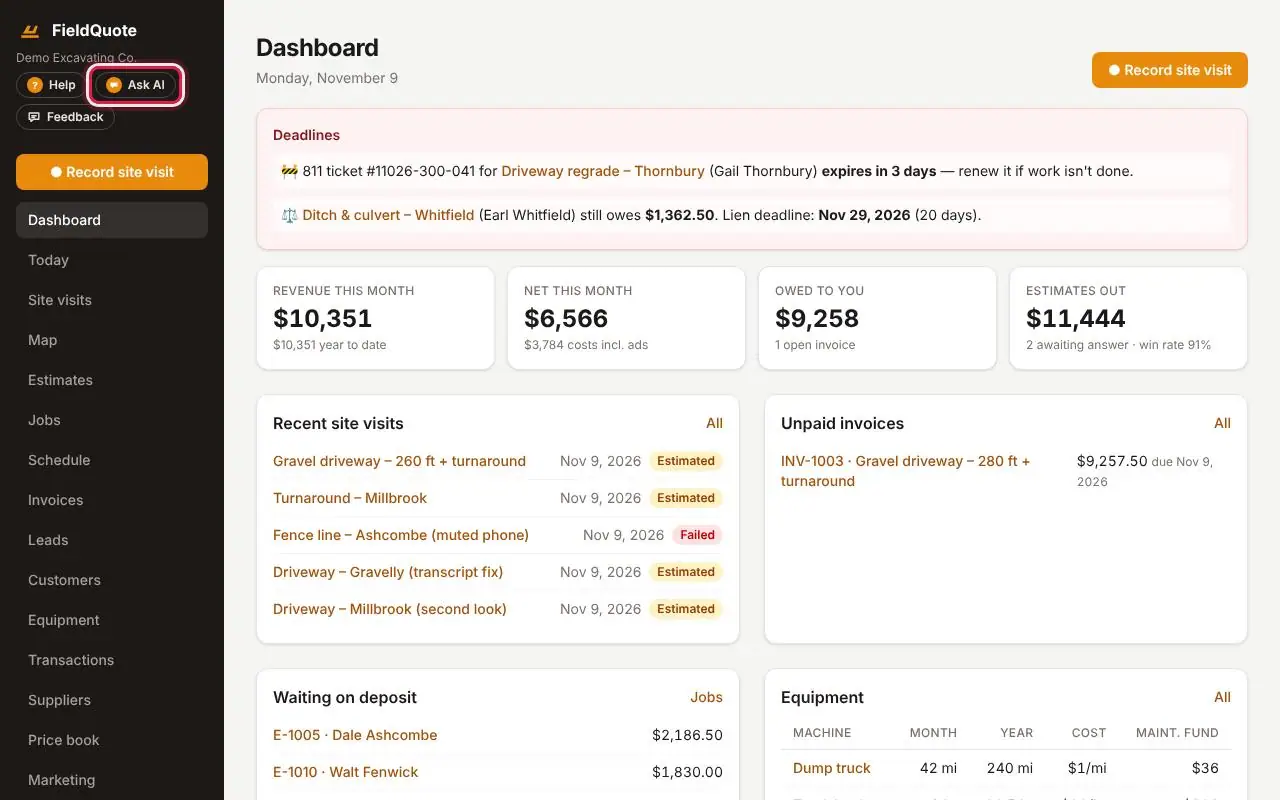
Ask AI at the top of every screen, next to Help (on a phone, in the top bar).
Watch it
Steps
Tap Ask AI. The Ask AI panel opens: on the right on a computer, full screen on a phone.
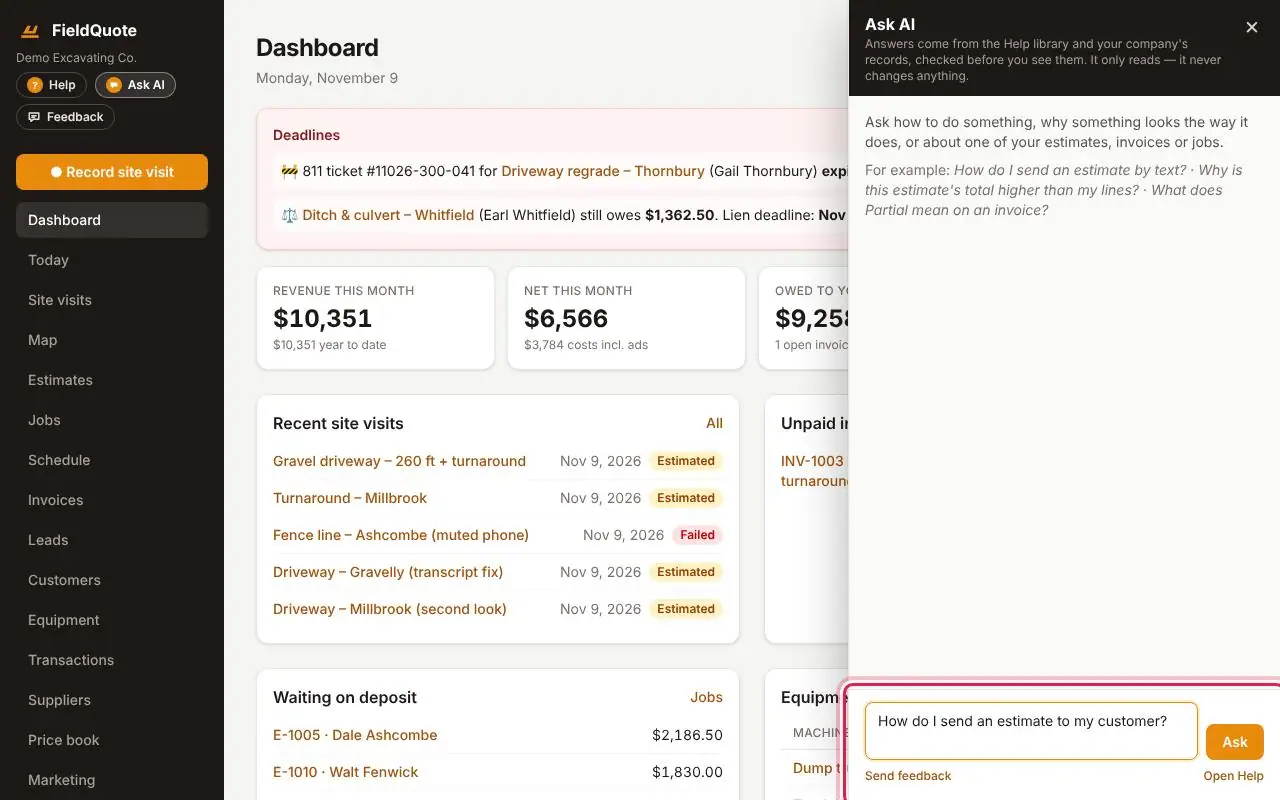
Type your question the way you'd ask a person, then tap Ask (or press Enter).
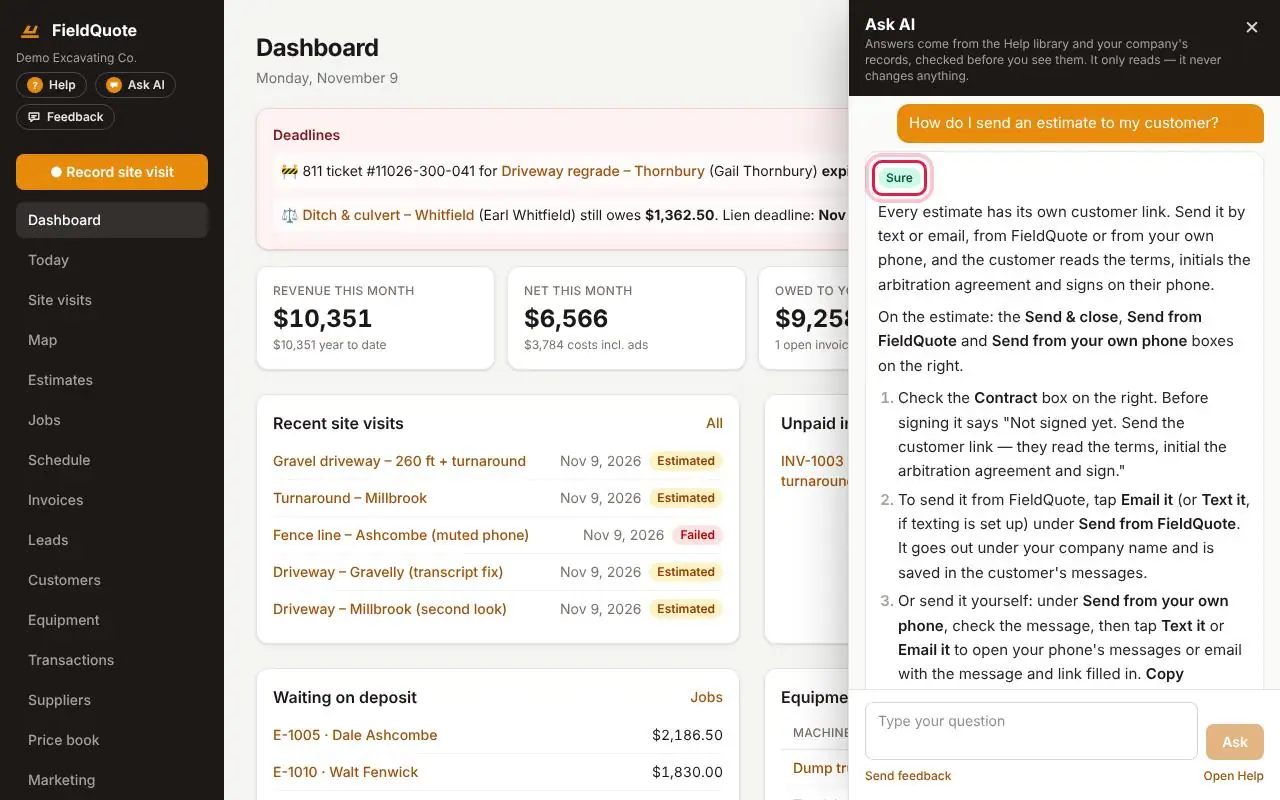
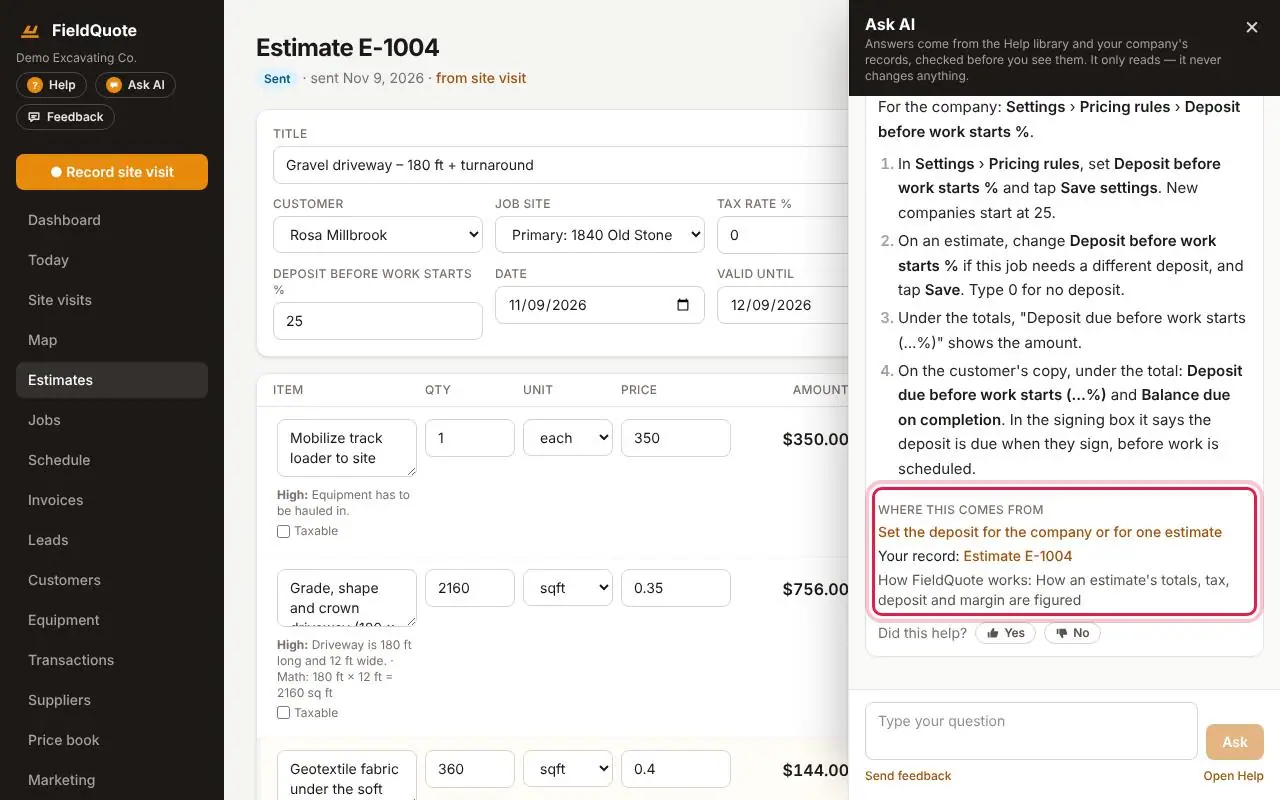
Read the answer. The tag at the top says how sure it is: Sure, Mostly sure or Not sure. Steps are numbered, and buttons are named the way they look on the screen. Under Where this comes from are the help articles it used; tap one to open it.
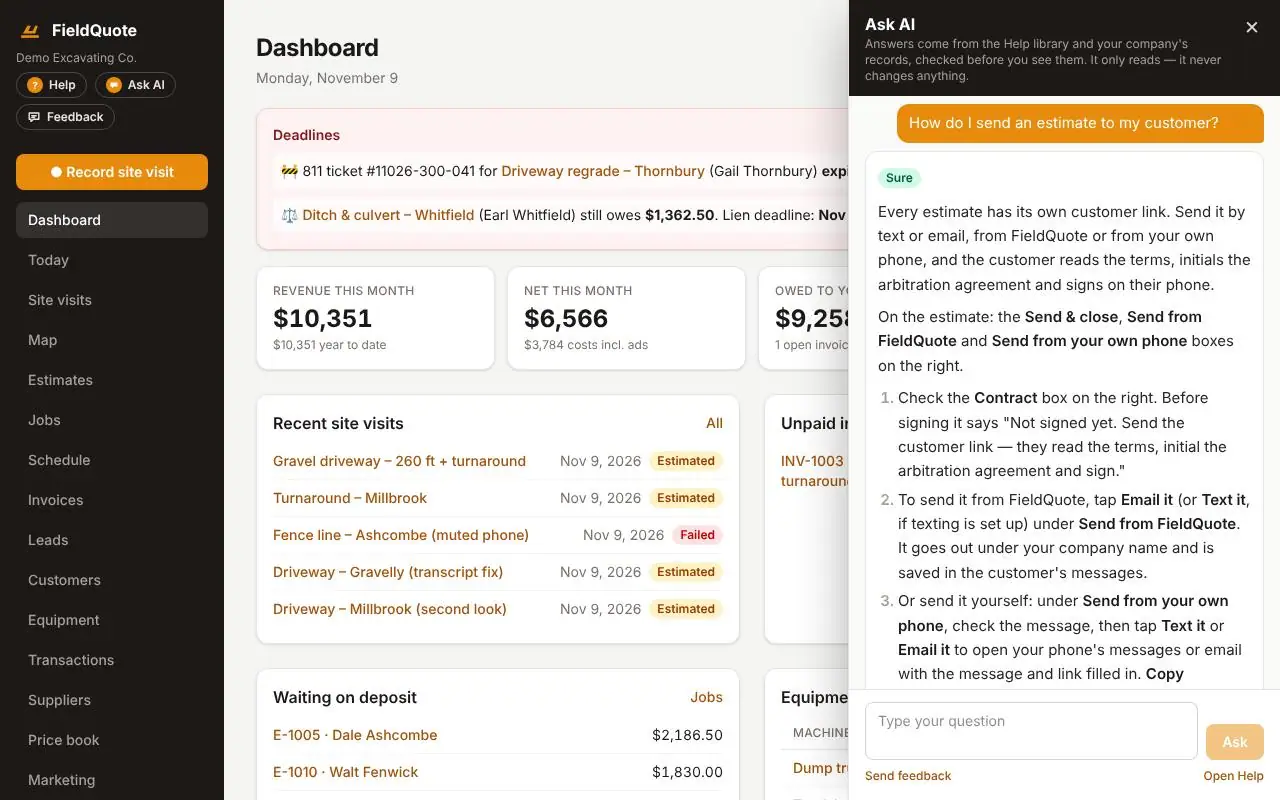
Tap Yes or No under the answer so Argent knows which answers work.
To ask about one of your records, open it first (an estimate, invoice, job or customer) and ask about this estimate or this job — or give its number, like E-1001 or INV-1003. The answer uses that record's own numbers, and Where this comes from links back to it.
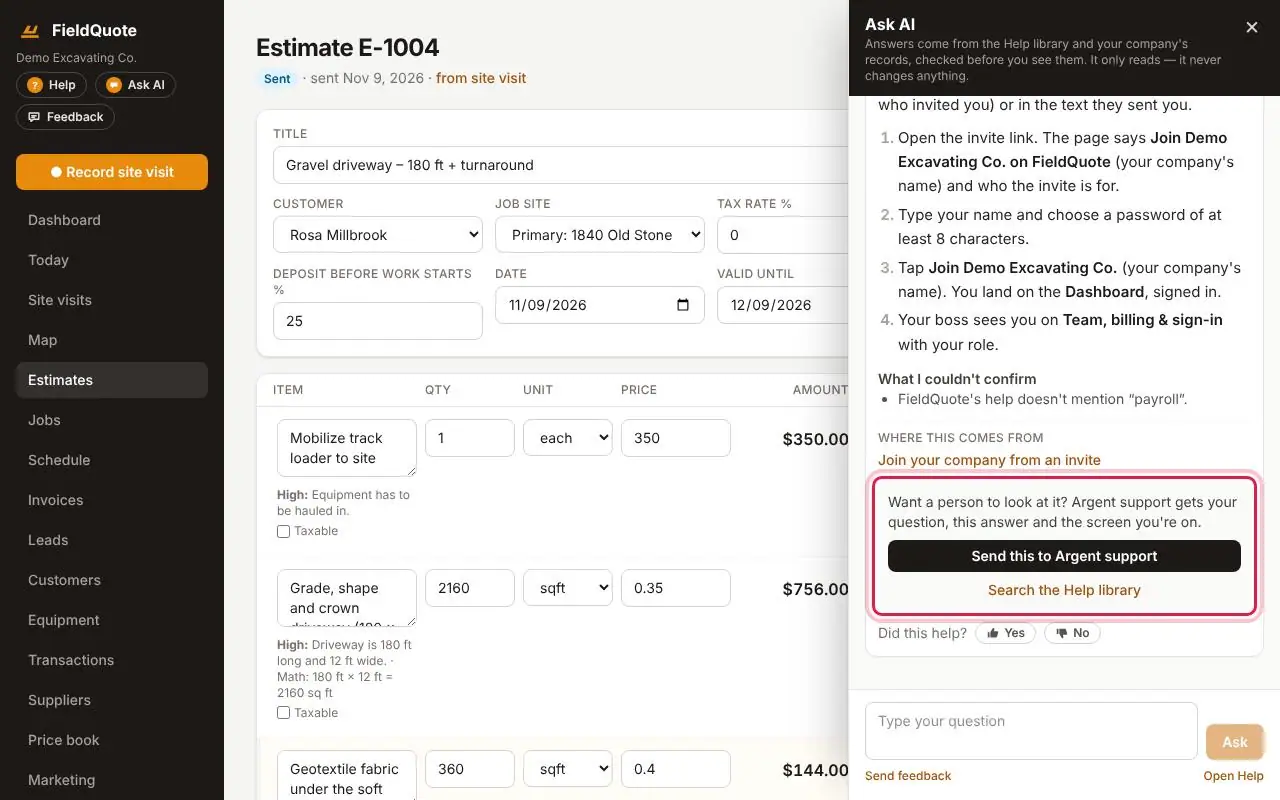
When it's Not sure, it says what it couldn't confirm. Tap Send this to Argent support and a person gets your question, the answer and the screen you were on, and replies to your email. Search the Help library looks for articles instead.
What you'll see
"Checking the help library and your records, then double-checking the answer. This can take a little while." while it works. It takes a little while because every answer is checked against where it came from before you see it.
A team member asking about something only the owner or an admin can do also sees "Only the owner or an admin can do this. You're signed in as a team member, so ask one of them to do it."
A number your company doesn't have: "I couldn't find … in your company's records."
A question that isn't about FieldQuote: "I can only help with FieldQuote: how to do something in the app, why something in it looks the way it does, or what your company's records in it show."
Send feedback at the bottom of the panel, to tell Bryan about something broken or missing (see Send feedback). Open Help opens the Help library.
Common mistakes
Asking about this estimate from another screen. Open the estimate first, or give its number.
Expecting it to do the job for you. It only reads and explains: it never changes a record, sends a message or changes a setting. The answer tells you where to do it.
Taking a Not sure answer as the final word. Open the help article it links, or send it to Argent support.
Limits
It answers only from FieldQuote's Help library, how FieldQuote works, and your own company's records. It can't see other companies' records.
Numbers come from your records the way FieldQuote shows them; it doesn't work out new totals. Anything it can't back up with a help article, a rule or one of your records is left out of the answer.
Each company can ask 50 questions a day (unless Argent set a different limit). After that it says "which is the daily limit. The assistant will be back tomorrow." Asking very fast: "That's a lot of questions in a short time. Give it a minute, then ask again."
Each question and its answer is saved, so Argent can check the answers and make them better.
The questions in the panel clear when you reload the page or sign out.
Checked against the app on Nov 9, 2026. Pictures are from Demo Excavating Co., a made-up company.