Team, accounts & security
Guide 5 of 14
What it's for
So an operator can record visits, send estimates, write change orders and log fuel and hours without being able to change your prices, your contract, where customer payments go or who's on the team. Here is what a team member sees on those screens. (These pictures are from a team member's login.)
Where
Team, billing & sign-in, Settings (and its pages for messages, website price tools and clearing rates), Price book, Suppliers, Equipment and Marketing.
Watch it
Steps
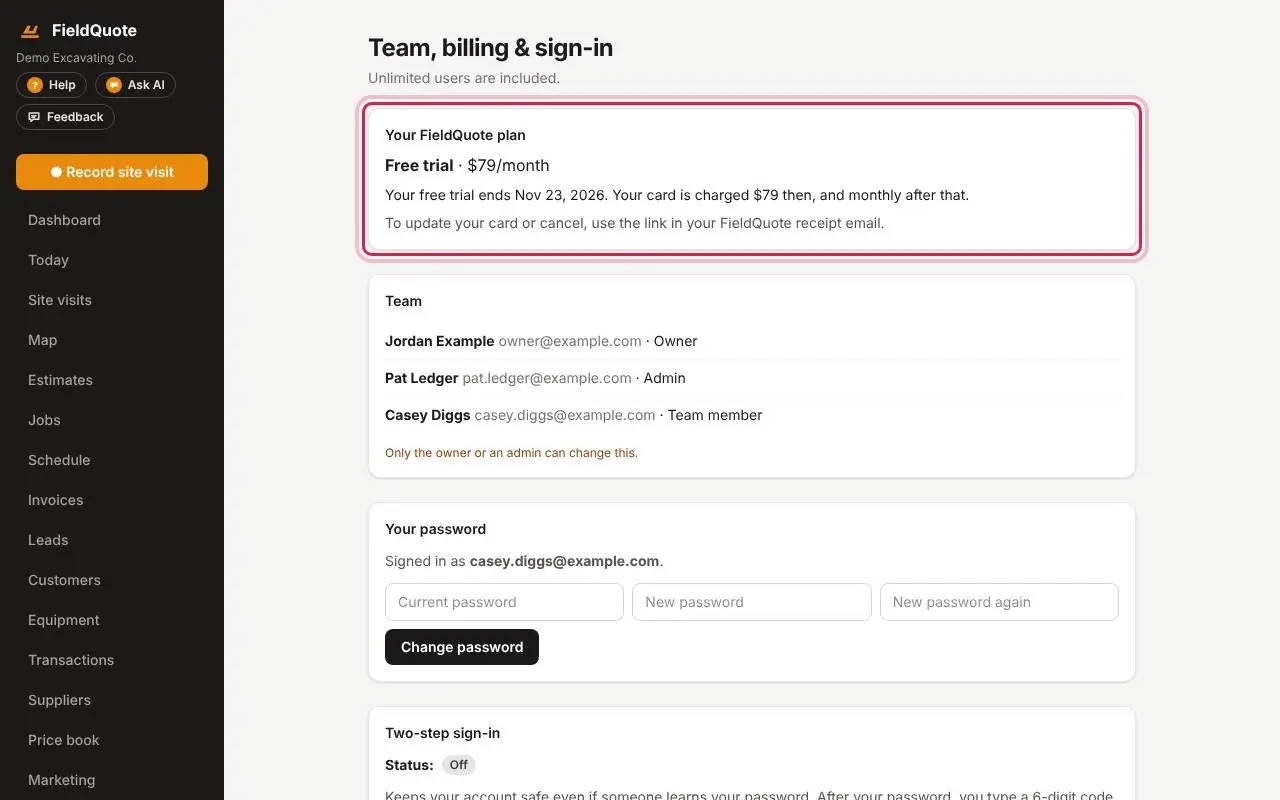
Your FieldQuote plan: team members see the plan, but not the manage your subscription here link.
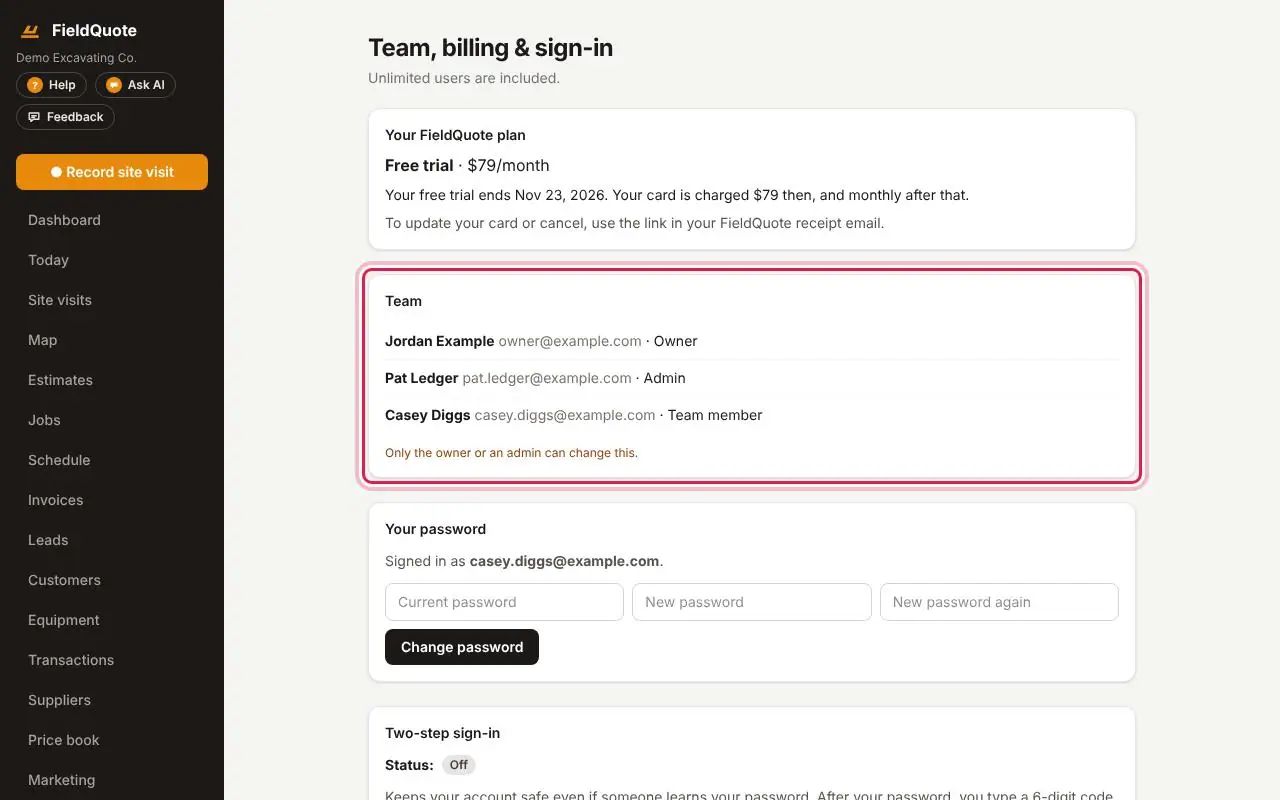
Team: no Invite box, no Remove and no Cancel — "Only the owner or an admin can change this." instead. The Your data download isn't there either.
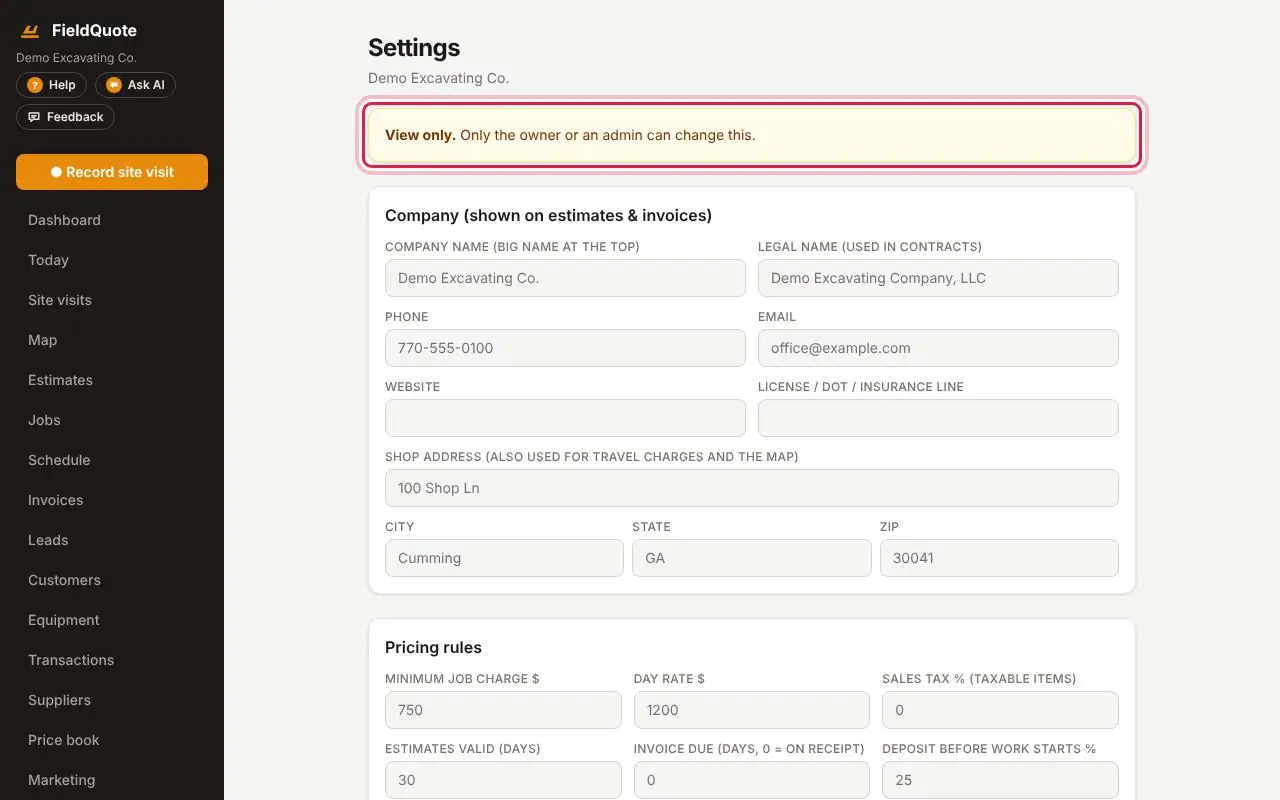
Settings: a box at the top says "View only. Only the owner or an admin can change this." There's no Save settings button at the top.
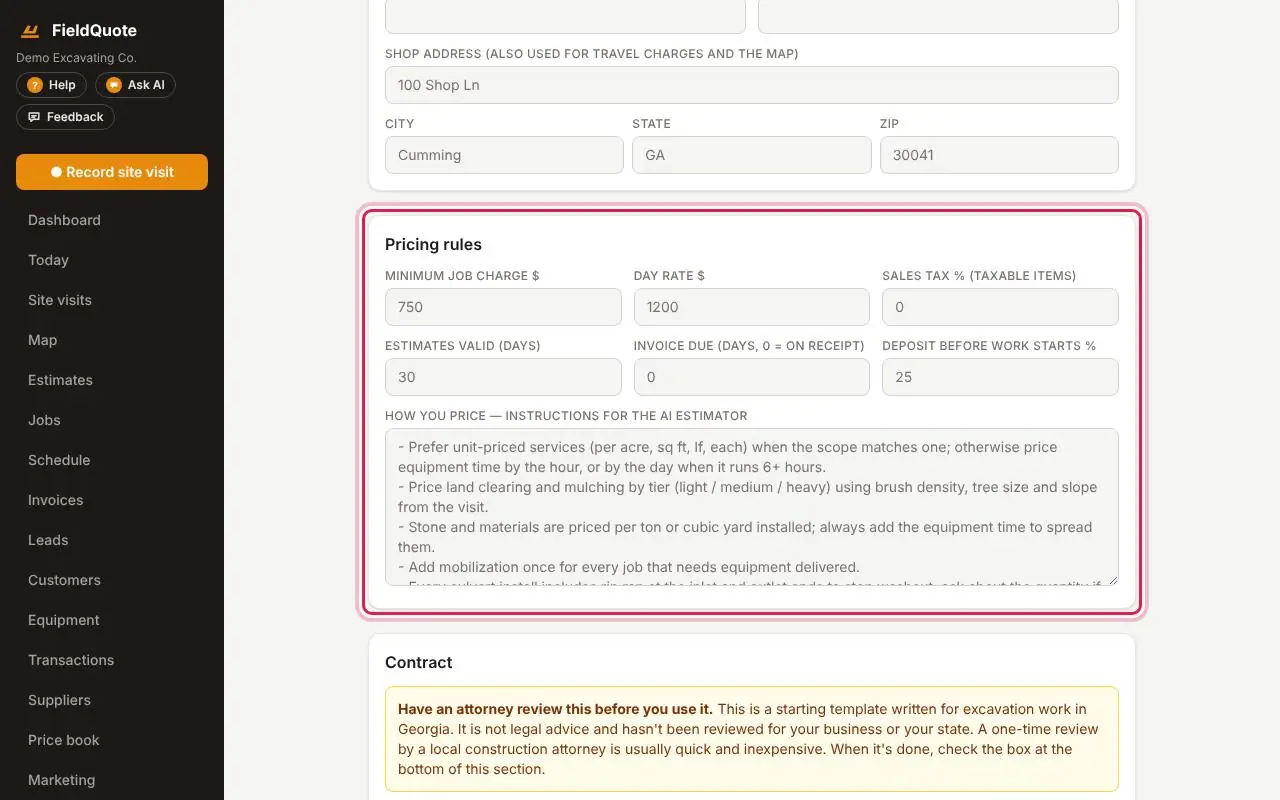
Every box in Settings is grayed out — Pricing rules, the contract, default wording, PayPal and the rest.
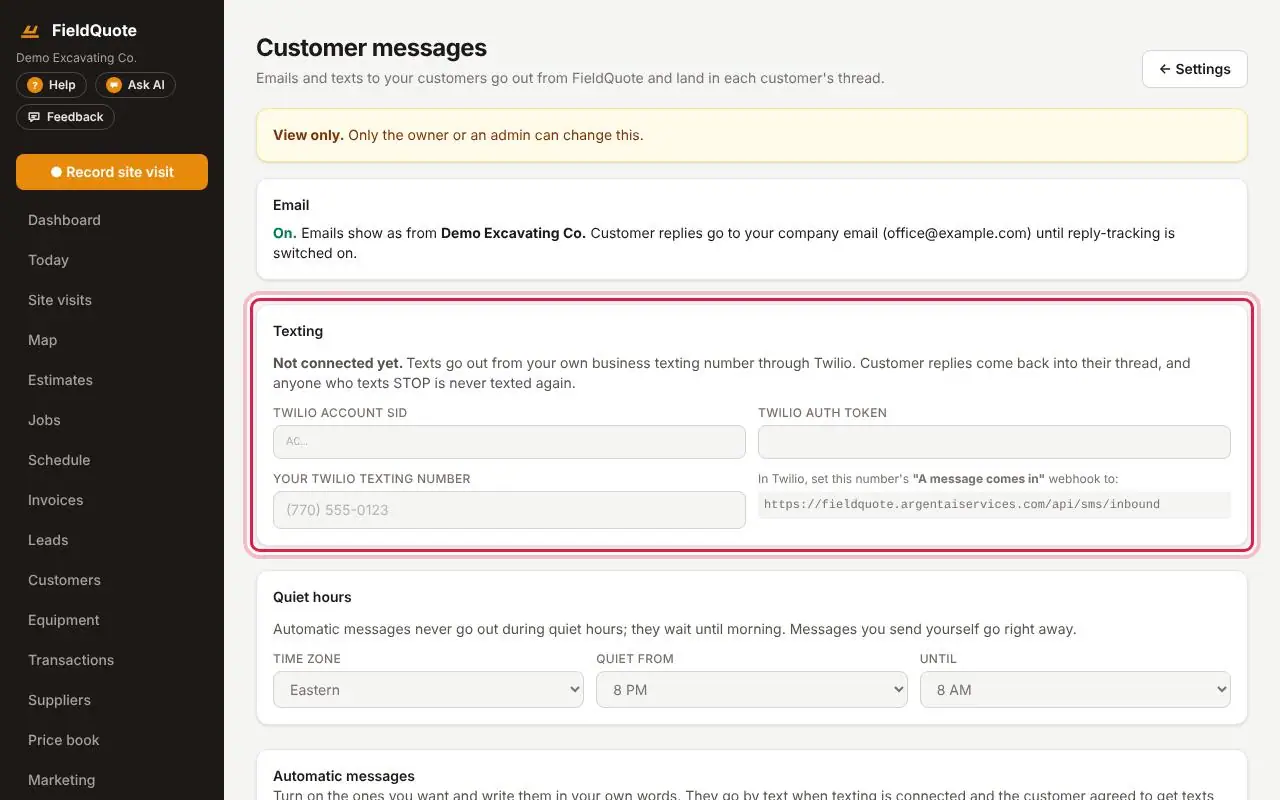
Settings › Open message settings: texting, quiet hours and the automatic messages are grayed out the same way.
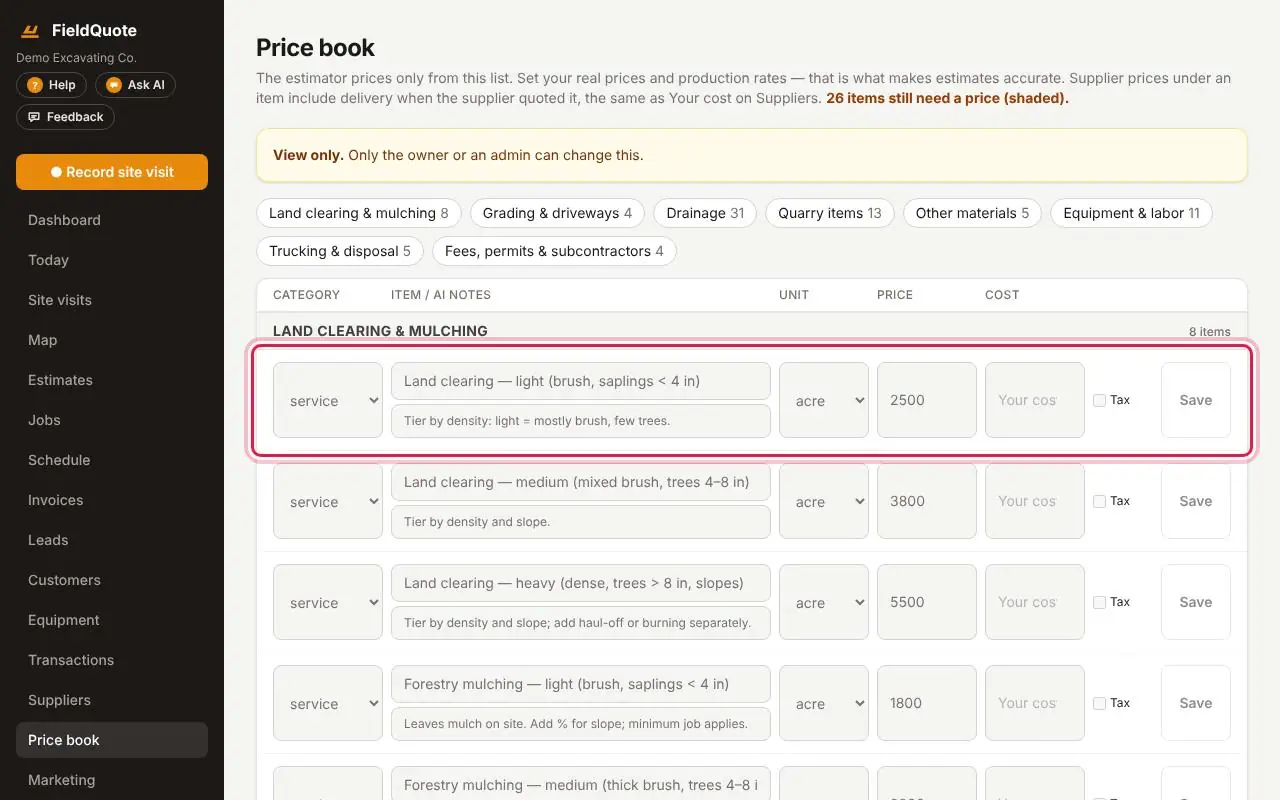
Price book: no Add item, no hide, and every price is grayed out.
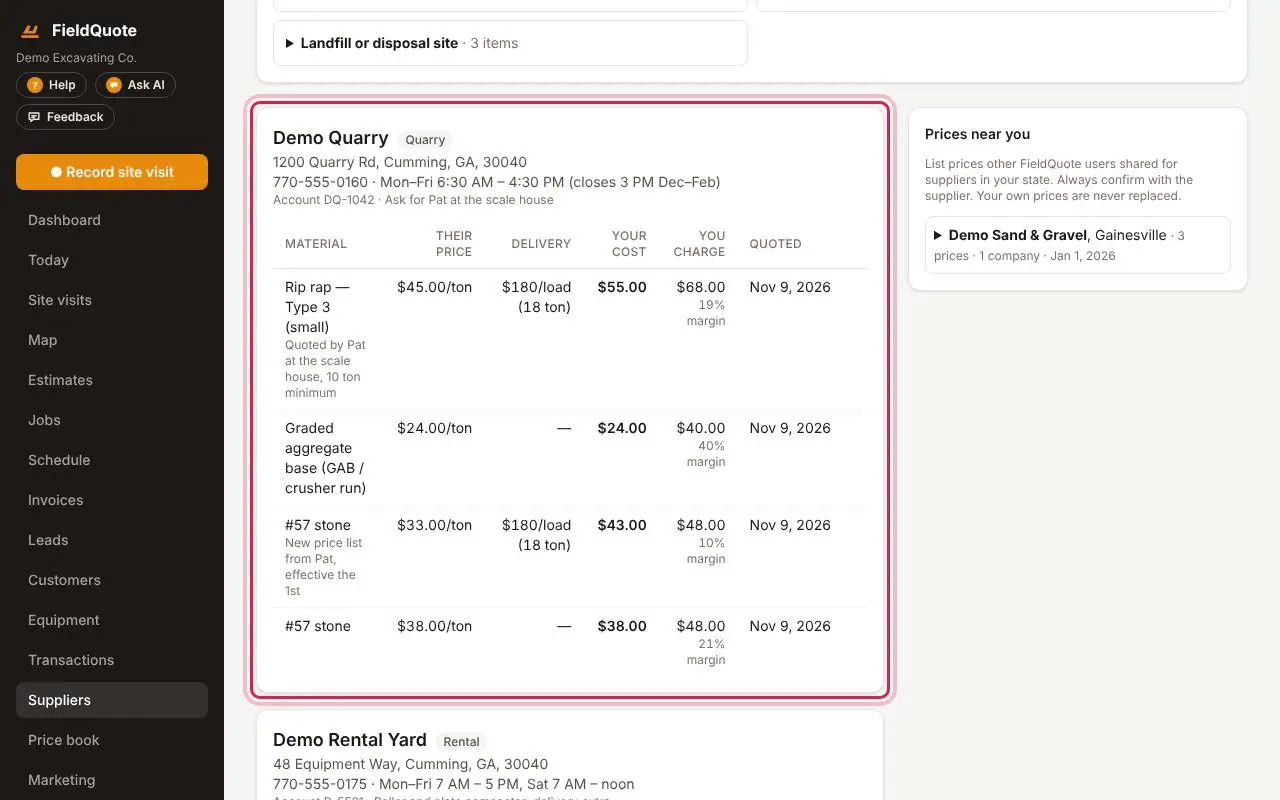
Suppliers: the suppliers and their prices are there, but no Add price, Use as cost, price-list import, Edit supplier details or Add supplier.
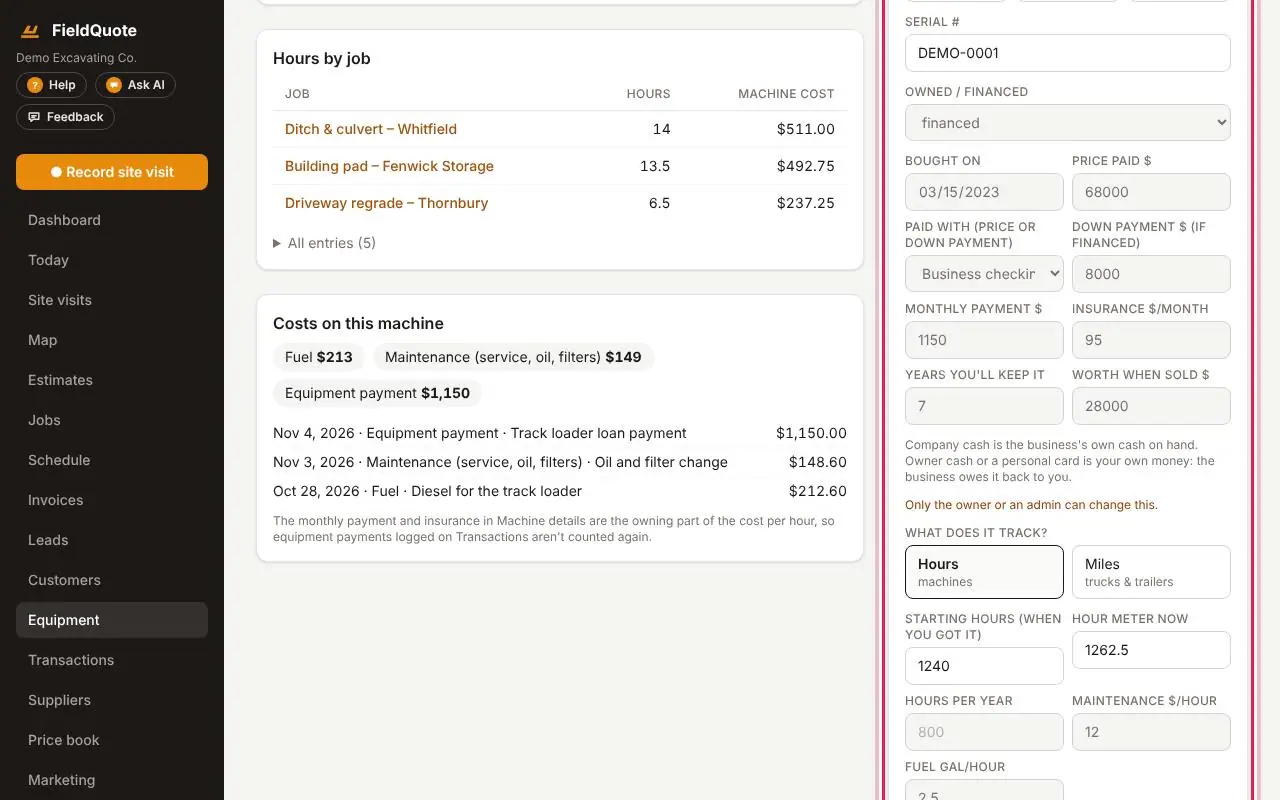
Equipment › a machine › Machine details: what it cost, how it was paid, payments, insurance and what goes into the cost per hour are grayed out ("Only the owner or an admin can change this."). The name, serial number, meter readings and notes can still be fixed, and Log hours works as usual. Sold it? is grayed out and Delete this machine isn't there.
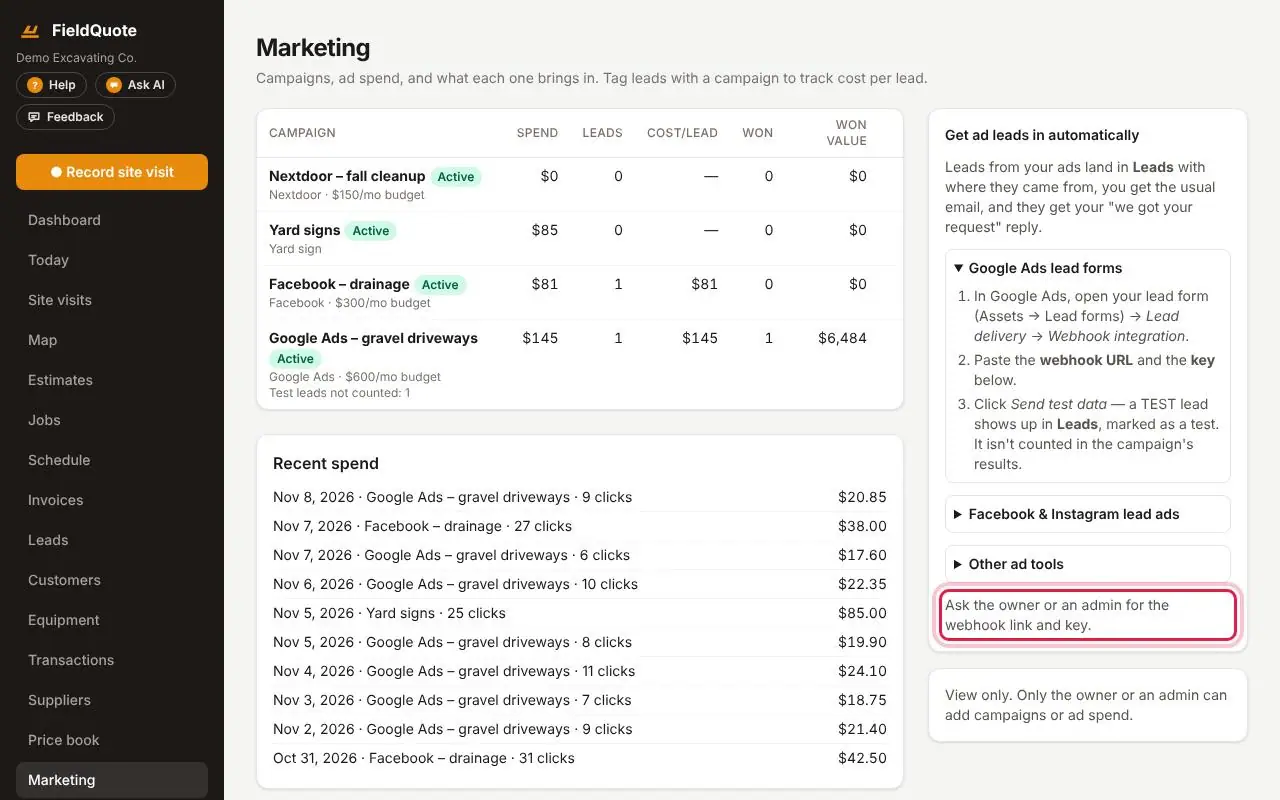
Marketing: no Pause, Edit, Import spend, Log ad spend or New campaign — "View only. Only the owner or an admin can add campaigns or ad spend." Under Get ad leads in automatically: "Ask the owner or an admin for the webhook link and key."
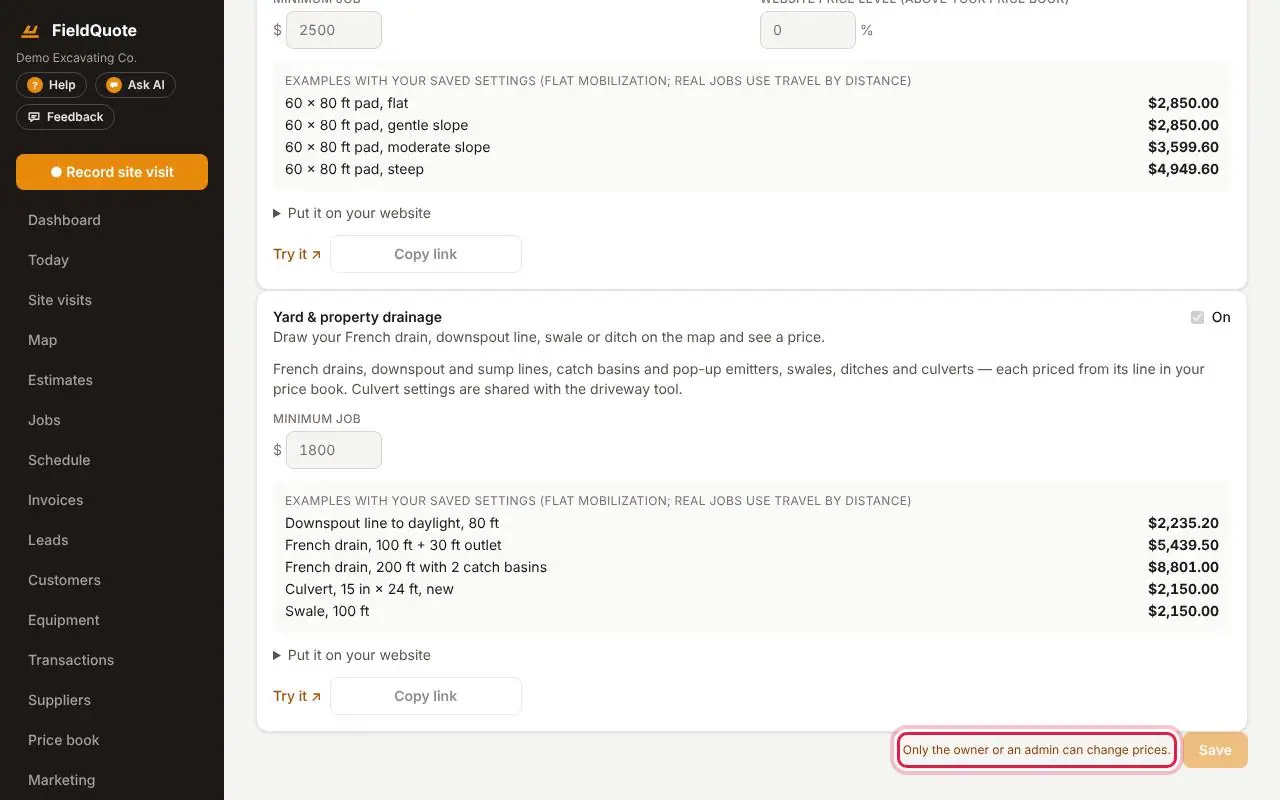
Settings › Set up price tools: "Only the owner or an admin can change prices."
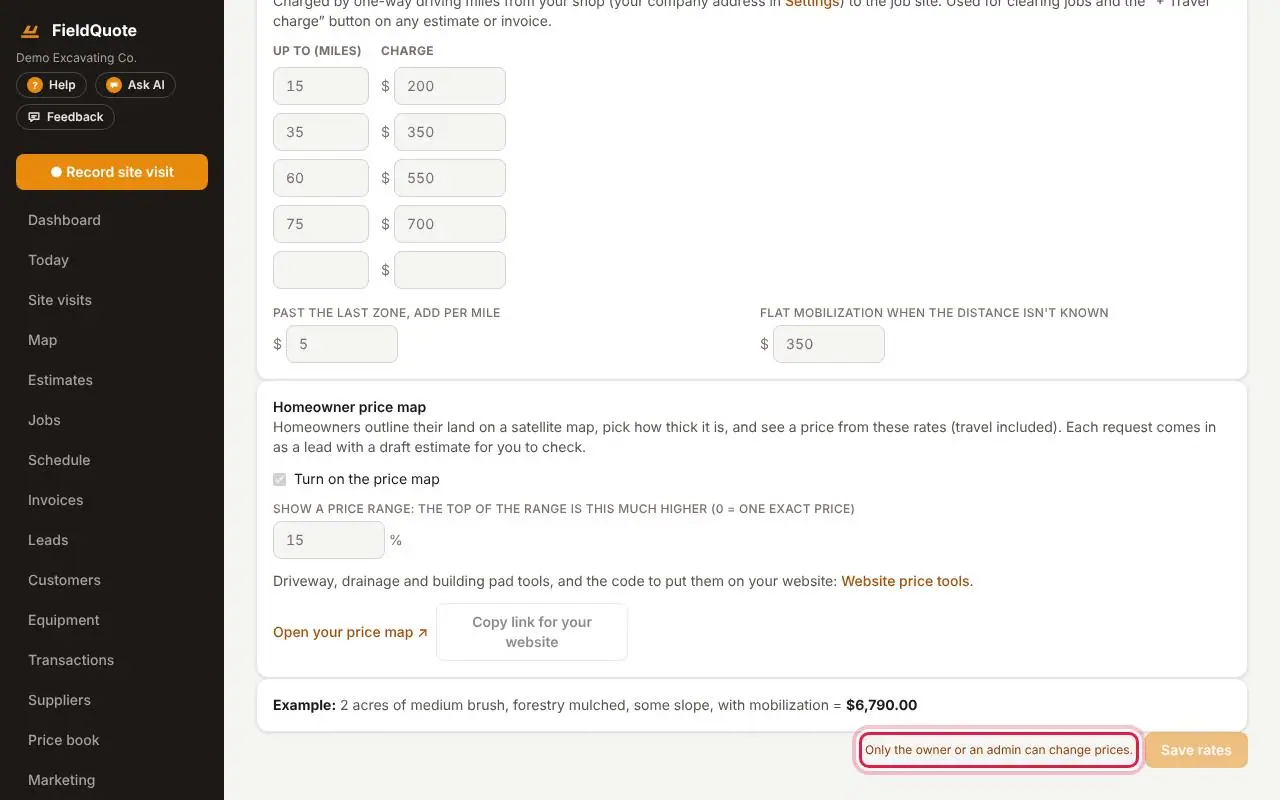
Settings › Set clearing rates: the same — "Only the owner or an admin can change prices."
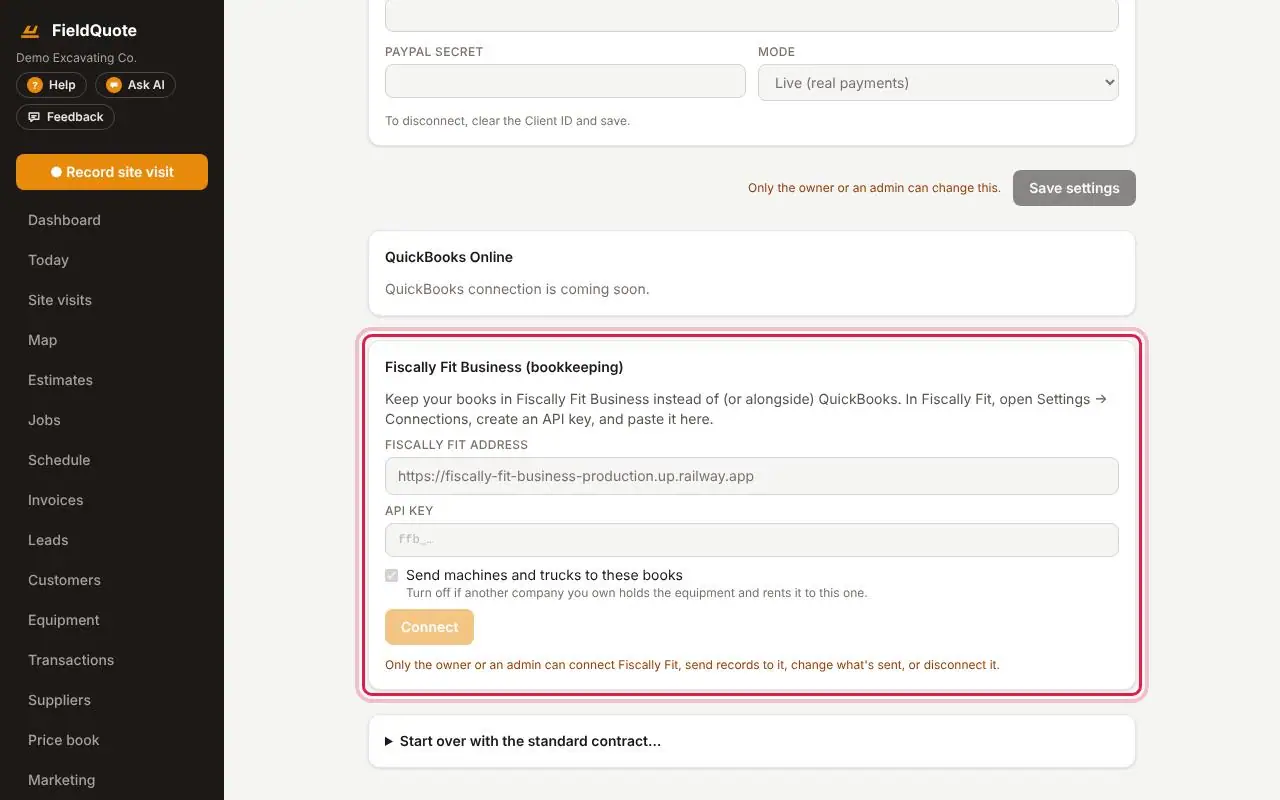
Settings › Fiscally Fit Business (bookkeeping): "Only the owner or an admin can connect Fiscally Fit, send records to it, change what's sent, or disconnect it." Once QuickBooks is switched on, QuickBooks Online is grayed out the same way.
What you'll see
Owner and admin only:
everything in Settings: company details, pricing rules (day rate, minimum, tax, deposit), the AI pricing instructions, contract terms and arbitration, default wording, PayPal, customer messages and quiet hours, website price tools, clearing & travel rates, and the books connections;
the price book: prices, costs, AI notes, adding and hiding items, the preferred supplier;
suppliers and their prices, price-list imports and Prices near you;
adding, selling and deleting machines, and their money details;
the setup guide on the Dashboard;
inviting, cancelling invites and removing people, the manage your subscription here link, and ⬇ Download all company data;
the ad-lead webhook link and key, and adding, pausing, editing or deleting campaigns and ad spend.
Everyone, including team members: customers, leads, site visits, maps, estimates, change orders, jobs, the schedule, job photos, invoices, payments and deposits, expenses on Transactions, logging machine hours, asking suppliers for prices, and seeing marketing results.
Common mistakes
Expecting the owner to be different from an admin. An admin can do everything the owner can, except remove the owner.
A team member trying a change anyway. Nothing is saved, and the page says "Nothing was changed. Only the owner or an admin can change this." Ask the owner or an admin.
Giving the office manager a team member invite when they need to keep prices and settings up to date. Invite them as an admin.
Limits
Team members can still set the tax rate and deposit on each estimate they write, and use Use current contract terms on an estimate. The company's own settings stay as they are.
Roles are set when you invite someone and can't be changed afterwards.
Checked against the app on Nov 9, 2026. Pictures are from Demo Excavating Co., a made-up company.