Team, accounts & security
Guide 6 of 14
What it's for
When you think someone knows your password, or you signed in on a shared computer and forgot to sign out. Changing it also signs you out everywhere else.
Where
Team, billing & sign-in › Your password. Everyone has this for their own login.
Watch it
Steps
Open Team, billing & sign-in and find Your password. It shows which email you're signed in as.
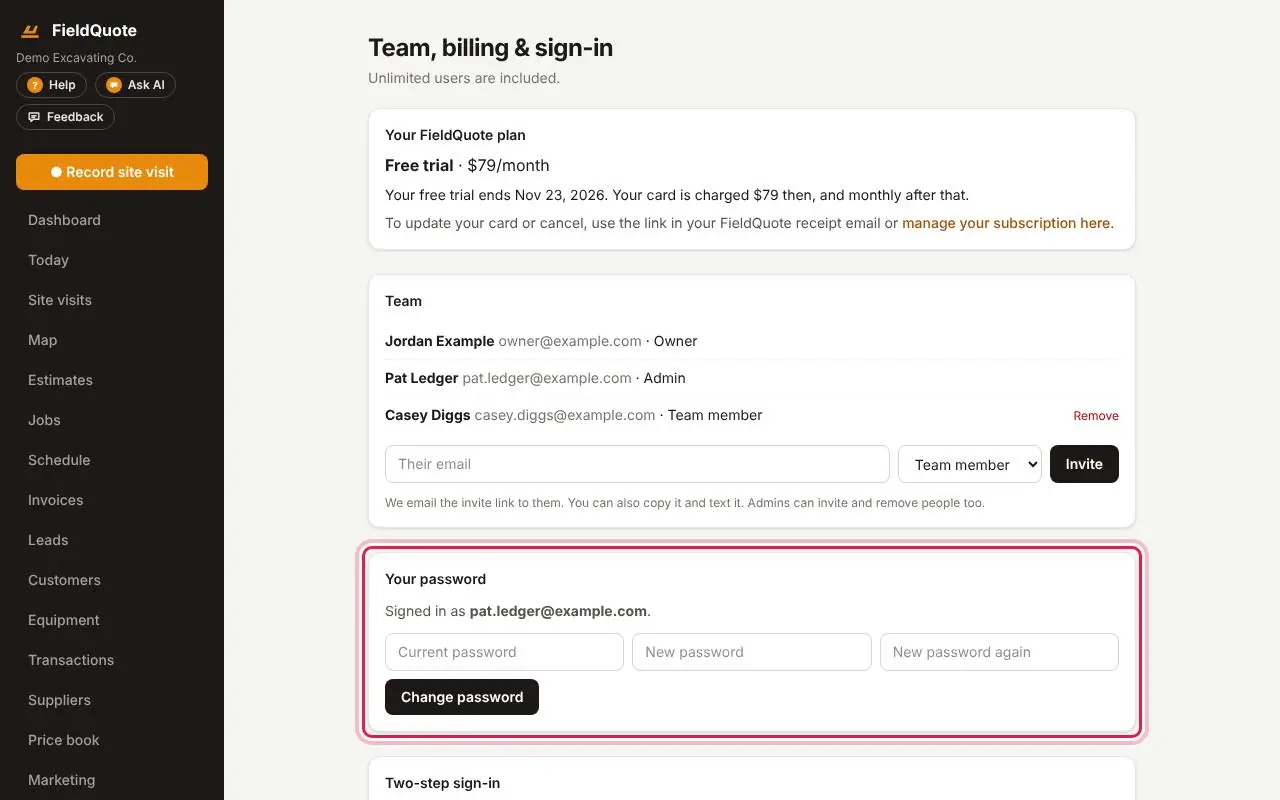
Type your Current password, then your New password and New password again (at least 8 characters).
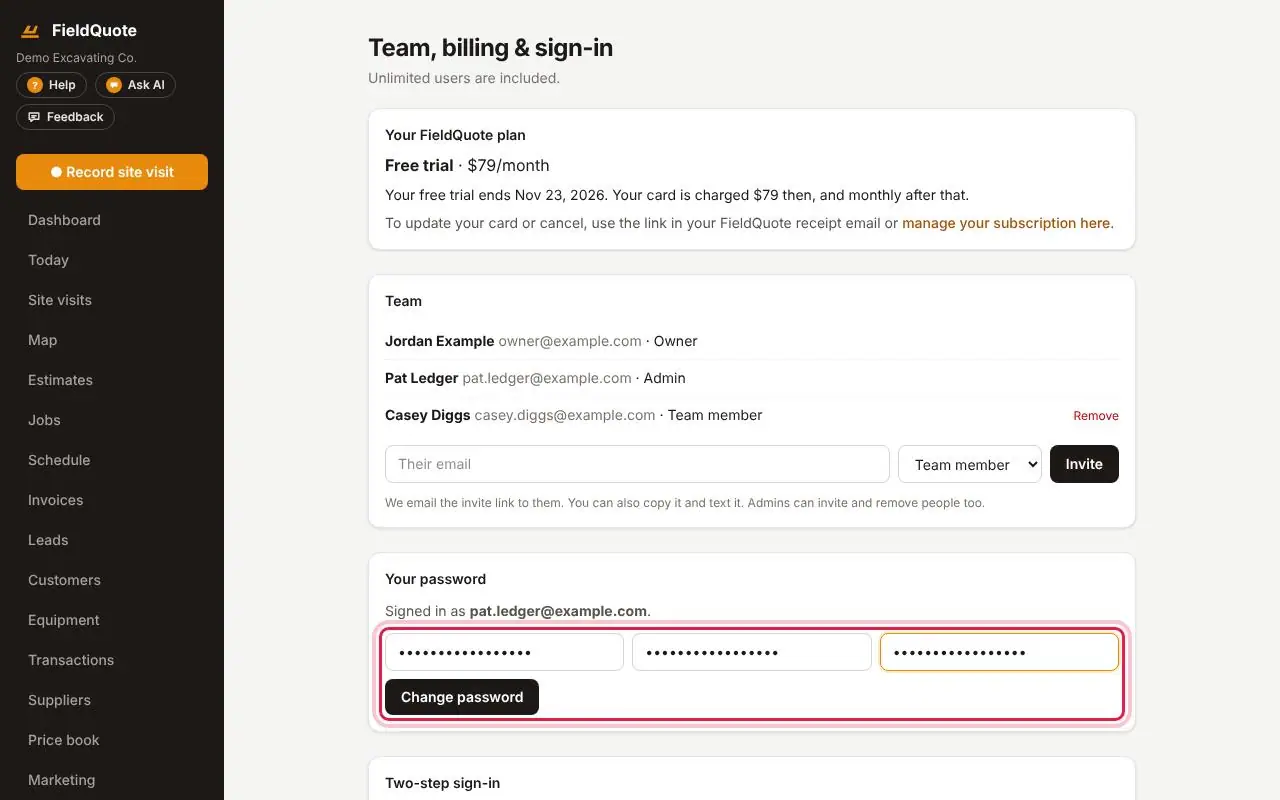
Tap Change password. "Password changed. Your other devices were signed out."
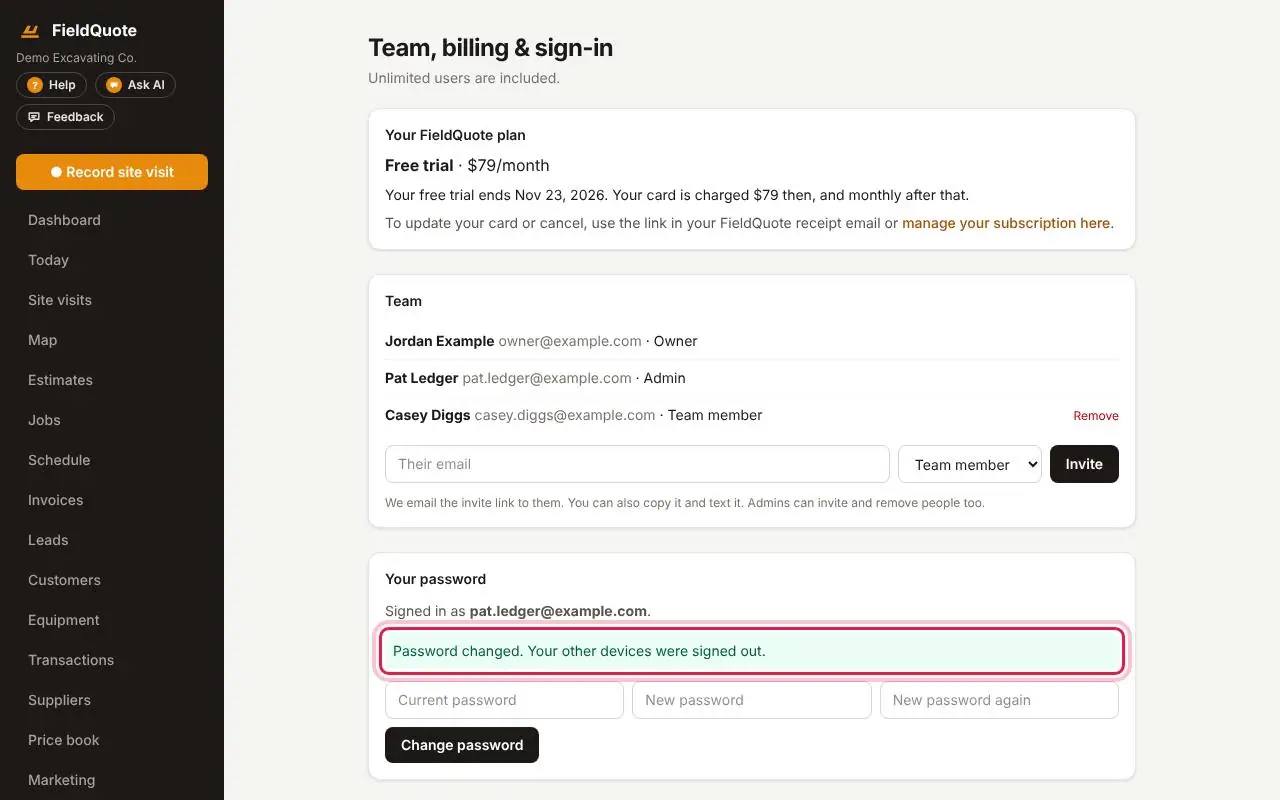
What you'll see
You stay signed in where you are. Your other phones and computers go to the sign-in page next time they're used; sign in there with the new password.
Common mistakes
A wrong current password: "Your current password isn't right."
The two new ones don't match: "The two new passwords don't match."
Too short: "Use at least 8 characters."
Forgot the current one? Sign out and use Forgot your password? on the sign-in page instead.
Limits
You can only change your own password. An owner or admin can't change someone else's — they reset it themselves from the sign-in page.
It works even if the company's subscription has run out.
Checked against the app on Nov 9, 2026. Pictures are from Demo Excavating Co., a made-up company.