Team, accounts & security
Guide 7 of 14
What it's for
Getting back in when you can't remember your password — from your phone in the truck or any computer.
Where
The FieldQuote sign-in page › Forgot your password?
Watch it
Steps
On the sign-in page, tap Forgot your password?
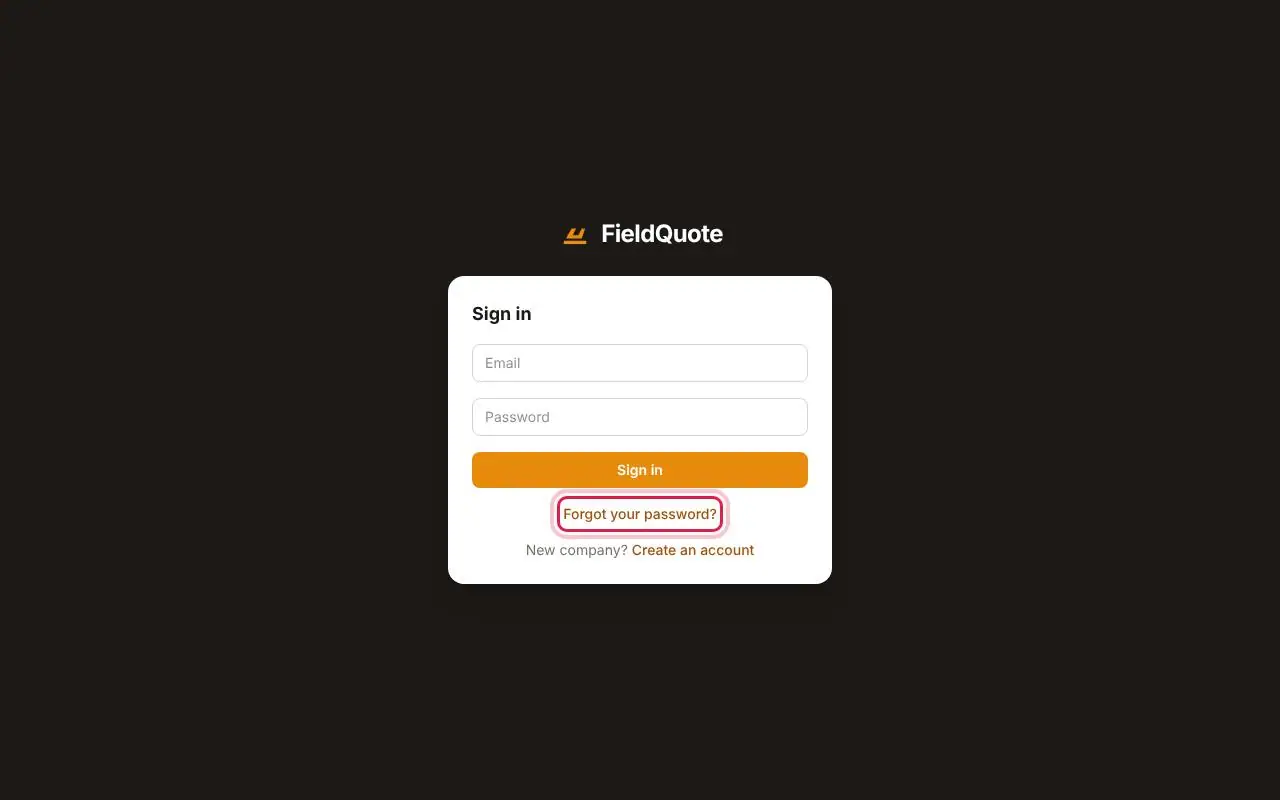
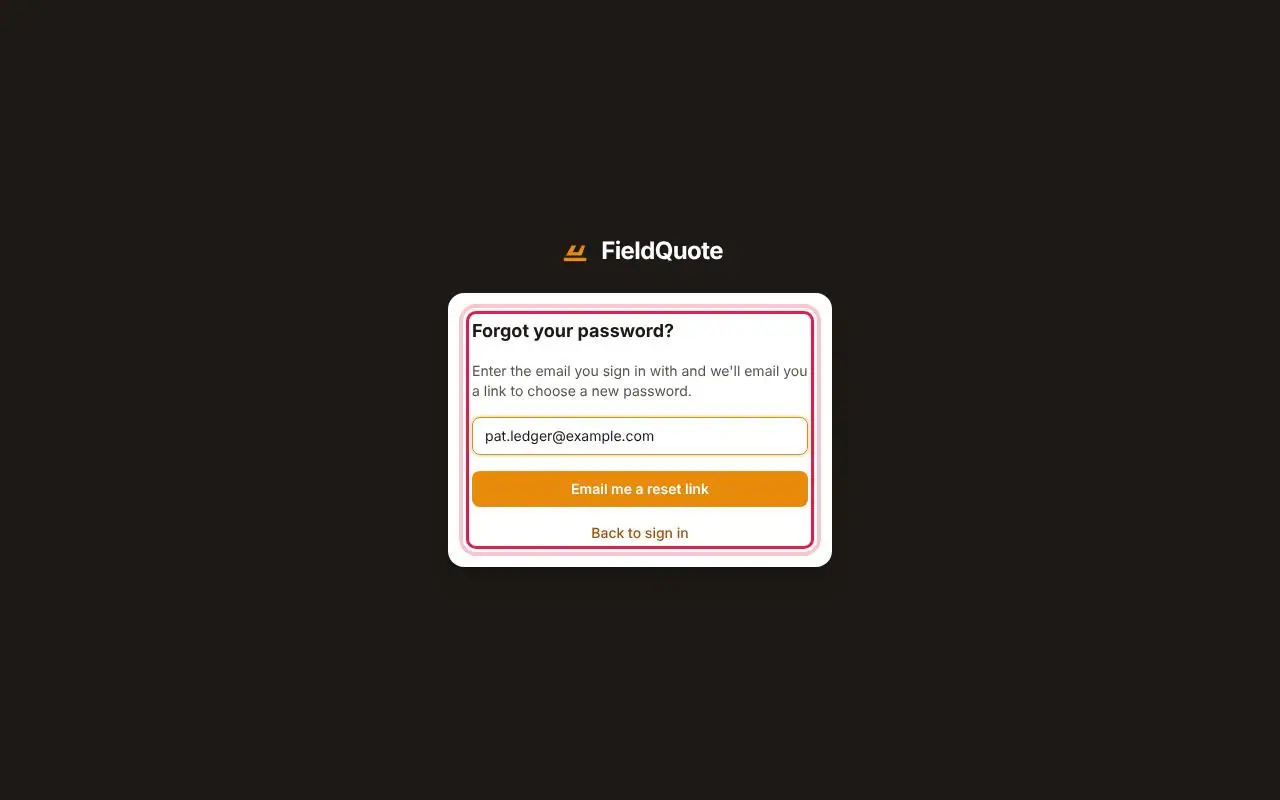
Type the email you sign in with and tap Email me a reset link.
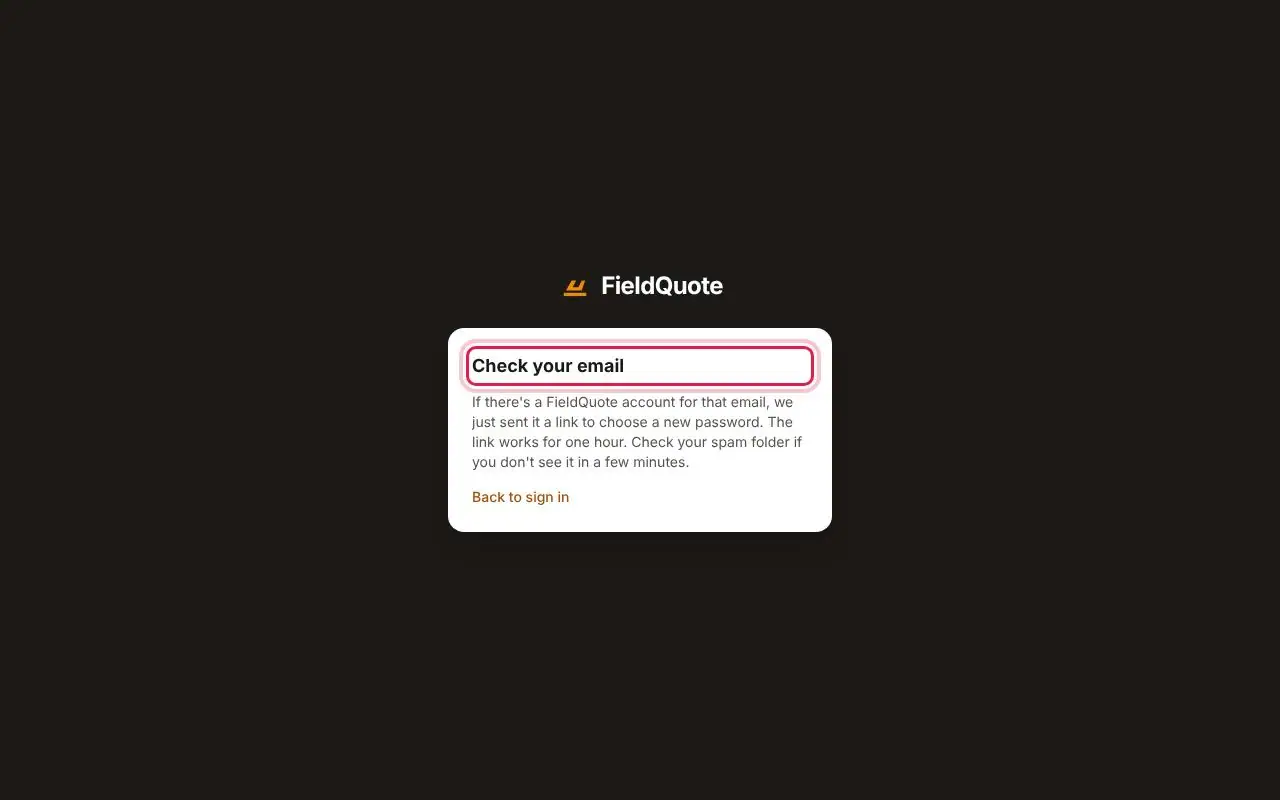
"Check your email". Open the reset email from FieldQuote and tap Choose a new password in it. Check your spam folder if it isn't there in a few minutes.
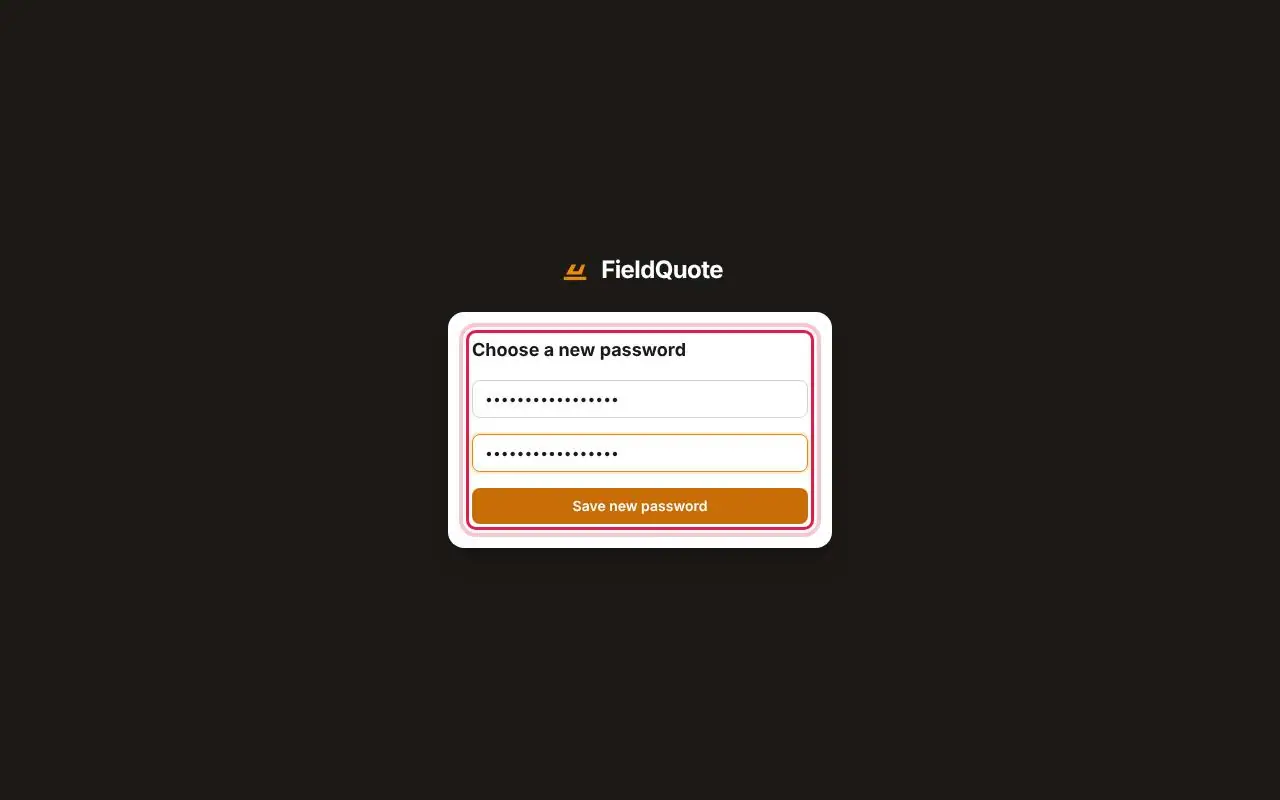
On Choose a new password, type your new password twice (at least 8 characters) and tap Save new password.
You're back on the sign-in page: "Your password was changed. Sign in with the new one."
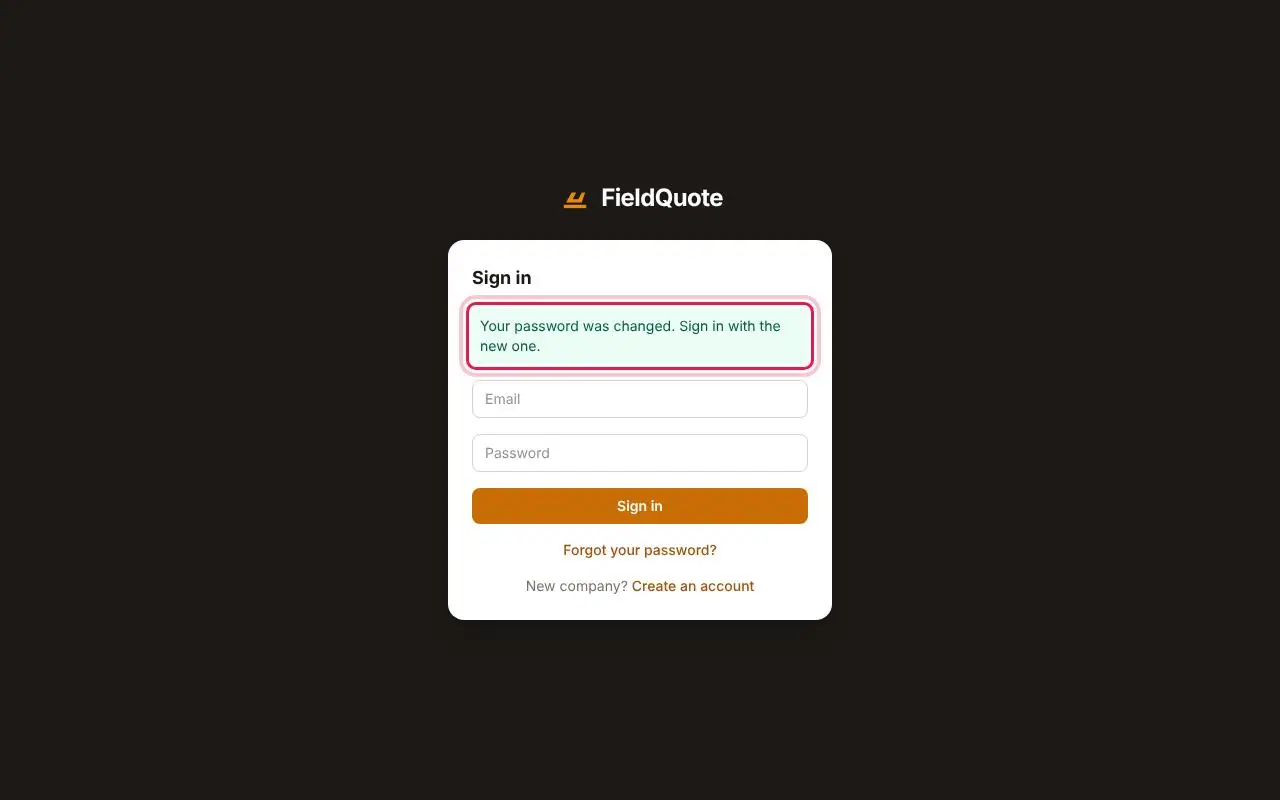
What you'll see
Every phone and computer you were signed in on is signed out.
If you use two-step sign-in, you'll still be asked for a code — on every device, even ones you'd told it to trust.
Common mistakes
Waiting too long. The link works for one hour and only once; after that the page says "This link has expired" with Send a new link.
Asking again and again. After three emails in an hour no more are sent; wait, then use the newest email.
Typing an email that has no FieldQuote login. The page says the same thing either way (so nobody can check who has an account), but no email comes.
Limits
An owner or admin can't reset someone else's password; each person does it from the sign-in page.
Checked against the app on Nov 9, 2026. Pictures are from Demo Excavating Co., a made-up company.