Team, accounts & security
Guide 9 of 14
What it's for
Signing in once two-step sign-in is on for your login.
Where
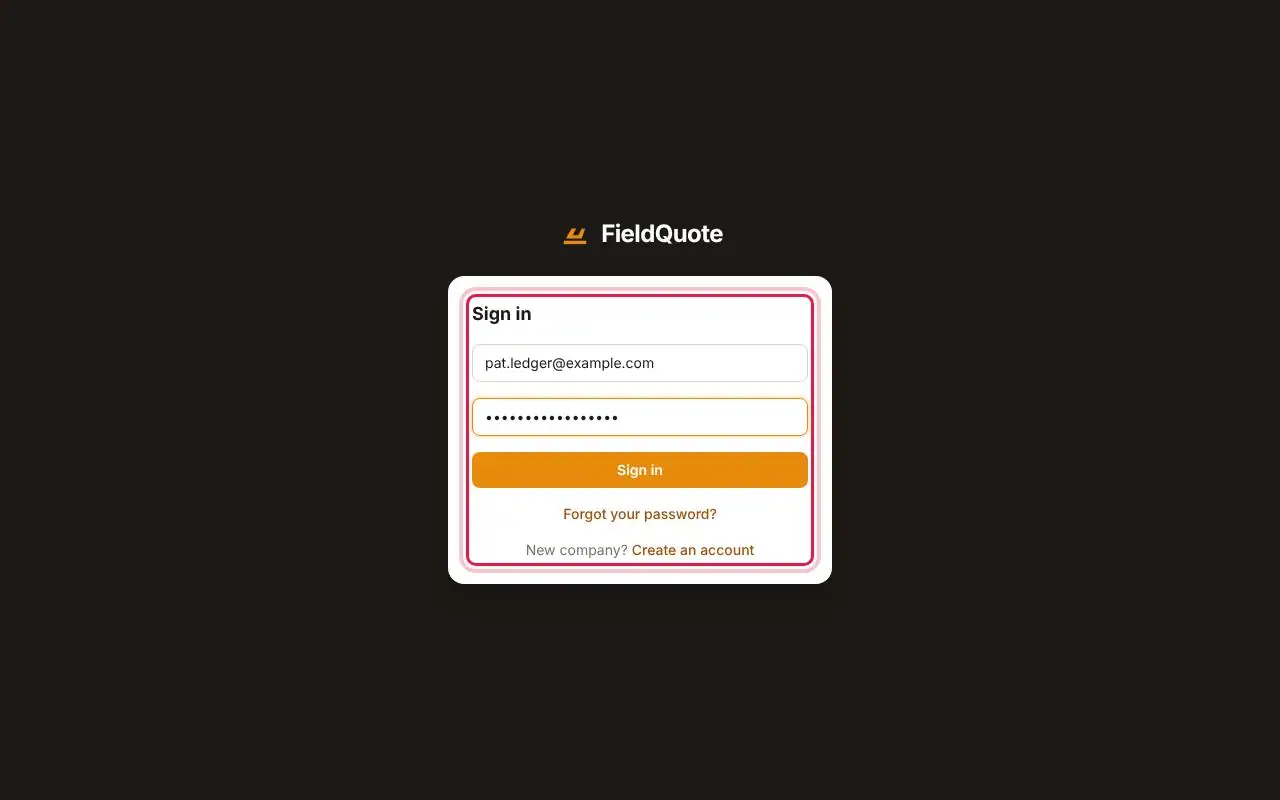
The FieldQuote sign-in page.
Watch it
Steps
Type your email and password and tap Sign in, as always.
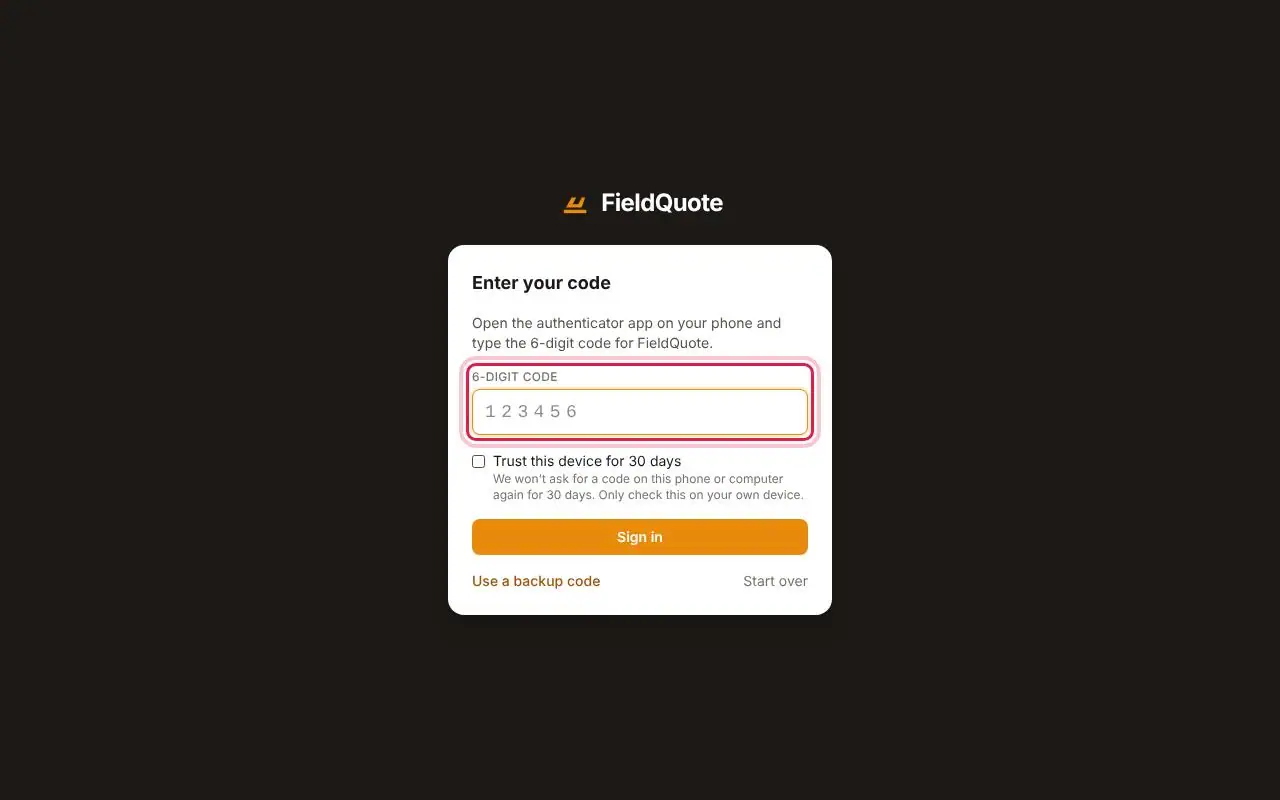
Enter your code: open the authenticator app on your phone and type the 6-digit code for FieldQuote.
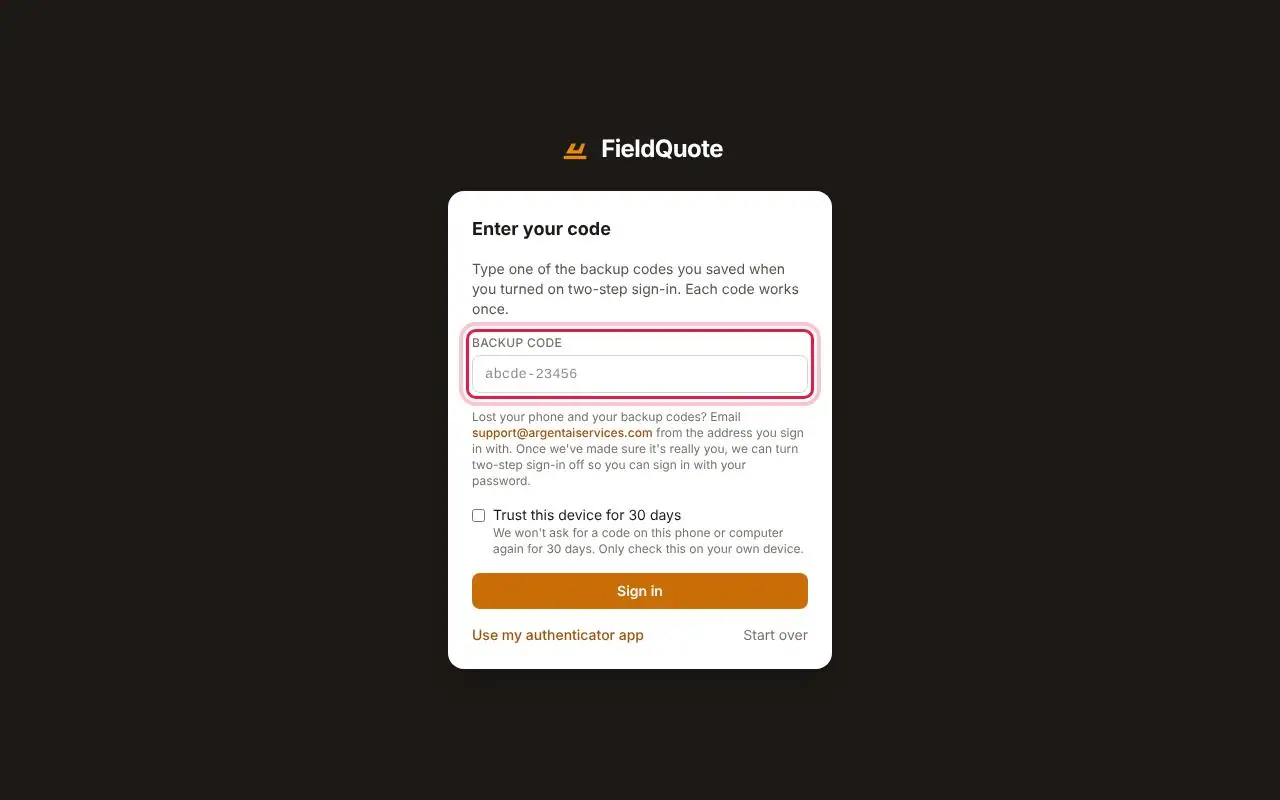
No phone with you? Tap Use a backup code and type one of the backup codes you saved. Each one works once. Use my authenticator app takes you back.
On your own phone or computer, you can check Trust this device for 30 days so it doesn't ask for a code there for 30 days. Don't check it on a shared computer.
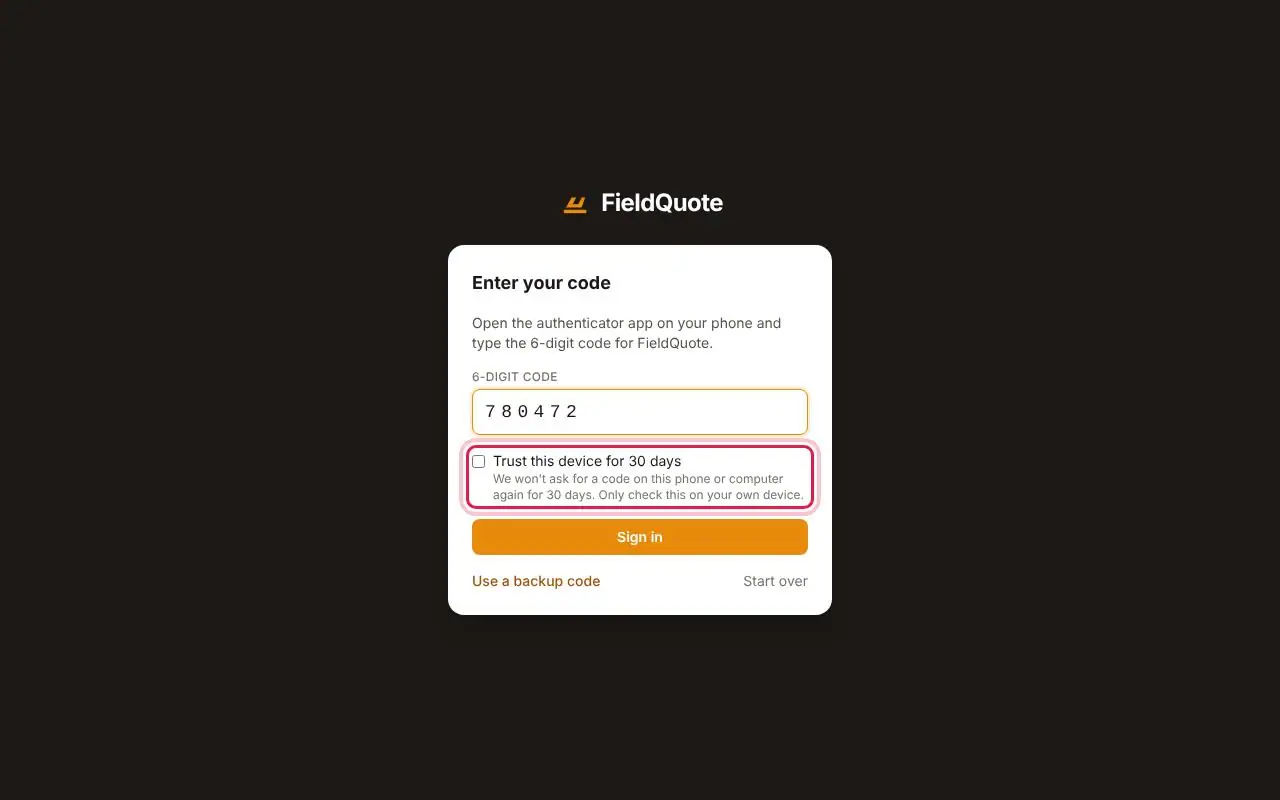
Tap Sign in. You're on the Dashboard.
What you'll see
The code page waits about 10 minutes. After that it says "This sign-in timed out. Enter your email and password again."
After 10 wrong codes in a row, sign-in is paused for 15 minutes to protect your account.
Common mistakes
"That code didn't work. Codes change every 30 seconds, so type the one showing now. If it keeps failing, set your phone's clock to set itself automatically."
"That backup code didn't work. Each one works only once. Check for typos or try another." Backup codes can be typed with or without the dash, in capitals or not.
Lost your phone and your backup codes. On the backup-code screen, "Lost your phone and your backup codes?" tells you who to email ([email protected]), from the address you sign in with. Once FieldQuote support has made sure it's really you — for example by calling you back on the number your company has for you — they turn two-step sign-in off. You're signed out everywhere and get an email saying so; then you sign in with your password. Then turn it on again and keep the new backup codes away from your phone.
Limits
Resetting your password doesn't skip the code, and it forgets every device you'd trusted.
Checked against the app on Nov 9, 2026. Pictures are from Demo Excavating Co., a made-up company.