Team, accounts & security
Guide 12 of 14
What it's for
Your records are yours. Keep a copy for your own files, hand it to your accountant, or take it with you if you ever leave.
Where
Team, billing & sign-in › Your data (at the bottom; owners and admins only).
Watch it
Steps
Scroll to Your data on Team, billing & sign-in.
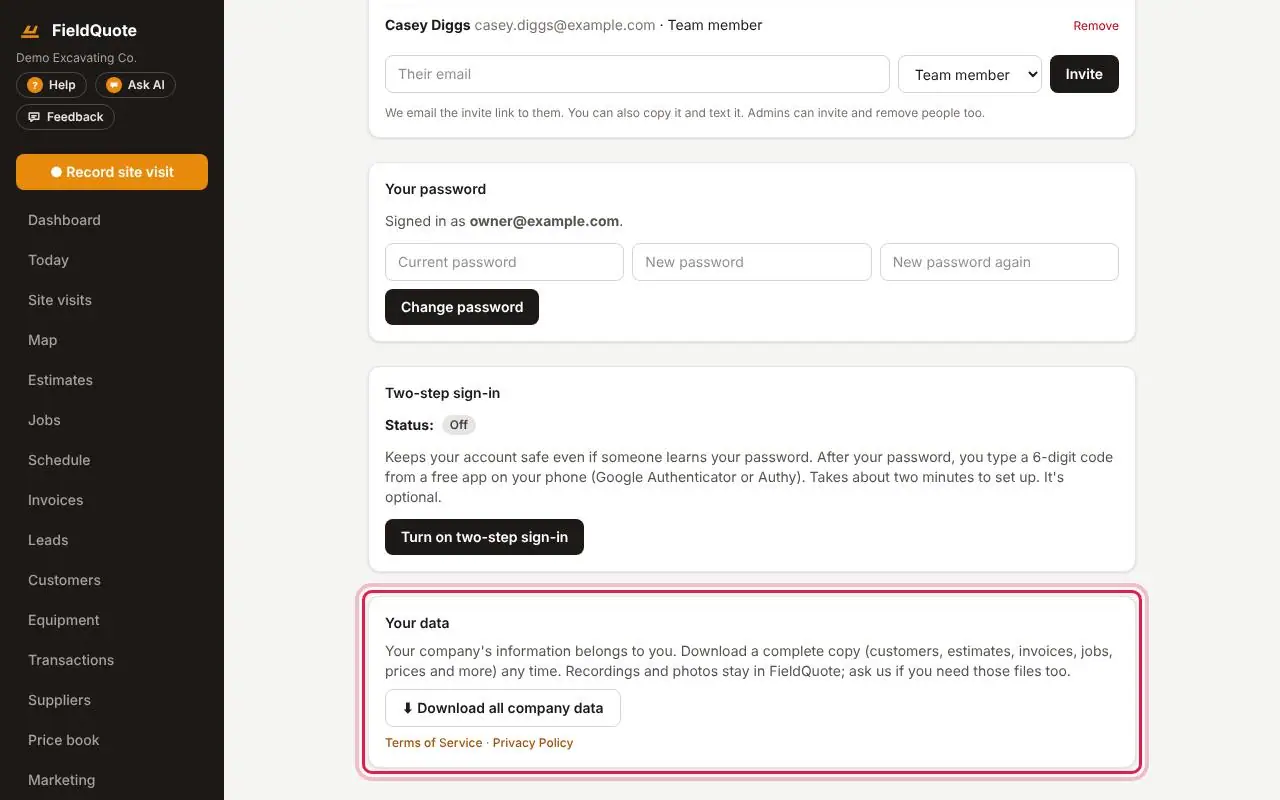
Tap ⬇ Download all company data. Your browser saves a file named for your company and today's date, like fieldquote-demo-excavating-co-2026-11-09.json.
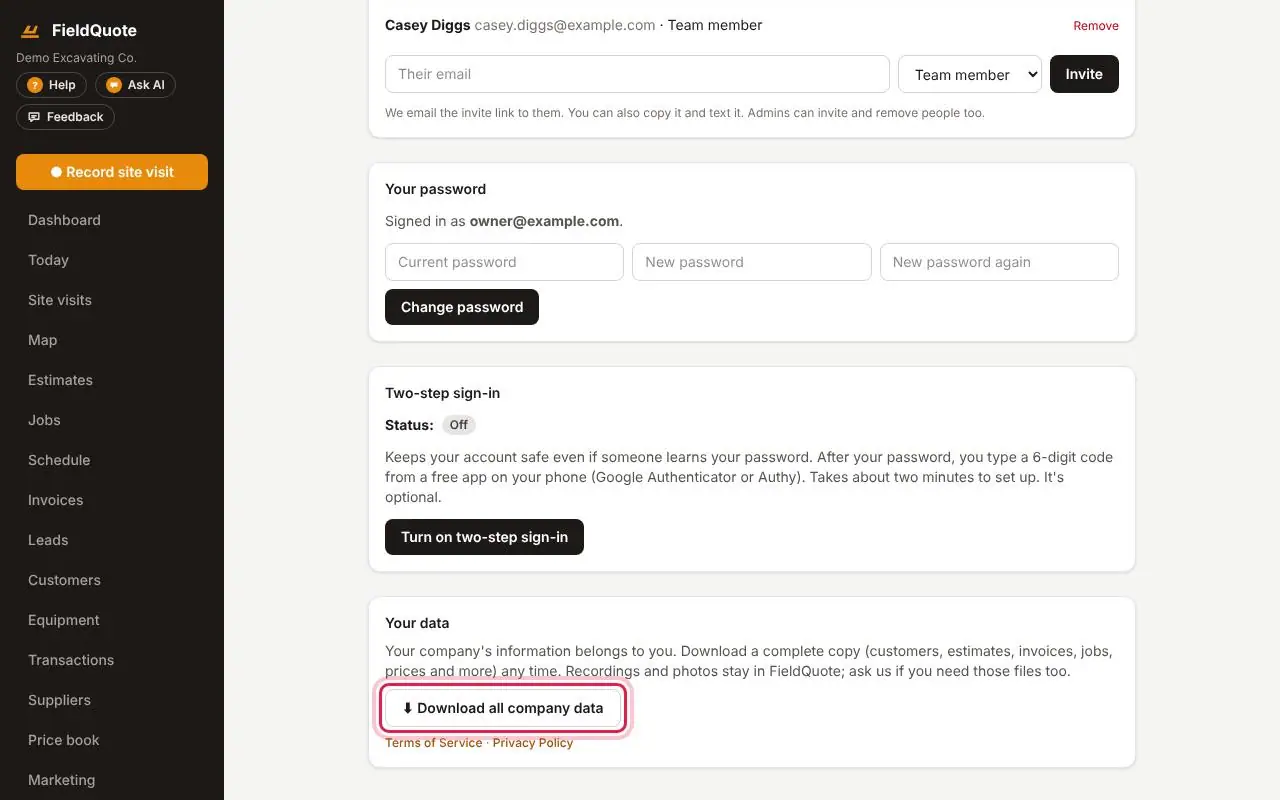
What you'll see
One file with every list the company has: customers and job sites, leads, site visits with their transcripts and write-ups, estimates, jobs, invoices, payments, expenses, machines and hours, suppliers and prices, the price book, campaigns and ad spend, messages, settings and more.
Passwords and connection secrets (PayPal secret, texting token, bookkeeping keys) are left out.
Common mistakes
Expecting a spreadsheet. The file is JSON — a plain-text format other software and your accountant's tools can read. It opens in any text editor.
Looking for recordings and photos in it. Those files stay in FieldQuote; ask FieldQuote if you need them too.
Limits
Only the owner and admins see Your data. A team member who opens the download address is told that only the owner or an admin can download company data.
It works even after your subscription has ended: Team, billing & sign-in stays open then (see When your subscription has ended).
Checked against the app on Nov 9, 2026. Pictures are from Demo Excavating Co., a made-up company.