Estimating & price book
Guide 9 of 18
What it's for
Make the estimate say exactly what you'll do and charge. The same editor is used on estimates, invoices and change orders.
Where
The lines in the middle of an estimate (or an invoice or a change order).
Watch it
Steps
To add an item from your price book, open + Add from price book… under the lines and pick it. It comes in with your price, unit and cost.
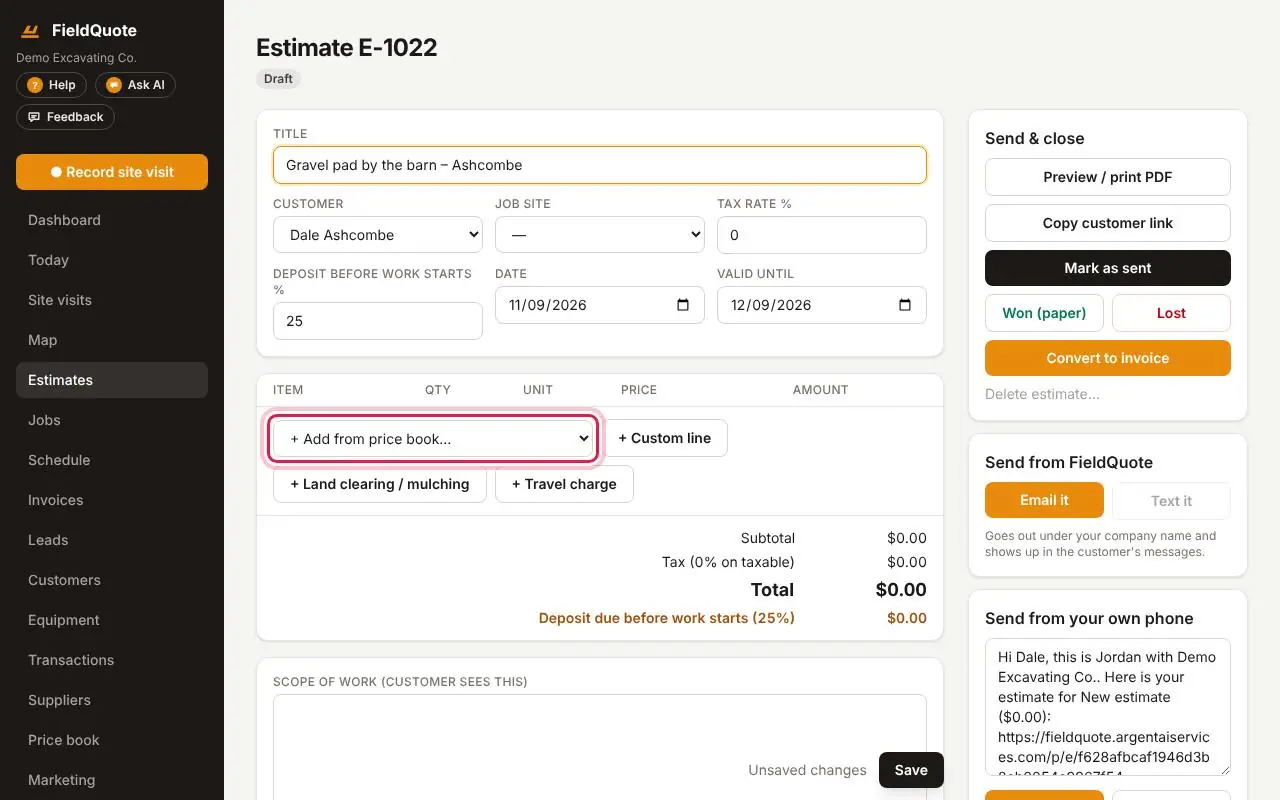
For something that isn't in your price book, tap + Custom line and type what it is, the quantity, unit and price.
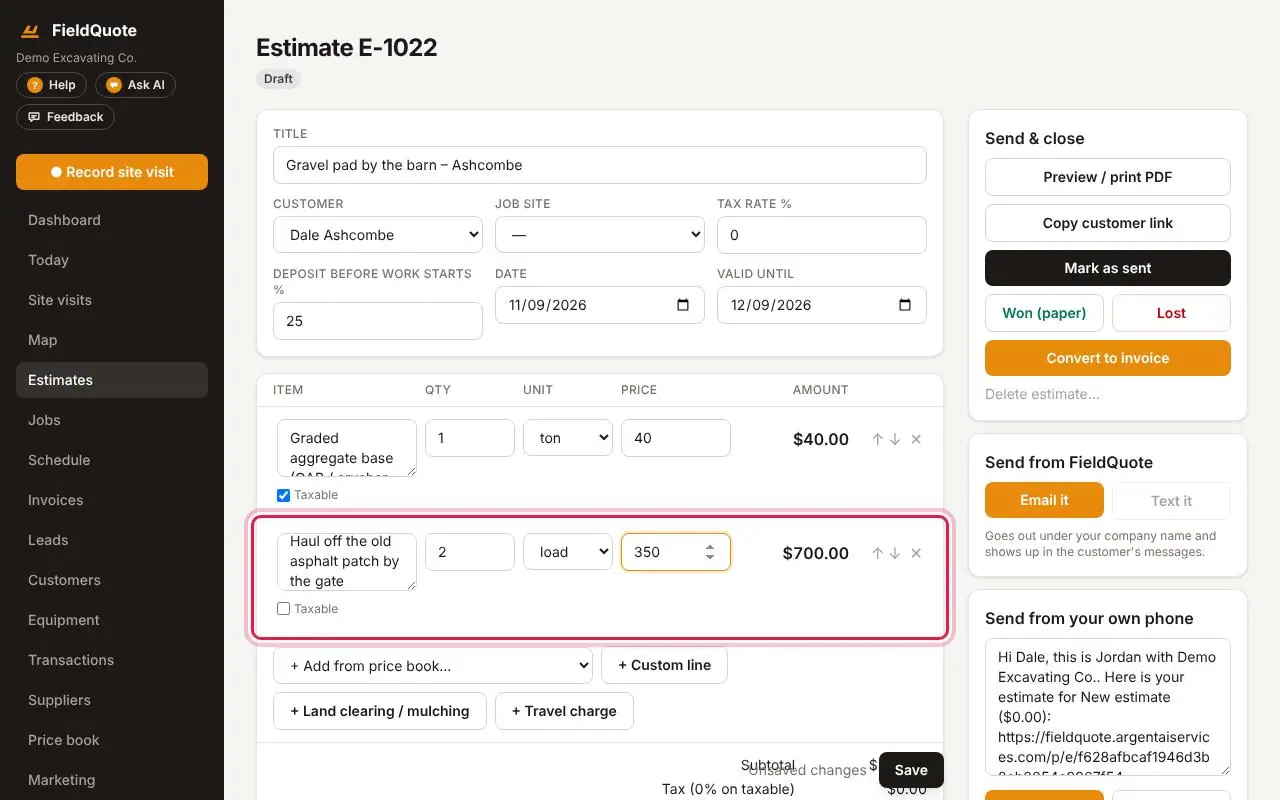
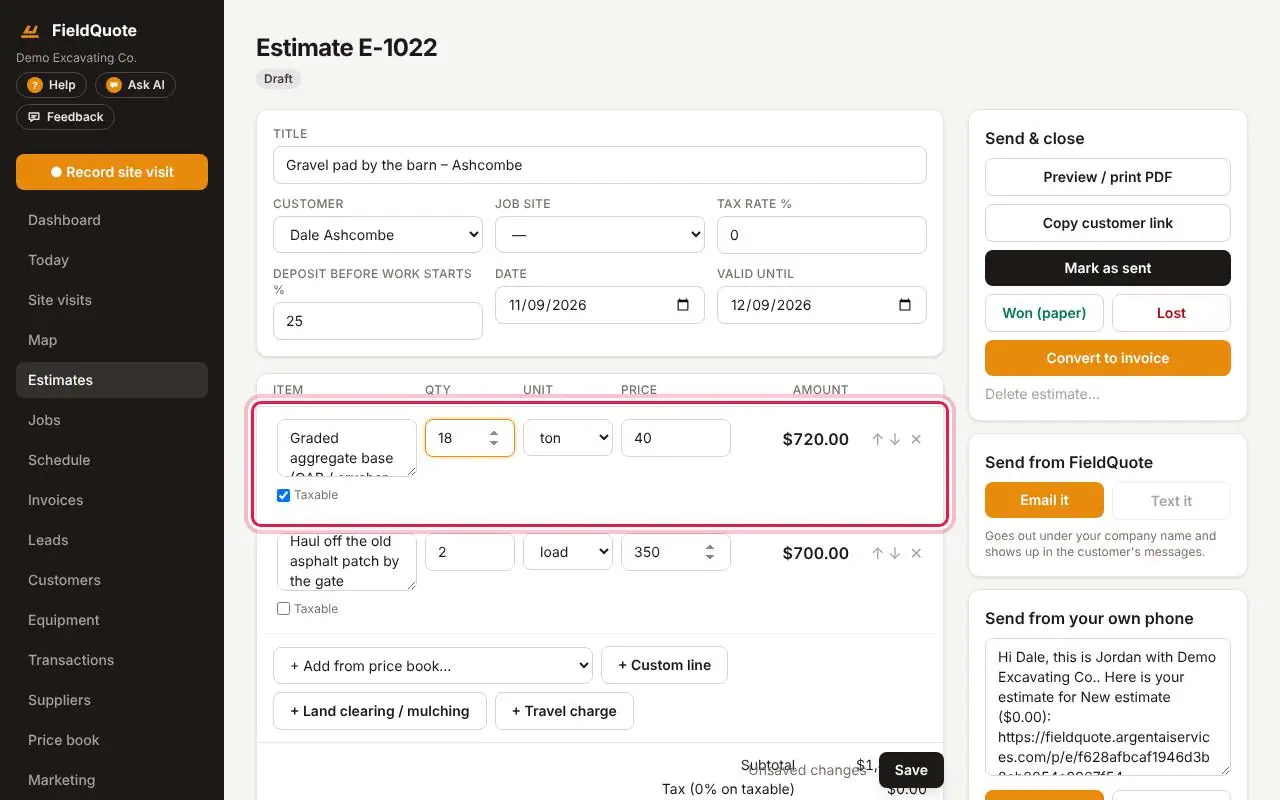
Change any line's Quantity, Unit or Unit price. The amount on the right updates as you type. Check Taxable for lines that get sales tax.
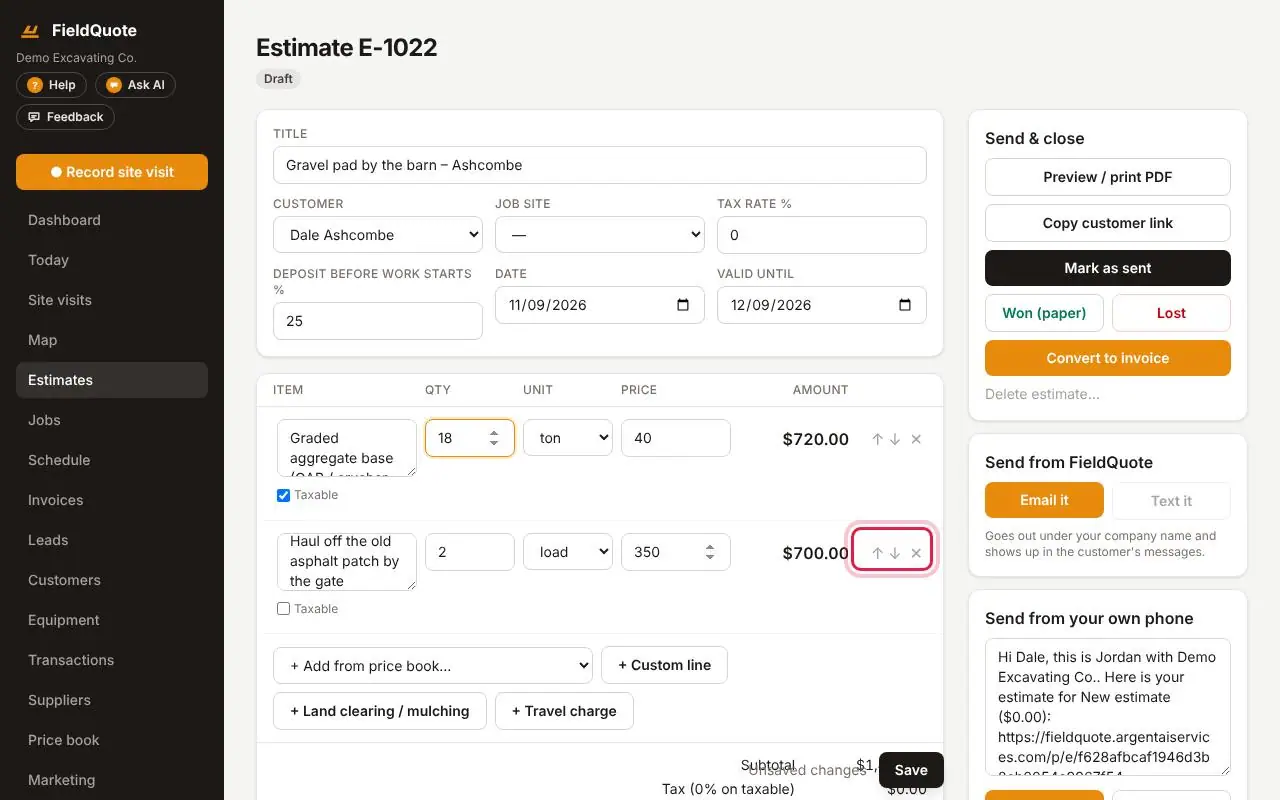
Use ↑ (Move up) and ↓ (Move down) to change the order, and ✕ (Remove) to take a line off.
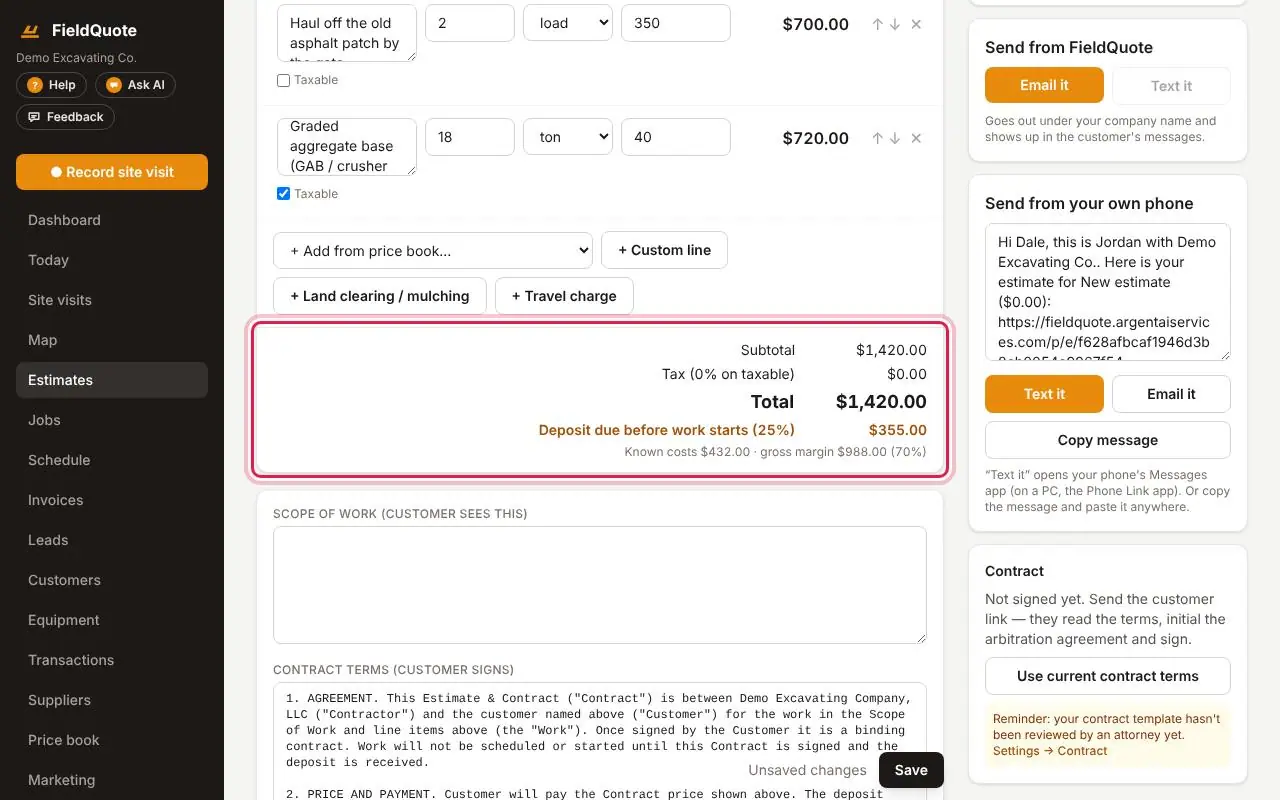
Check the totals under the lines: Subtotal, tax, Total, the deposit, and your known costs and gross margin.
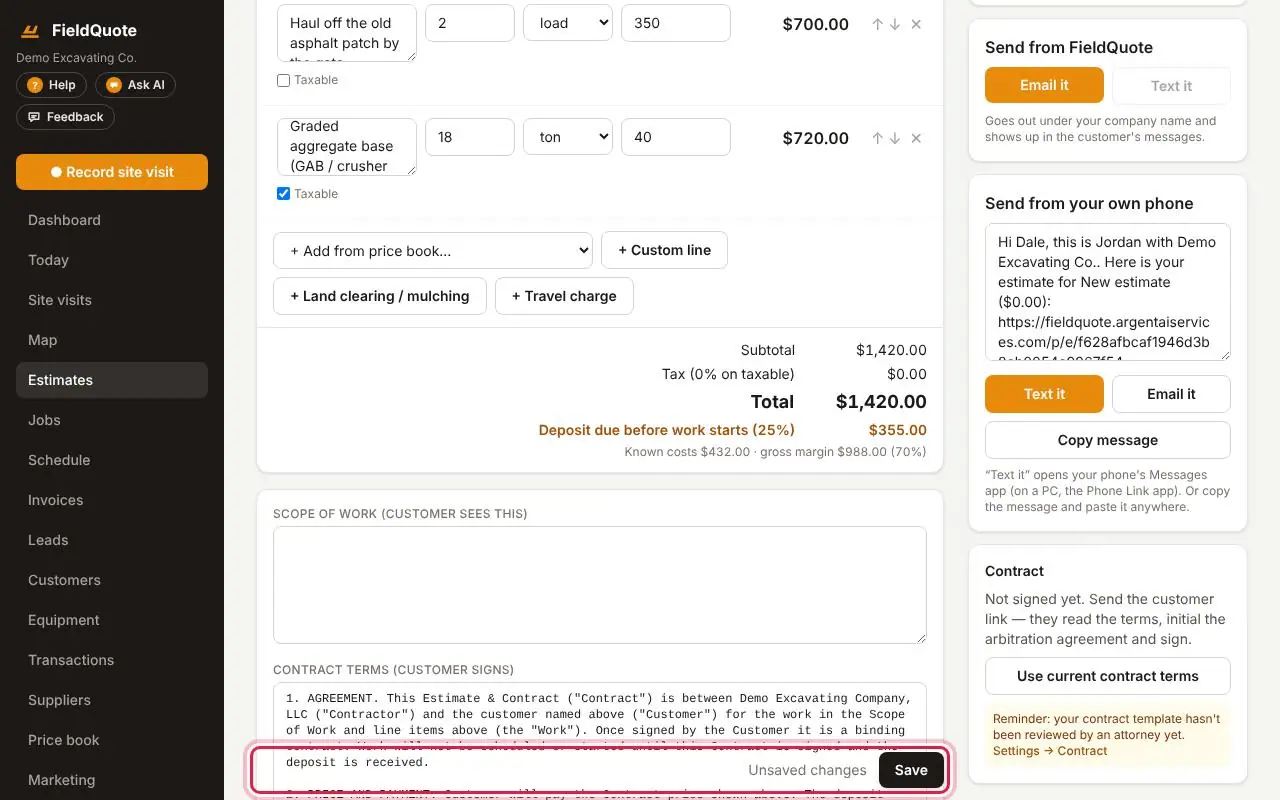
Tap Save at the bottom right. "Unsaved changes" shows next to it until you do.
What you'll see
"Saved" next to the button for a moment after saving.
"Known costs … · gross margin … (…%)" under the totals, once any line has a cost. The cost comes from the price book (or your supplier's quote) when the line was added.
Common mistakes
Leaving the page without tapping Save. Nothing is kept until you save.
Leaving a line's description empty. Lines with no description are dropped when you save.
Reading the margin as profit. It only counts the costs FieldQuote knows. Lines with no cost (most labor and machine time) count as all margin.
Limits
Quantities and prices are kept to two decimal places when you save.
A signed estimate can't be edited. The editor is locked and says who signed and when.
Custom lines aren't added to your price book. Add the item in Price book if you'll use it again.
Checked against the app on Nov 9, 2026. Pictures are from Demo Excavating Co., a made-up company.