Estimating & price book
Guide 10 of 18
What it's for
For a job you priced over the phone, a repeat customer, or anything you'd rather price yourself, start with an empty estimate instead of recording a visit.
Where
Estimates › + Blank estimate at the top right.
Watch it
Steps
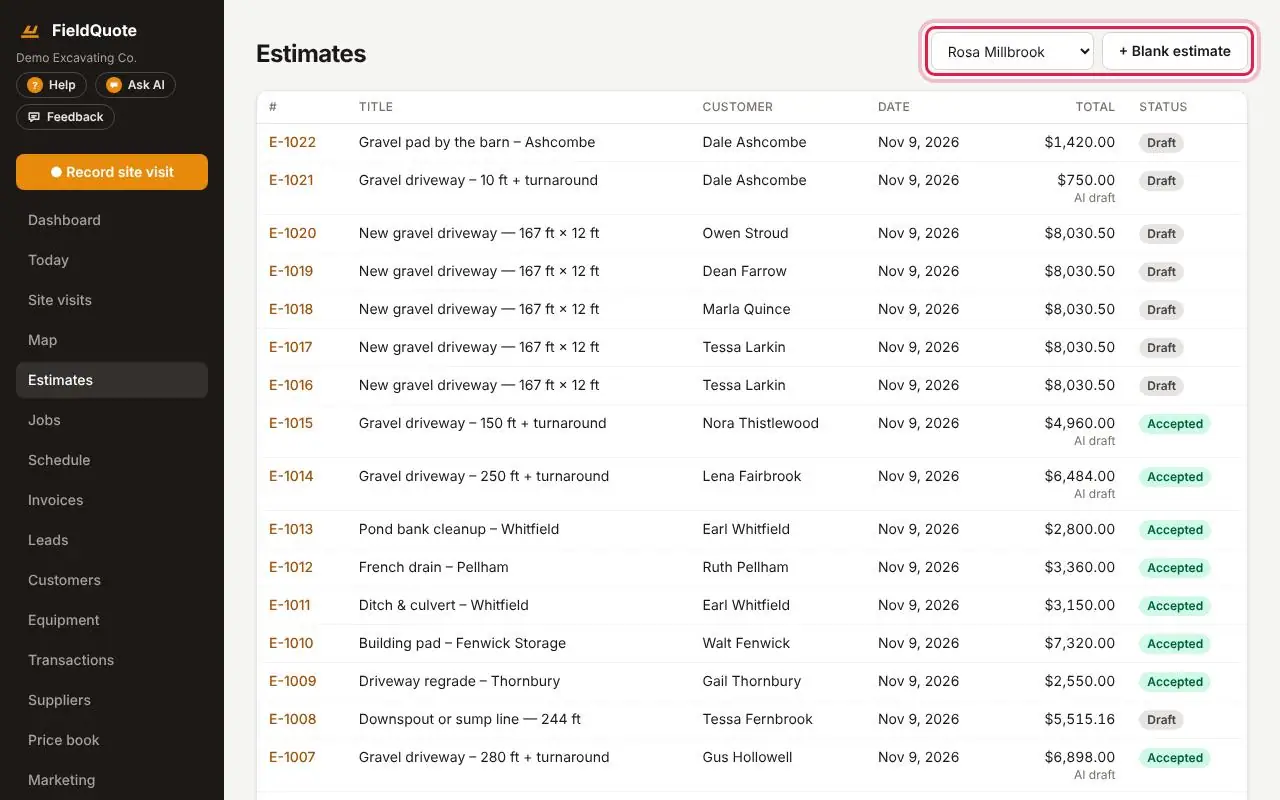
Open Estimates. Pick the customer in the Customer… list next to the button (you can also pick later), then tap + Blank estimate.
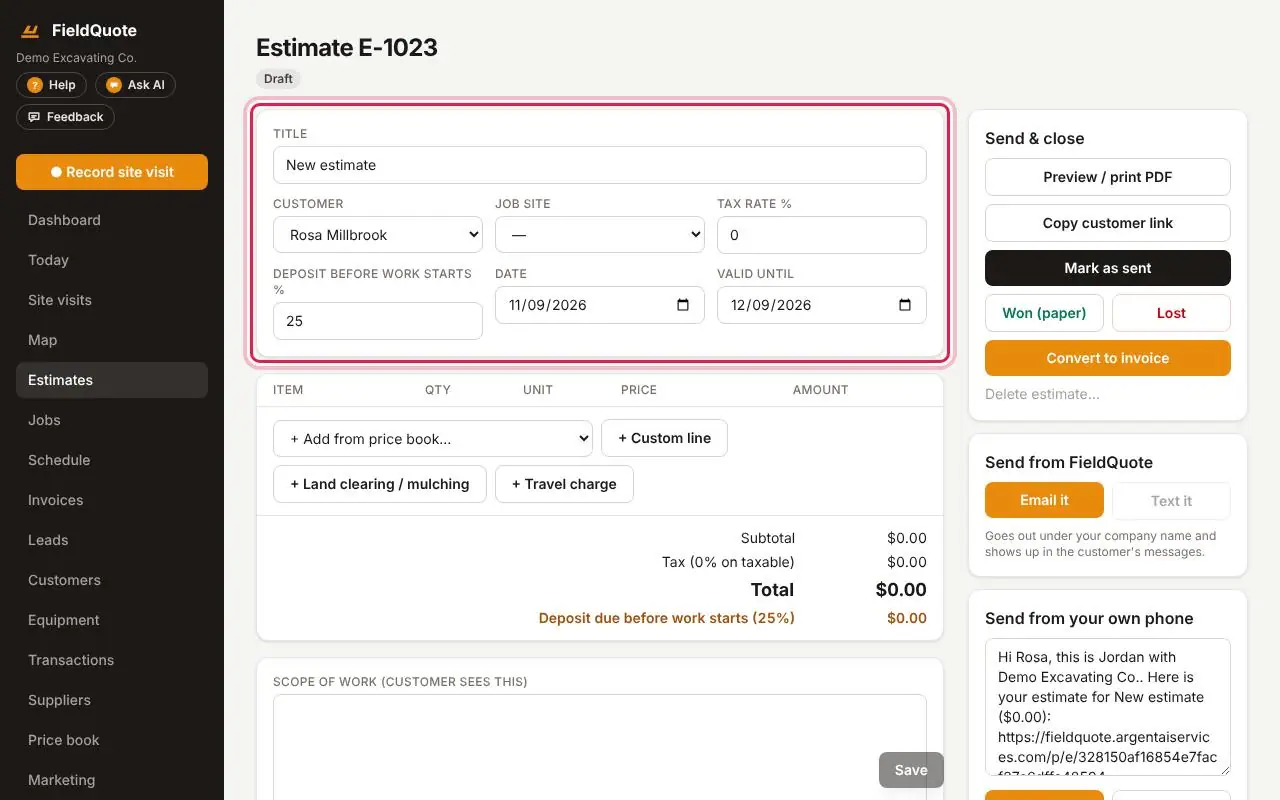
The new estimate opens, titled "New estimate", with the next estimate number, today's date, and your tax rate, deposit and contract terms already filled in.
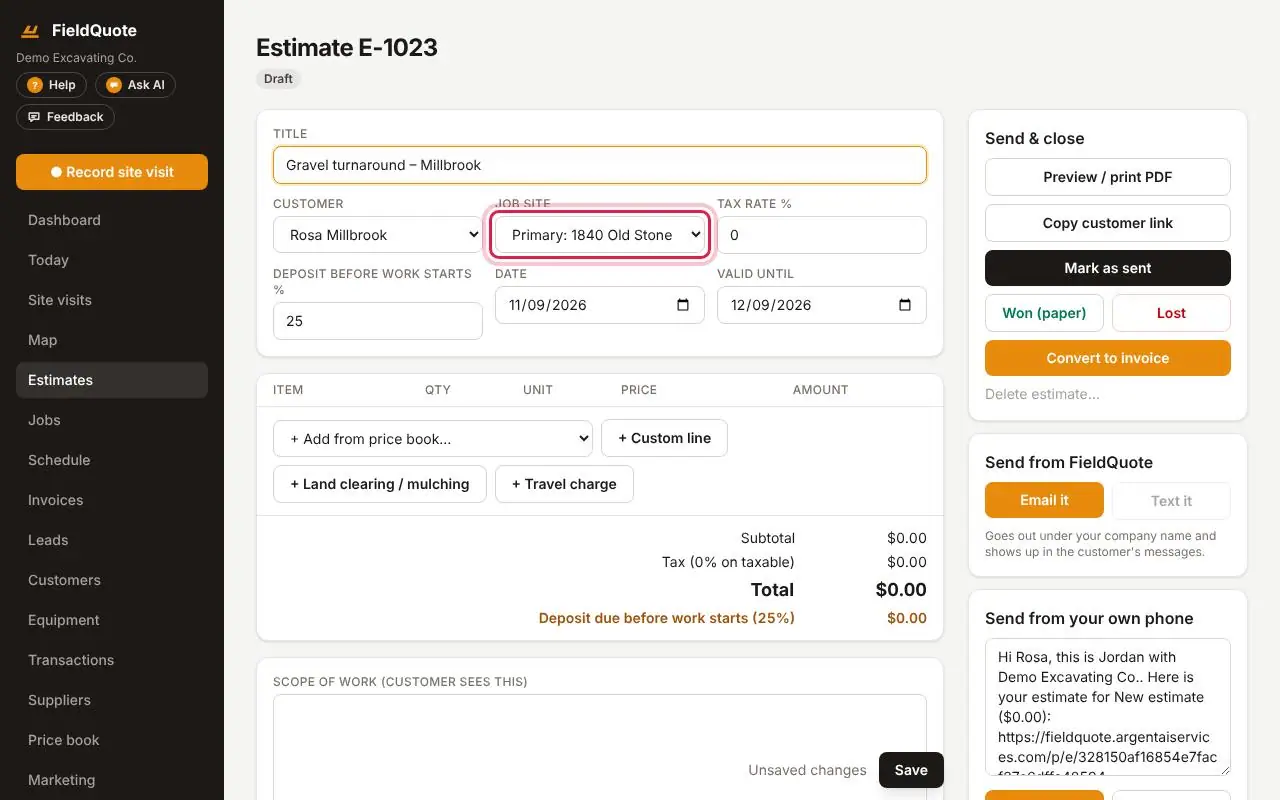
Pick the Job site, change the Title, then add your lines (see Change, add and reorder lines on an estimate) and tap Save.
What you'll see
The estimate in Estimates as a Draft, without the AI draft note the AI's estimates have.
Valid until set from Estimates valid (days) in Settings.
Common mistakes
Forgetting the job site. The customer is picked, but the job site isn't. Without it the travel charge can't measure the distance, and the customer's copy shows the customer's own address instead.
Expecting the minimum charge line. FieldQuote adds it only on estimates the AI drafts. Check the total against your minimum yourself.
Limits
A blank estimate has no AI notes, no site map drawings and no site visit link.
Estimate numbers count up for the whole company (E-1001, E-1002 …) and aren't reused when one is deleted.
Checked against the app on Nov 9, 2026. Pictures are from Demo Excavating Co., a made-up company.