Estimating & price book
Guide 11 of 18
What it's for
The lines say what it costs. The details say who it's for, where, until when, and in plain words what you'll do.
Where
On an estimate: the box at the top and the boxes under the lines.
Watch it
Steps
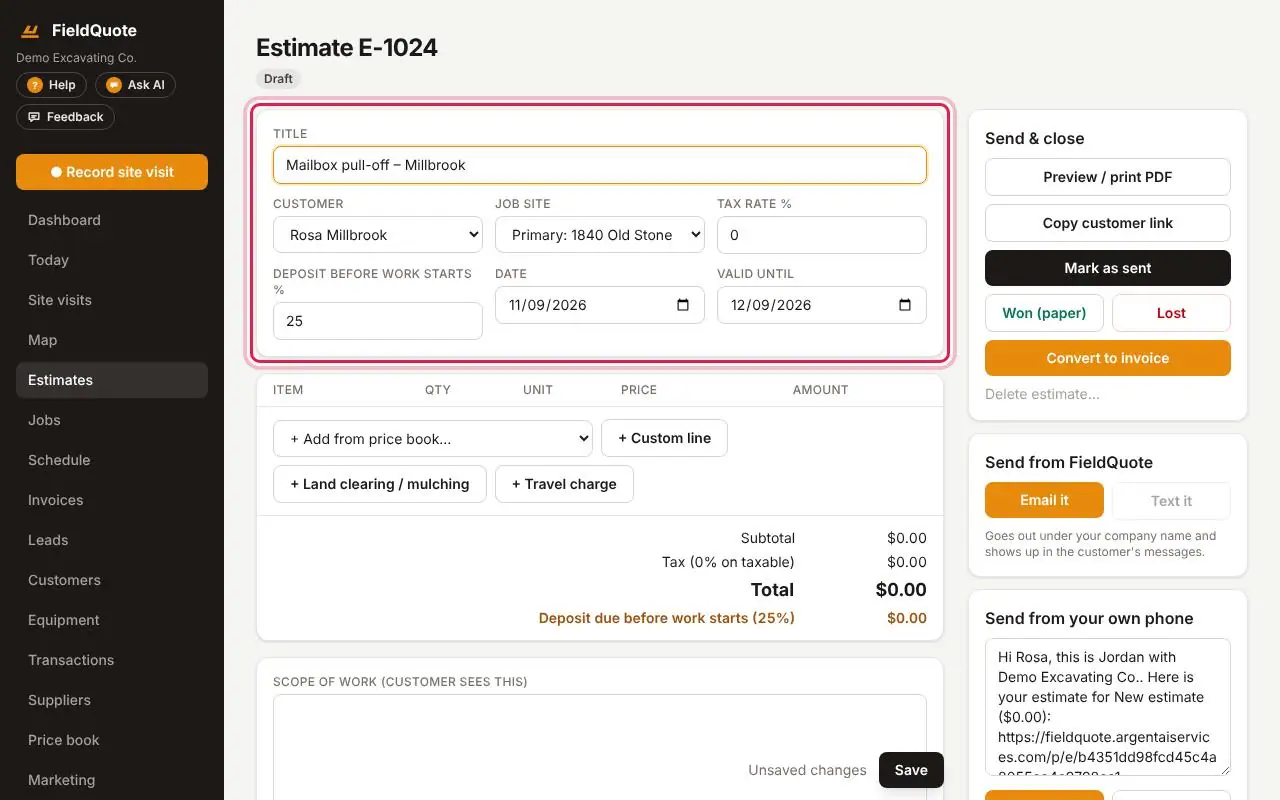
In the top box, set the Title, Customer and Job site, and check the Tax rate %, Deposit before work starts %, Date and Valid until.
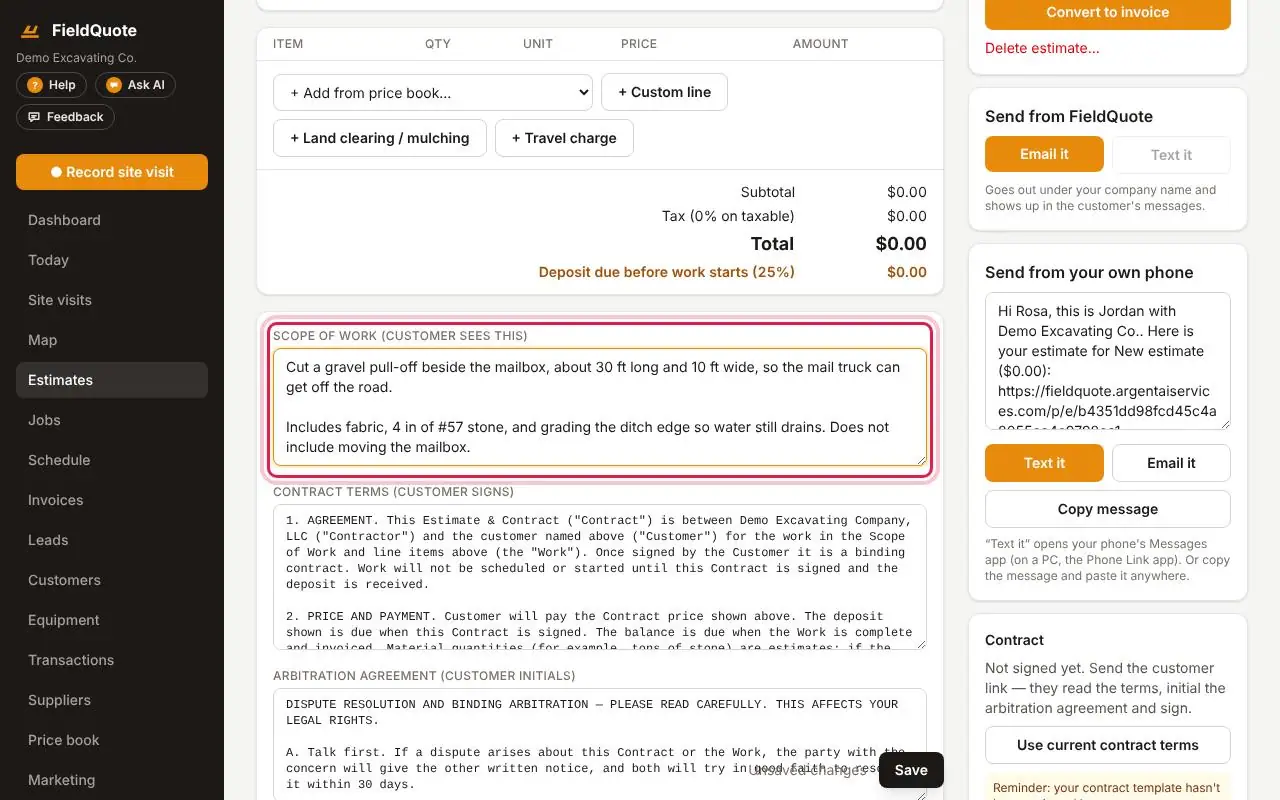
Under the lines, write the Scope of work (customer sees this) in plain words: what you'll do, where, and what's included.
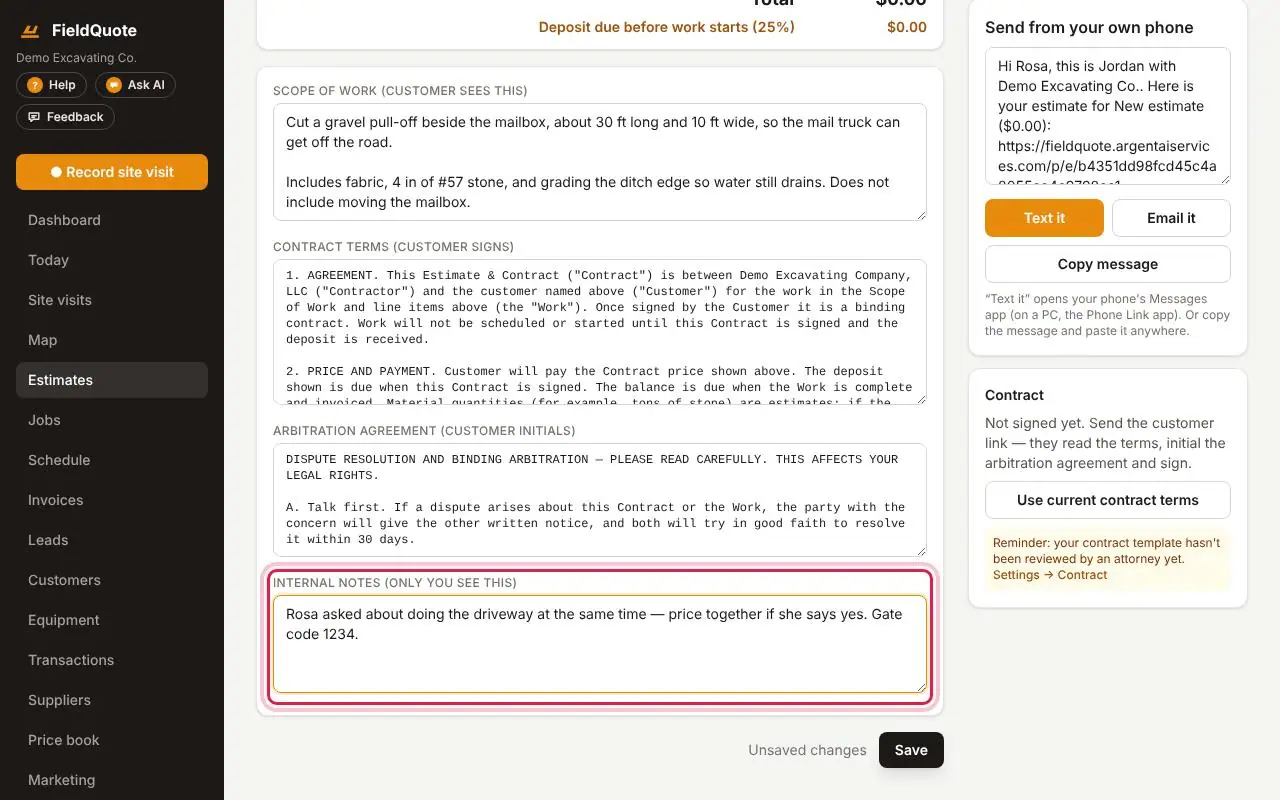
Anything only your team should see goes in Internal notes (only you see this) at the bottom. Then tap Save.
What you'll see
The Job site list shows only the chosen customer's job sites. Changing the customer clears the job site.
On the customer's copy: the title, the customer, the job site, the date, "Valid until" and the scope of work above the lines.
Common mistakes
Putting private notes in the scope. The customer reads the scope. Use the internal notes.
Setting Valid until in the past. The customer can't sign an expired estimate online; they see "This estimate expired on …".
Limits
The contract terms and arbitration agreement boxes are also under the lines (see Set up your contract terms).
Once the customer signs, none of this can be changed.
Checked against the app on Nov 9, 2026. Pictures are from Demo Excavating Co., a made-up company.