Contracts, online signing & deposits
Guide 1 of 11
What it's for
Dirt work has its own risks: rock nobody could see, unmarked lines, ruts from the trucks, water from the neighbor's lot. The starting contract covers them, so the customer agrees to how they're handled before you dig.
Where
Settings › Contract.
Watch it
Steps
Open Settings and scroll to Contract. Until you confirm an attorney has reviewed it, a yellow note says "Have an attorney review this before you use it."
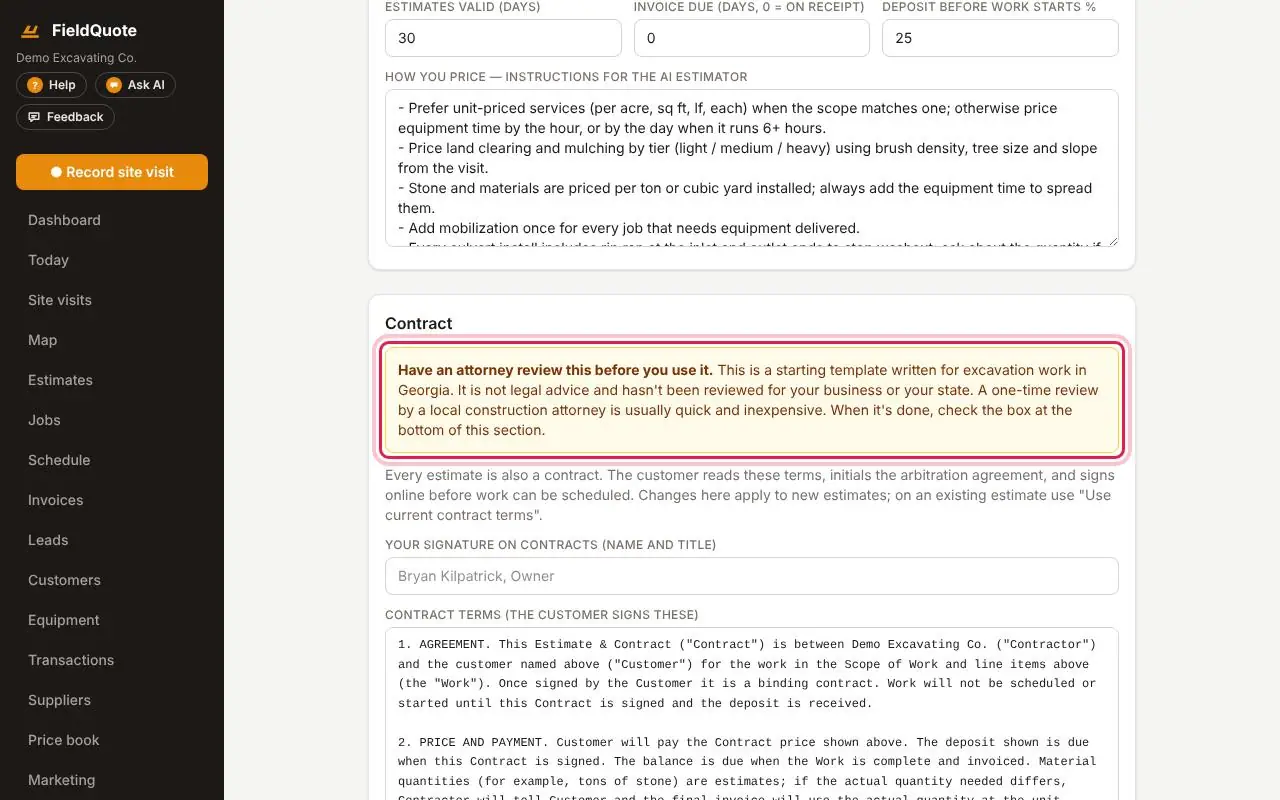
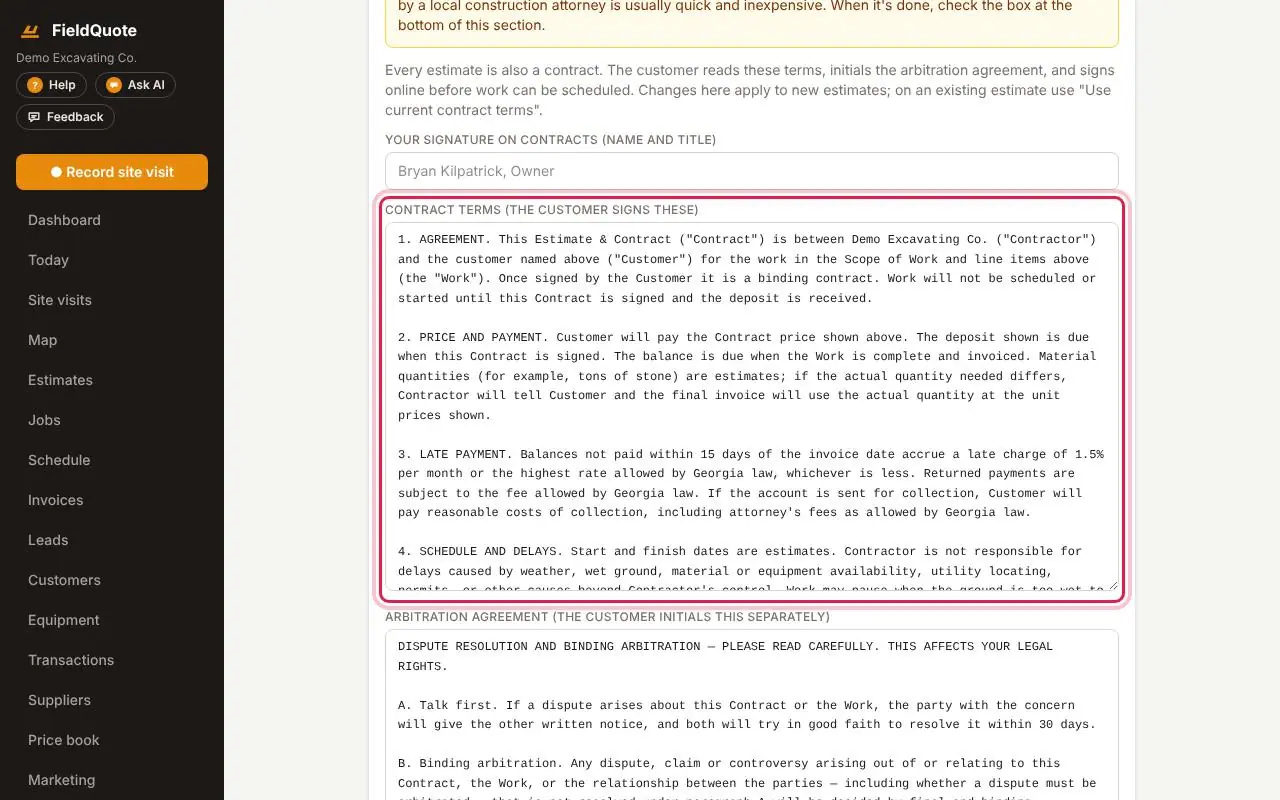
Read and change Contract terms (the customer signs these). The starting terms cover price and payment, late payment, schedule and weather, hidden or unexpected conditions (rock, debris, buried tanks, groundwater), changes, what the customer is responsible for, 811 and utilities, access damage, drainage and settling, materials, a 90-day workmanship warranty, limits of liability, insurance, lien rights, cancellation, photos and Georgia law.
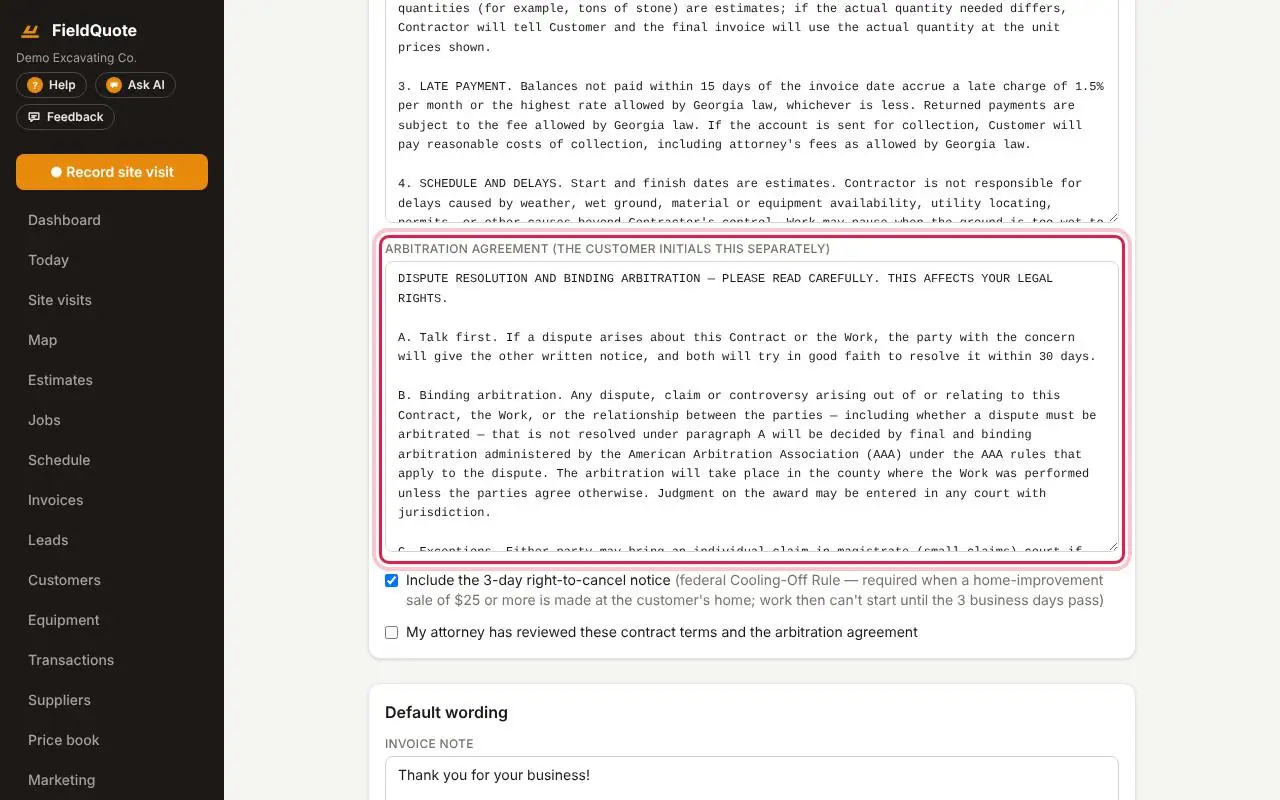
Read and change Arbitration agreement (the customer initials this separately). It covers talking first, binding arbitration, exceptions such as small claims court and liens, no jury or class actions, fees and governing law.
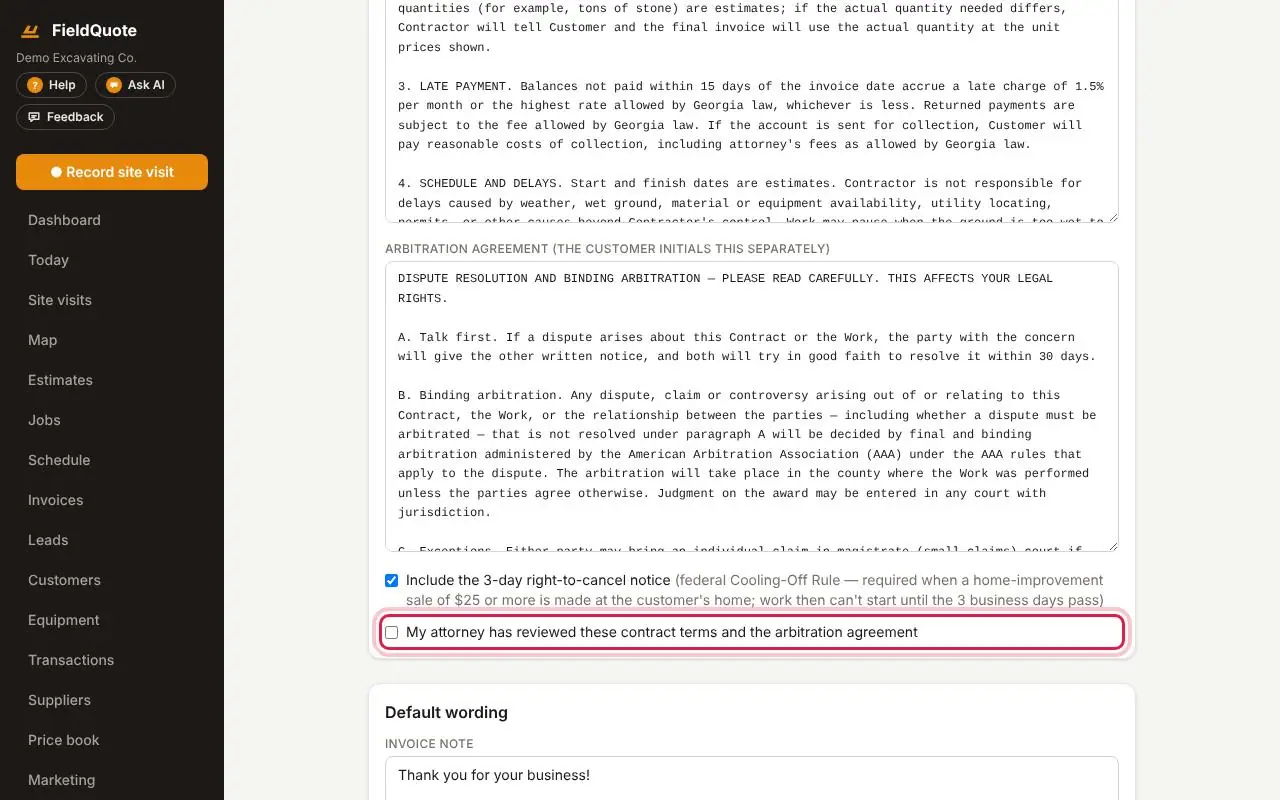
Once your attorney has reviewed both, check My attorney has reviewed these contract terms and the arbitration agreement.
Tap Save settings.
What you'll see
Until the box in step 4 is checked, every unsigned estimate shows "Reminder: your contract template hasn't been reviewed by an attorney yet." in its Contract box, with a link back here.
New estimates get the terms and arbitration agreement as they are when the estimate is made. They show under the lines as Contract terms (customer signs) and Arbitration agreement (customer initials), and you can change them for that one estimate.
Common mistakes
Expecting estimates you've already made to pick up your changes. They keep their own copy. On each unsigned estimate, tap Use current contract terms.
Using the template in another state without changes. It's written for Georgia (Georgia 811, Georgia lien and late-payment law).
Limits
Only the owner or an admin can change this. Team members see Settings grayed out, with "View only. Only the owner or an admin can change this." Team members can still tap Use current contract terms on an unsigned estimate.
It's a starting template, not legal advice. Have your own attorney review it before you use it with customers.
Once a customer signs, their contract can't be changed, even if you change your terms later.
Checked against the app on Nov 9, 2026. Pictures are from Demo Excavating Co., a made-up company.