Contracts, online signing & deposits
Guide 9 of 11
What it's for
You updated your contract after your attorney's review, but a few estimates went out on the old one. Switch them over before the customer signs.
Where
On an unsigned estimate: Contract › Use current contract terms.
Watch it
Steps
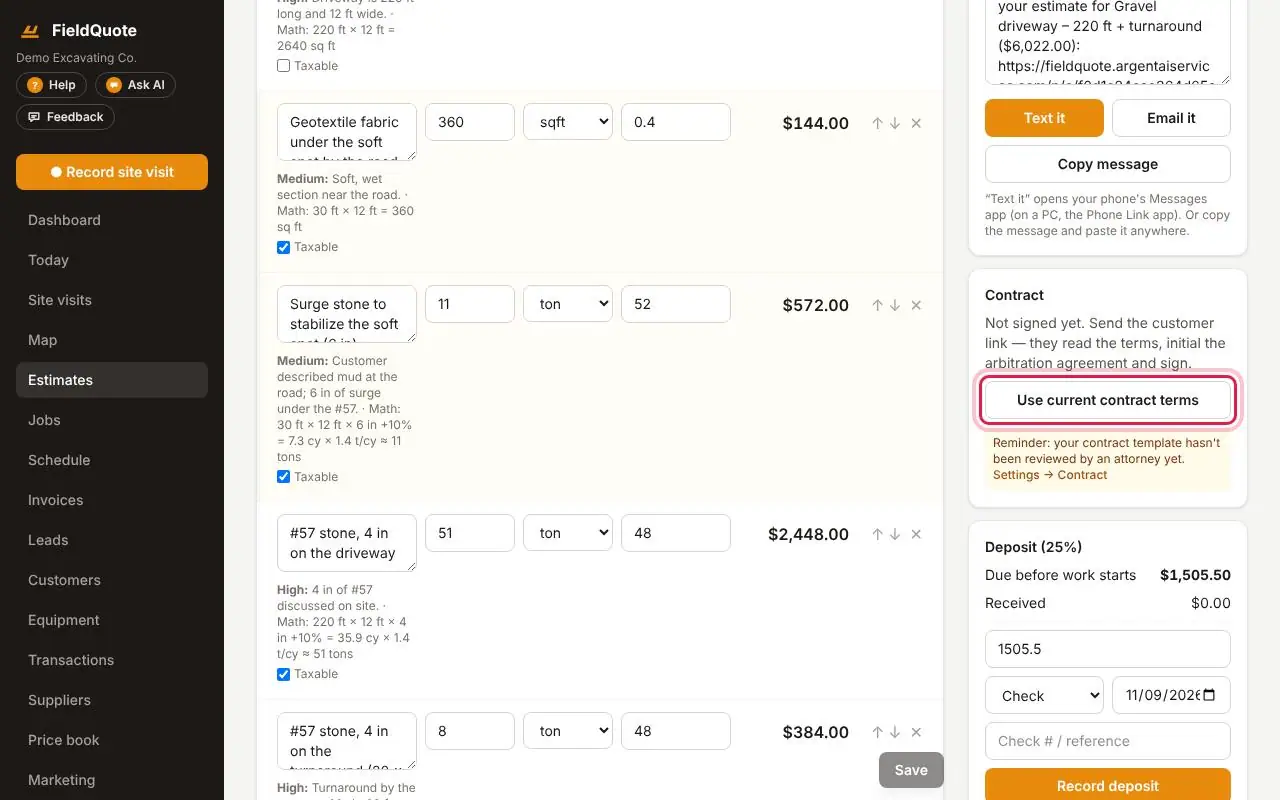
Open the estimate and tap Use current contract terms in the Contract box on the right.
The Contract terms (customer signs) and Arbitration agreement (customer initials) boxes under the lines now hold your current ones from Settings, and Deposit before work starts % shows your current deposit. There's no need to reload. The customer's link shows them right away.
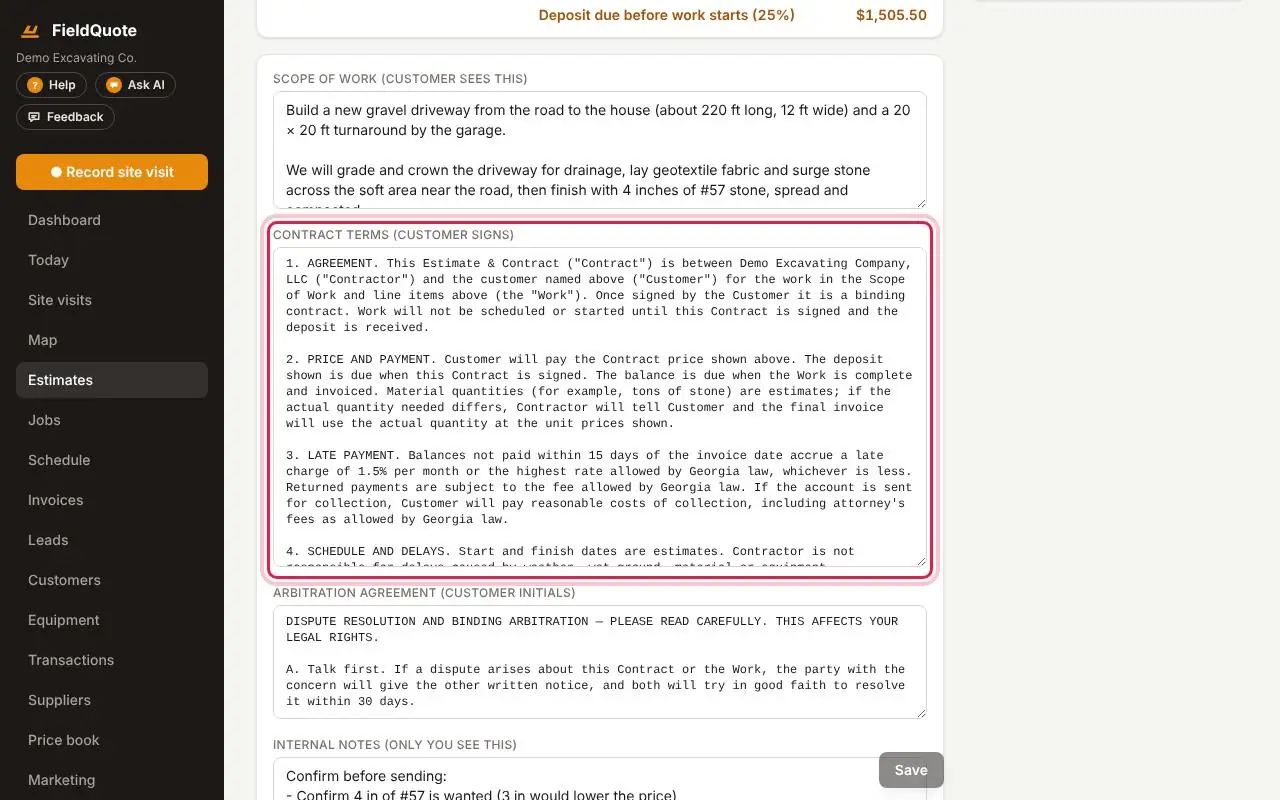
What you'll see
The deposit on the estimate changes to your company's Deposit before work starts % too.
Other unsaved changes on the estimate (lines, title, scope) stay as you left them. Tap Save to keep them; the new terms stay.
Common mistakes
Using it on an estimate where you set a special deposit. Set the deposit again afterwards and tap Save.
Typing in the terms, arbitration or deposit boxes and then tapping the button without saving. What you typed stays in those boxes, and Save keeps it. Tap Save first, then switch the terms.
Limits
Not on signed estimates. The button isn't shown, and a signed contract never changes.
Not on estimates marked won on paper. The button is shown only until the estimate is accepted.
Checked against the app on Nov 9, 2026. Pictures are from Demo Excavating Co., a made-up company.