Contracts, online signing & deposits
Guide 10 of 11
What it's for
Keep track of who has paid their deposit, so you don't schedule a job that isn't paid for, and so the invoice comes out right.
Where
On the estimate: the Deposit (…%) box on the right.
Watch it
Steps
Open the estimate. The Deposit (…%) box shows what's Due before work starts and what's been Received. On an accepted estimate with nothing received, it says "Waiting on … before work starts."
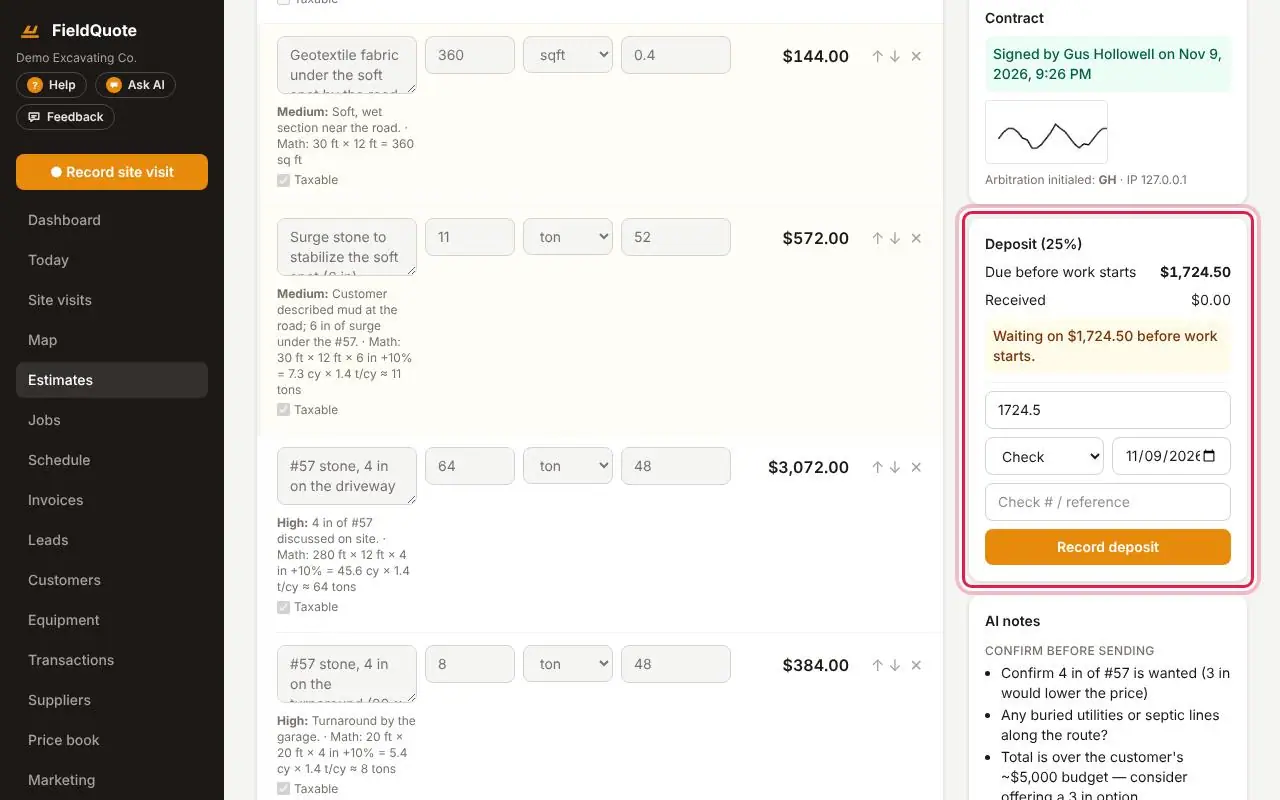
The amount box starts with what's still due. Change it if they paid part. Pick how they paid (check, cash, card, ach, zelle, venmo, paypal or other), the date, and type the Check # / reference.
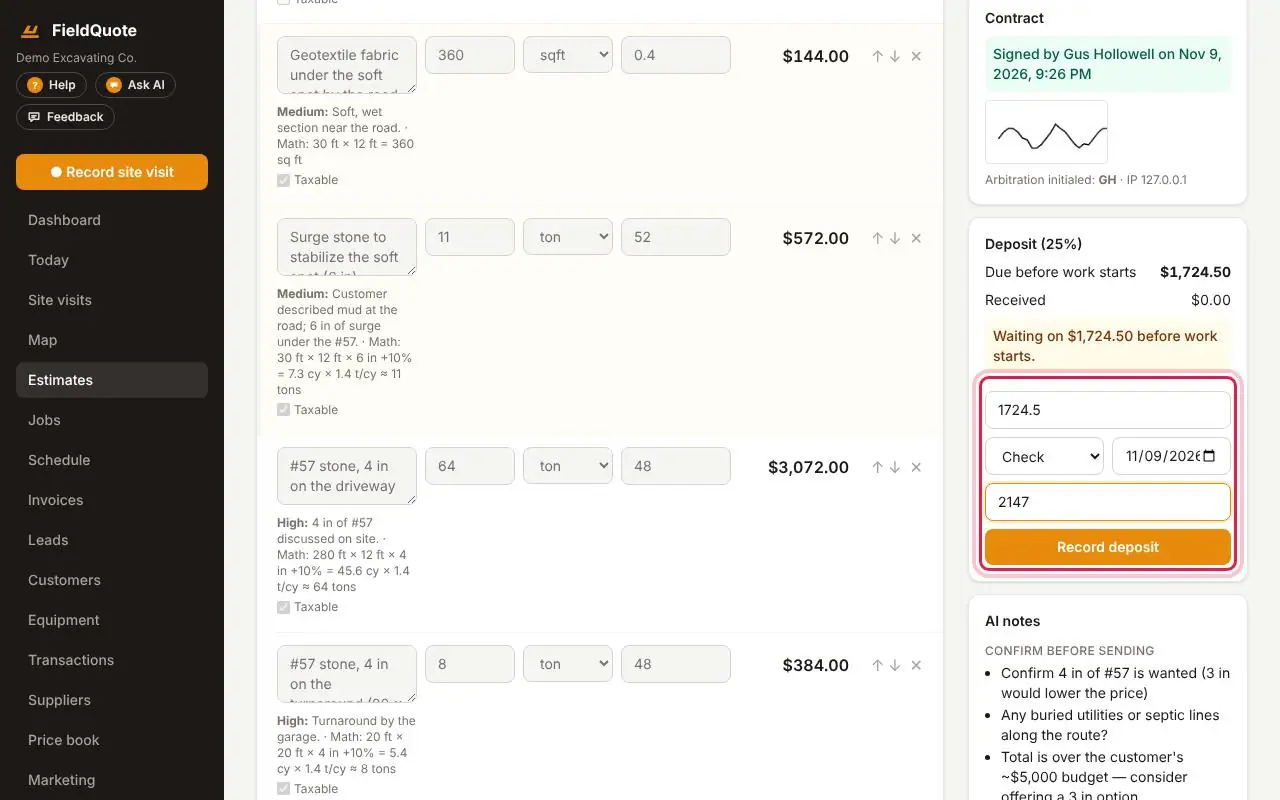
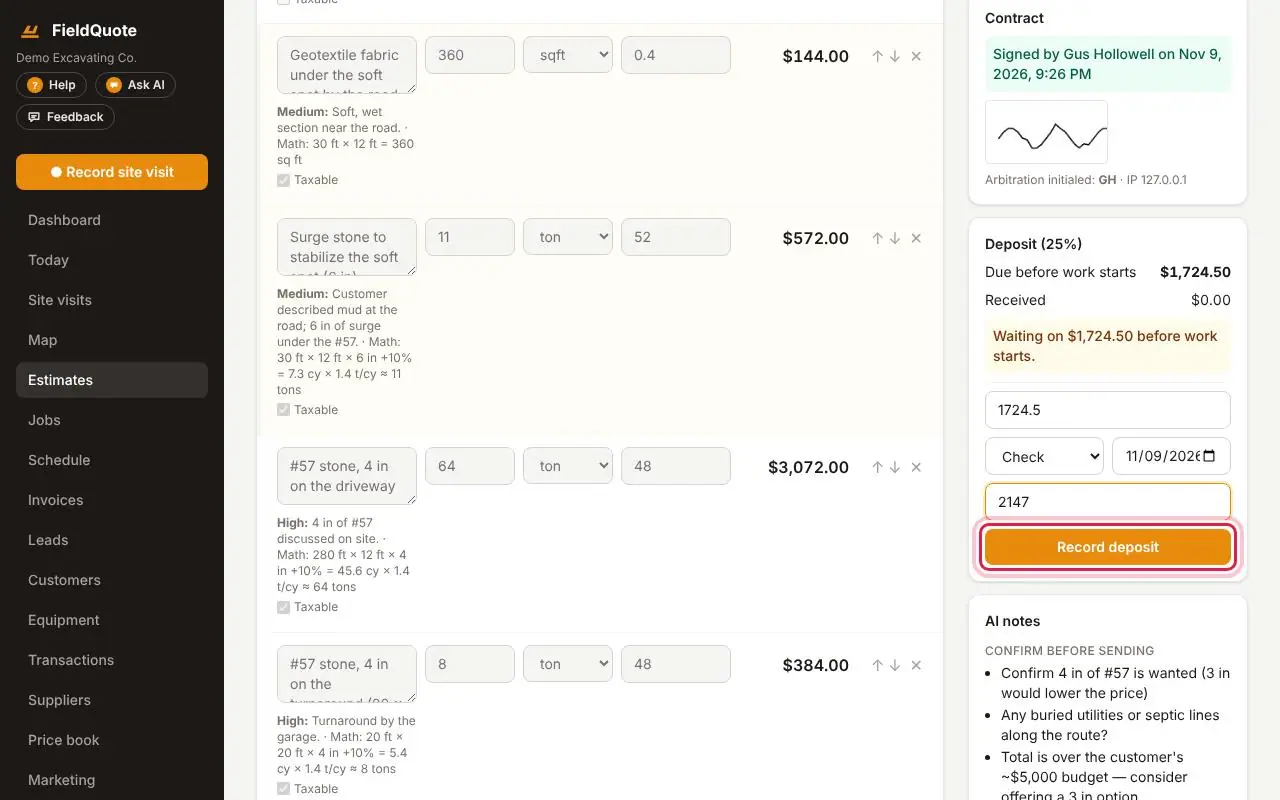
Tap Record deposit.
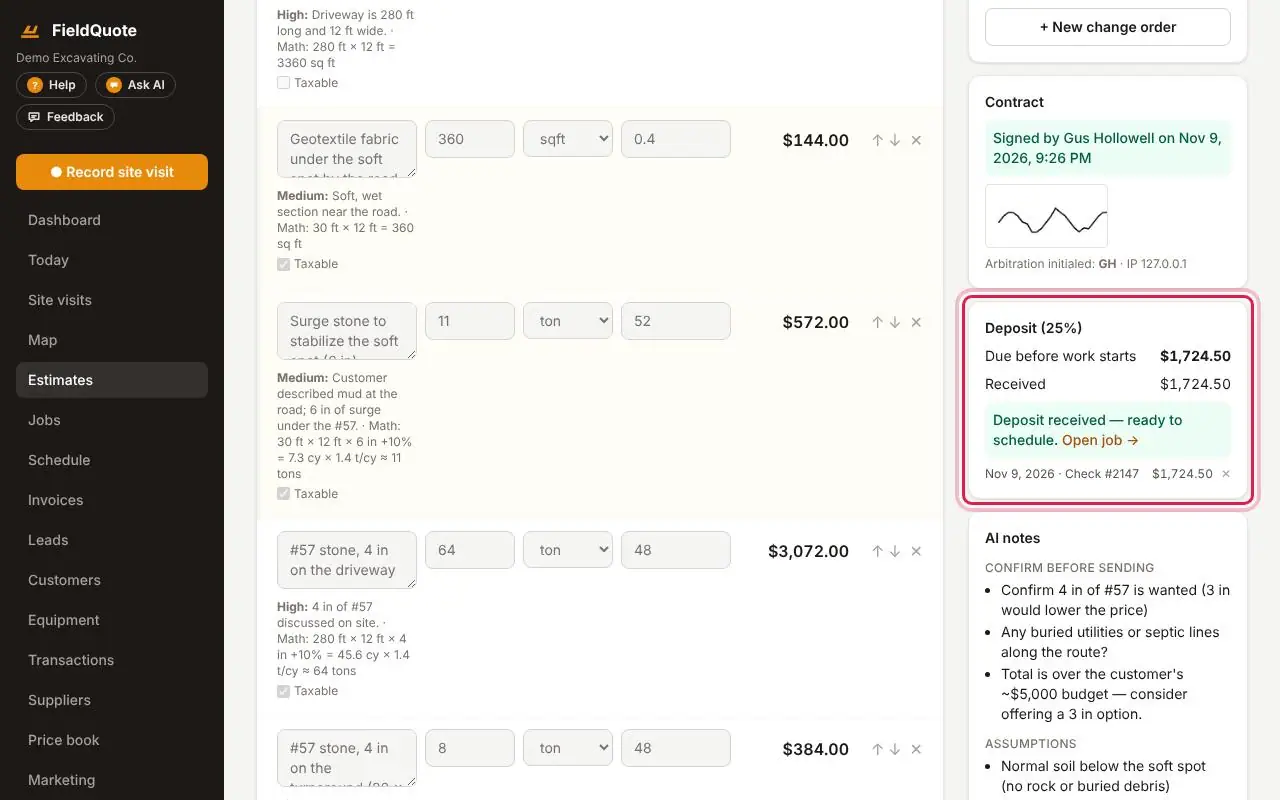
The payment is listed in the box. When the full deposit is in, it says "Deposit received — ready to schedule." with an Open job → link.
On the job, the box at the top shows the deposit as received.
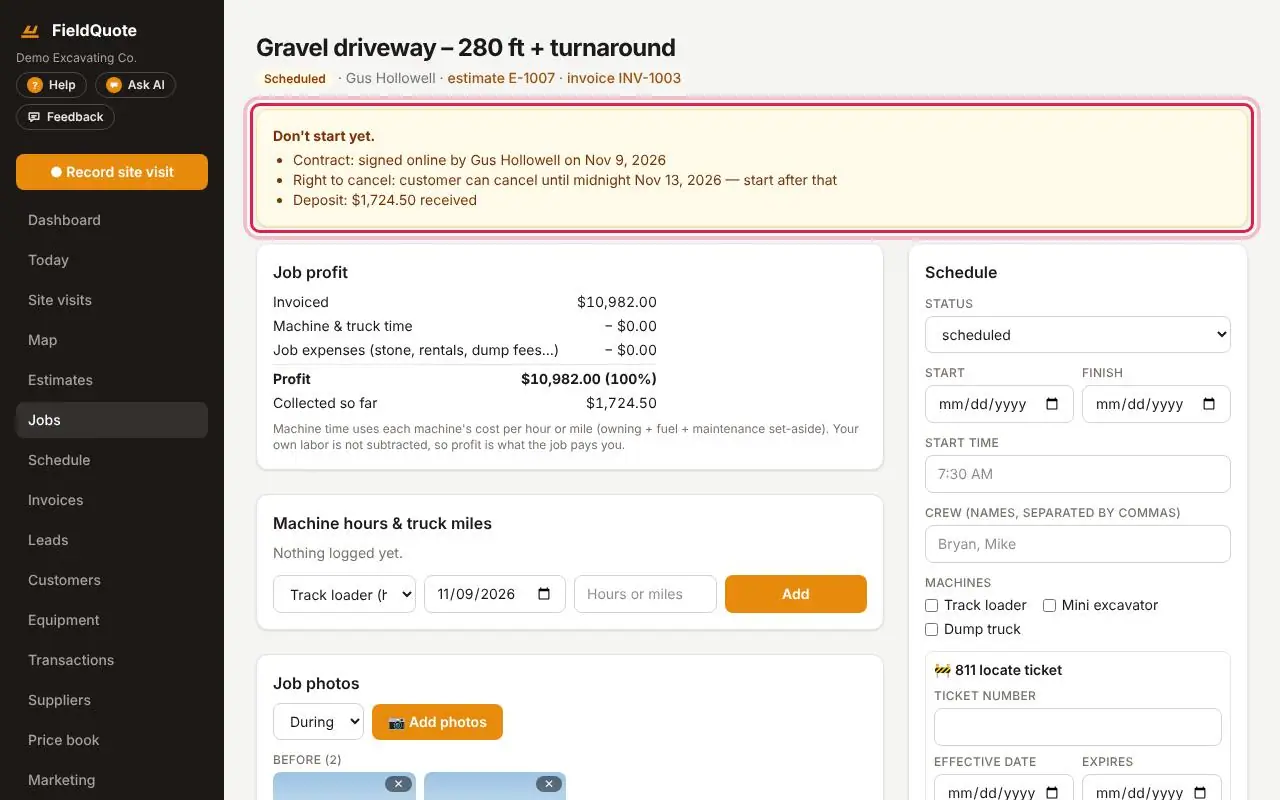
What you'll see
A part payment leaves "Waiting on … before work starts." with the rest, and the form stays open for the next payment.
When you turn the estimate into an invoice, the deposits are already on it as payments. A deposit recorded after the invoice exists goes on the invoice right away.
The Dashboard stops listing the job under Waiting on deposit.
Common mistakes
Recording the deposit on the invoice instead. Record it here, on the estimate, so the job and the dashboard know it's in.
Typing it twice. To take one off, tap ✕ (Delete) next to it in the list.
Limits
Online deposits paid through PayPal are recorded for you.
You can record a deposit before the estimate is accepted. The form shows on any estimate with a deposit still due, except declined ones.
Checked against the app on Nov 9, 2026. Pictures are from Demo Excavating Co., a made-up company.