Contracts, online signing & deposits
Guide 8 of 11
What it's for
If there's ever a question about what was agreed, you have the signed copy, who signed it, and when and from where they signed it.
Where
On the signed estimate: the Contract box on the right, and the customer's copy (Preview / print PDF).
Watch it
Steps
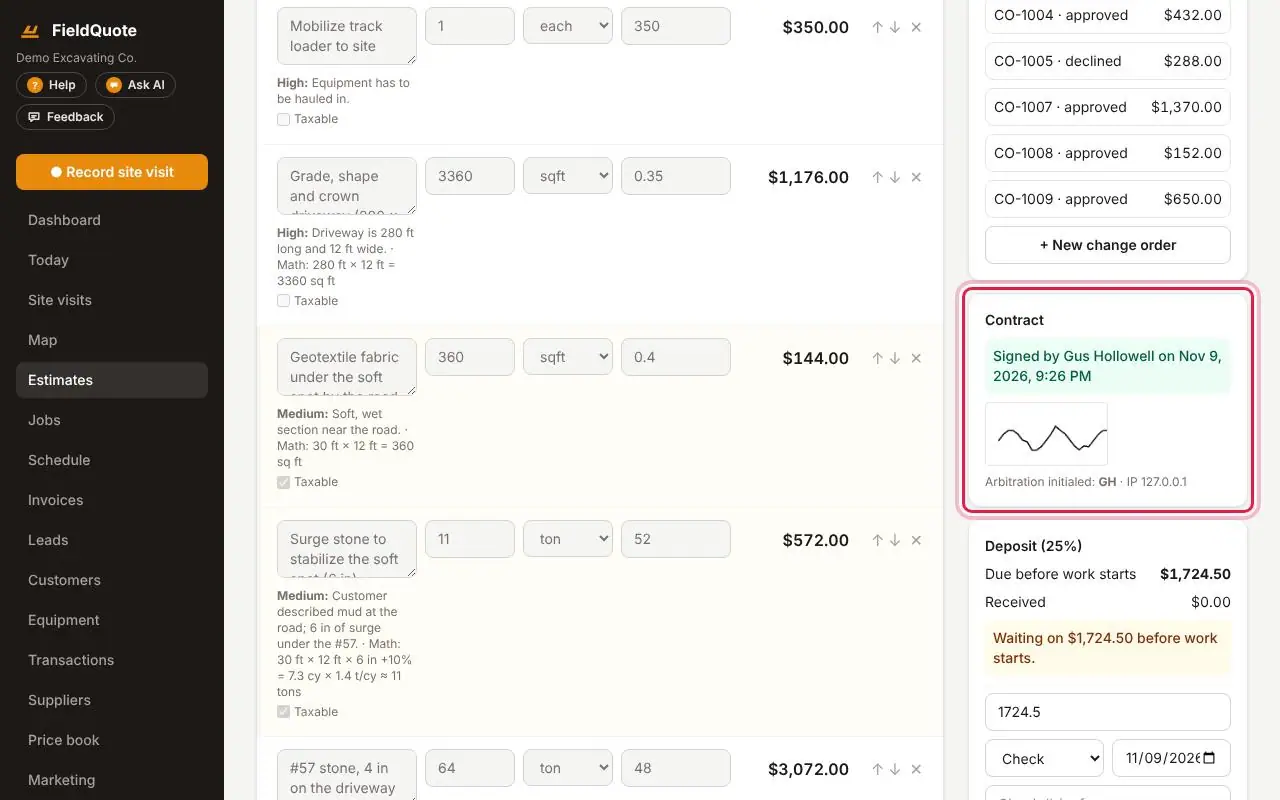
Open the estimate. The Contract box shows "Signed by … on …" with the date and time, their drawn signature, and the initials and IP address under it.
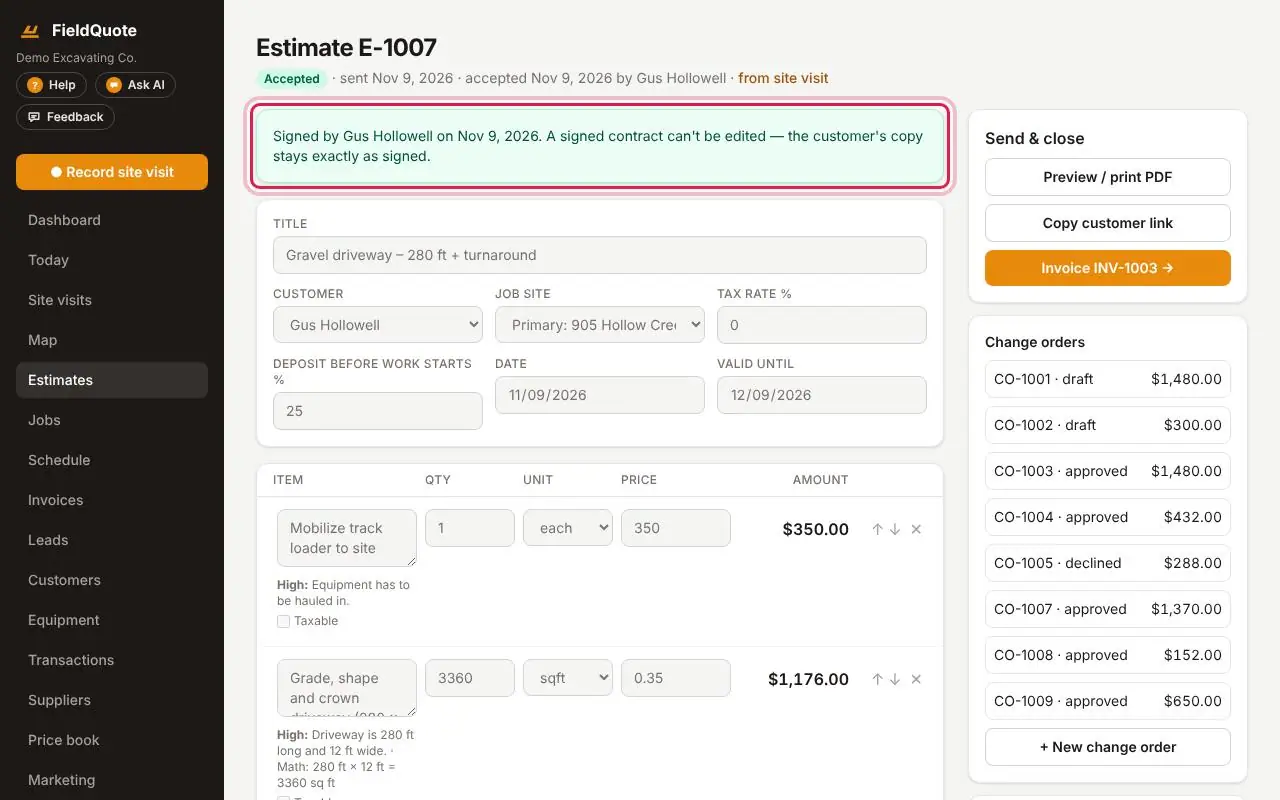
The lines and boxes are locked. A green note at the top says who signed and when, and that "A signed contract can't be edited — the customer's copy stays exactly as signed."
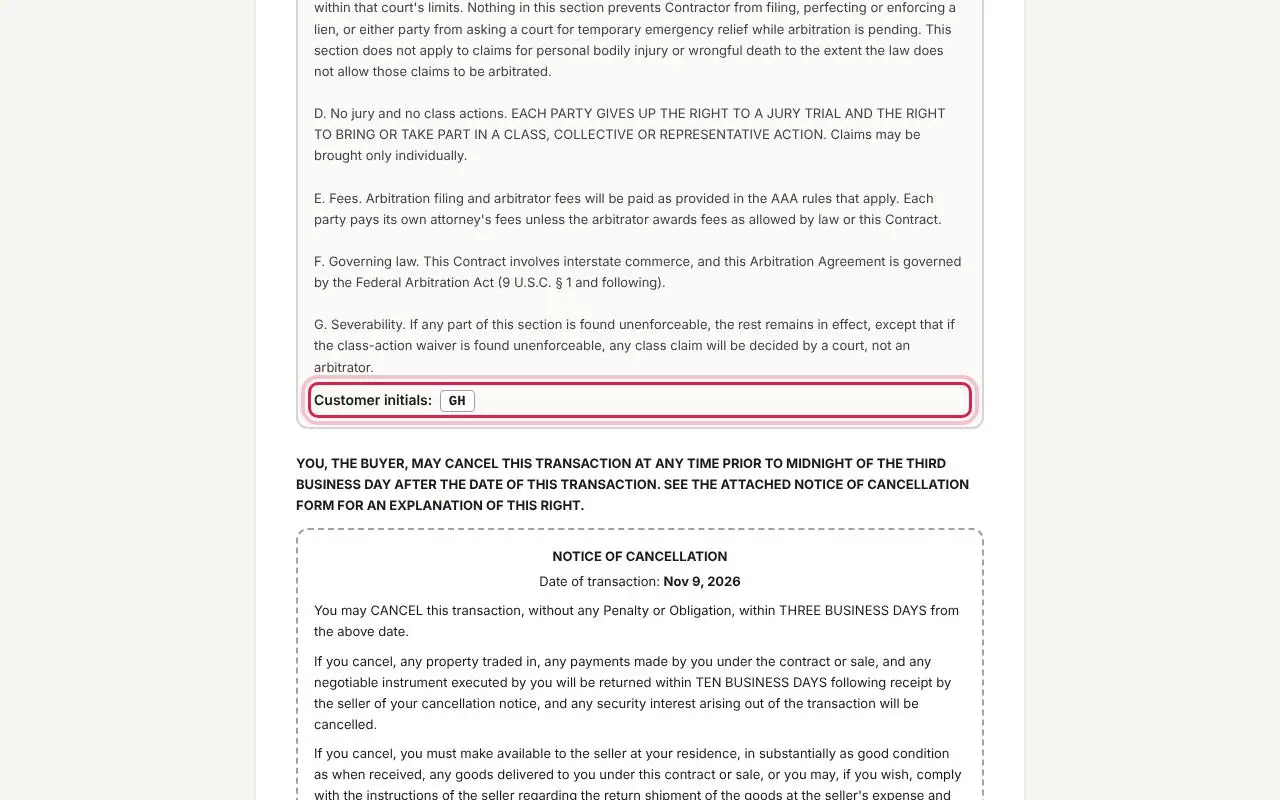
Tap Preview / print PDF to see the signed copy. The arbitration agreement shows their initials.
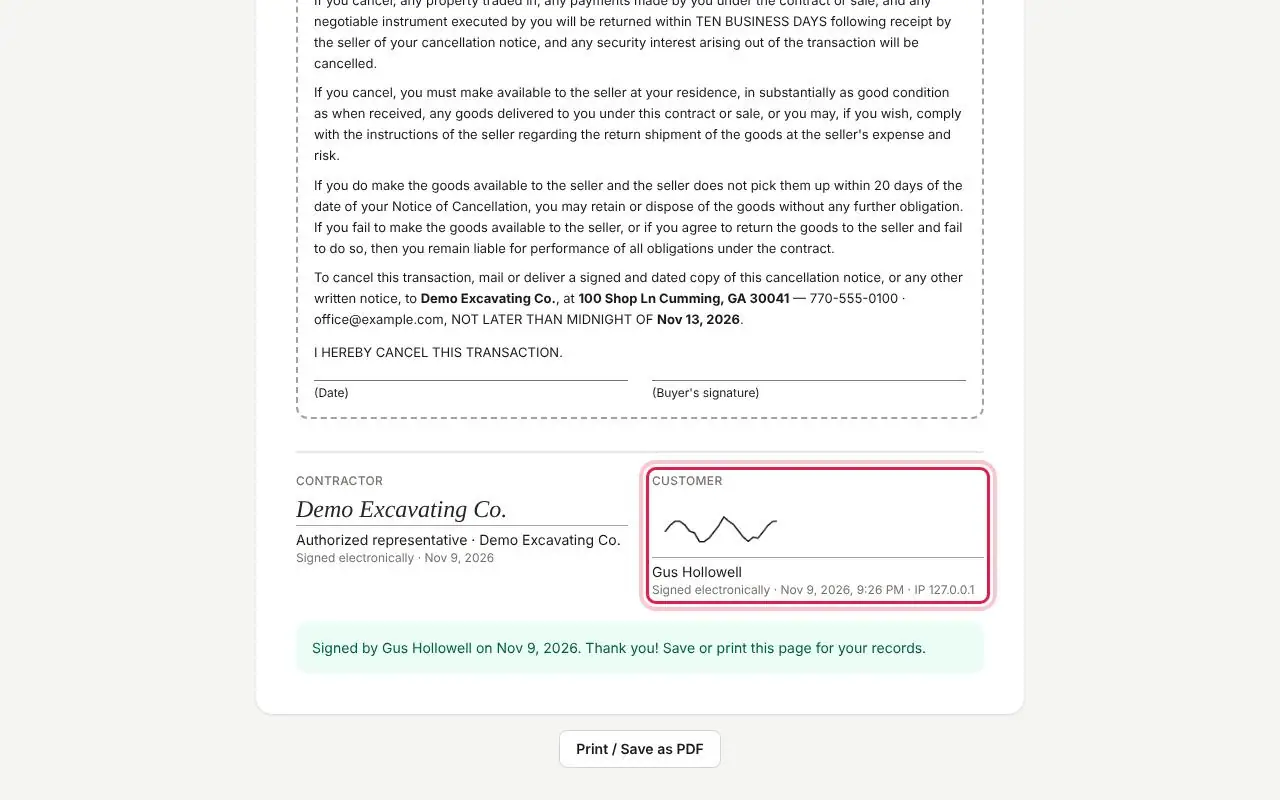
At the bottom, the Customer signature shows their drawn signature, name, and "Signed electronically" with the date, time and IP address. Tap Print / Save as PDF to keep a copy.
What you'll see
The status Accepted at the top of the estimate, with the date and the signer's name.
A job for the estimate in Jobs.
Common mistakes
Trying to change a signed estimate. It can't be changed. For extra work, write a change order (see Write up a change order). To bill a different amount, change the invoice.
Limits
The signed copy keeps the company details, customer, job site, lines, totals, deposit, terms, arbitration agreement, your signature line and the cancel-notice setting exactly as they were when the customer signed.
The phone or browser the customer used is also saved with the record, but isn't shown on screen.
A signed estimate can't be deleted.
Checked against the app on Nov 9, 2026. Pictures are from Demo Excavating Co., a made-up company.