Contracts, online signing & deposits
Guide 2 of 11
What it's for
Customers know you by the name on your truck, but the contract should be with the business as it's registered, signed by a real person. FieldQuote keeps both.
Where
Settings › Company (shown on estimates & invoices) and Settings › Contract.
Watch it
Steps
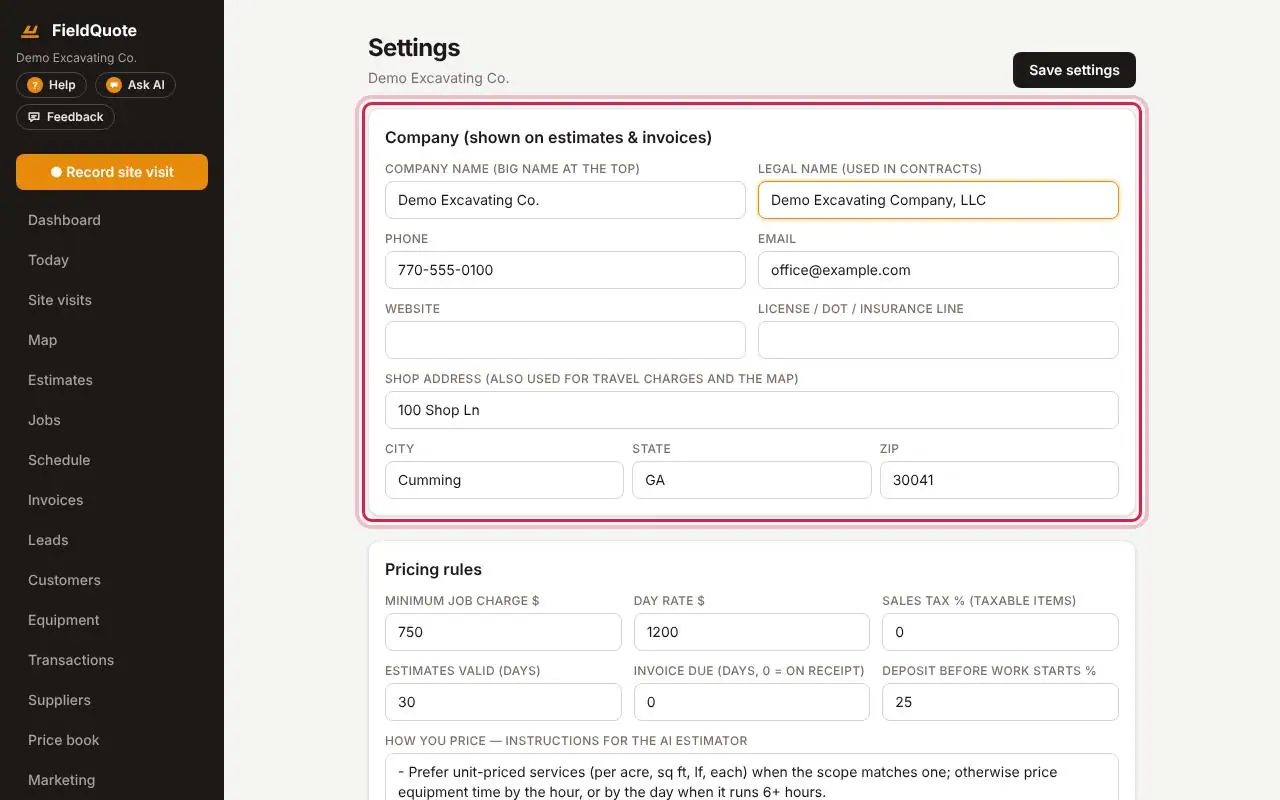
Under Company (shown on estimates & invoices), type the name you go by in Company name (big name at the top) and your registered name in Legal name (used in contracts).
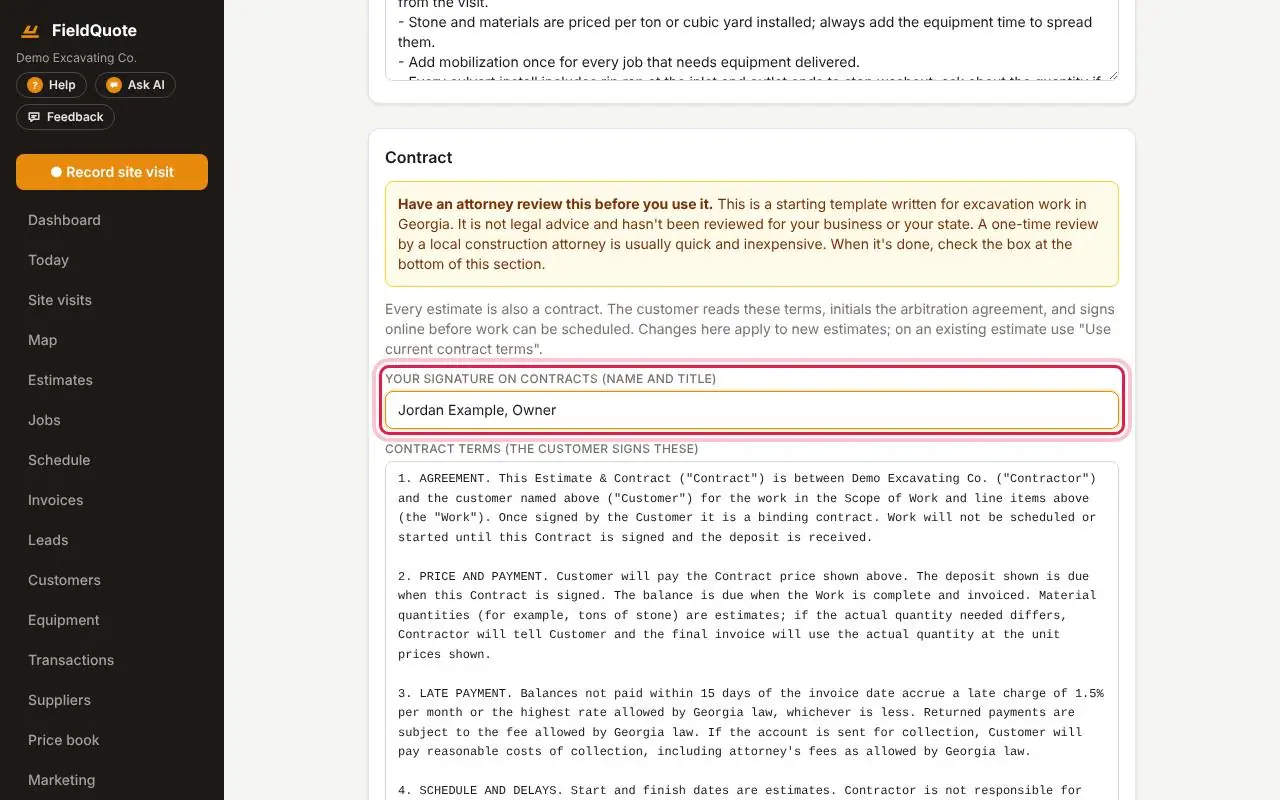
Under Contract, type who signs for the company in Your signature on contracts (name and title), for example your name and Owner.
Tap Save settings.
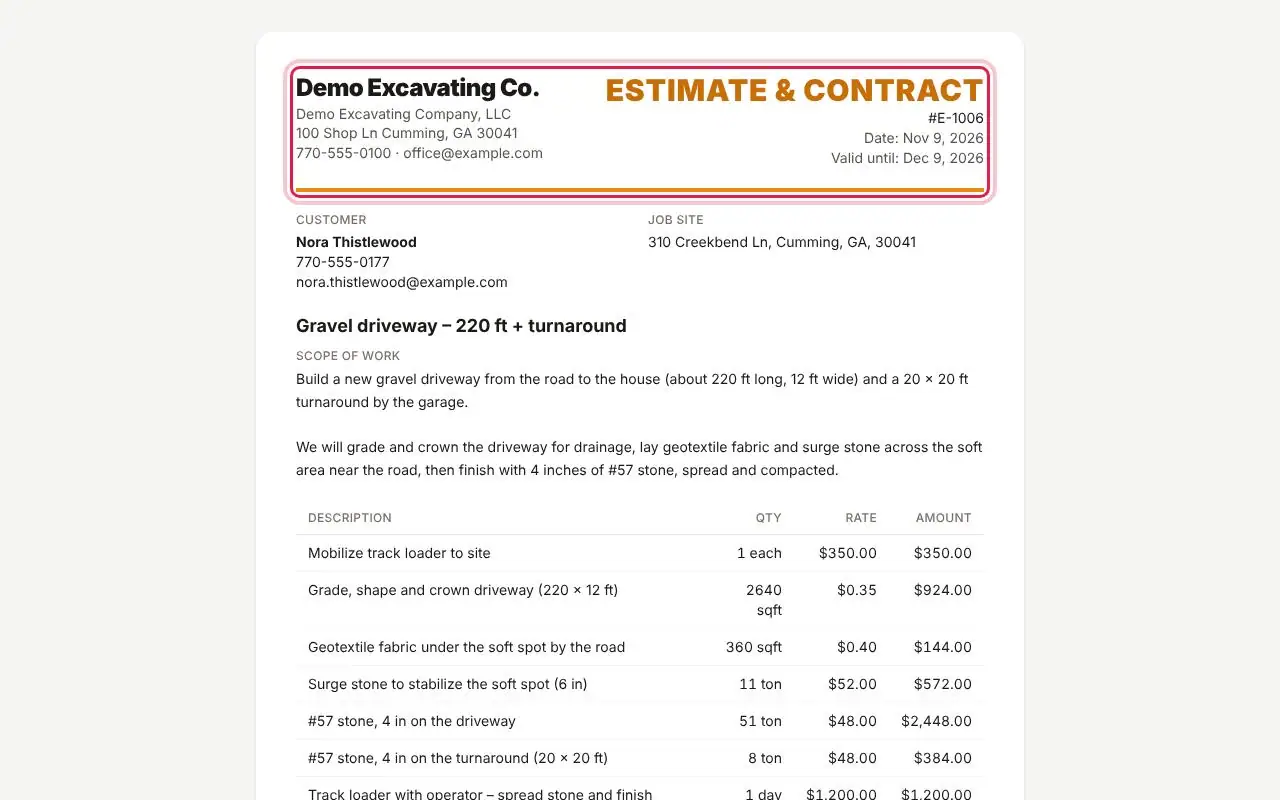
On the customer's copy, your company name is big at the top with the legal name under it.
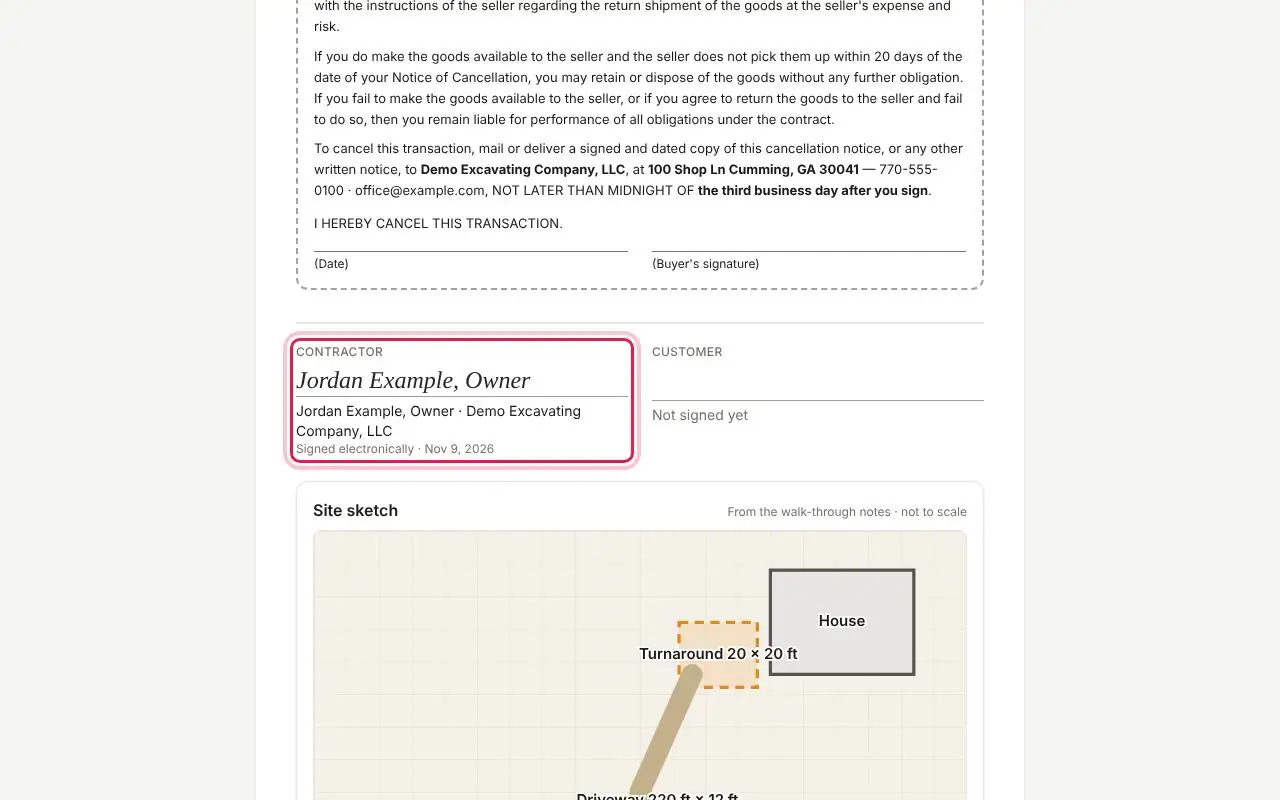
At the end of the contract, the Contractor signature shows your name in script, with your name and title and the legal name under it.
What you'll see
The legal name also goes in the cancellation notice ("To cancel this transaction, mail or deliver …").
If the legal name is the same as the company name, it isn't shown twice.
Common mistakes
Leaving Your signature on contracts (name and title) blank. The contract then shows the company name in script and "Authorized representative" under it.
Expecting the contract's first paragraph to change. The terms name the company as they were written. To put the new legal name in them, use Start over with the standard contract… or edit the terms yourself.
Limits
Only the owner or an admin can change this. Team members see Settings grayed out, with "View only. Only the owner or an admin can change this."
A signed contract keeps the names it was signed with.
The contractor's signature is typed, not drawn, and dated with the estimate's date.
Checked against the app on Nov 9, 2026. Pictures are from Demo Excavating Co., a made-up company.