Today screen & dashboard
Guide 3 of 8
What it's for
Catch the visit whose estimate never went out, the invoice that's late, the deposit you're still waiting on, and the machine that's eating its maintenance fund.
Where
Dashboard, below the numbers.
Watch it
Steps
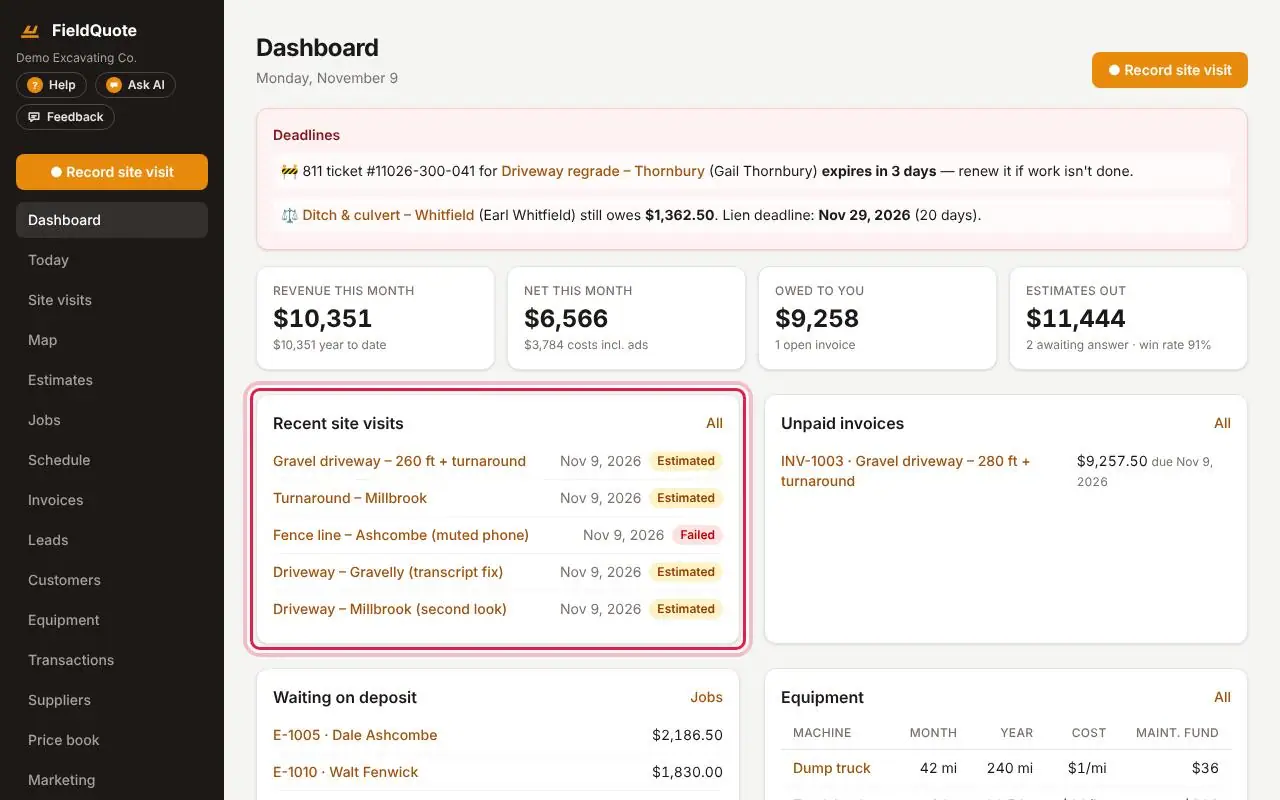
Recent site visits: your last five, with the date and how far along each is. All opens Site visits.
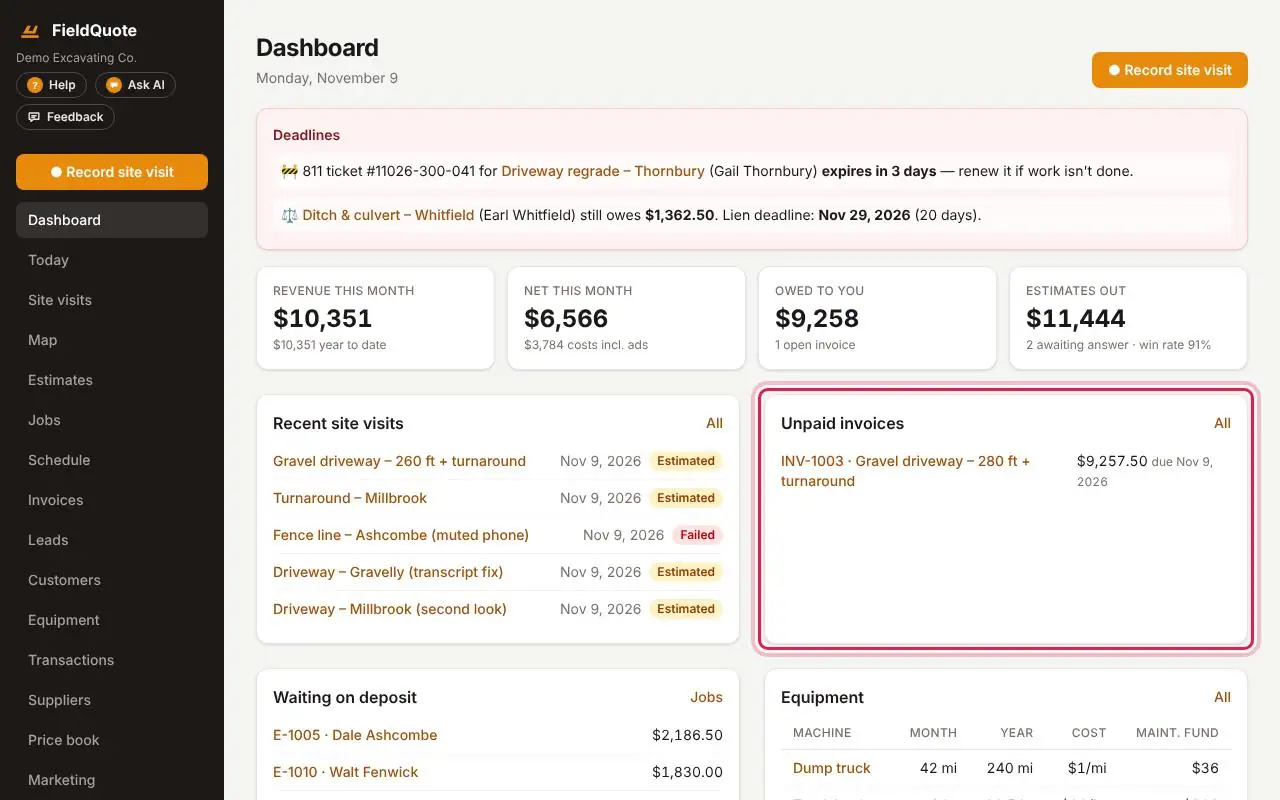
Unpaid invoices: invoices you've sent that aren't paid off, soonest due first, with what's left and the due date.
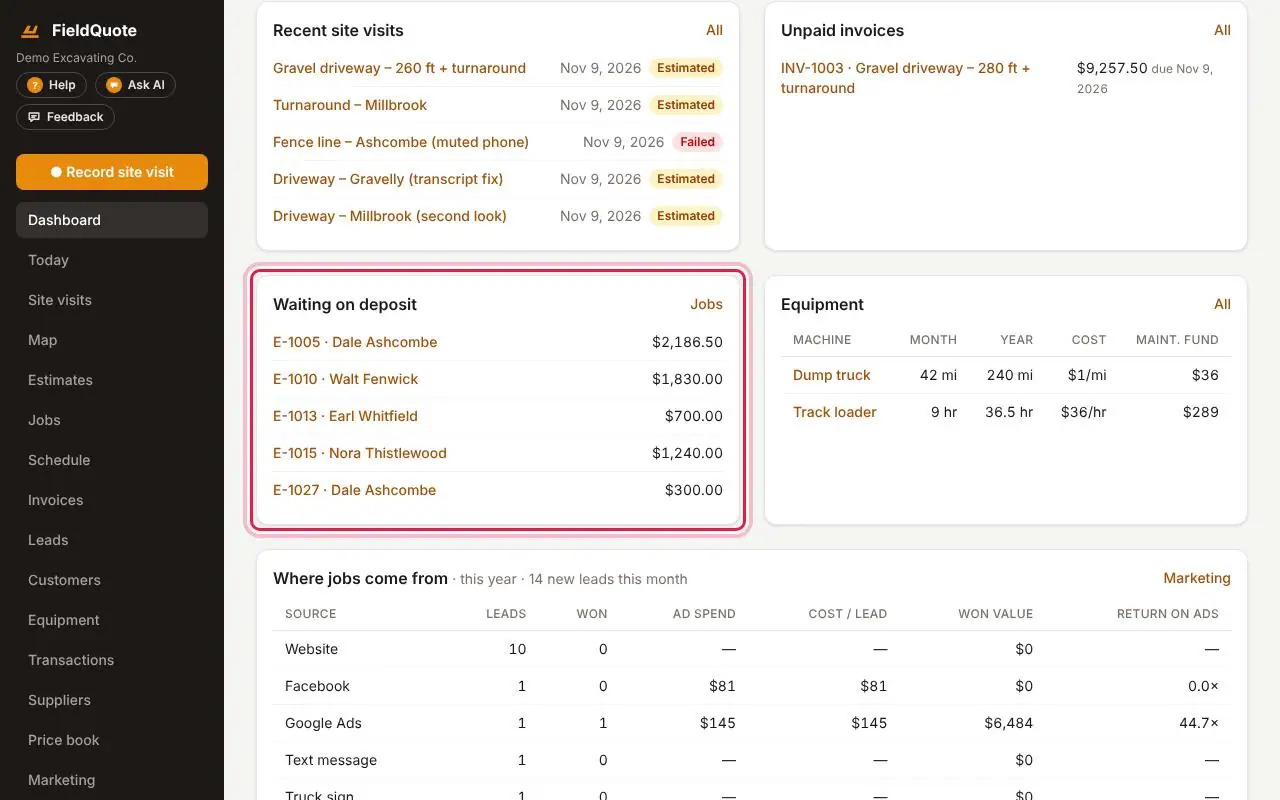
Waiting on deposit: accepted estimates whose deposit isn't fully in, with how much is missing. Tap one to record the deposit.
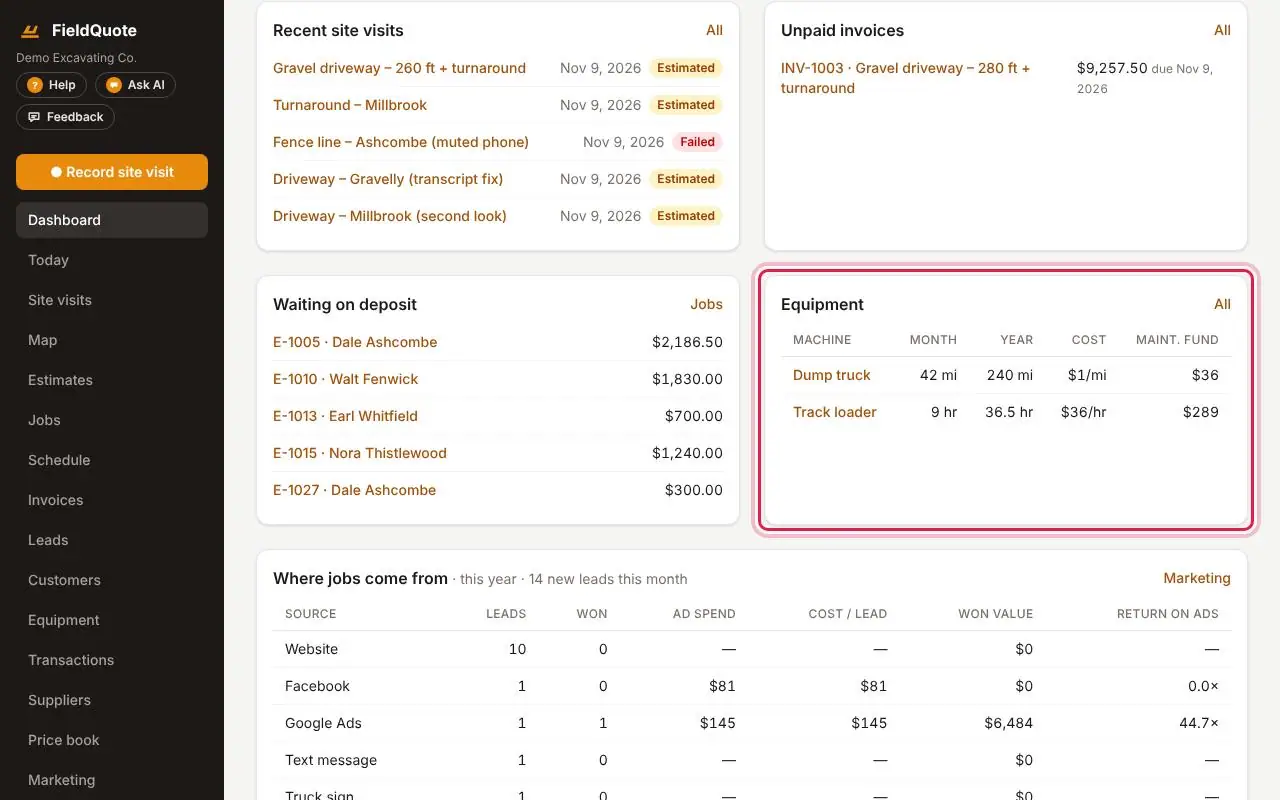
Equipment: each machine's hours (or miles) this month and this year, its cost per hour (or mile), and its maintenance fund. A fund below zero is red.
What you'll see
"Nothing outstanding.", "No accepted jobs are waiting on a deposit." and similar when a list is empty.
Common mistakes
A visit stuck on Waiting: it's holding for the map. Open it and draw the work, or skip the map.
A job under Waiting on deposit you were paid for in cash: record the deposit on the estimate so it leaves the list.
Limits
Six unpaid invoices are listed; All opens the rest.
Sold machines aren't listed.
Checked against the app on Nov 9, 2026. Pictures are from Demo Excavating Co., a made-up company.