Today screen & dashboard
Guide 2 of 8
What it's for
Know where the business stands without opening your books.
Where
Dashboard (the first item in the menu; FieldQuote opens on it).
Watch it
Steps
Tap Dashboard.
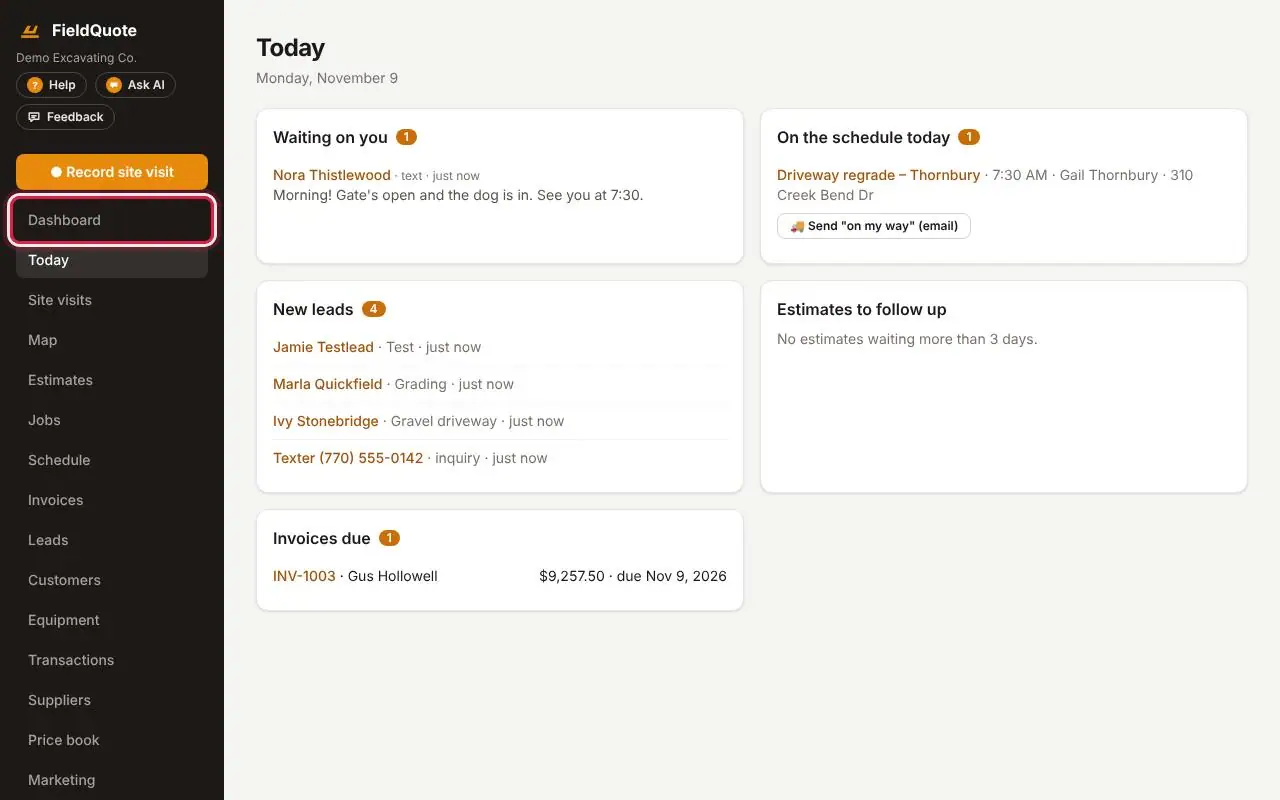
Revenue this month is money received this month (deposits too), with the year to date under it. Net this month is that revenue minus this month's expenses and ad spend; tap it to see the transactions.
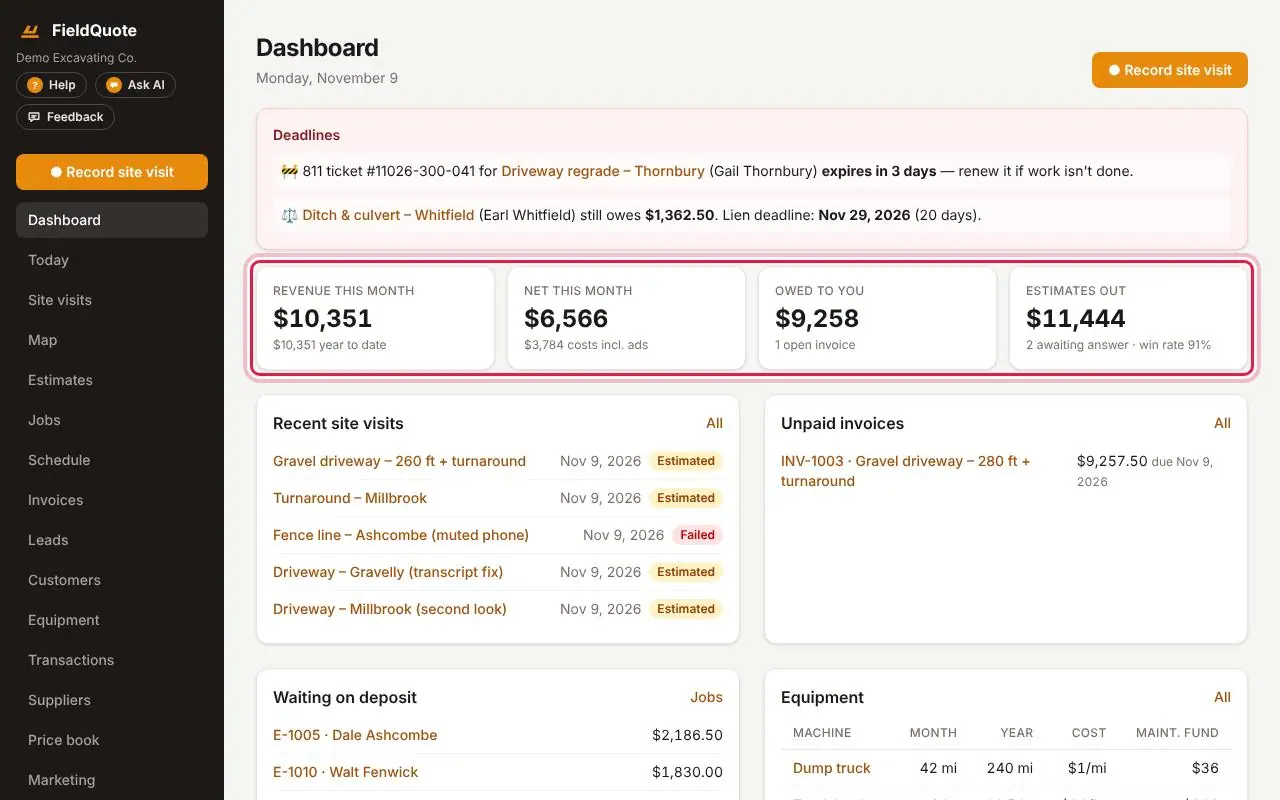
Owed to you is the unpaid balance on invoices you've sent (part-paid ones too), and how many there are. Tap it to open Invoices.
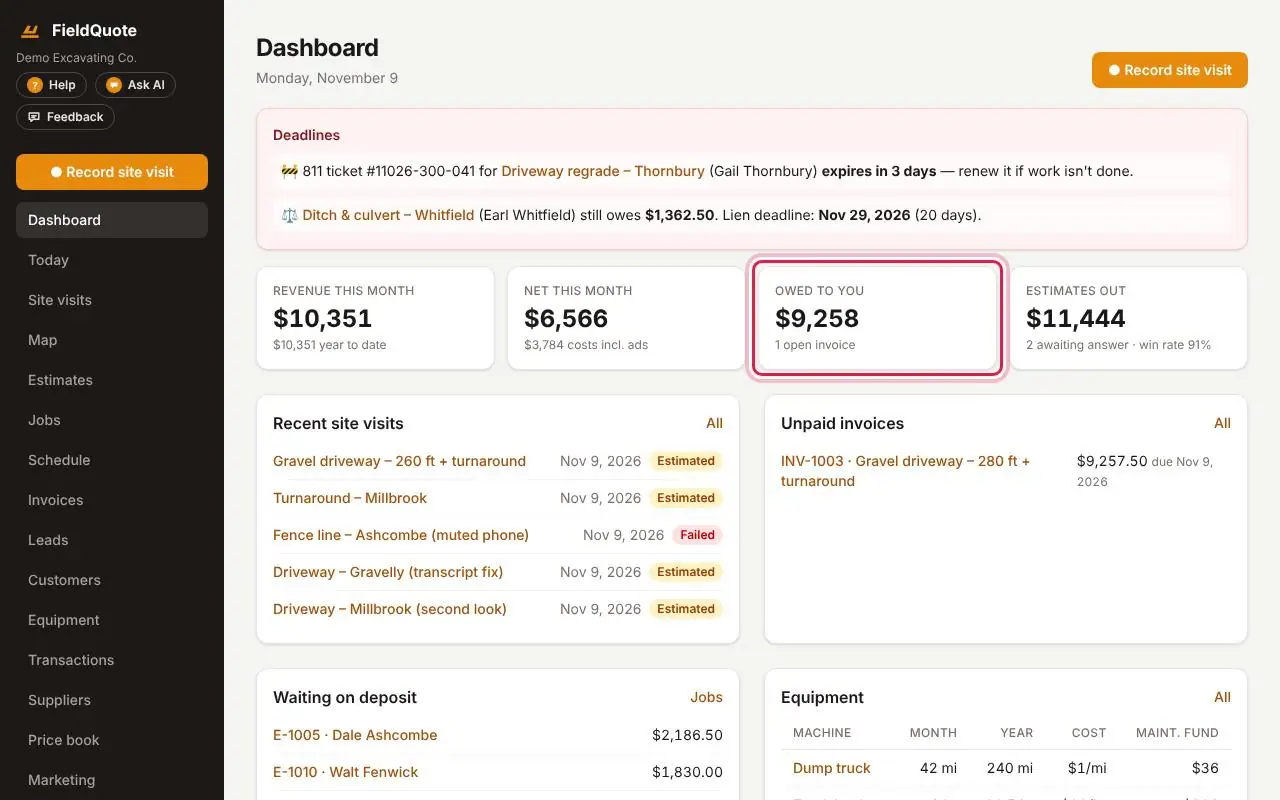
Estimates out is the total of estimates sent and waiting for an answer (not past their Valid until date), with your win rate. Tap it to open Estimates.
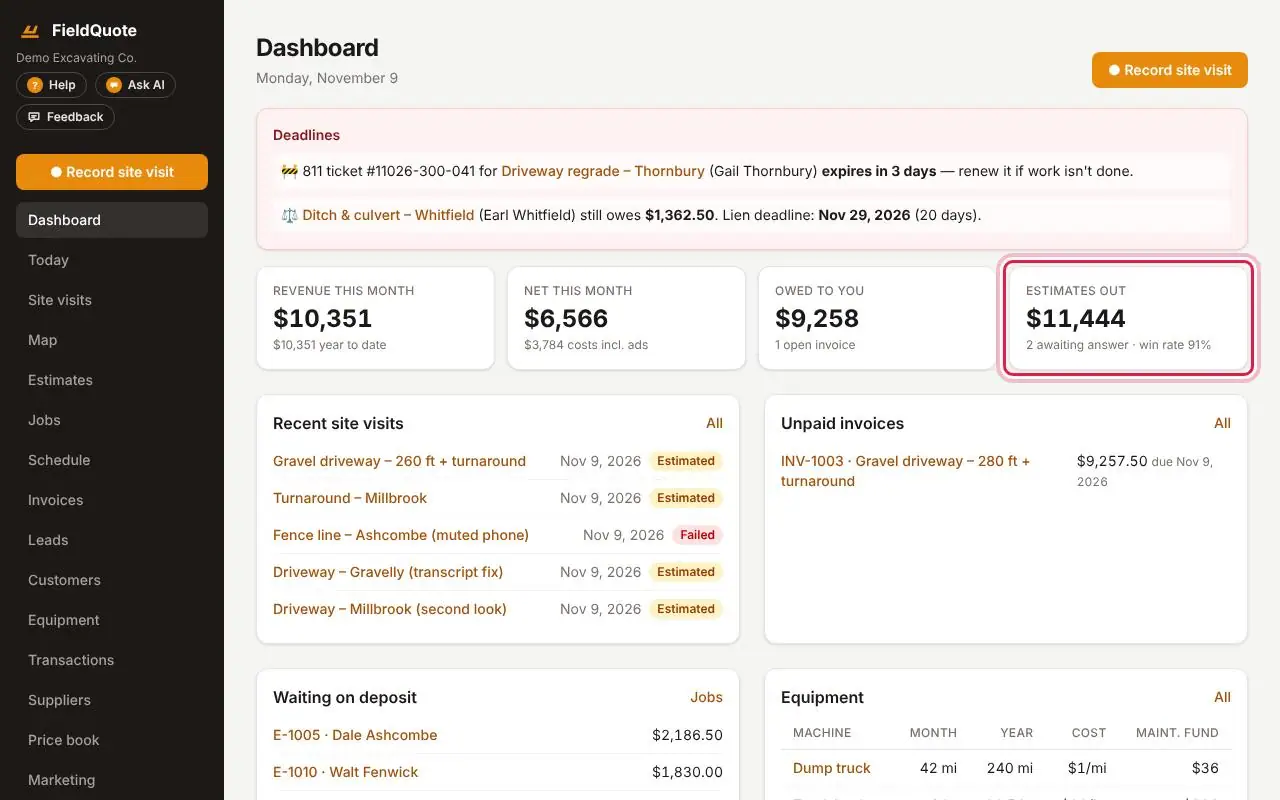
What you'll see
Amounts rounded to whole dollars.
Below the numbers: recent site visits, unpaid invoices, jobs waiting on a deposit, your equipment and where your jobs come from.
Common mistakes
Reading revenue as work invoiced. It's payments received, by the date you entered for each payment.
Expecting draft invoices in Owed to you. Only invoices you've sent count, including one a deposit made part-paid before you sent it; send them (or tap Mark as sent) and they count.
Limits
The win rate counts every estimate ever accepted against those accepted, declined or expired; a sent estimate counts as expired once its Valid until date passes. Drafts and sent estimates still open don't count either way.
Net doesn't include your own pay or machine depreciation; it's money in minus expenses and ads entered for the month.
Checked against the app on Nov 9, 2026. Pictures are from Demo Excavating Co., a made-up company.