Today screen & dashboard
Guide 5 of 8
What it's for
Spend your advertising money where the jobs actually come from.
Where
Dashboard › Where jobs come from (at the bottom).
Watch it
Steps
Each row is a source (Website, Google Ads, Referral / word of mouth…): Leads this year, how many were Won, Ad spend, Cost / lead, the Won value and the Return on ads (won value for every dollar spent). The title also says how many new leads came in this month.
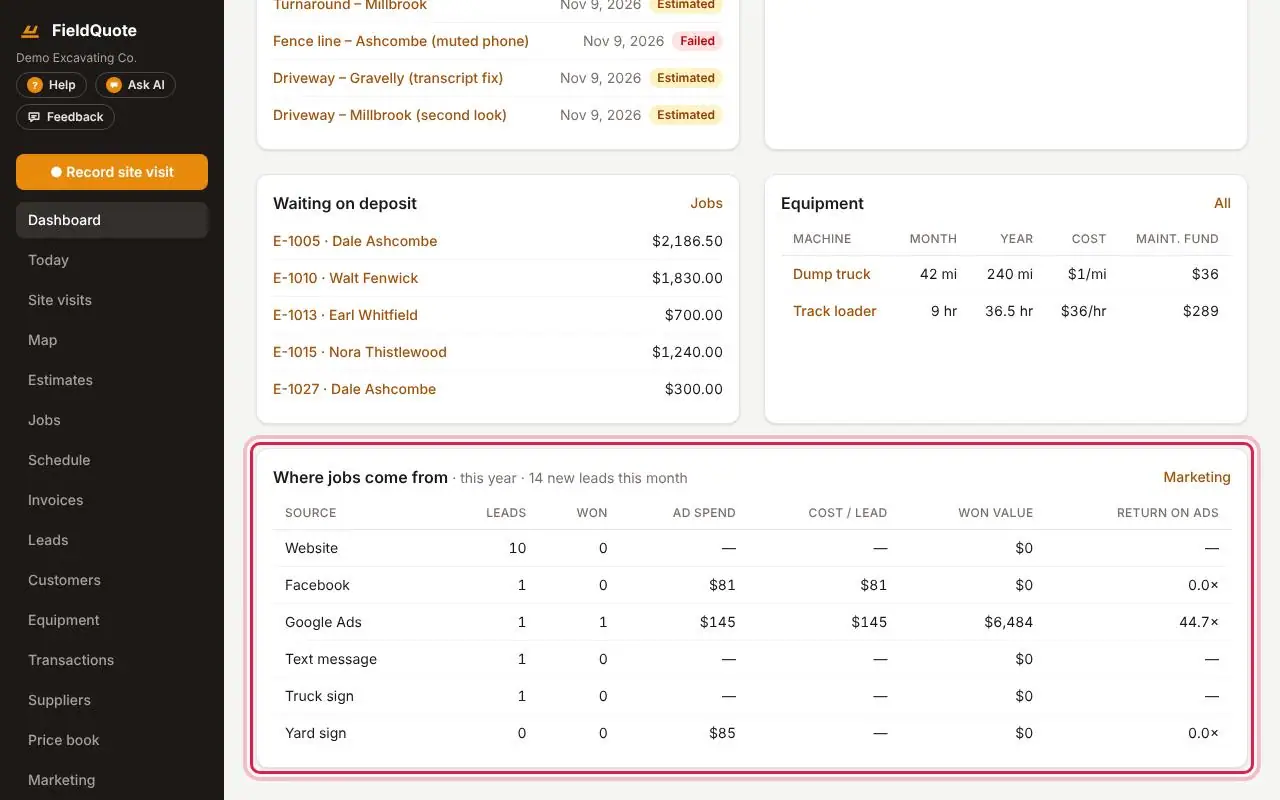
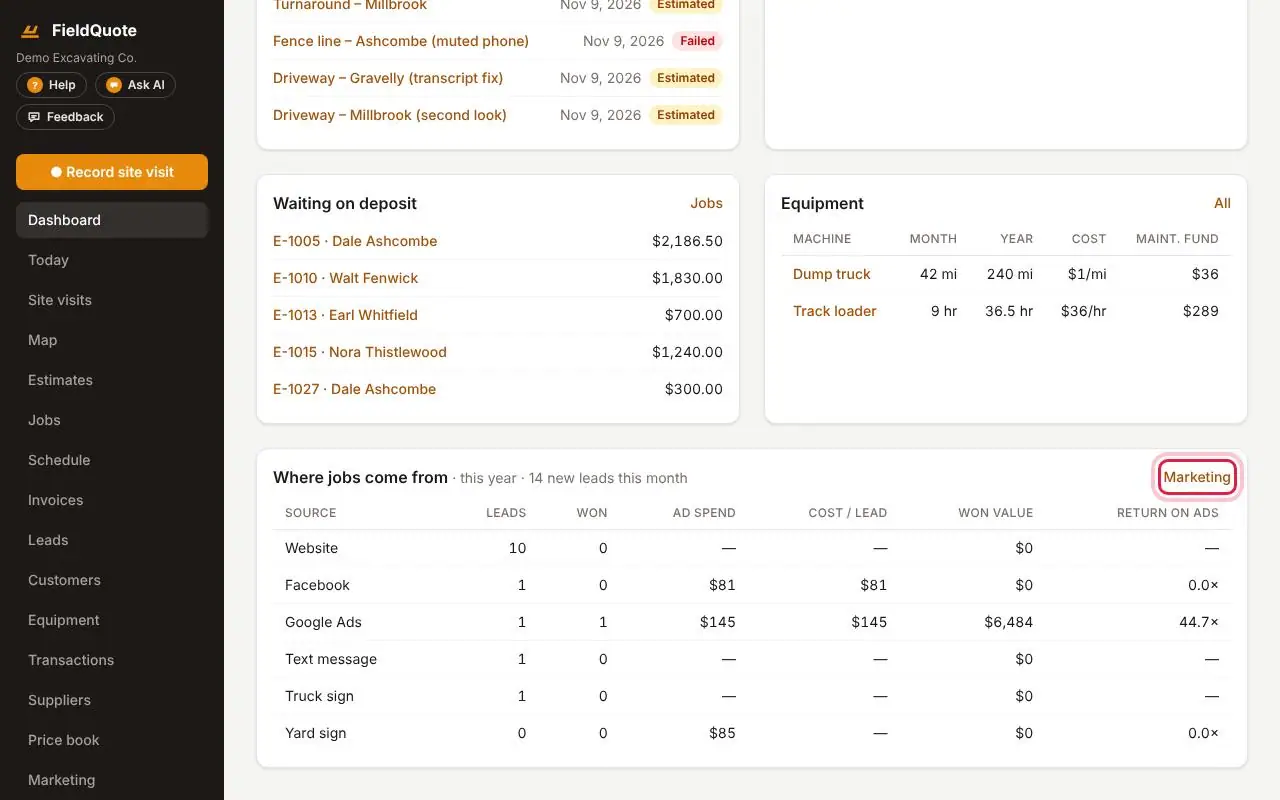
Tap Marketing to add campaigns and ad spend, so the cost and return columns fill in.
What you'll see
"Unknown" for leads without a source.
A dash where there's no ad spend to divide by.
Common mistakes
Expecting customers you added by hand to count. Only leads count; add the call as a lead with its source on Leads.
Ad spend that isn't in a campaign. Spend counts toward a source through its campaign on Marketing.
Limits
This calendar year only.
A lead counts as won when an estimate for it is accepted (or you set it to won); its won value is that estimate's total.
Checked against the app on Nov 9, 2026. Pictures are from Demo Excavating Co., a made-up company.