Customers, texting & email, automatic follow-ups
Guide 1 of 20
What it's for
Keep everyone you work for in one place: how to reach them, where the work is, and where they found you. Most customers are added for you (a website request, a site visit with a new name, a text to your business number), but you can add one by hand any time, for example after a phone call.
Where
Customers, the Add customer box on the right.
Watch it
Steps
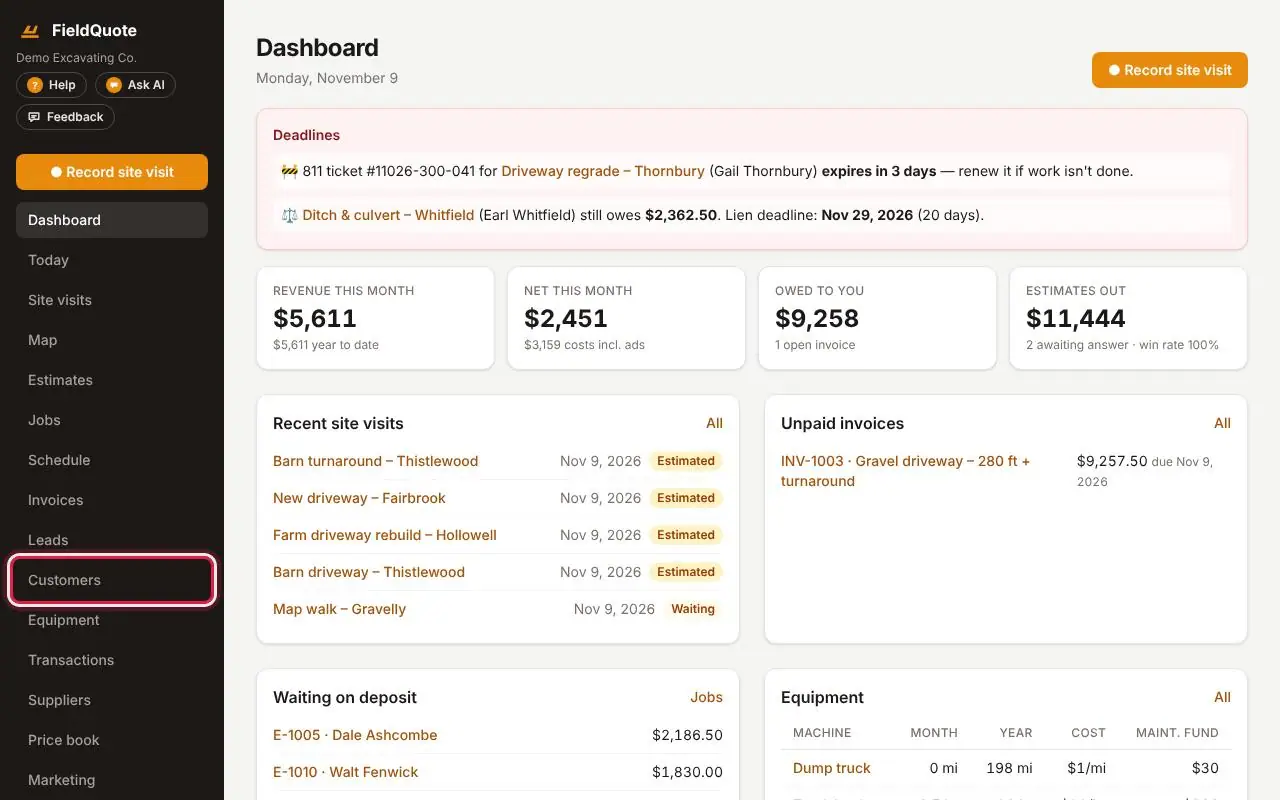
Tap Customers in the menu.
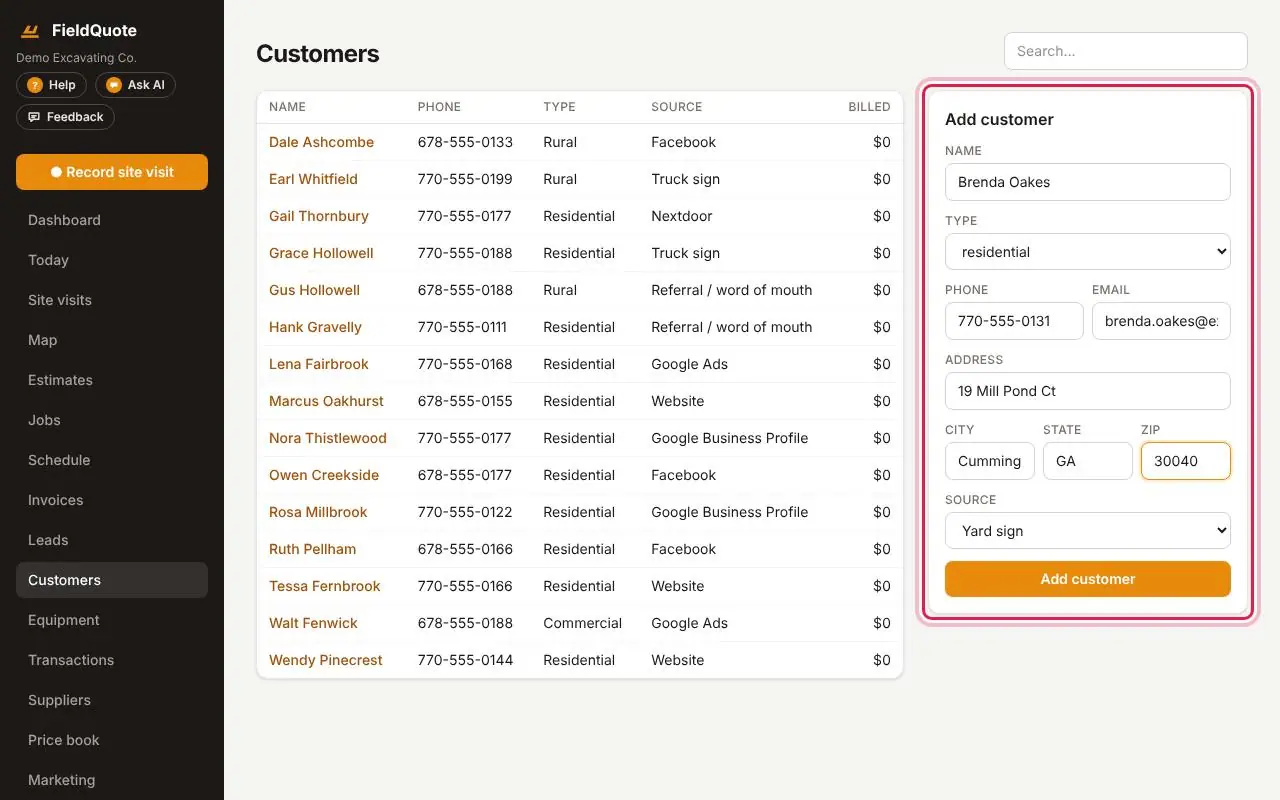
Fill in Add customer: Name, Type (residential, rural, commercial or government), Phone, Email, Address, City, State, Zip, and Source (where they heard of you). Only the name is required.
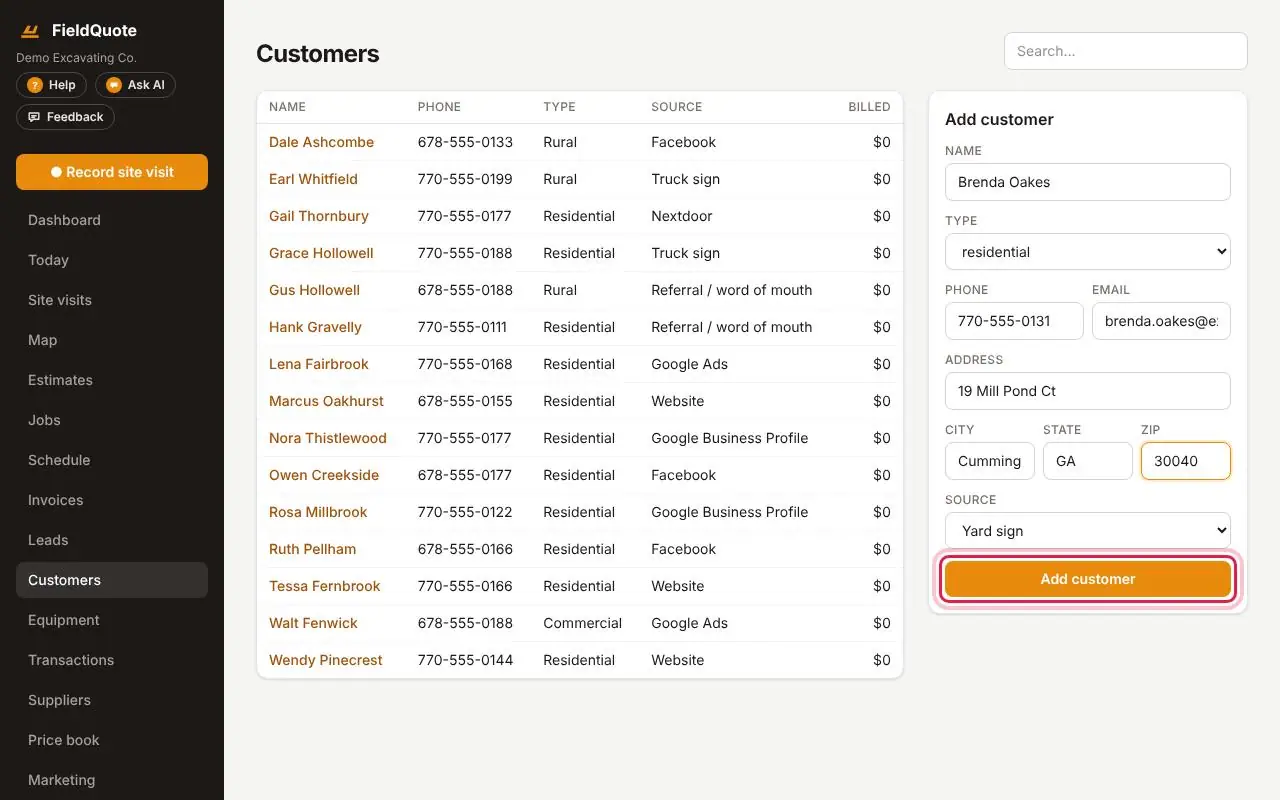
Tap Add customer.
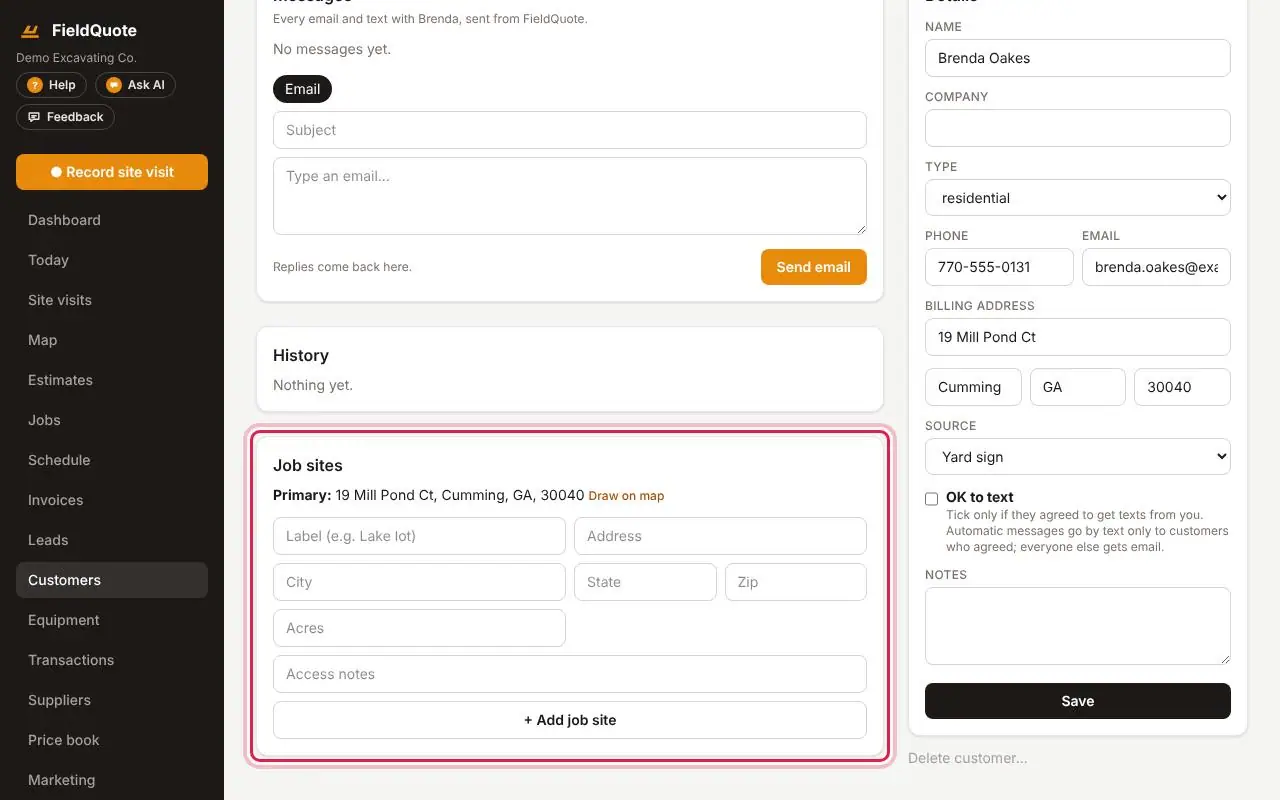
Their page opens. The address you typed is already listed under Job sites as Primary, ready for a site visit or a map drawing.
What you'll see
The customer's page with their Messages, History, Job sites and Details.
The customer in the list on Customers, with their phone, type, source and what you've billed them.
Common mistakes
Adding someone who is already there. Search the list first with the Search… box (it looks at names, phones, emails and addresses). A website request or a text from a phone number you already have goes to the existing customer, but a customer you add by hand is always new.
Leaving out the phone or email. Without either you can't message them from FieldQuote.
Typing a phone number without the area code. Texting needs a full 10-digit US number.
Limits
No address means no job site is made. Add one later under Job sites.
Source feeds "Where jobs come from" on the Dashboard only through leads. A customer added here isn't a lead; add a lead on Leads if you want the call counted.
The Add customer form has no company or notes fields. Add those afterwards under Details.
Checked against the app on Nov 9, 2026. Pictures are from Demo Excavating Co., a made-up company.