Customers, texting & email, automatic follow-ups
Guide 2 of 20
What it's for
Keep phone numbers and emails right so messages reach the customer, and keep notes like gate codes where the whole crew can see them.
Where
Customers › the customer › the Details box on the right.
Watch it
Steps
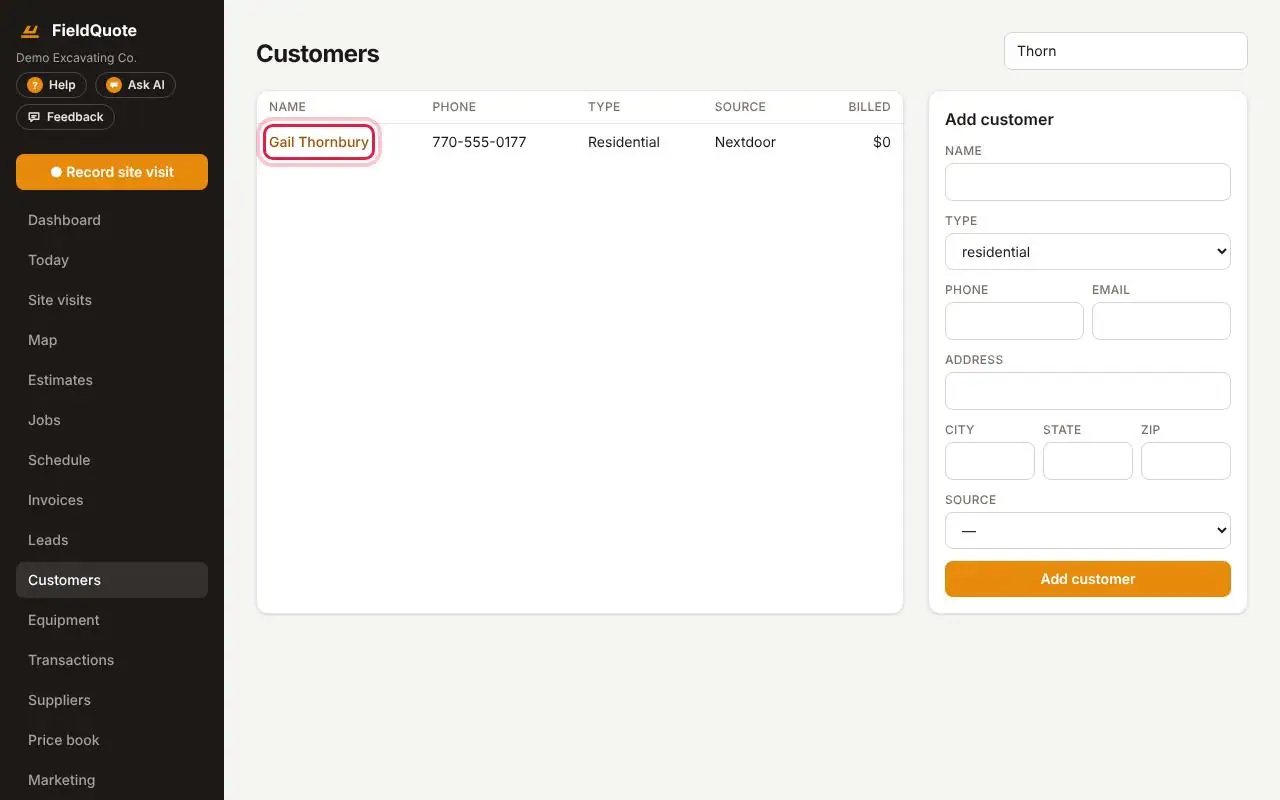
On Customers, type part of a name, phone, email or address in Search… and press Enter. Tap the customer's name.
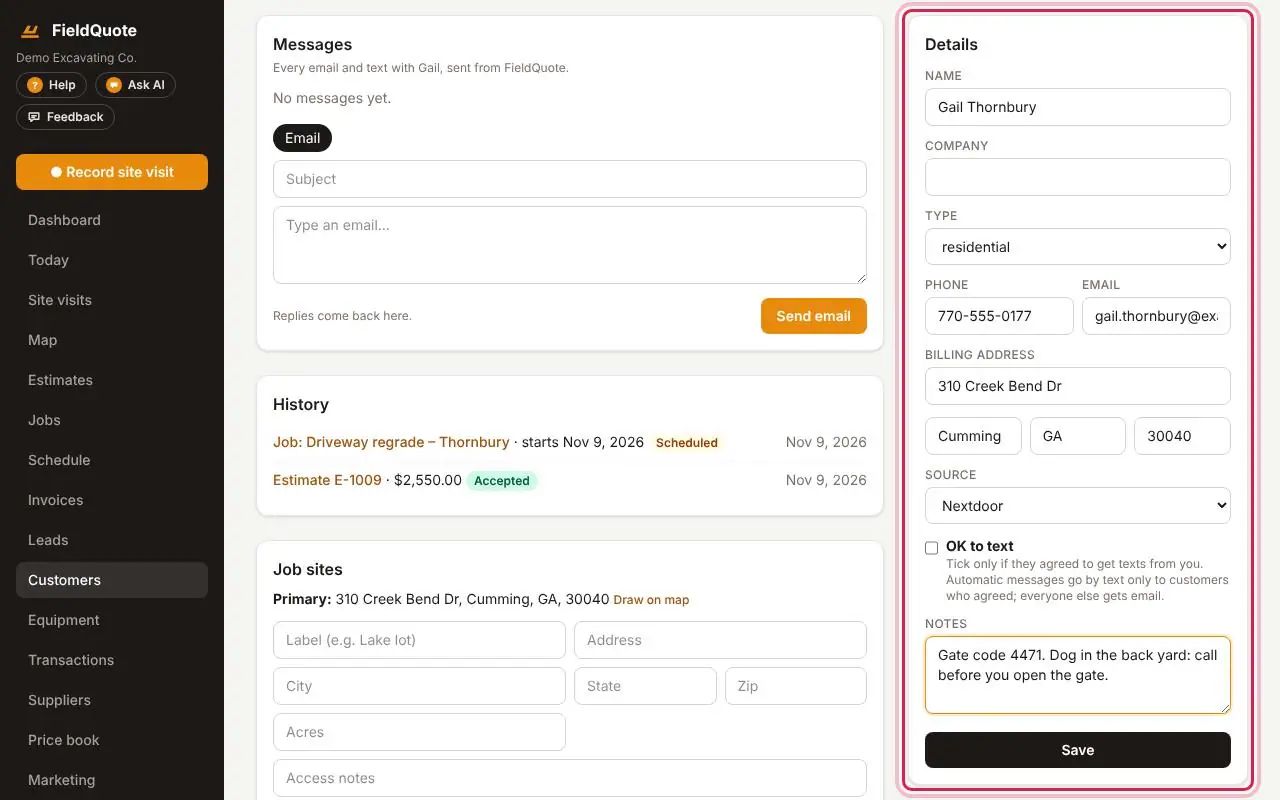
In Details, change what you need: Name, Company, Type, Phone, Email, Billing address (with city, state and zip), Source, OK to text (tick it only if they agreed to get texts from you) or Notes.
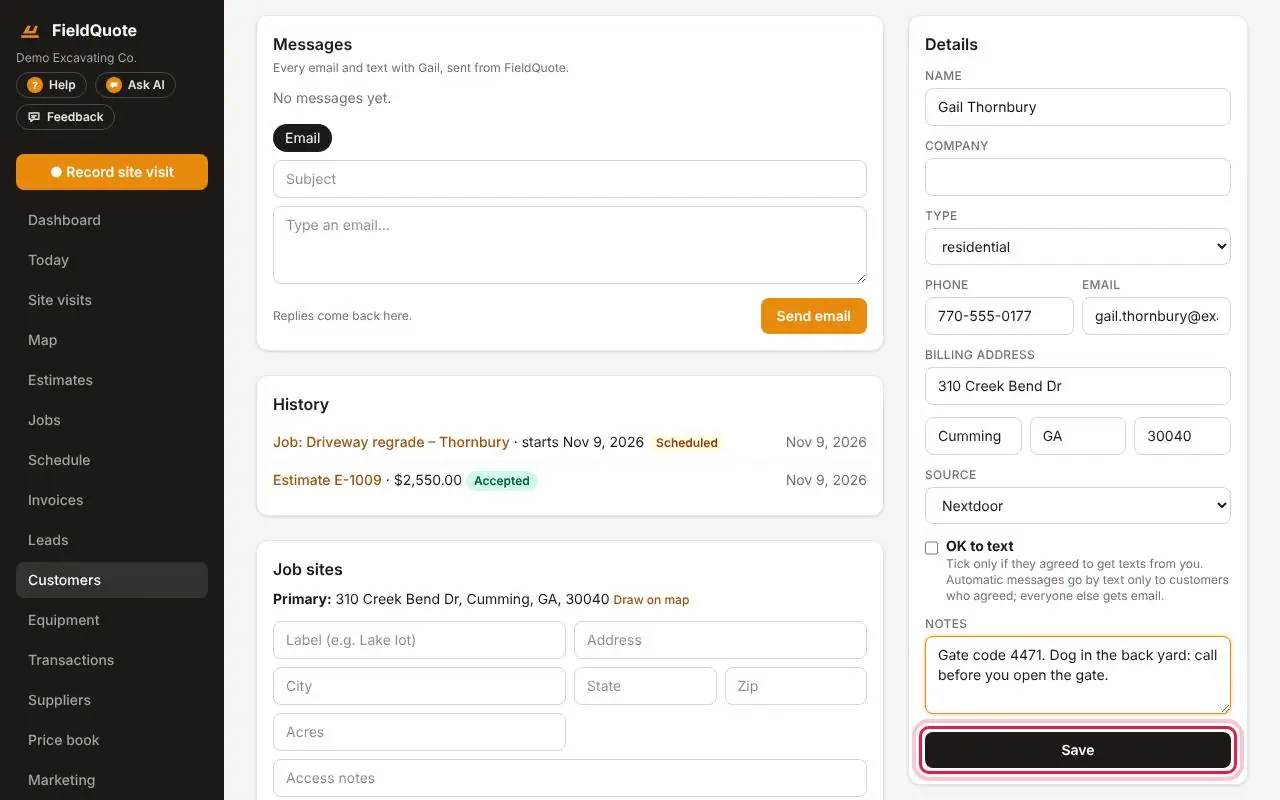
Tap Save.
What you'll see
Your changes are saved; the name and type under the customer's name update. There is no "saved" message.
The boxes keep what you saved, so you can change something else and tap Save again.
A new email or phone number is used for the next message you send.
Common mistakes
Ticking OK to text for someone who hasn't agreed. Automatic messages (reminders, follow-ups, "on my way") then go to them by text.
Changing the billing address and expecting the job site to move. Billing address is where you send the bill. Job sites are listed separately under Job sites.
Deleting a customer to start over. Delete customer… only shows when the customer has no invoices, and it also deletes their job sites. Their estimates and visits stay, without a customer.
Limits
Notes are only for you and your team. Customers never see them.
Changing the name here doesn't rename old leads; the lead keeps the name it came in with.
Checked against the app on Nov 9, 2026. Pictures are from Demo Excavating Co., a made-up company.