Today screen & dashboard
Guide 1 of 8
What it's for
One look before you leave the yard: who to call back, where you're going, and what money is waiting.
Where
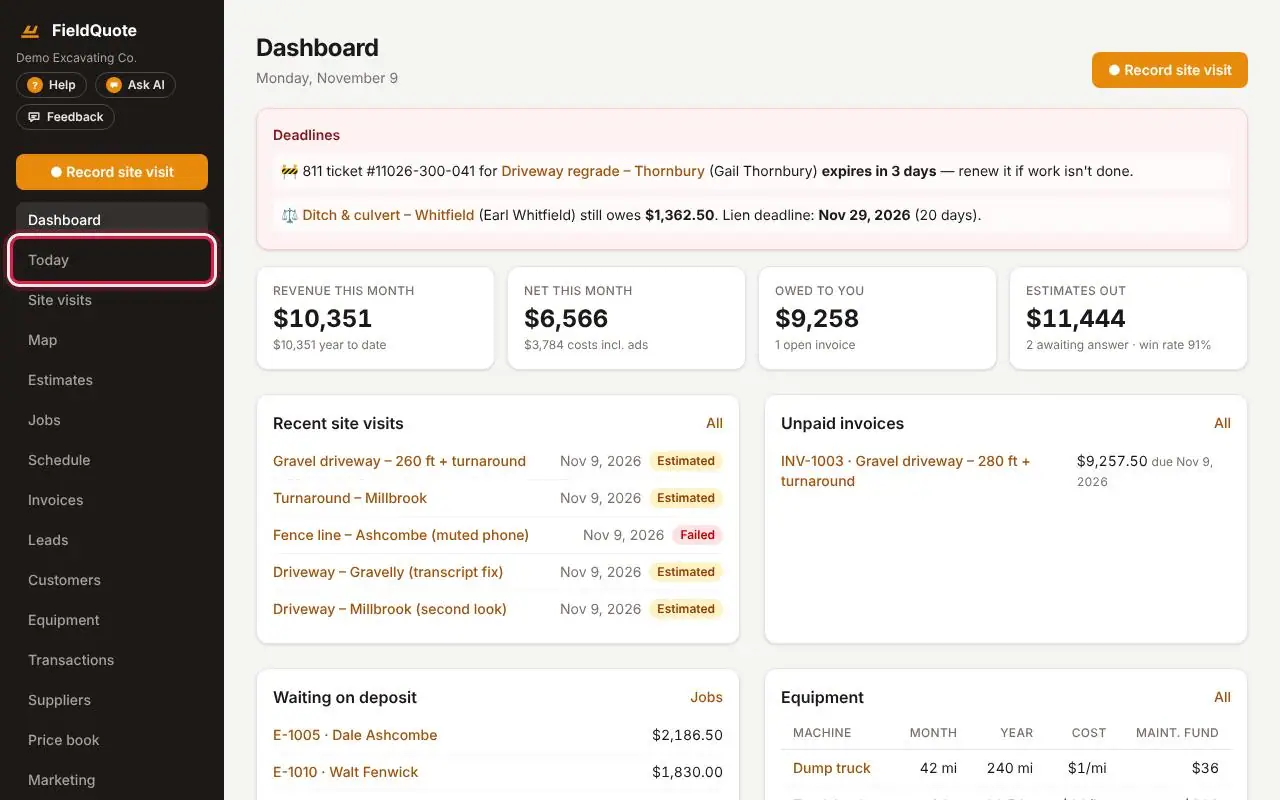
Today in the menu.
Watch it
Steps
Tap Today.
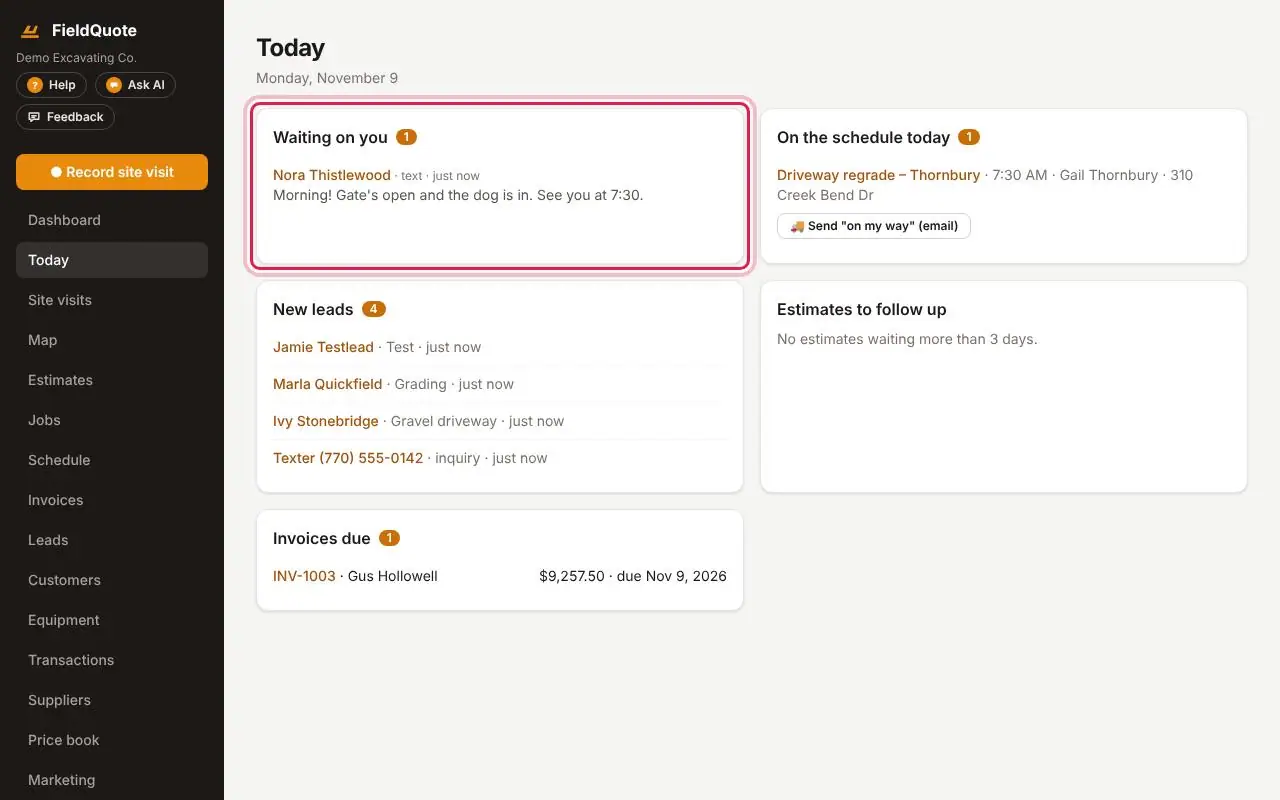
Waiting on you: customers whose texts or emails you haven't opened yet, one line each with their latest message. Tap a name to read and answer it.
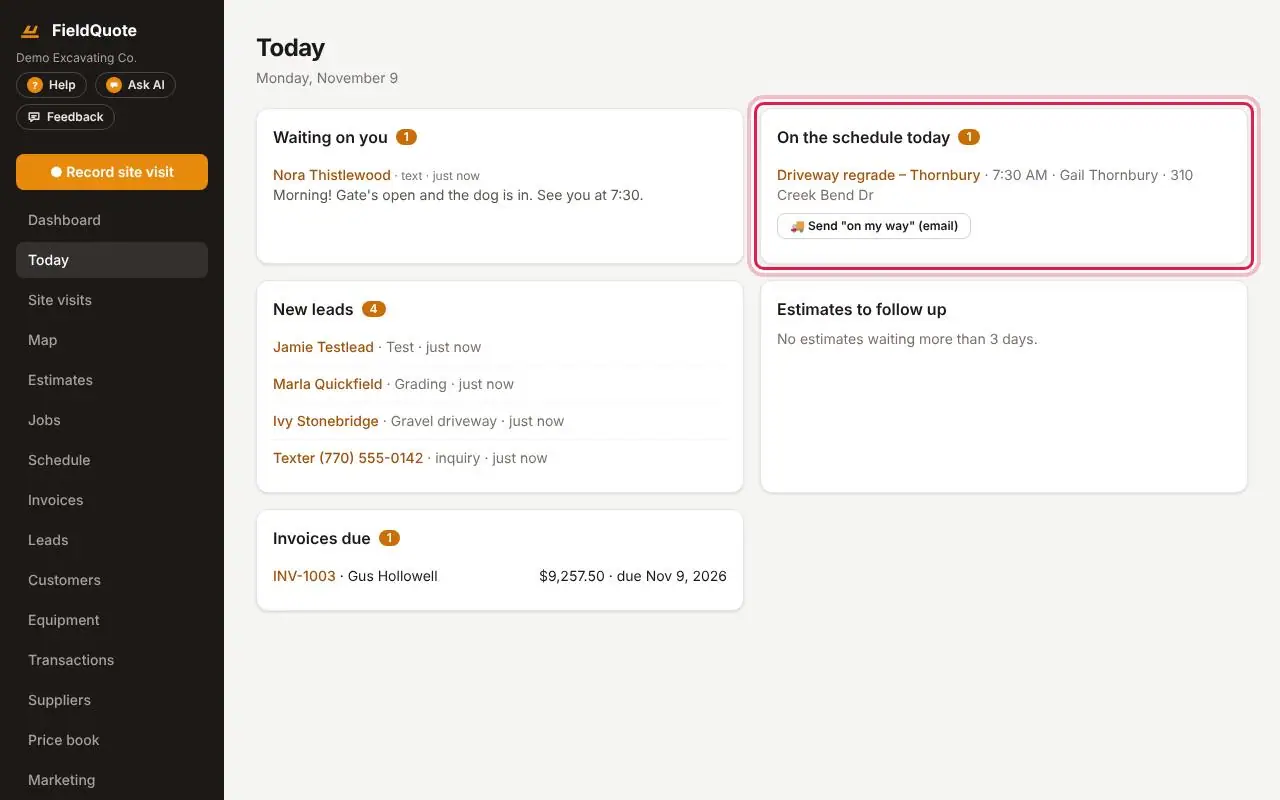
On the schedule today: every open job running today, with the start time, customer and address.
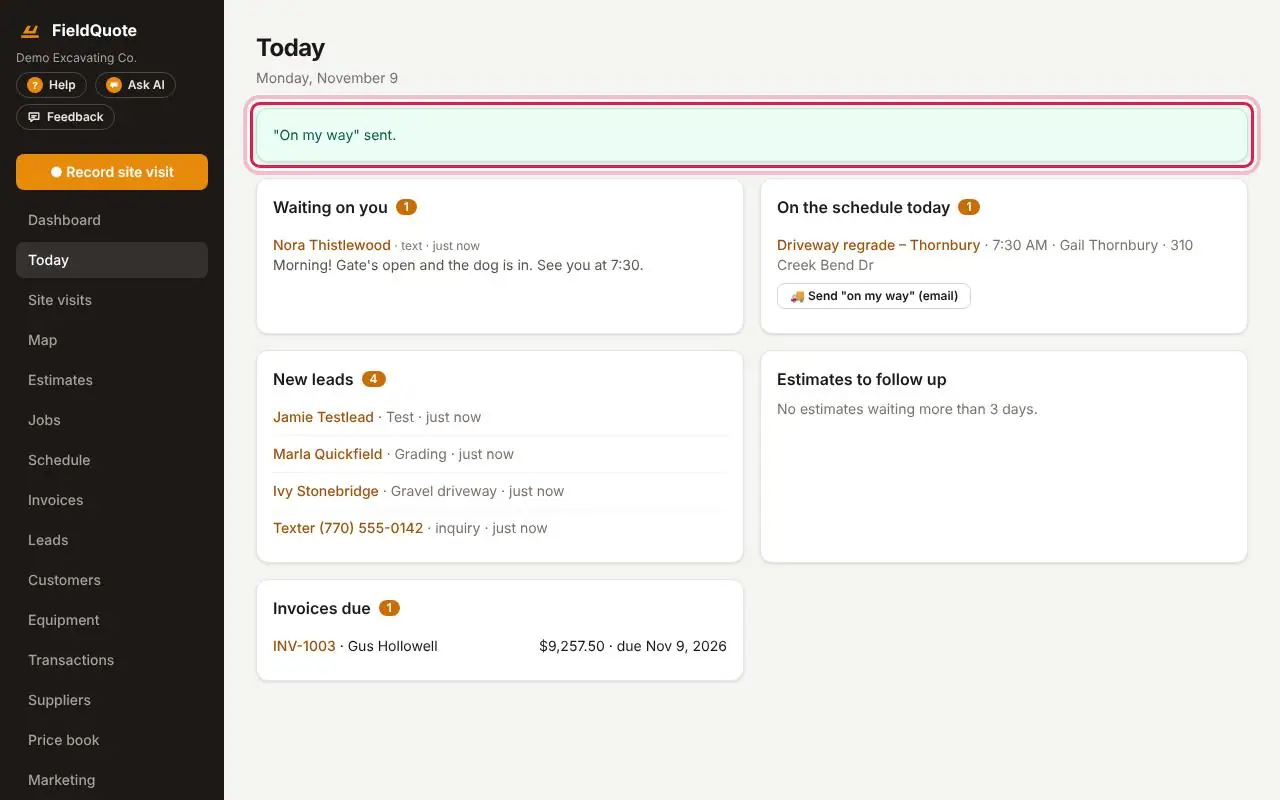
Tap Send "on my way" on a job when you head out. You'll see "On my way" sent. It goes by text when texting is connected and the customer agreed to get texts, otherwise by email (the button then says "(email)").
New leads: leads marked new, newest first. Tap a name to open their messages.
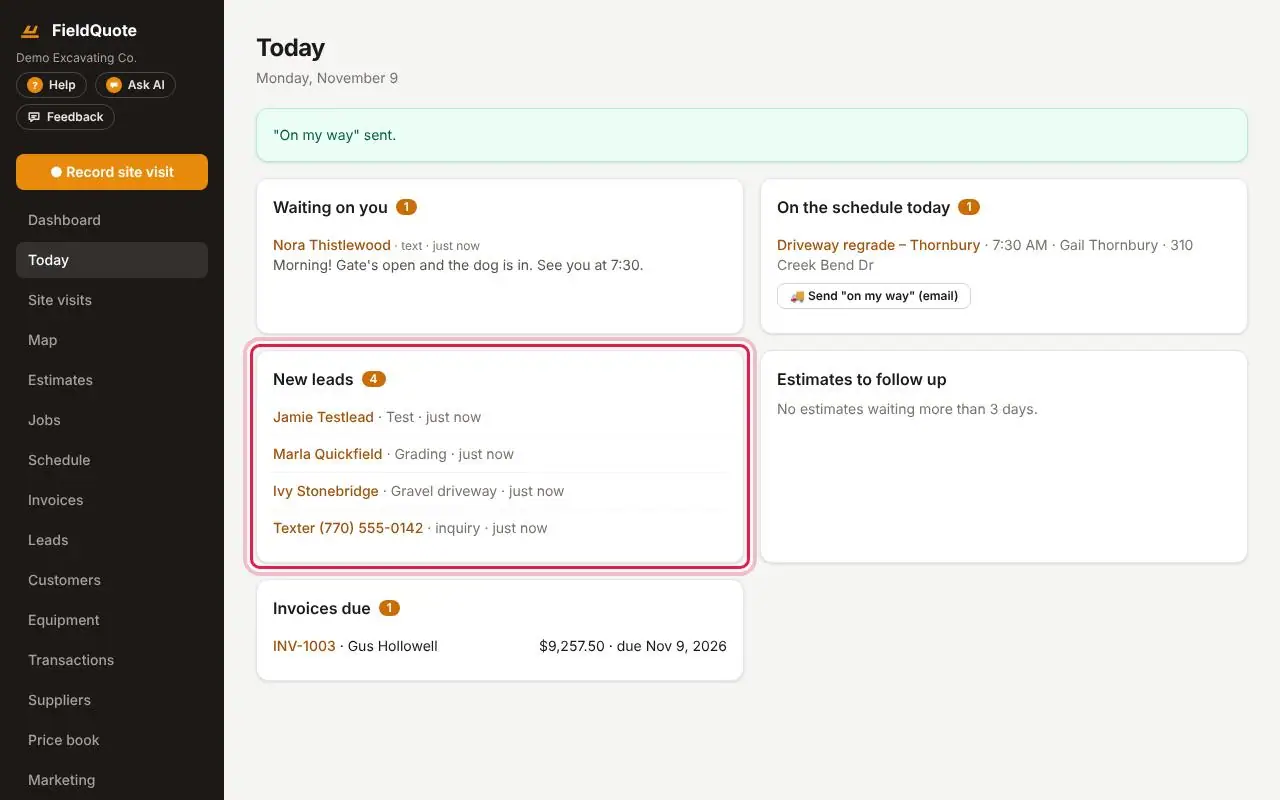
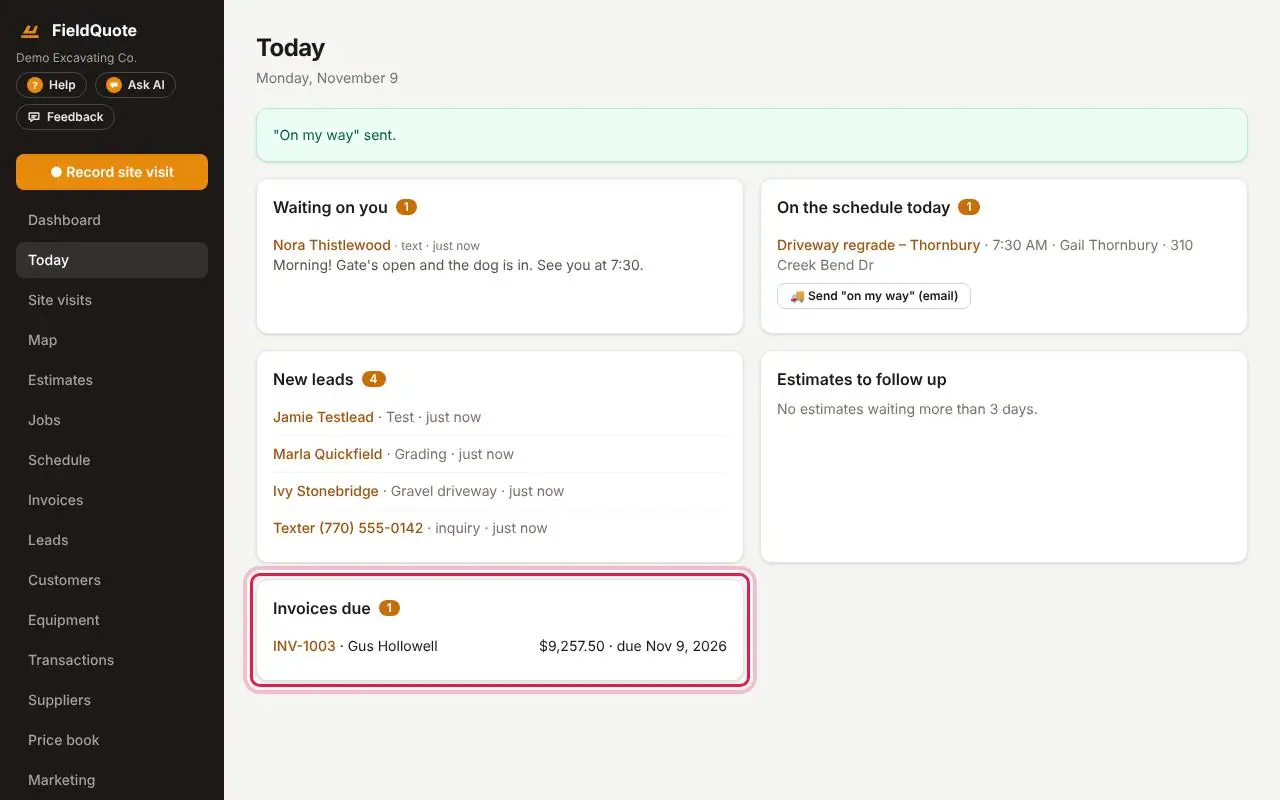
Estimates to follow up (sent more than three days ago and still waiting) and Invoices due (invoices you've sent that still have a balance, due today or earlier).
What you'll see
Today's date at the top, and "today" for jobs, visits and invoices due, in your company's time zone (Settings › Open message settings › Time zone), wherever you or the server are.
A number next to each heading when there's something in it, and a short note when there isn't.
Opening a customer's messages clears them from Waiting on you.
Common mistakes
Looking for website price-map requests under New leads. They arrive already estimated (with a draft estimate), so they're on Leads and in the Dashboard counts, not here.
Expecting finished jobs under On the schedule today. Only scheduled and in-progress jobs show.
Limits
Up to 10 new leads are shown.
Email replies only reach Waiting on you when reply-tracking is on.
Checked against the app on Nov 9, 2026. Pictures are from Demo Excavating Co., a made-up company.