Jobs, scheduling, weather, 811 tickets & lien deadlines
Guide 8 of 14
What it's for
Customers like to know when the trucks are coming. One tap from the yard, and the gate's open when you get there.
Where
The job's page (On my way), the Schedule (today's jobs), and Today.
Watch it
Steps
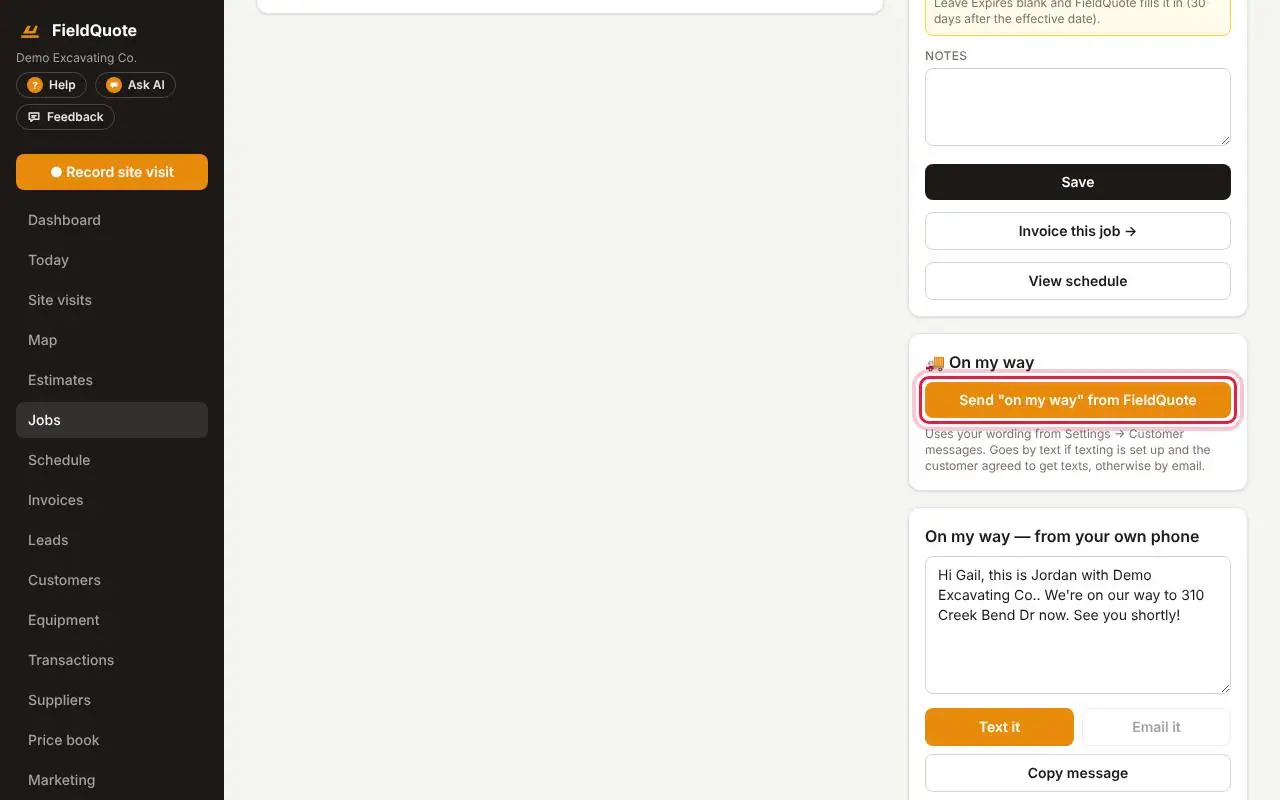
On the job, under On my way, tap Send "on my way" from FieldQuote.
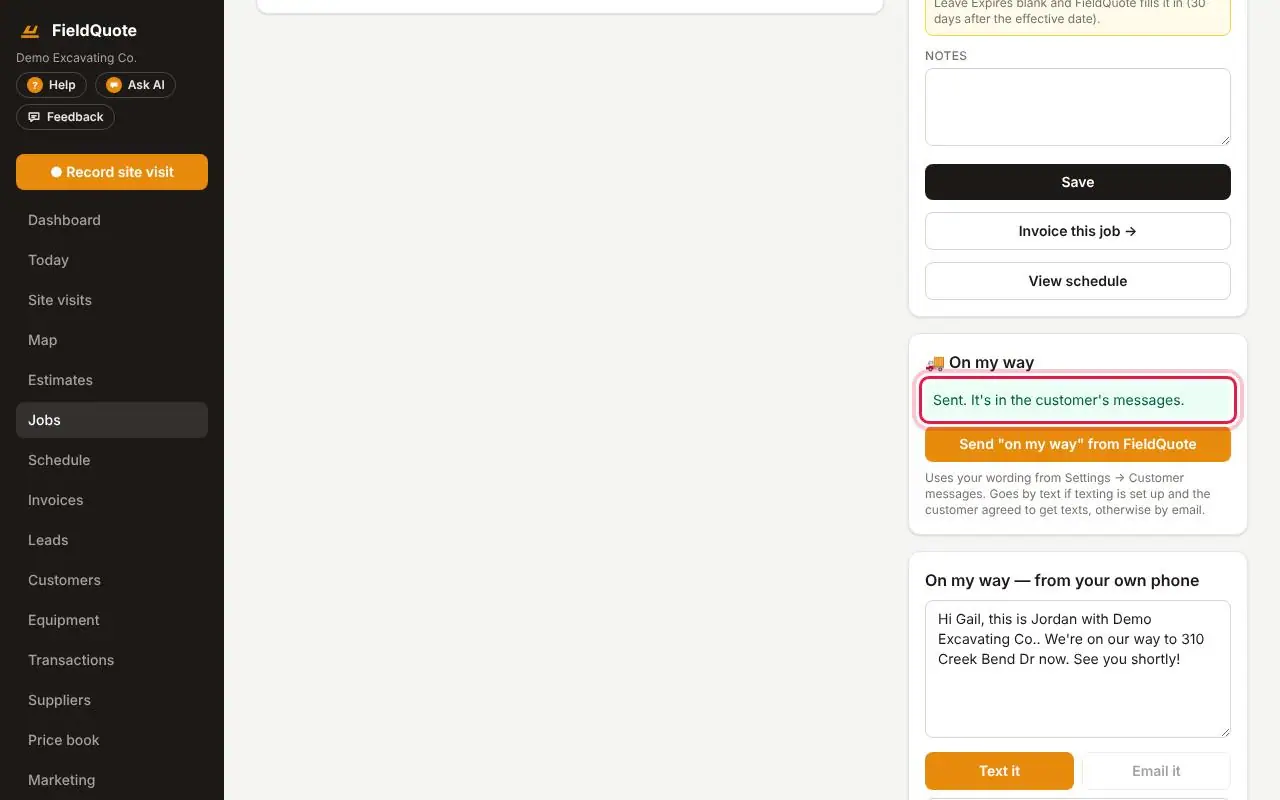
You'll see "Sent. It's in the customer's messages."
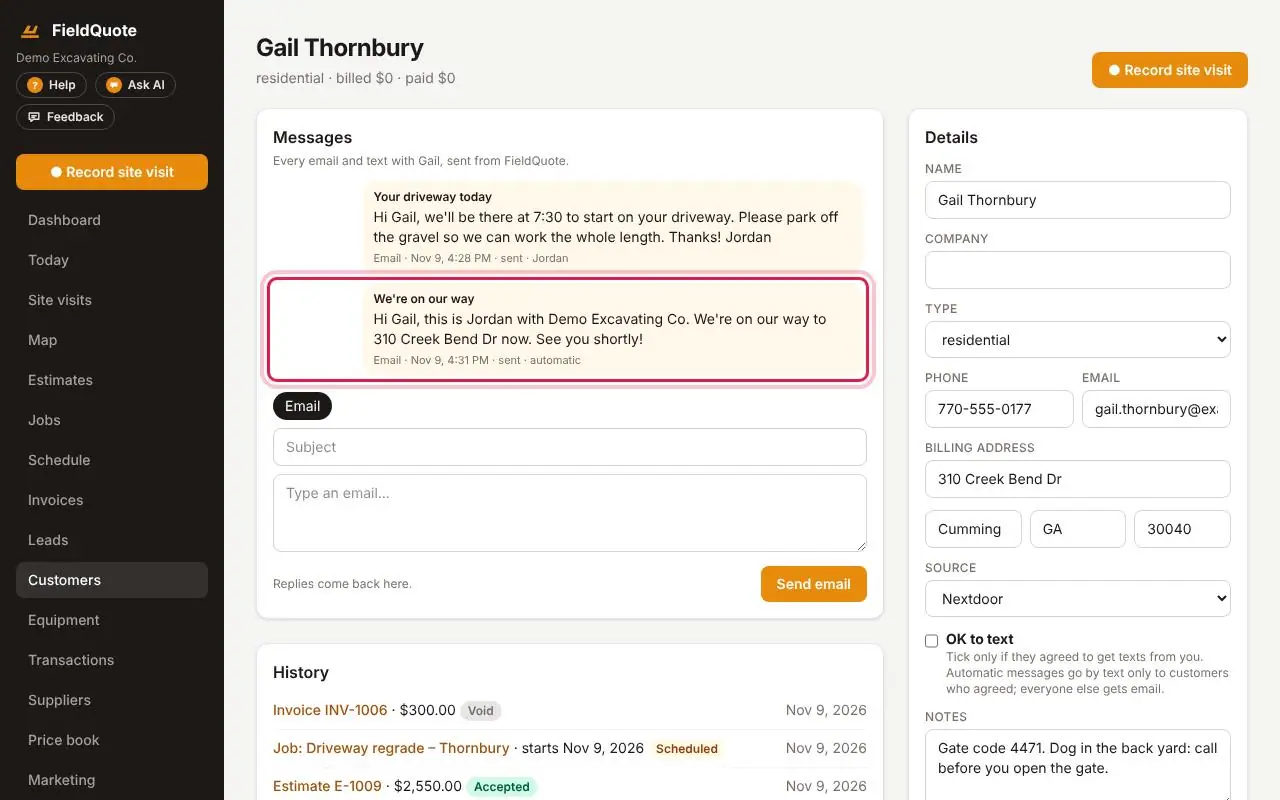
The message is in the customer's Messages: your wording from Settings › Open message settings › On my way, with your first name and the job's address.
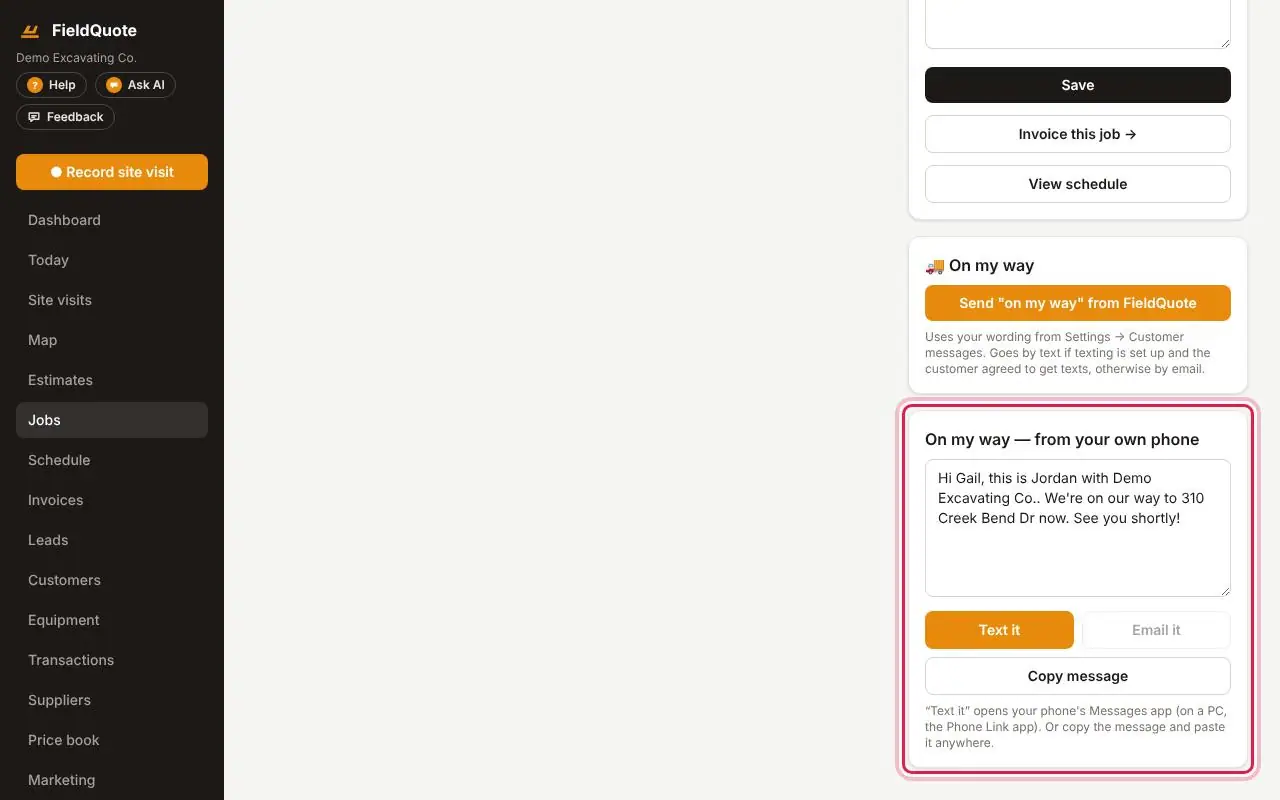
To send it from your own phone instead, use On my way — from your own phone: Text it opens your messages with it written.
On the Schedule, each of today's jobs has a Text “on the way” link that does the same from your phone. On the Today screen, each of today's jobs has a Send "on my way" button.
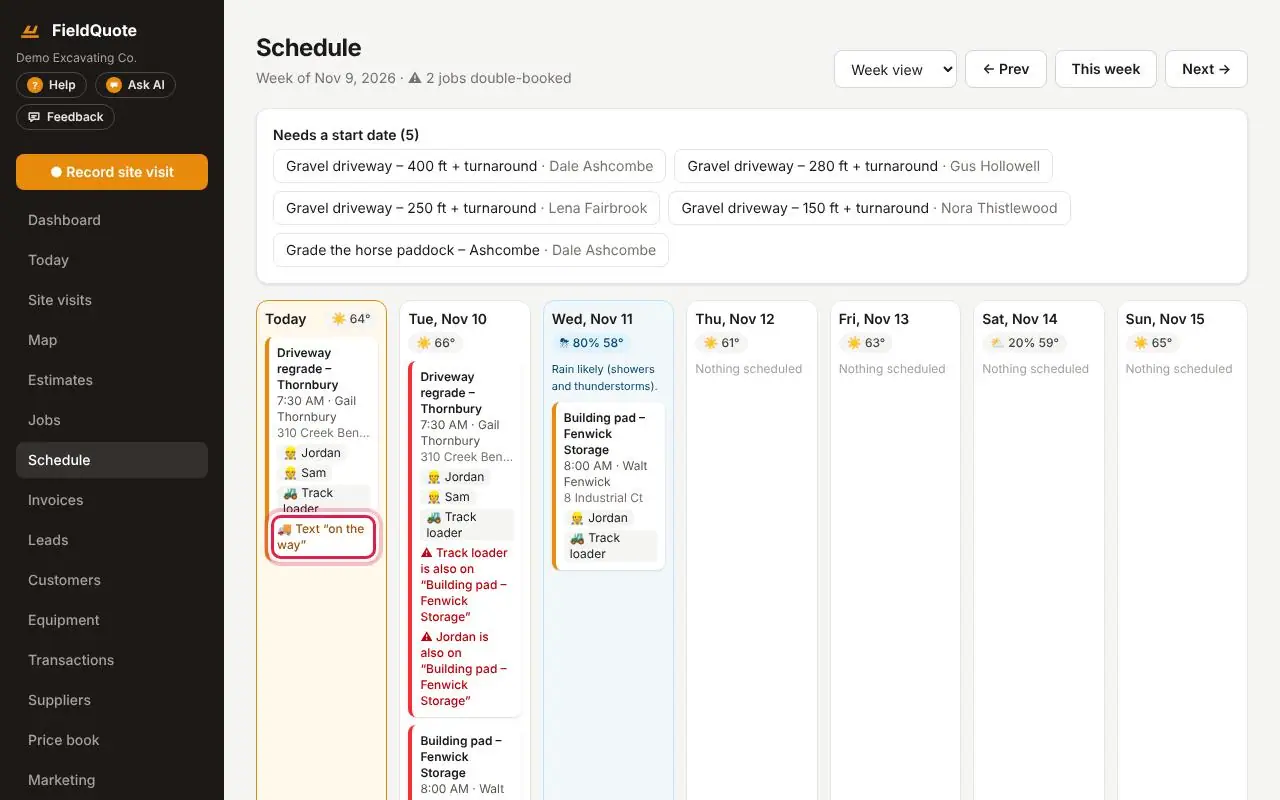
What you'll see
It goes by text when texting is connected and the customer agreed to get texts (see Ask permission to text on your website form); otherwise by email (the Today button then says "(email)").
On the Today screen you'll see "On my way" sent.
Common mistakes
Expecting it to wait for quiet hours. It goes right away, any time, because you tapped it.
A customer FieldQuote can't text and who has no email: you'll see why, for example "They haven't agreed to get texts and there's no email on file." Add their email, or tick OK to text in their Details if they agreed.
Limits
Only on jobs that have a customer and aren't finished or canceled.
The own-phone version uses FieldQuote's standard wording, not your saved wording.
You can send it as many times as you like; each tap sends one.
Checked against the app on Nov 9, 2026. Pictures are from Demo Excavating Co., a made-up company.