Customers, texting & email, automatic follow-ups
Guide 11 of 20
What it's for
No texting account needed: send the estimate or invoice from the number your customers already know. FieldQuote writes the message and puts the link in it.
Where
On an estimate or invoice (and "On my way" on a job): the box Send from your own phone.
Watch it
Steps
Open the estimate or invoice and scroll to Send from your own phone.
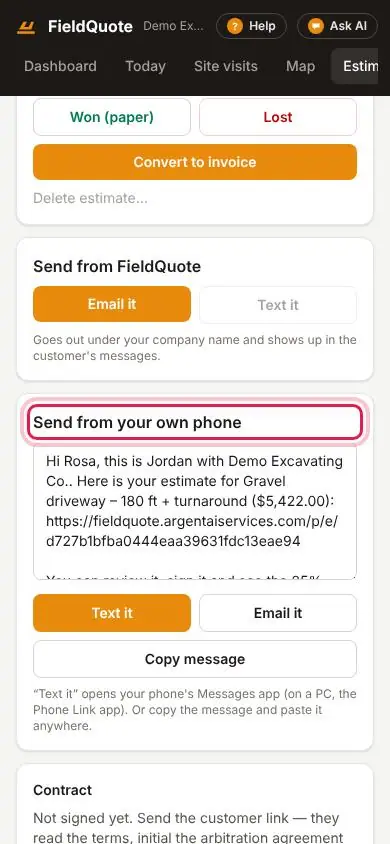
Read the ready-written message. It has the customer's first name, your company, the total and the link. Change any words you like.
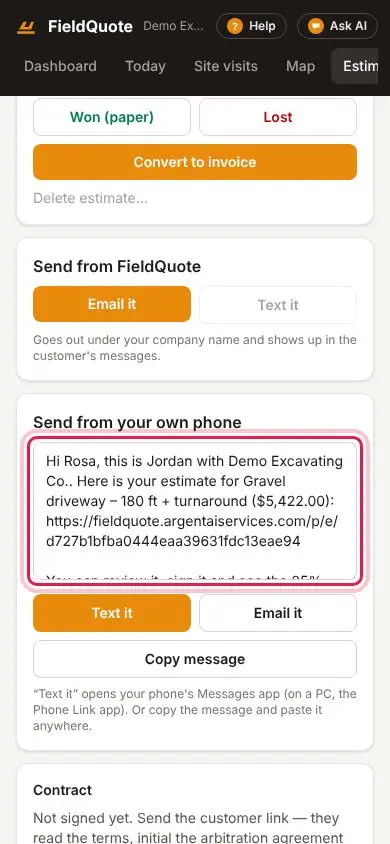
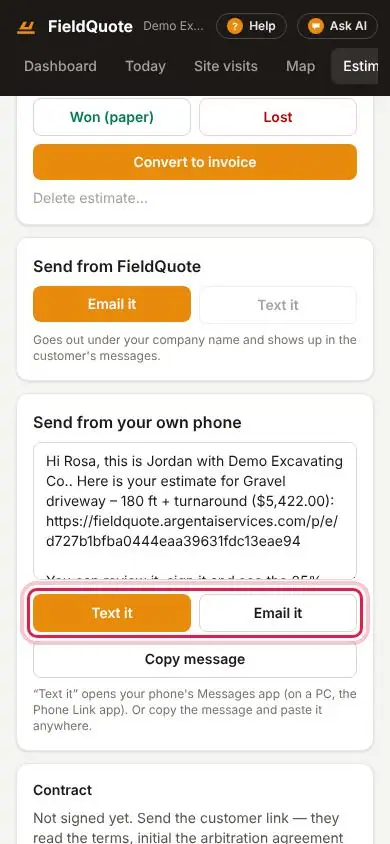
Tap Text it to open your phone's Messages app with the message filled in, or Email it to open your email app with the subject and message. Then send it from there.
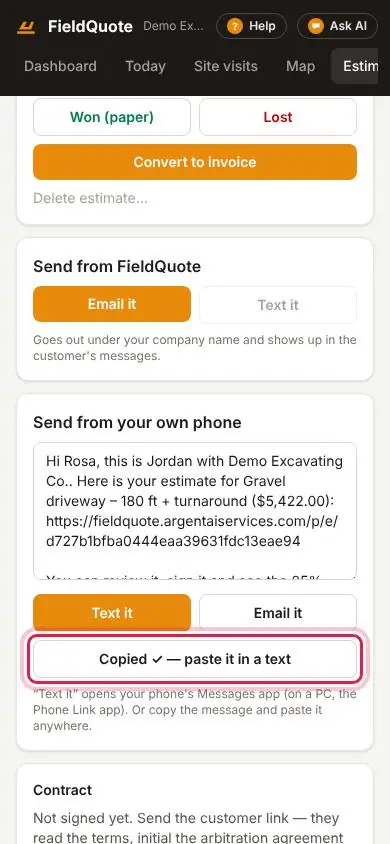
Or tap Copy message ("Copied ✓ — paste it in a text") and paste it into any app.
What you'll see
A draft estimate or invoice is marked as sent when you tap any of the three.
On a computer, Text it opens the Phone Link app.
Common mistakes
Expecting it in the customer's Messages thread. These go from your own phone, so FieldQuote doesn't see them. Use Send from FieldQuote for that.
Tapping Text it when the customer has no phone number, or Email it with no email: the button is greyed out. Add them under the customer's Details.
Limits
FieldQuote can't tell whether you actually sent it from your phone.
Edits you make to the message are only for this send; they aren't saved.
Checked against the app on Nov 9, 2026. Pictures are from Demo Excavating Co., a made-up company.