Invoicing & online payments
Guide 4 of 12
What it's for
Get the invoice in front of the customer with a link they can open, print or pay from on any phone.
Where
The invoice's page, on the right: Send from FieldQuote, Send from your own phone, Copy customer link.
Watch it
Steps
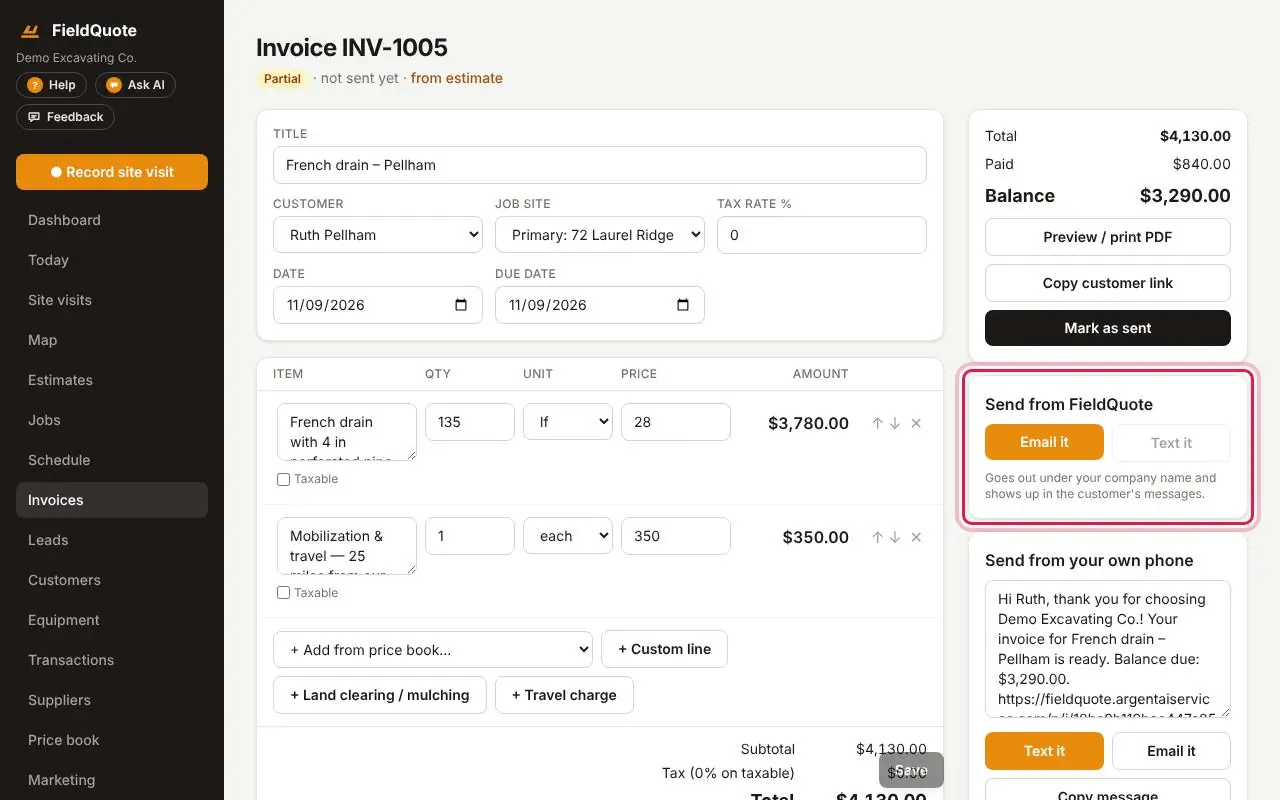
Under Send from FieldQuote, tap Email it (or Text it, once texting is connected).
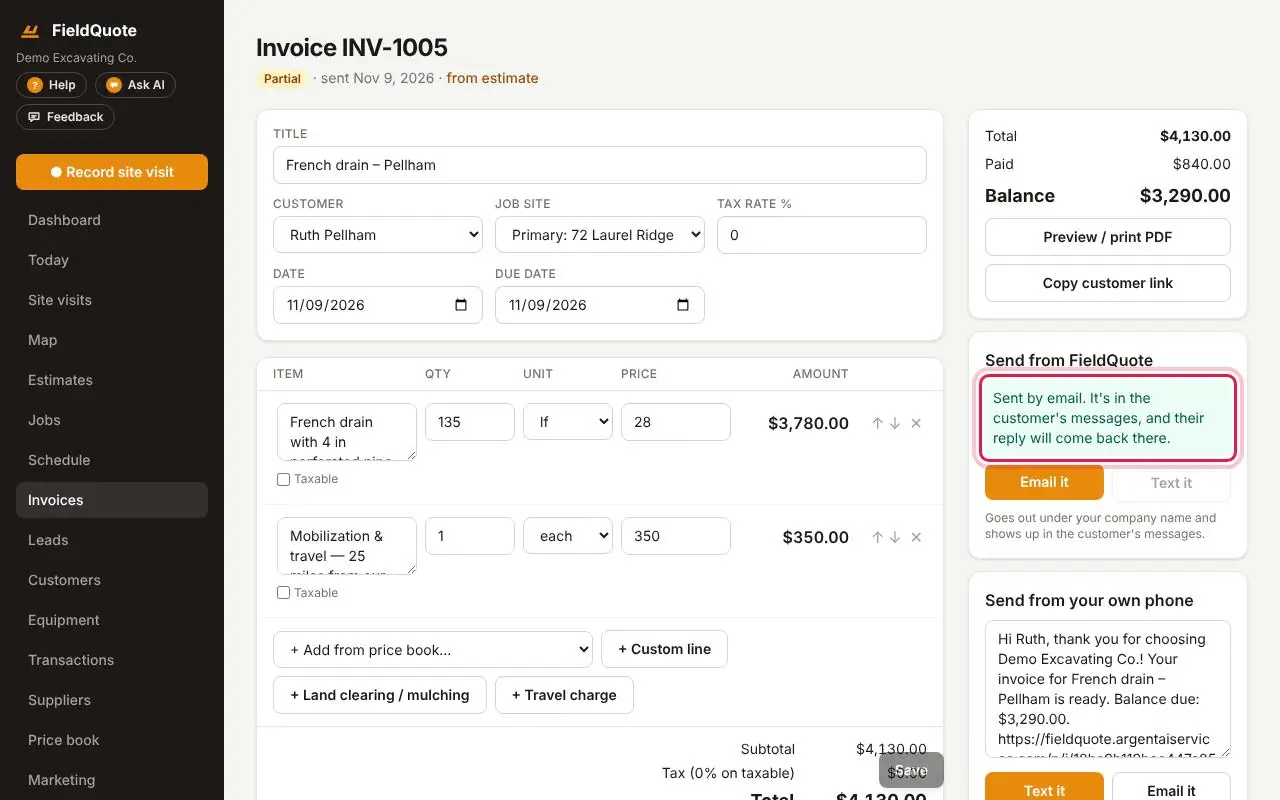
You'll see "Sent by email. It's in the customer's messages, and their reply will come back there."
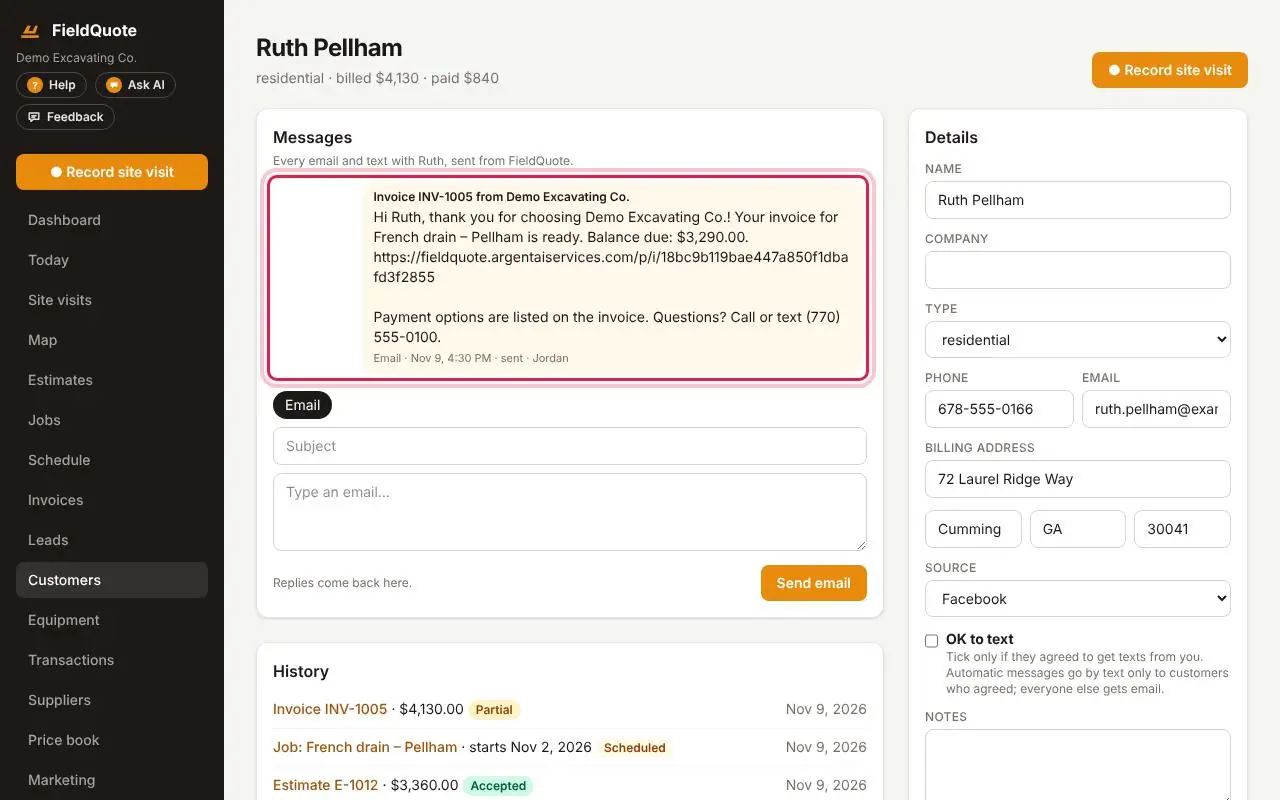
The message is in the customer's Messages: a thank-you, the balance due, the link, how to pay, and your phone number.
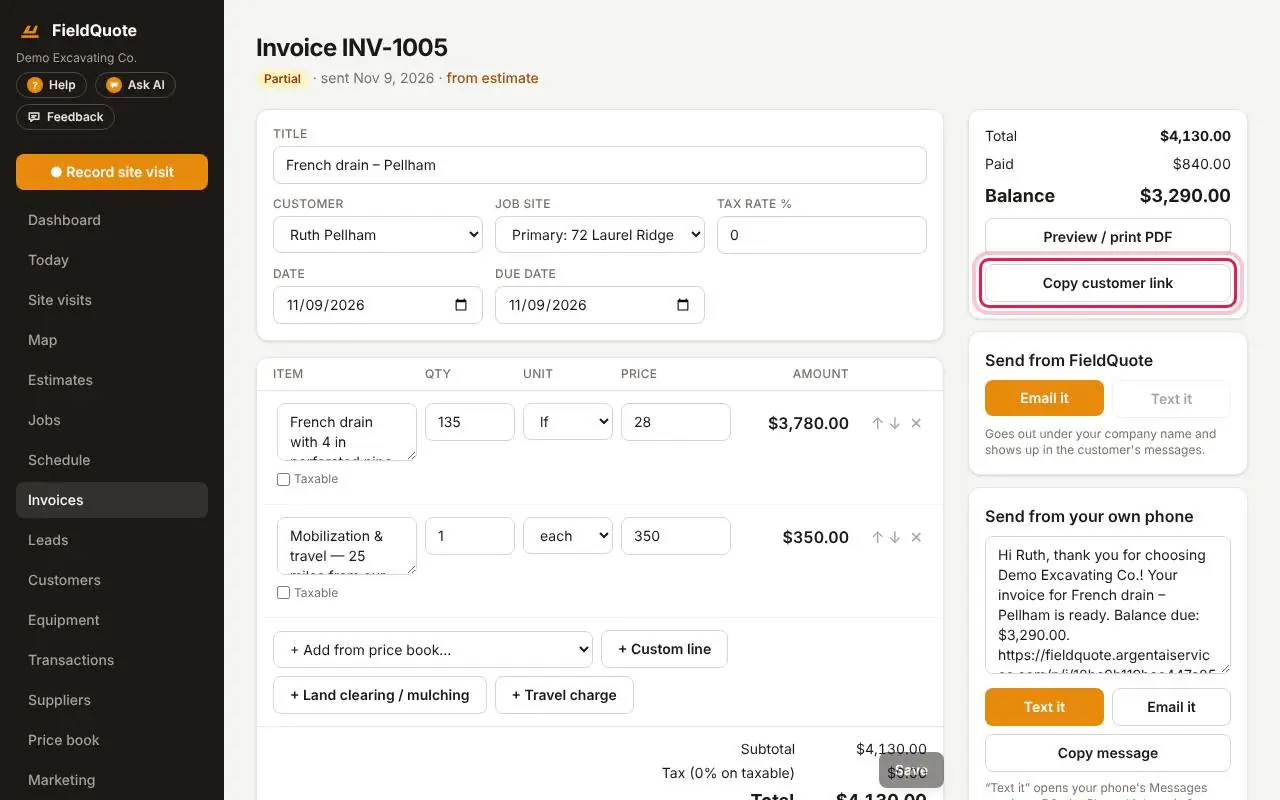
To share it any other way, tap Copy customer link (or use Send from your own phone).
What you'll see
The sent date shows at the top of the invoice. A draft becomes Sent; one that's already Partial (deposit credited) stays Partial and no longer says "not sent yet". With QuickBooks or Fiscally Fit connected, it's sent there too.
From then on it counts in Owed to you and Invoices due, and the invoice reminder can go out (if it's switched on).
With PayPal connected, the message says they can pay online by card, PayPal or Venmo; otherwise that payment options are on the invoice.
Preview / print PDF opens exactly what the customer sees.
Common mistakes
Email it is greyed out: the customer has no email. Add one in their Details.
"Add a customer to this invoice first." Pick the Customer on the invoice and save.
Limits
Sending again sends the link again; it's the same invoice, and the sent date stays the first one.
Checked against the app on Nov 9, 2026. Pictures are from Demo Excavating Co., a made-up company.