Invoicing & online payments
Guide 9 of 12
What it's for
Know what your customer goes through to pay you, and what you'll see afterwards.
Where
The customer's invoice link (below "How to pay"). Afterwards: the invoice's Payments in FieldQuote.
Watch it
Steps
Below the invoice, the customer sees Pay online with the balance: "Pay securely by debit or credit card, PayPal or Venmo. You don't need a PayPal account to pay by card."
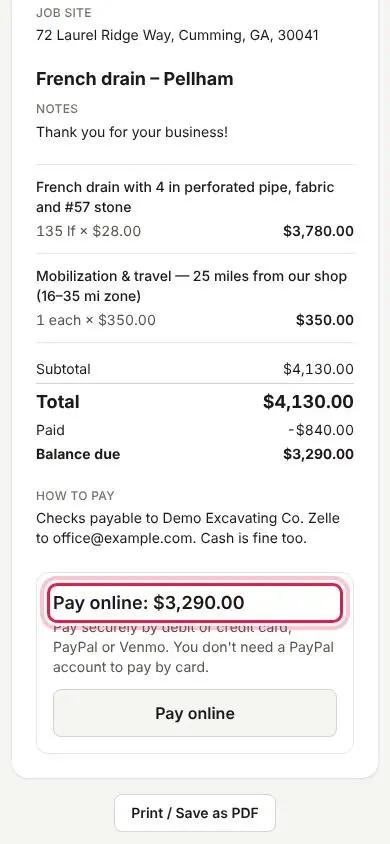
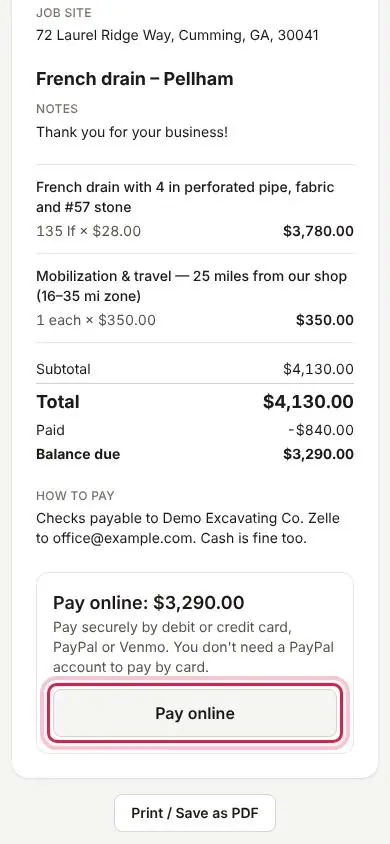
They tap PayPal's button for PayPal, Venmo or a debit or credit card, and finish in PayPal's secure window. (The pictures show one plain button in place of PayPal's buttons.)
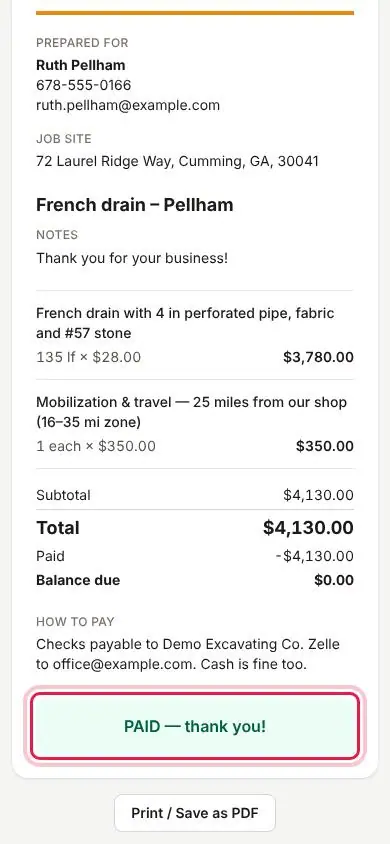
When it's done, the page shows "PAID — thank you!" (for a part payment, the new balance).
In FieldQuote the payment is already under Payments: card, PayPal or Venmo, with PayPal's reference. The invoice is Paid and the job complete.
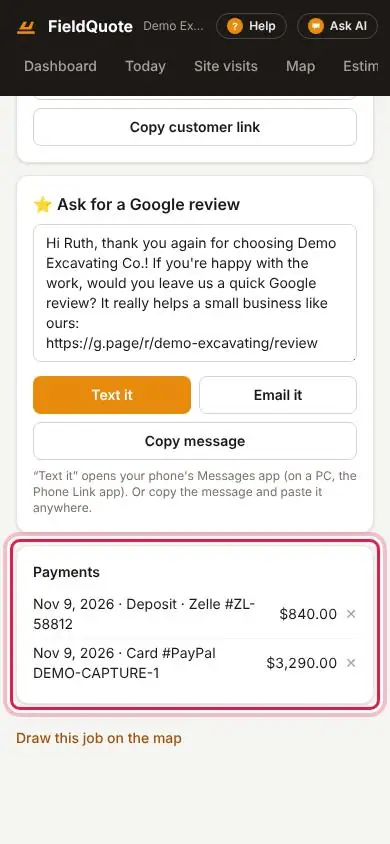
What you'll see
The money in your PayPal account, less PayPal's fee (FieldQuote keeps the fee with the payment for your books).
If PayPal is still finishing a payment: "Payment received — PayPal is still finishing it. Thank you!", and the payment notes it's pending; check PayPal before relying on it.
Common mistakes
Recording the same payment by hand afterwards. It's already there.
Expecting a pay button on a paid or voided invoice. There's nothing to pay.
Limits
The amount is always the balance due at that moment, worked out by FieldQuote, not by the customer's phone.
Venmo shows only where PayPal offers it (US customers, usually on phones).
These pictures show one plain button where PayPal's buttons go. Your customer sees PayPal's own buttons (PayPal, Venmo where offered, and debit or credit card), and paying opens PayPal's secure window.
Checked against the app on Nov 9, 2026. Pictures are from Demo Excavating Co., a made-up company.