Invoicing & online payments
Guide 10 of 12
What it's for
Reviews win the next job. Ask while the customer is happy, from your own phone, in seconds.
Where
The paid invoice's page, on the right: Ask for a Google review. Your review link must be in Settings › Your Google review link.
Watch it
Steps
Open the paid invoice. Ask for a Google review is on the right.
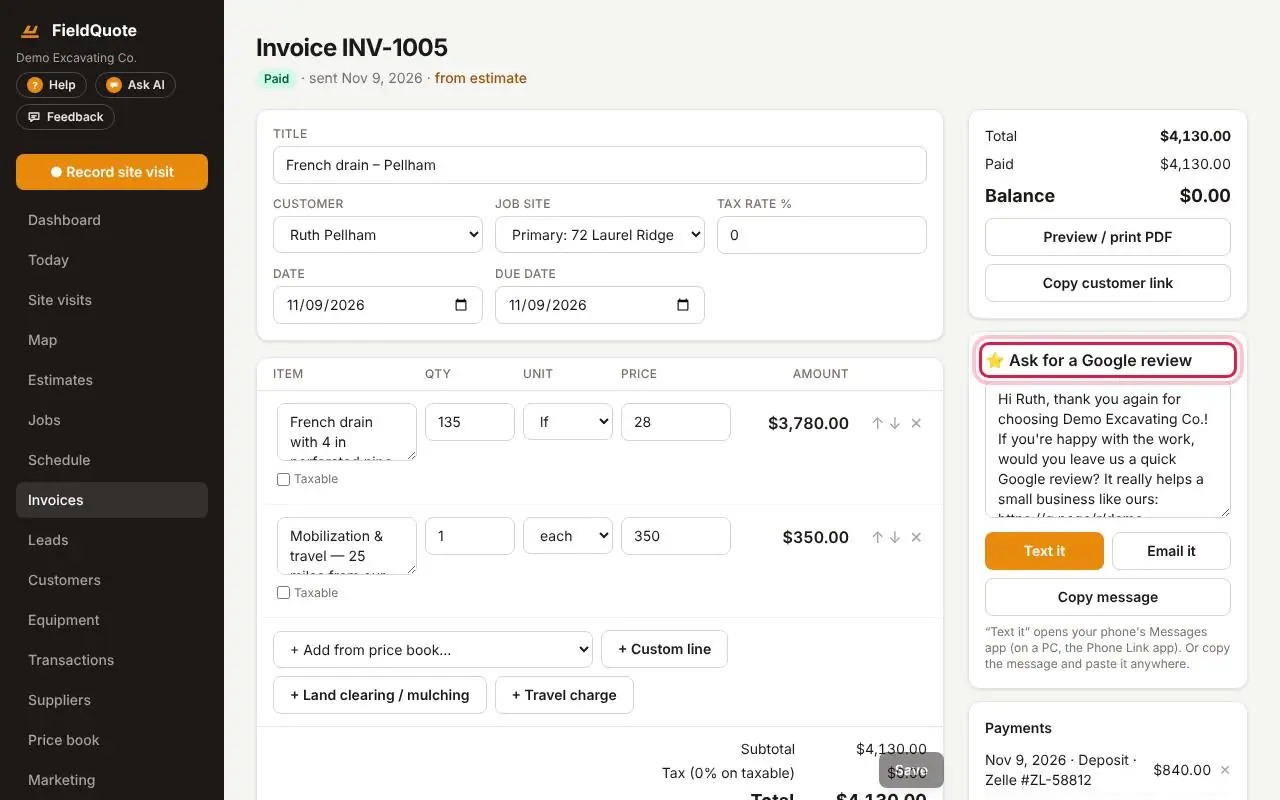
Read the ready-written thank-you; it ends with your review link. Change the words if you like.
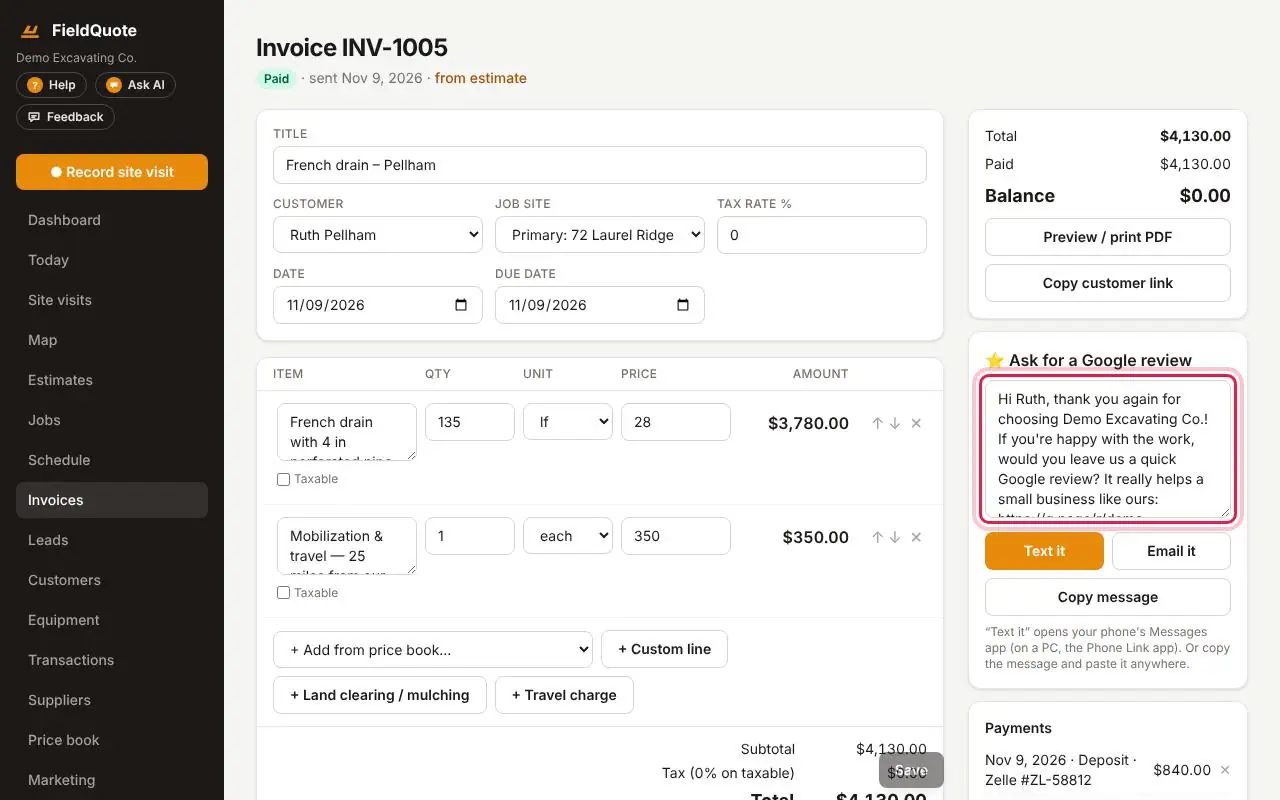
Tap Text it (opens your phone's messages) or Email it (opens your email), and send it.
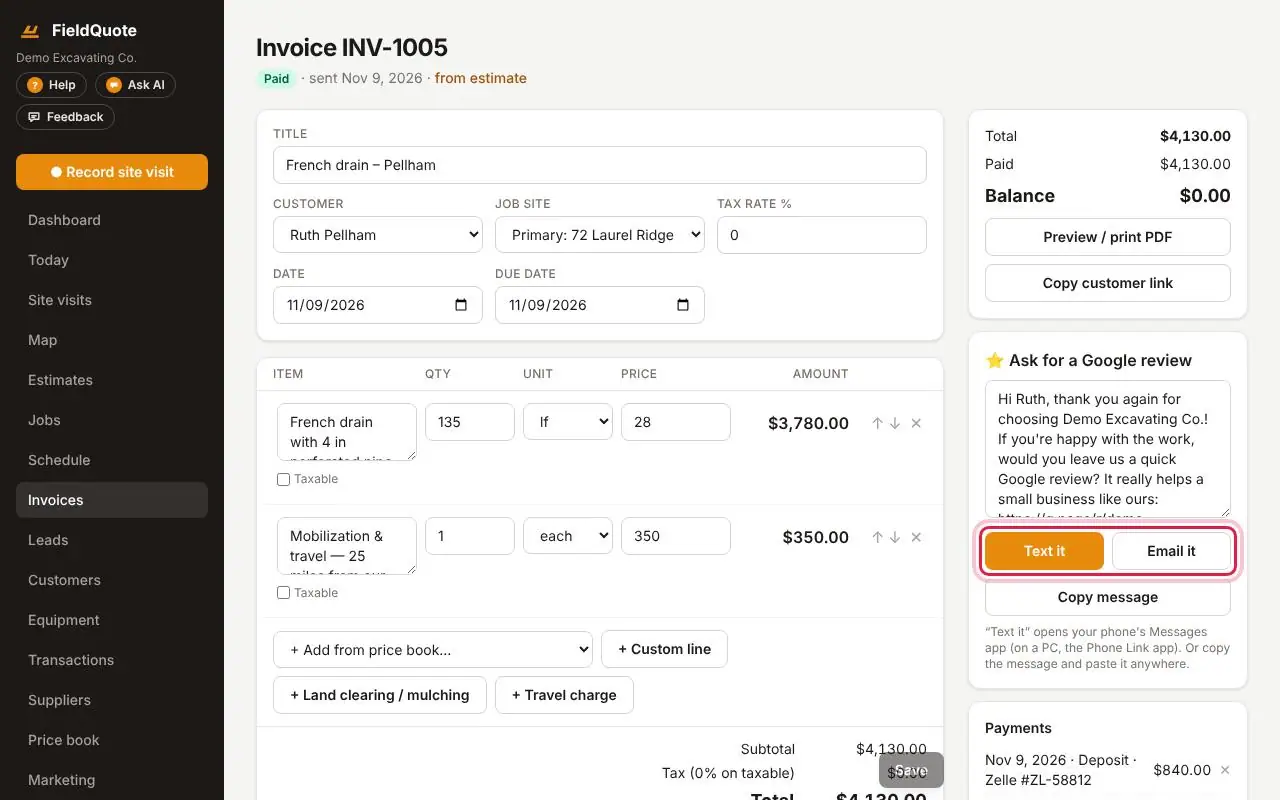
The invoice now says "Review requested" with the date, so you don't ask twice.
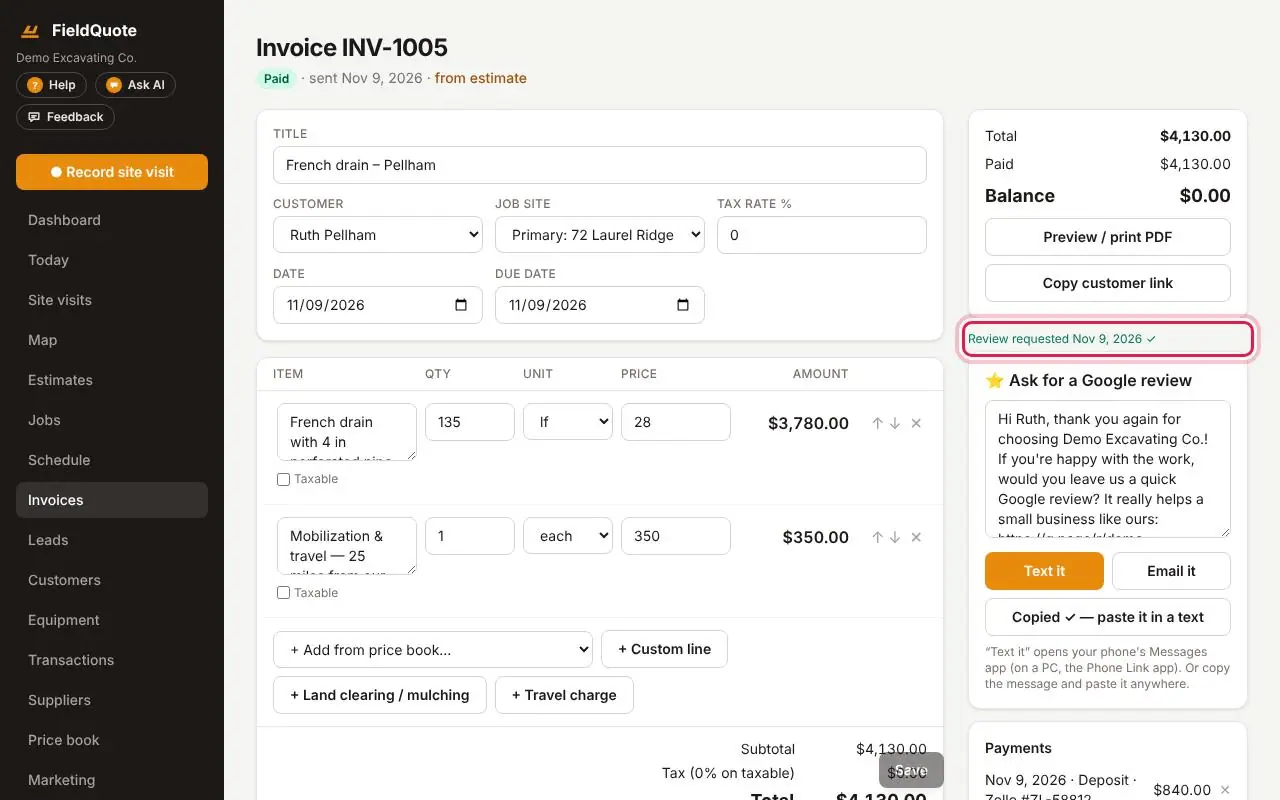
What you'll see
Without a review link in Settings: "Paid in full. Add your Google review link in Settings to send a review request in one tap."
With Thank you + review request switched on, FieldQuote asks for you automatically, and the invoice shows "Review requested" too.
Common mistakes
Looking for it on an unpaid invoice. It shows once the balance is $0.
Asking again after the automatic thank-you went out. Check for "Review requested" first.
Limits
Copy message also counts as asking.
FieldQuote can't tell whether the customer left a review.
Checked against the app on Nov 9, 2026. Pictures are from Demo Excavating Co., a made-up company.