Customers, texting & email, automatic follow-ups
Guide 19 of 20
What it's for
Get paid without making the awkward call. The reminder has the balance and a link they can pay from.
Where
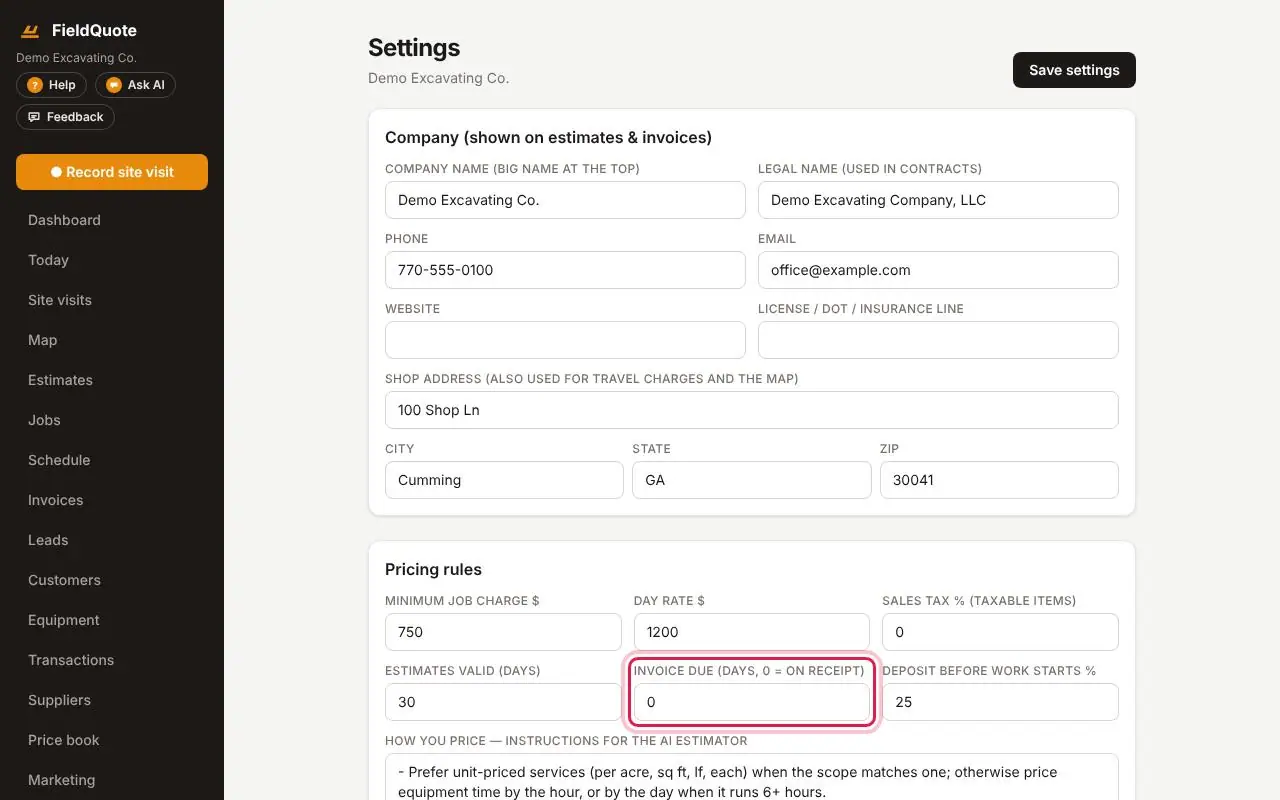
Settings › Open message settings › Invoice due reminder. Due dates: Settings › Pricing rules › Invoice due (days, 0 = on receipt).
Watch it
Steps
Tick Invoice due reminder and change the wording if you like.
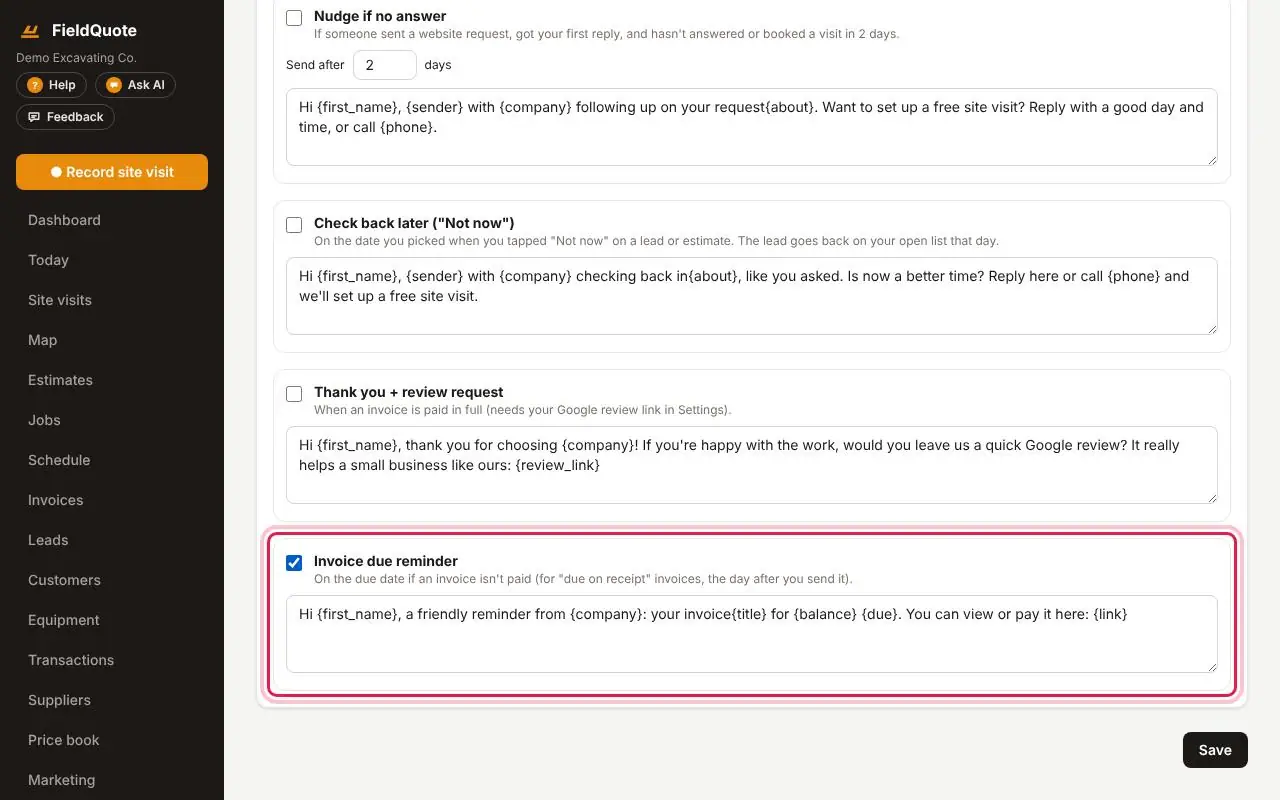
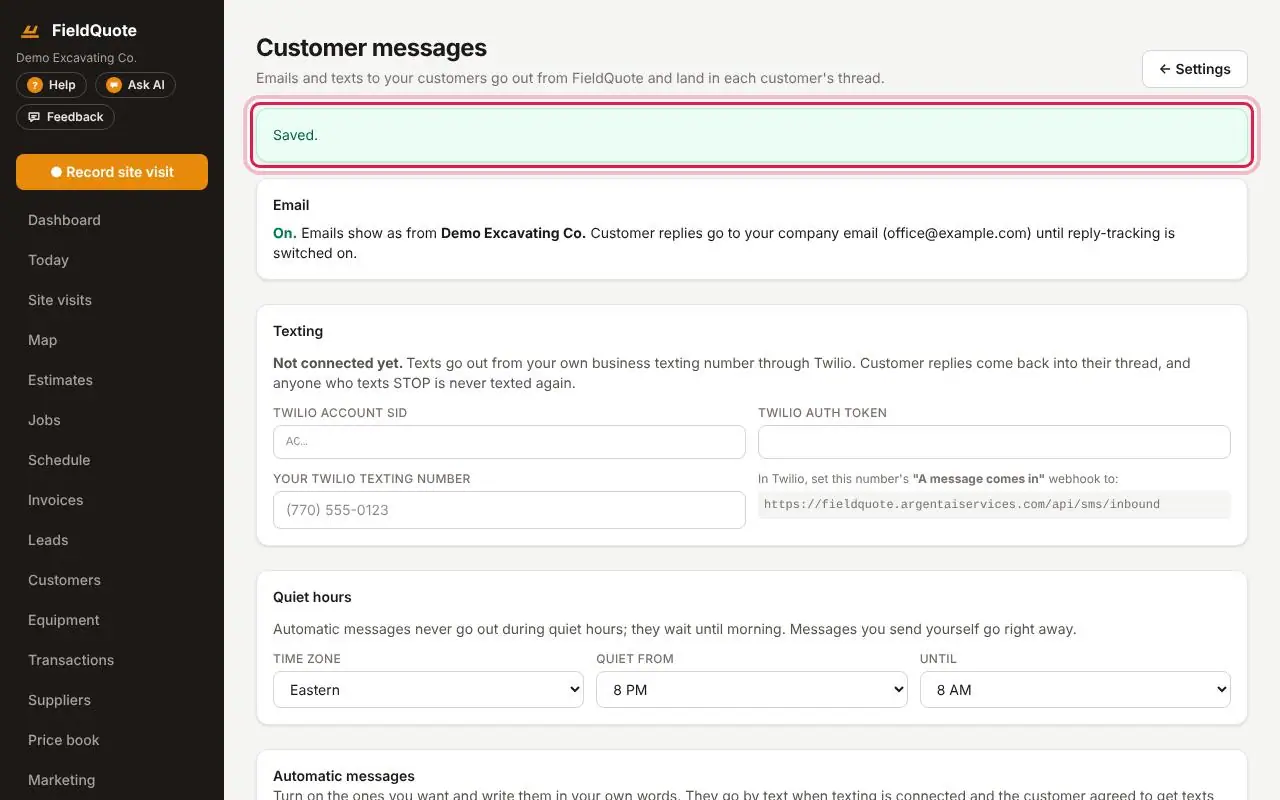
Tap Save.
Due dates come from Invoice due (days, 0 = on receipt) in Settings: 0 makes new invoices due the day they're made. You can change the Due date on any invoice.
What you'll see
On the due date, a reminder in the customer's Messages with the balance, that it's due today (or the date it was due, if it's a day or two late) and the link to view or pay the invoice.
Common mistakes
Expecting reminders for invoices that are weeks overdue. It only goes from the due date to three days after it; send older ones yourself.
Invoices due on receipt: the reminder waits until at least a day after you sent the invoice, so it doesn't land the same day.
Limits
Only the owner or an admin can change this. Team members see the message settings grayed out, with "View only. Only the owner or an admin can change this."
Once per invoice, and only while there's a balance and the invoice has been sent: from FieldQuote, from your own phone, or with Mark as sent.
An invoice made from an estimate with a deposit shows Partial right away but gets no reminder until it's sent.
Checked against the app on Nov 9, 2026. Pictures are from Demo Excavating Co., a made-up company.