Customers, texting & email, automatic follow-ups
Guide 20 of 20
What it's for
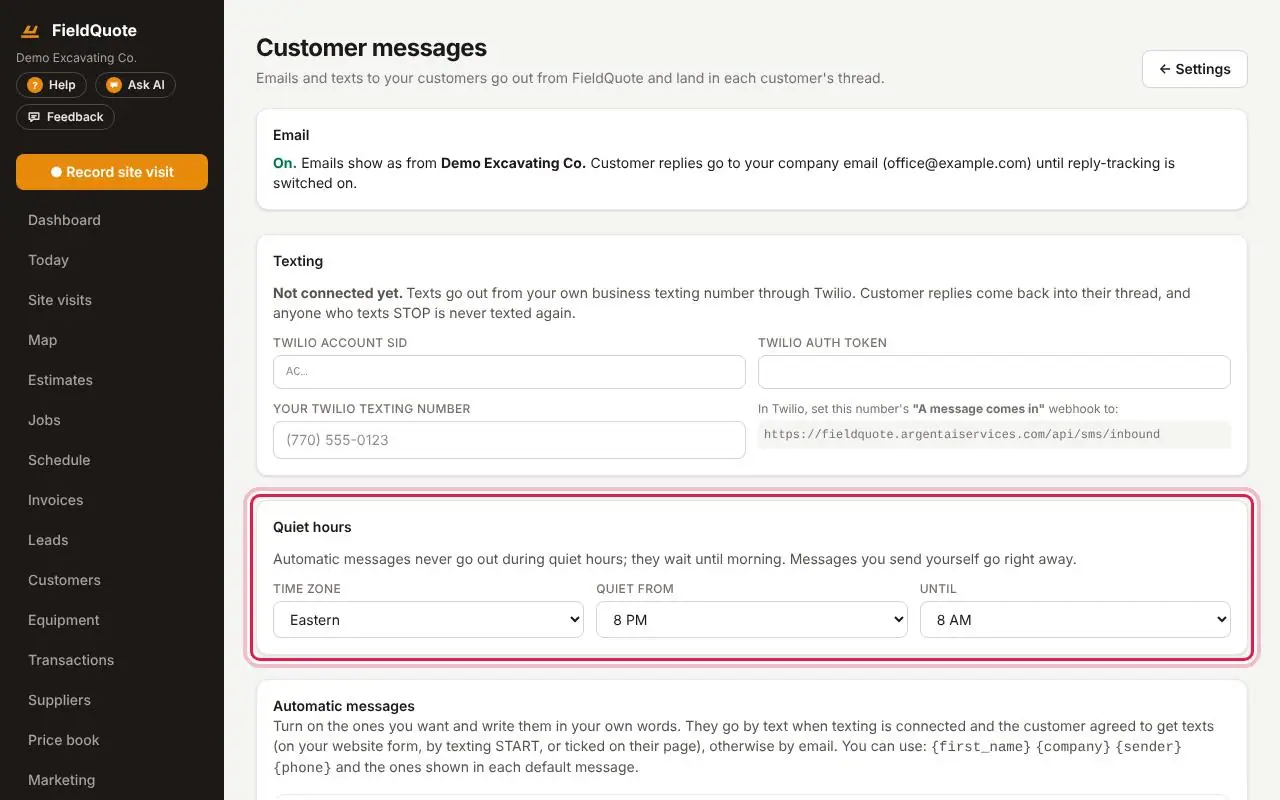
No customer should get a text from your business at 11 at night because a reminder came due. Quiet hours hold automatic messages until a decent hour.
Where
Settings › Open message settings › Quiet hours.
Watch it
Steps
Pick your Time zone (Eastern, Central, Mountain, Arizona or Pacific), when quiet hours start (Quiet from) and end (Until).
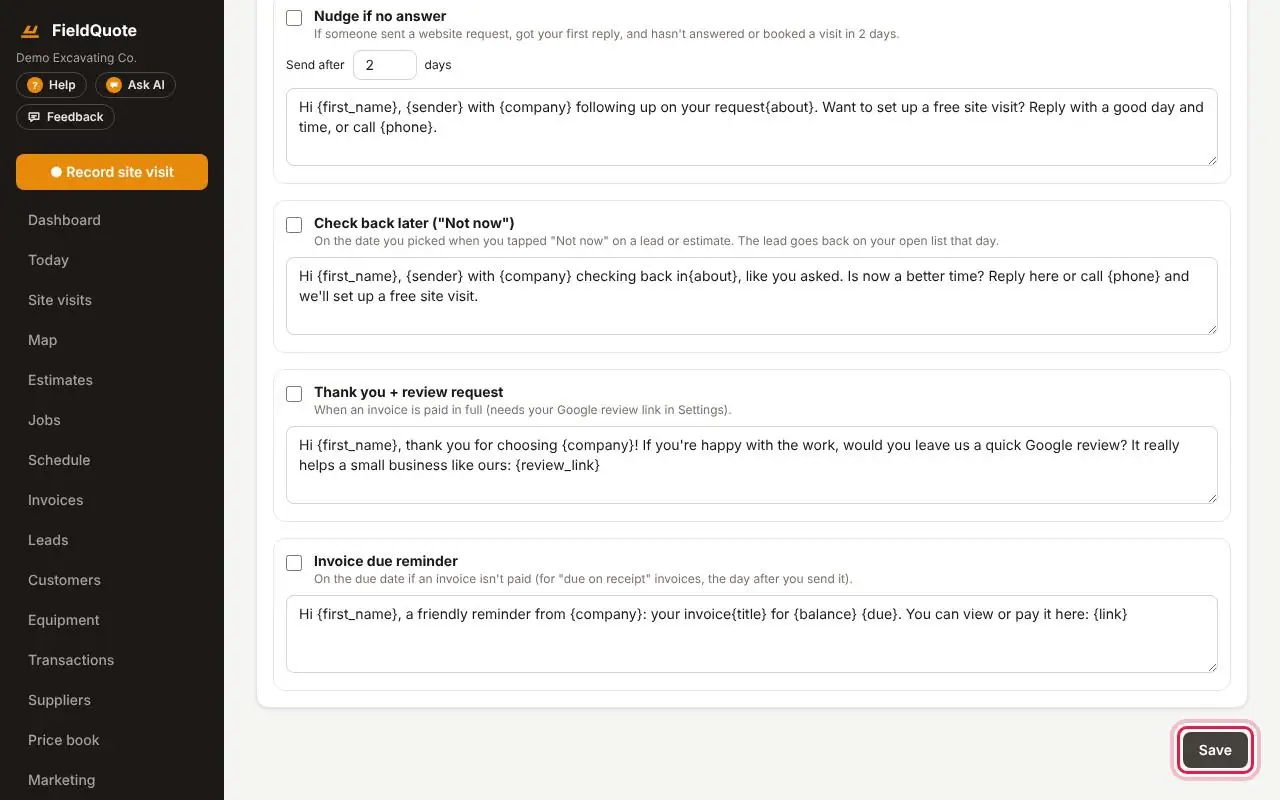
Tap Save at the bottom of the page.
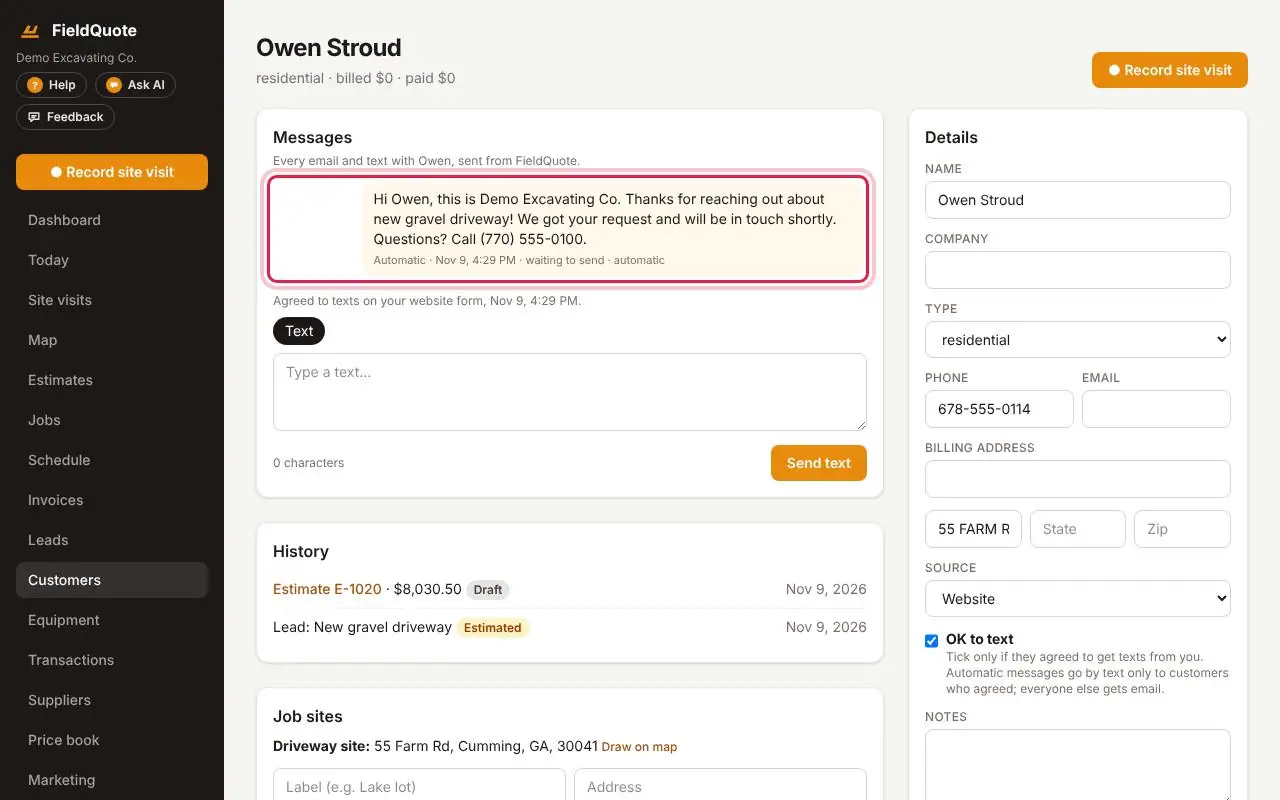
An automatic message that comes up during quiet hours shows in the customer's Messages as "waiting to send". It goes out shortly after quiet hours end.
What you'll see
Reminders and follow-ups that fall due overnight go out in the morning instead.
The instant reply to a website request still goes right away by email at night; only a text reply waits.
Common mistakes
Picking the wrong time zone. Quiet hours (and which day counts as tomorrow for job reminders) follow the time zone here.
Expecting On my way or messages you type yourself to wait. They always go right away.
Limits
Only the owner or an admin can change this. Team members see the message settings grayed out, with "View only. Only the owner or an admin can change this."
Quiet hours can only be whole hours.
A waiting message goes by text if FieldQuote may text the customer, otherwise by email. If by then there's no way to reach them (or you switched that message off overnight), it stays in their Messages marked "skipped", with the reason in red.
The picture in step 3 was taken by setting quiet hours to cover the time it was taken, with texting connected (made-up Twilio details) for a homeowner who agreed to texts.
Checked against the app on Nov 9, 2026. Pictures are from Demo Excavating Co., a made-up company.