Team, accounts & security
Guide 1 of 14
What it's for
To check where your subscription stands, when you'll be charged, and where to change your card or cancel. One plan covers everyone in the company — there's no charge per person.
Where
Team, billing & sign-in in the menu › Your FieldQuote plan at the top.
Watch it
Steps
Open Team, billing & sign-in.
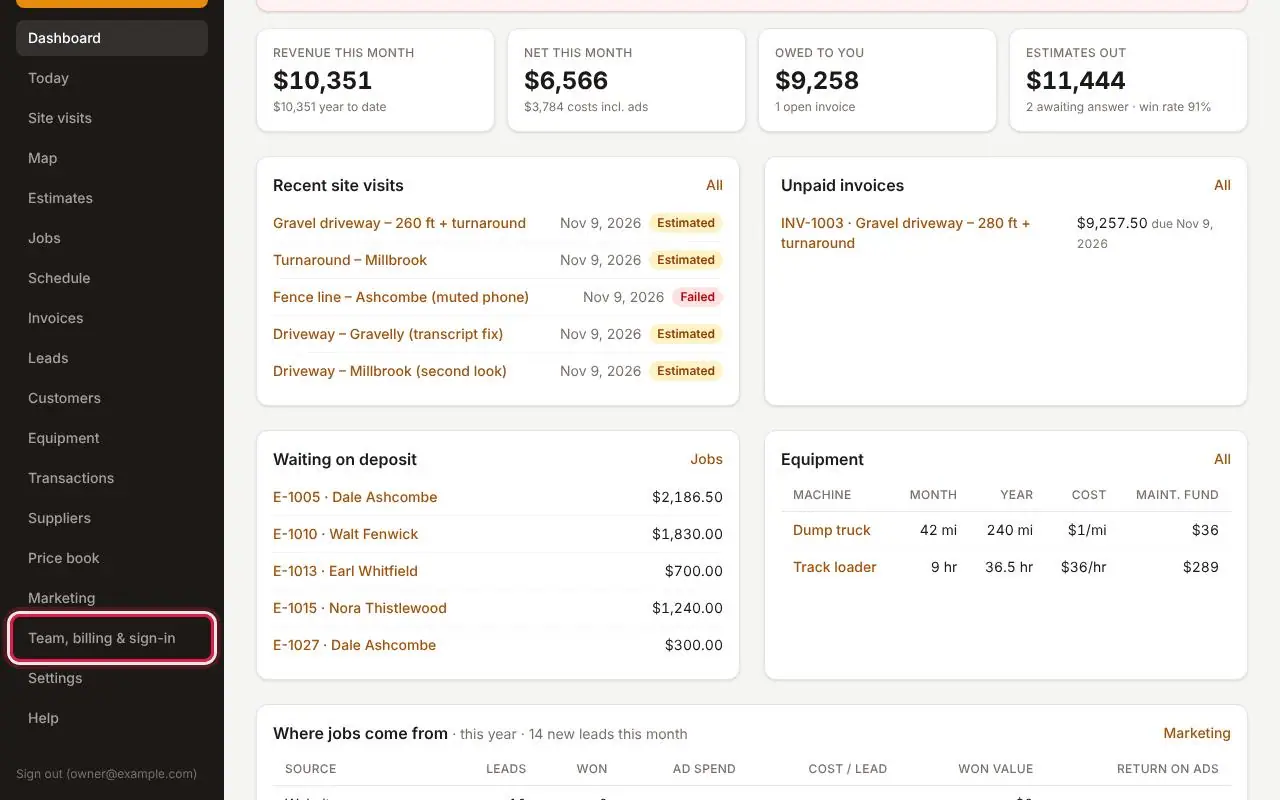
Under the page title: "Unlimited users are included." Add the whole crew at no extra cost.
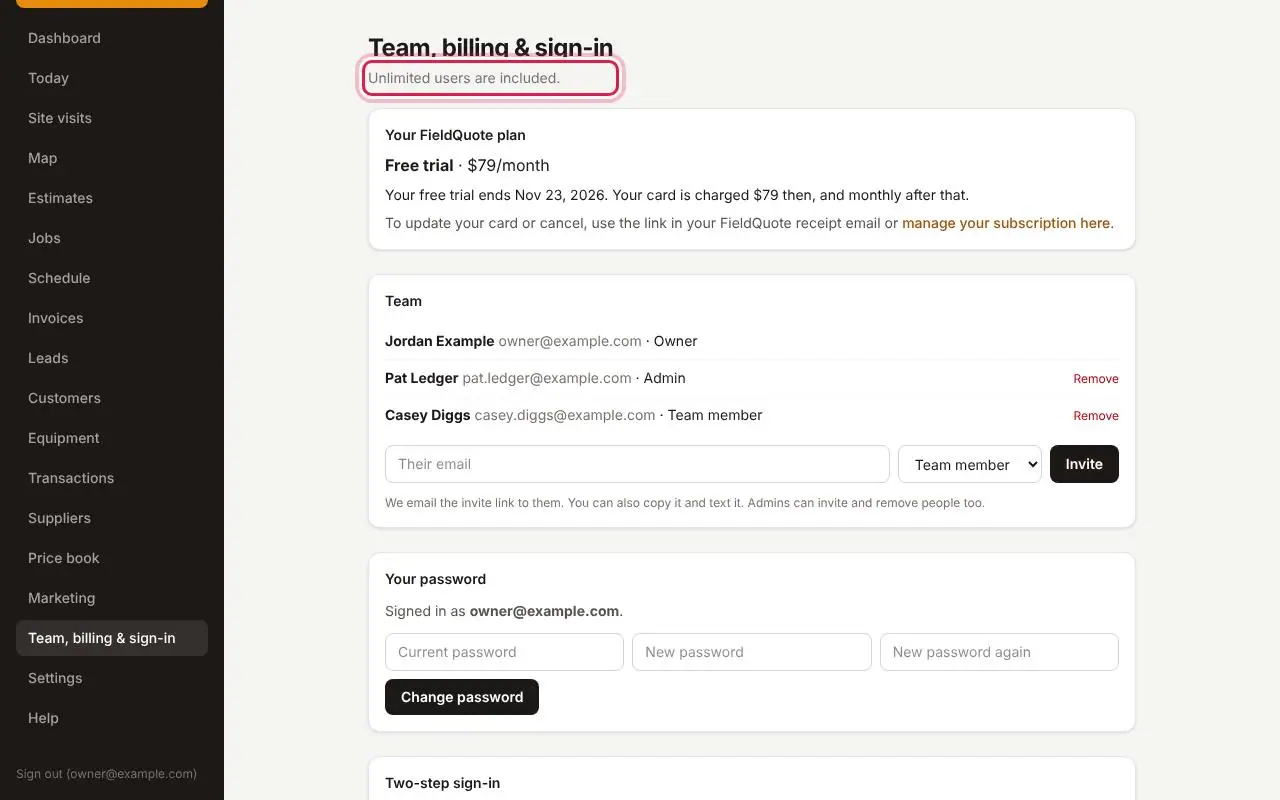
Your FieldQuote plan shows where you stand. During the free trial: Free trial · $79/month, and "Your free trial ends … Your card is charged … then, and monthly after that."
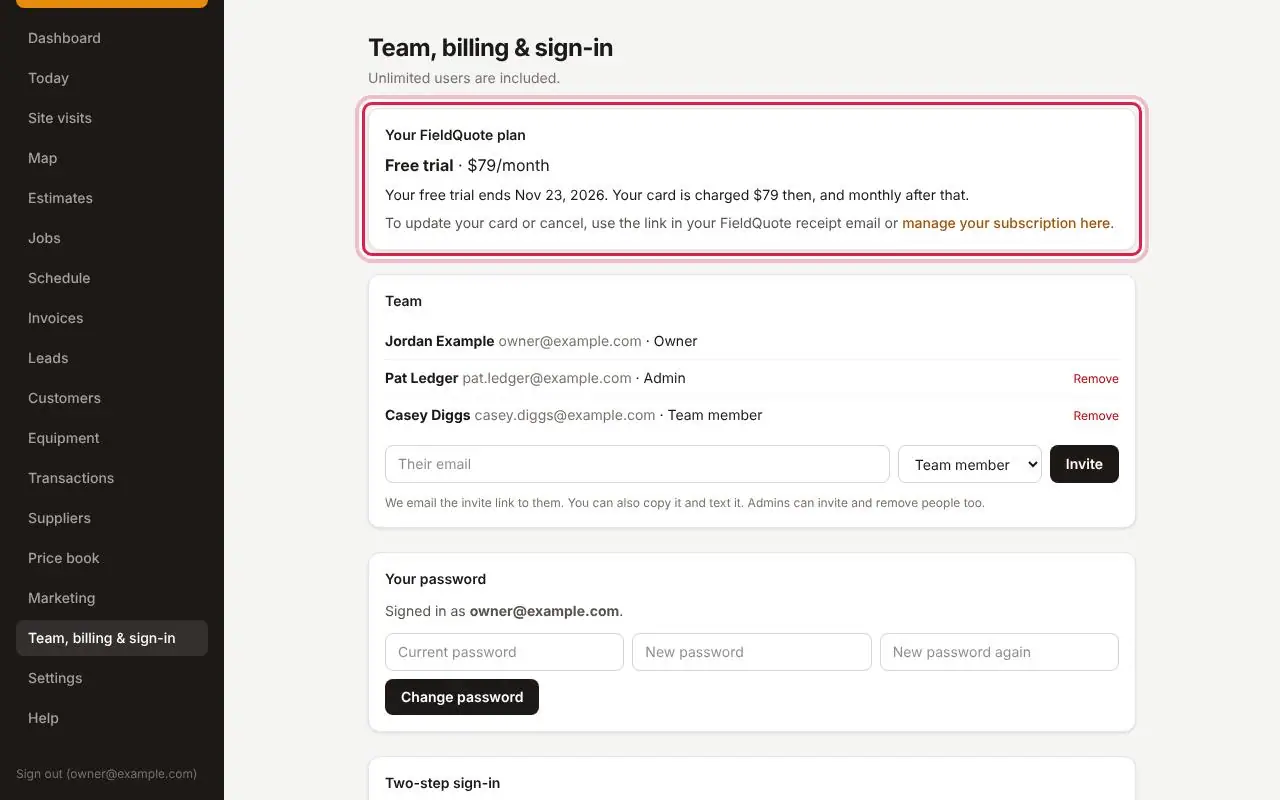
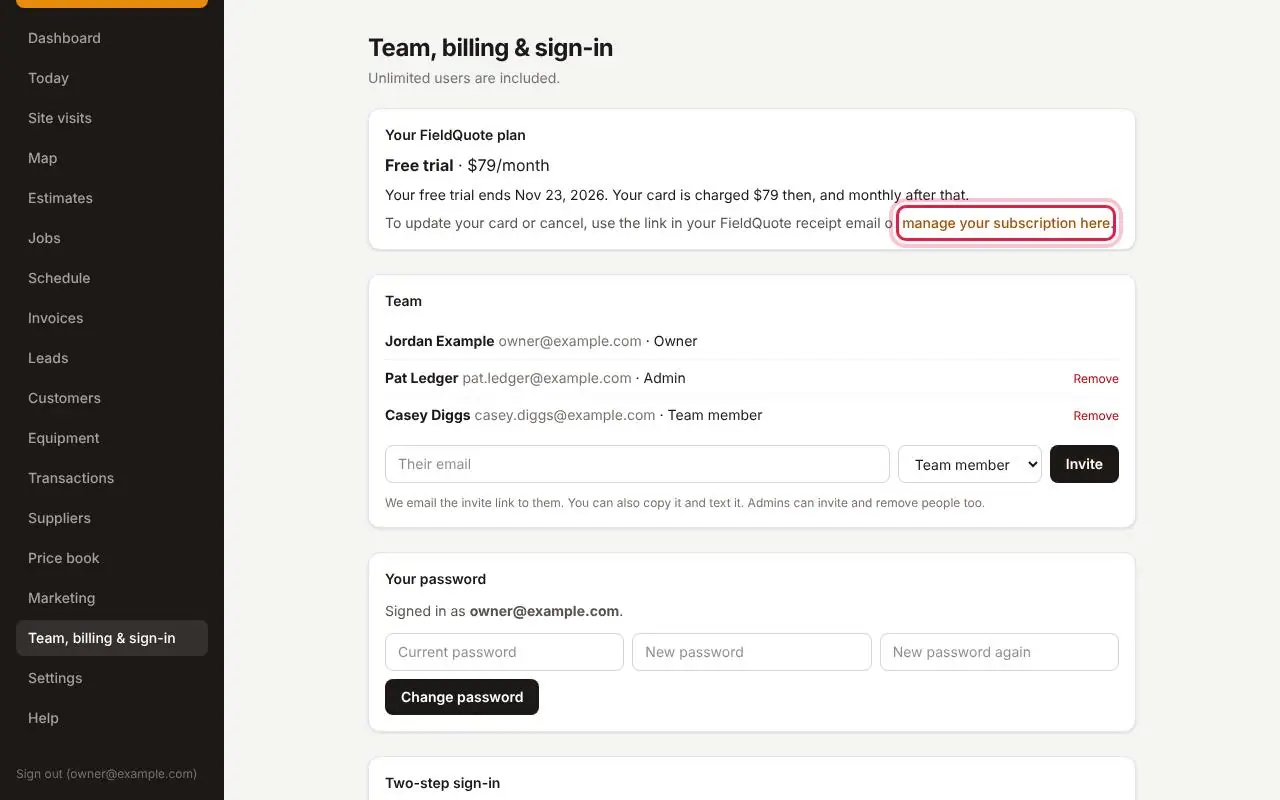
To update your card or cancel, use the link in your FieldQuote receipt email, or (owners and admins) tap manage your subscription here.
What you'll see
The plan line changes with your subscription:
Active: "Next charge: …".
Cancelled but not run out yet: "Cancelled — access continues until …". Everything works until that date.
Payment past due: "Your last payment didn't go through. Update your card to keep using FieldQuote." A red bar across the top of every page says the same, with a Details link here.
After it ends, every page takes you here, with "Your FieldQuote subscription has ended" and Restart my subscription at the top. Your customers, estimates, invoices and everything else are kept, and you can still download your data and disconnect your books (see When your subscription has ended).
Common mistakes
Looking for a price per user. There isn't one; invite as many people as you like.
Expecting a team member to change billing. Only the owner and admins see manage your subscription here; everyone can see the plan.
Cancelling to pause for the winter, then worrying about your records. They're kept; restarting picks up where you left off.
Limits
Billing is handled by Argent AI Services' checkout; FieldQuote shows what it's told about your subscription. Changes can take a minute to show up — refresh the page.
While a payment is past due, FieldQuote keeps working.
Checked against the app on Nov 9, 2026. Pictures are from Demo Excavating Co., a made-up company.