Customers, texting & email, automatic follow-ups
Guide 15 of 20
What it's for
Plenty of people send a request and then forget. One friendly nudge brings a lot of them back.
Where
Settings › Open message settings › Nudge if no answer.
Watch it
Steps
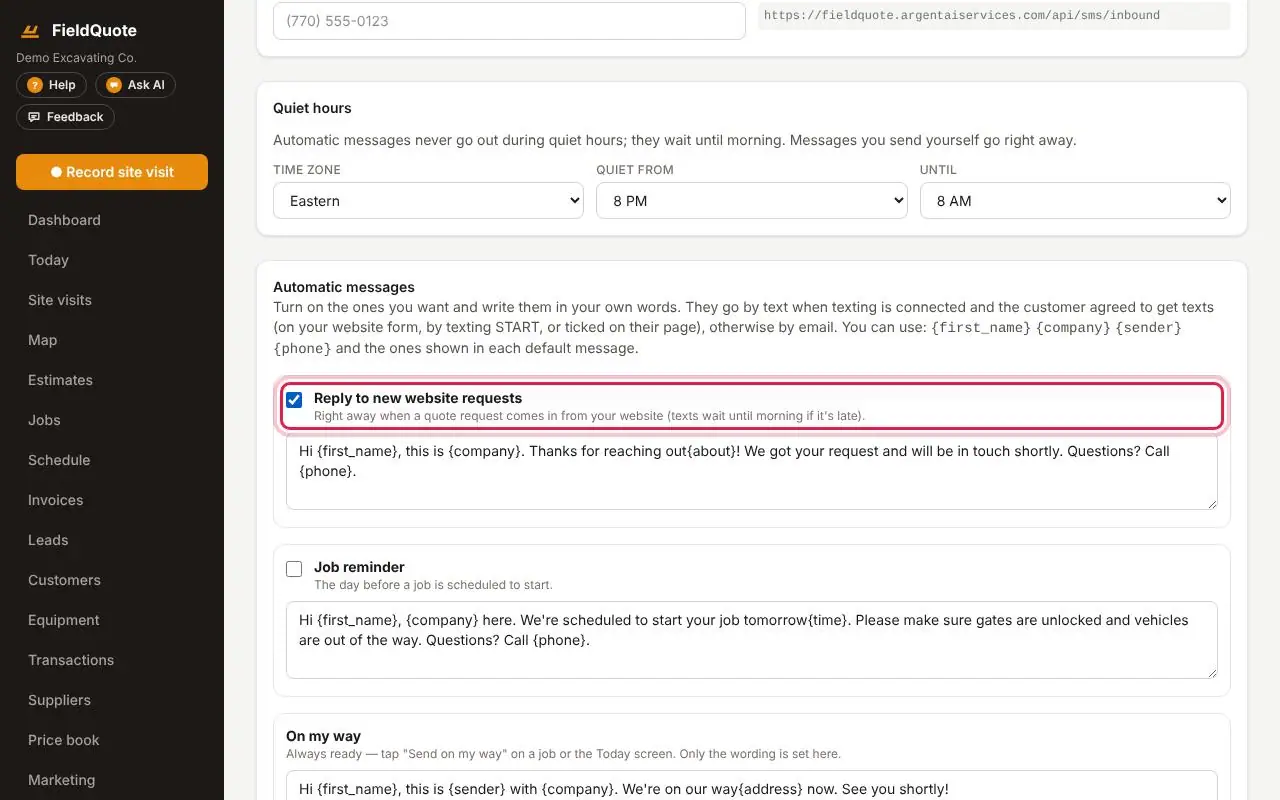
Make sure Reply to new website requests is on. The nudge only goes to people who got that first reply.
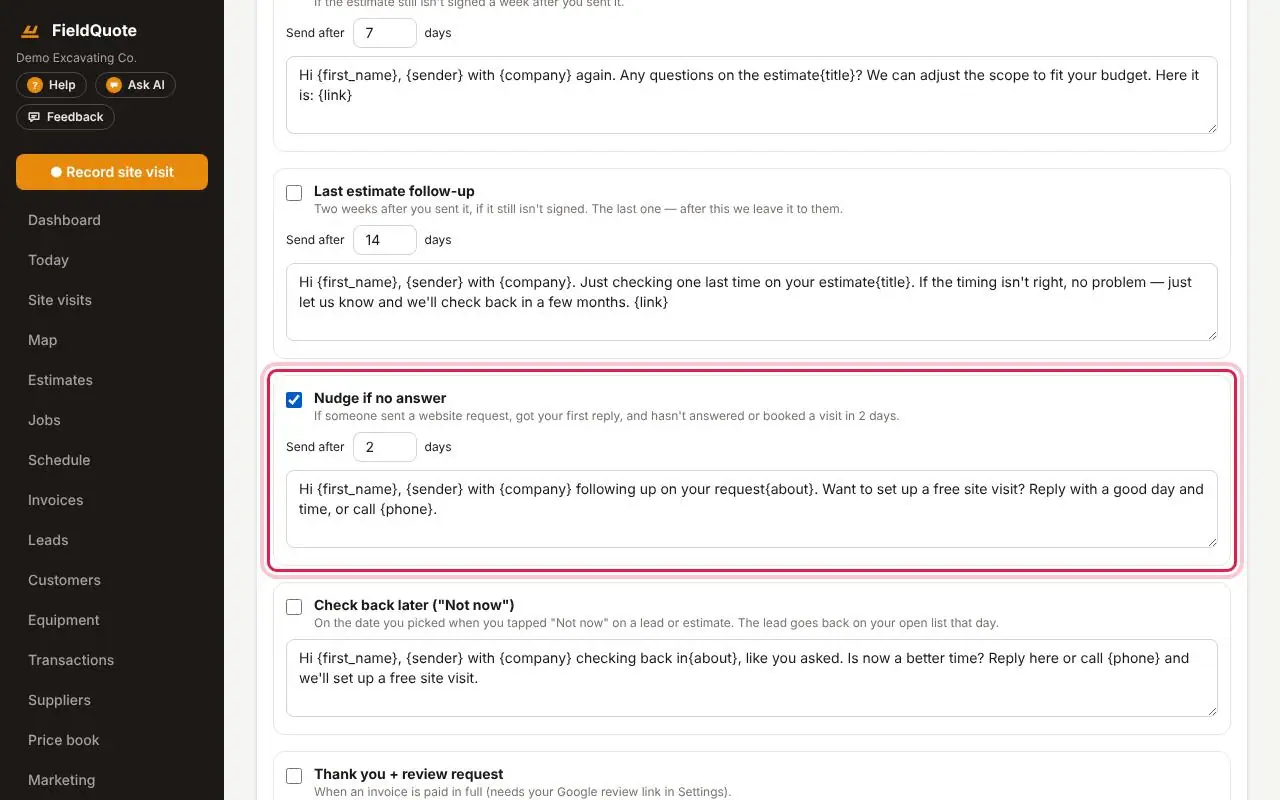
Tick Nudge if no answer, set Send after … days (2 days by default) and change the wording if you like.
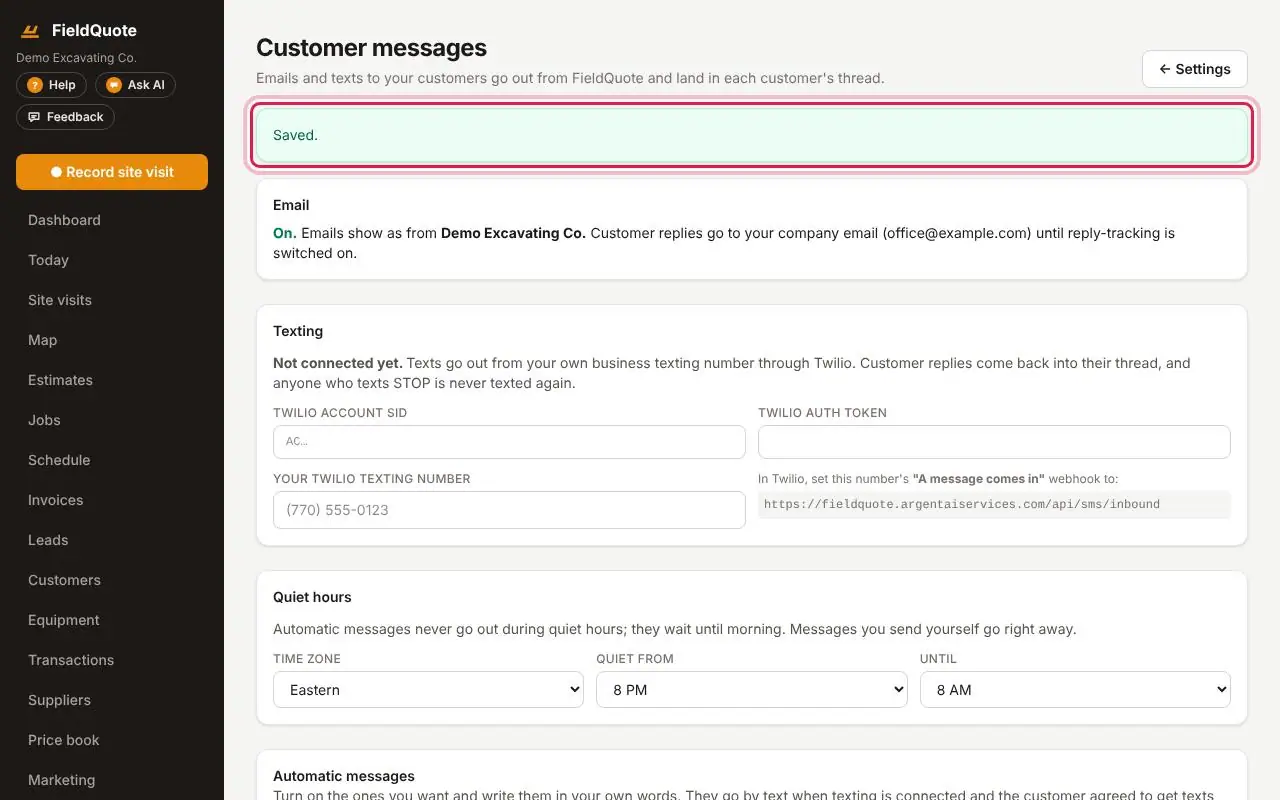
Tap Save.
What you'll see
One nudge in the customer's Messages, marked "automatic". It asks for a good day and time for a free site visit.
Common mistakes
Turning on the nudge without the first reply. Nothing goes out.
Expecting a nudge for a lead you added yourself. It's only for website requests.
Limits
Only the owner or an admin can change this. Team members see the message settings grayed out, with "View only. Only the owner or an admin can change this."
Only one nudge per lead, and only within five days after its day comes up.
No nudge if they've texted or emailed back, if you've done a site visit for the lead, if you've sent them an estimate for it, or if the lead is marked won, lost or Not now.
Checked against the app on Nov 9, 2026. Pictures are from Demo Excavating Co., a made-up company.