Customers, texting & email, automatic follow-ups
Guide 14 of 20
What it's for
Most estimates that go quiet just need a reminder. FieldQuote sends the reminders with the link to the estimate, so the customer can sign from their phone.
Where
Settings › Open message settings › Estimate follow-up, Second estimate follow-up, Last estimate follow-up.
Watch it
Steps
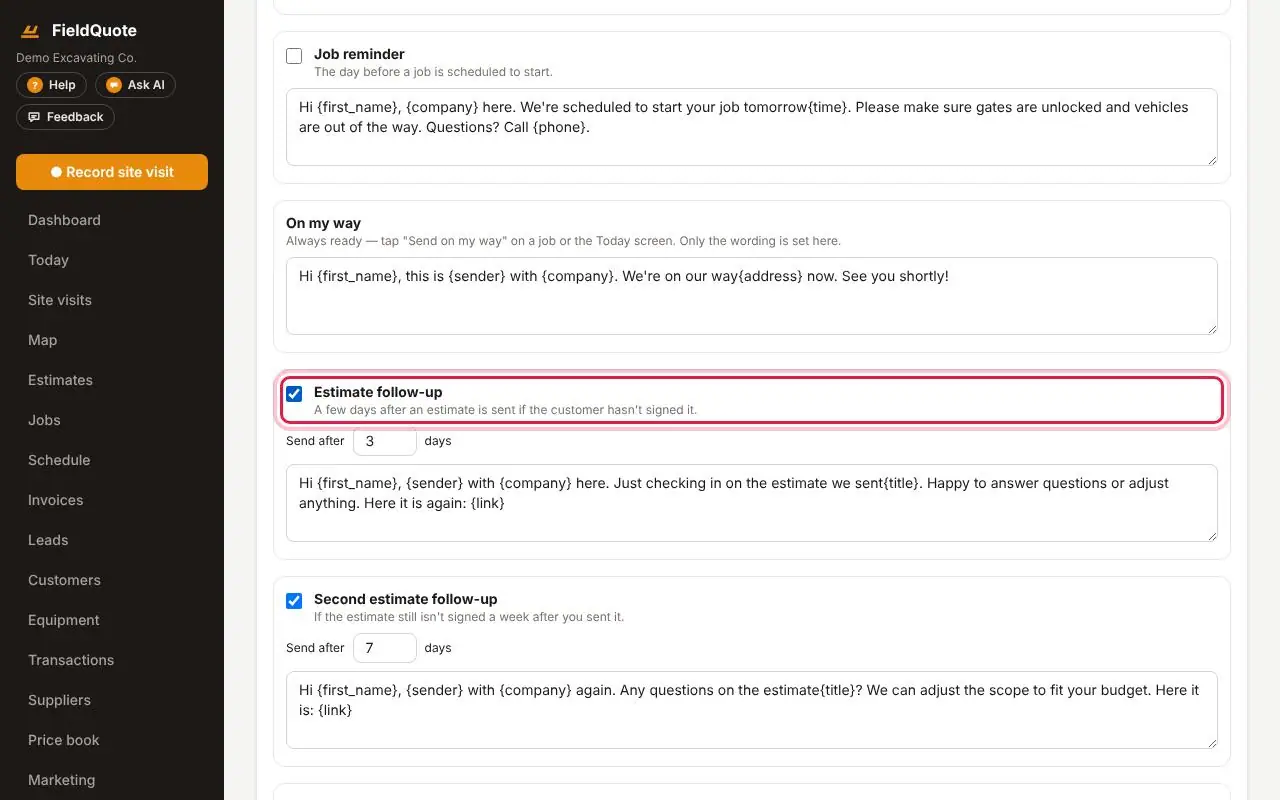
Tick the follow-ups you want. You can use one, two or all three.
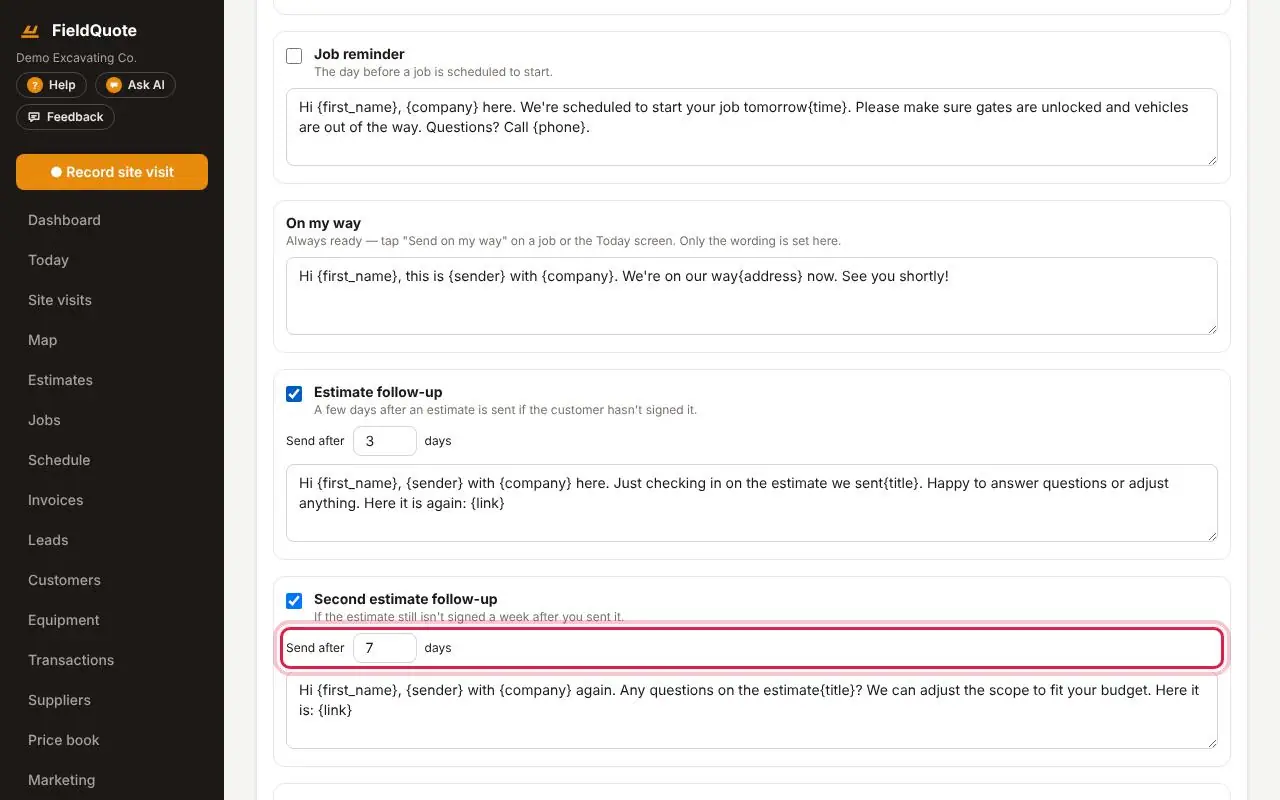
In Send after … days, pick how many days after you sent the estimate each one goes (1 to 30). The defaults are 3, 7 and 14.
Check the wording.
{link}is the customer's link to the estimate;{title}is the estimate's title.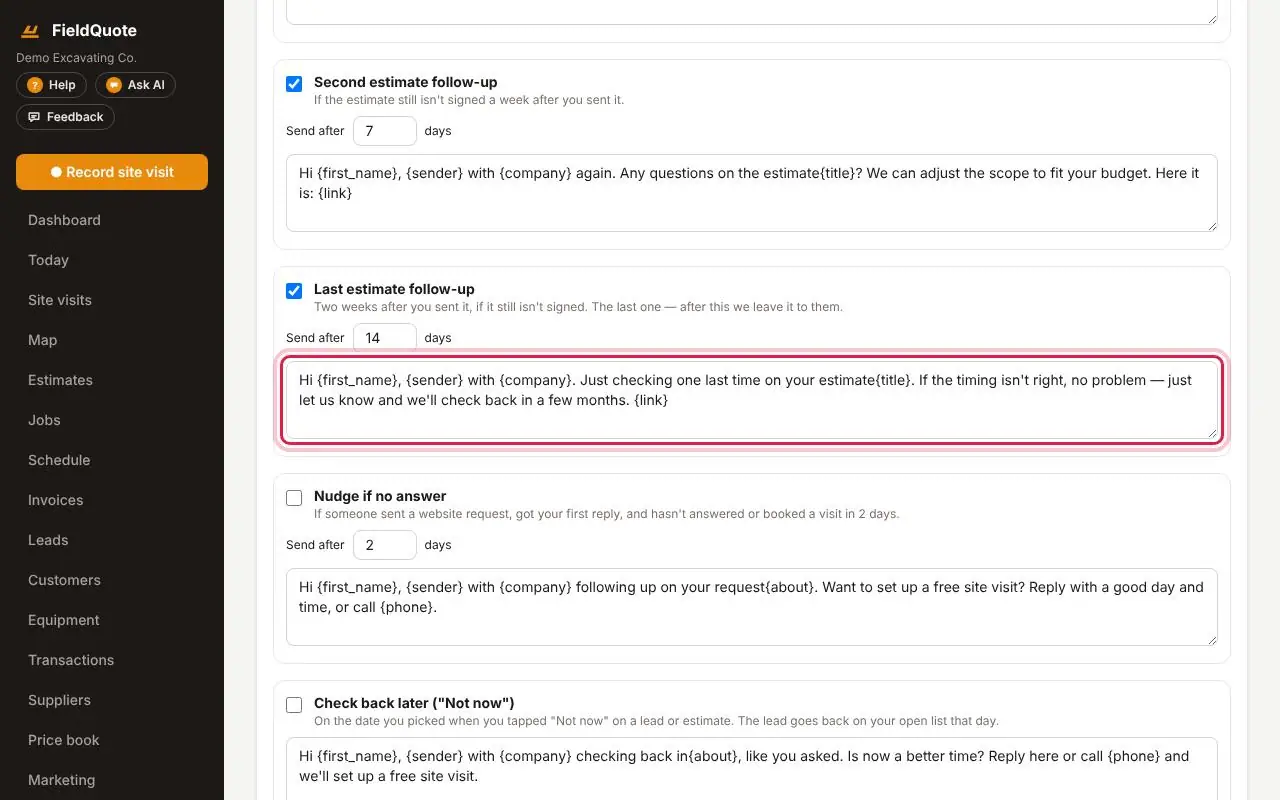
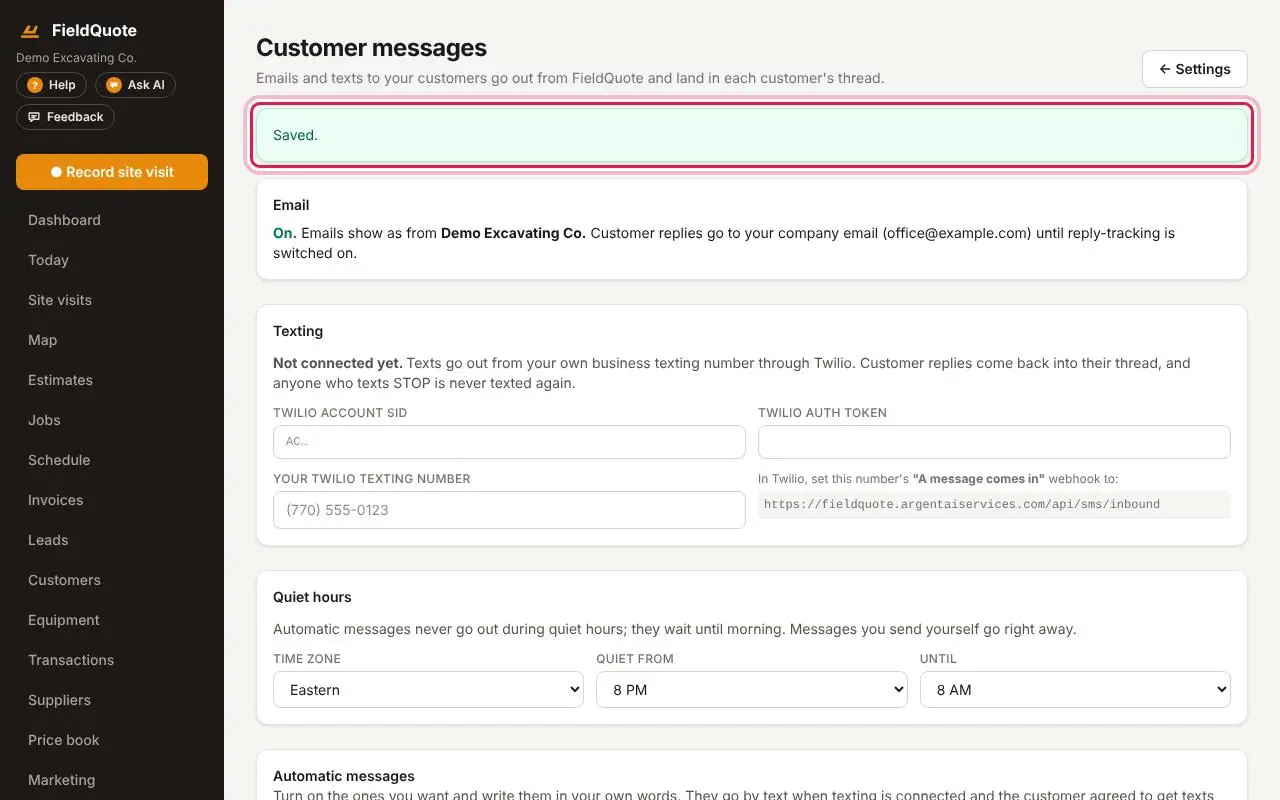
Tap Save.
What you'll see
Each follow-up in the customer's Messages, marked "automatic".
On the Today screen, Estimates to follow up lists estimates sent more than 3 days ago that aren't answered yet, whether or not these are on.
Common mistakes
Turning follow-ups on and expecting them for estimates you sent weeks ago. Each follow-up only goes within a week after its day comes up (for example between day 3 and day 10), so old estimates aren't flooded.
Marking an estimate sent when you haven't sent it. The days count from when it was marked sent.
Limits
Only the owner or an admin can change this. Team members see the message settings grayed out, with "View only. Only the owner or an admin can change this."
They stop when the customer texts or emails back, signs, declines (Lost), or you tap Not now… on the lead, and two never go within two days of each other.
An email reply only stops them when reply-tracking is on (otherwise FieldQuote can't see it).
Only estimates with a customer and the status sent get follow-ups.
Checked against the app on Nov 9, 2026. Pictures are from Demo Excavating Co., a made-up company.