Equipment, machine costs & transactions
Guide 4 of 10
What it's for
To price work so each machine pays for itself. The cost per hour tells you the least an hour of that machine has to bring in before you've paid yourself or the operator.
Where
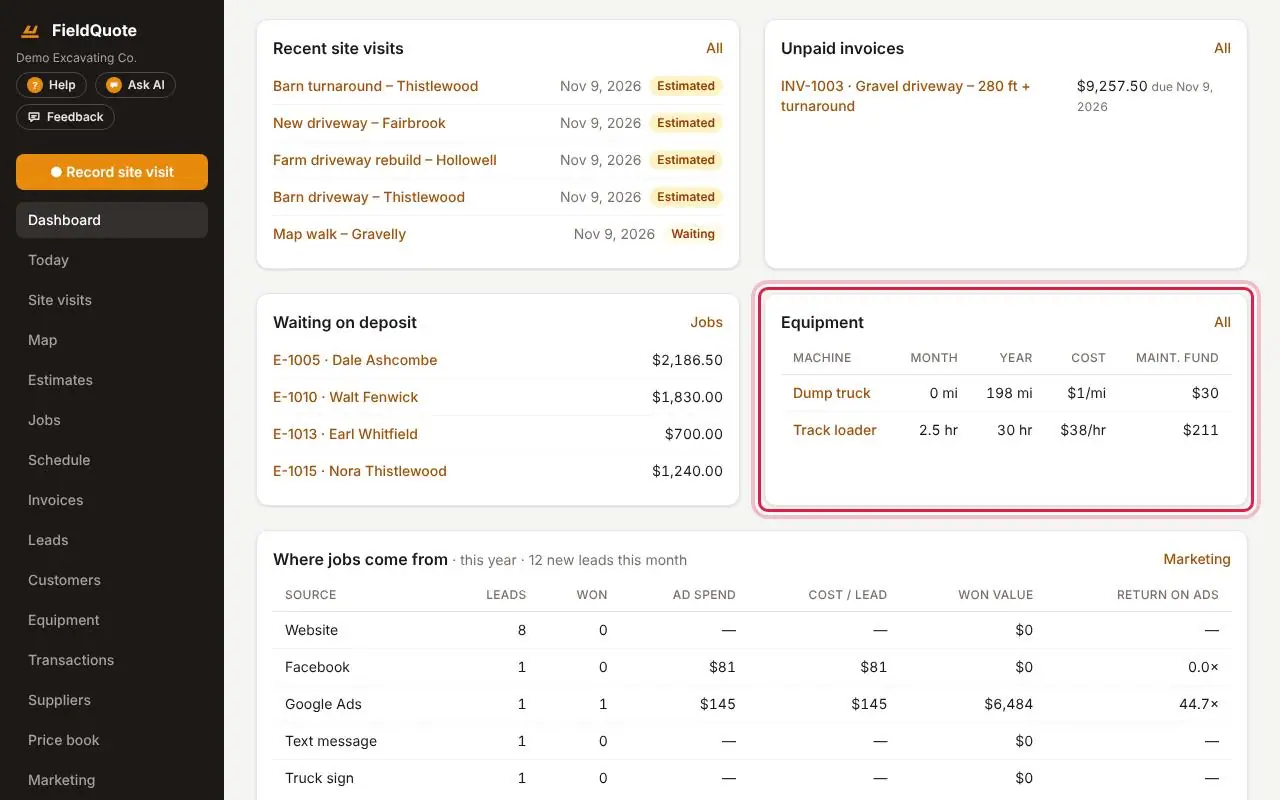
Equipment for every machine at once; tap a machine for the details. The Dashboard also has an Equipment box with each machine's cost and fund.
Watch it
Steps
Open Equipment. Each machine shows what it Costs you about per hour (or per mile for a truck).
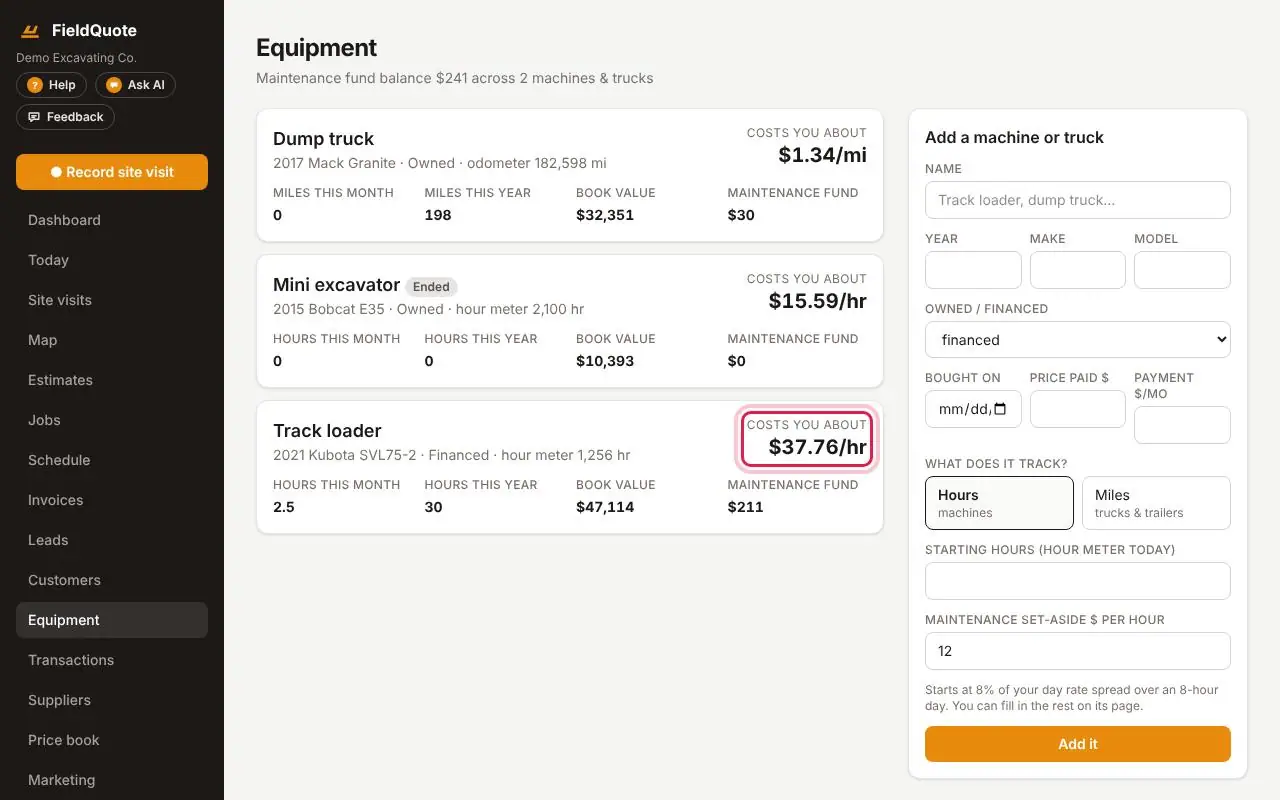
Tap the machine. What an hour costs you adds up three parts: payment & insurance (or owning, when there's no loan payment), fuel, and maintenance.
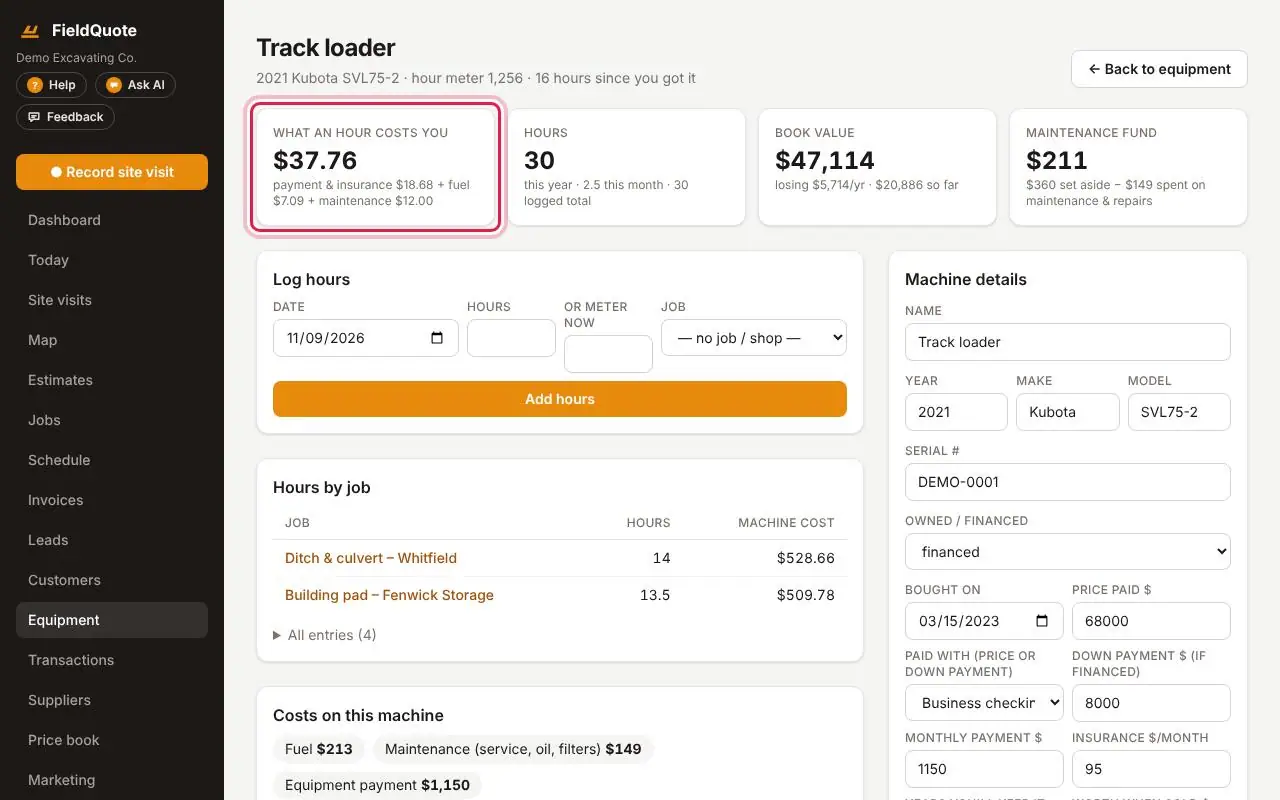
Book value is what the machine is worth on paper today, with how much it's losing a year and how much it has lost so far.
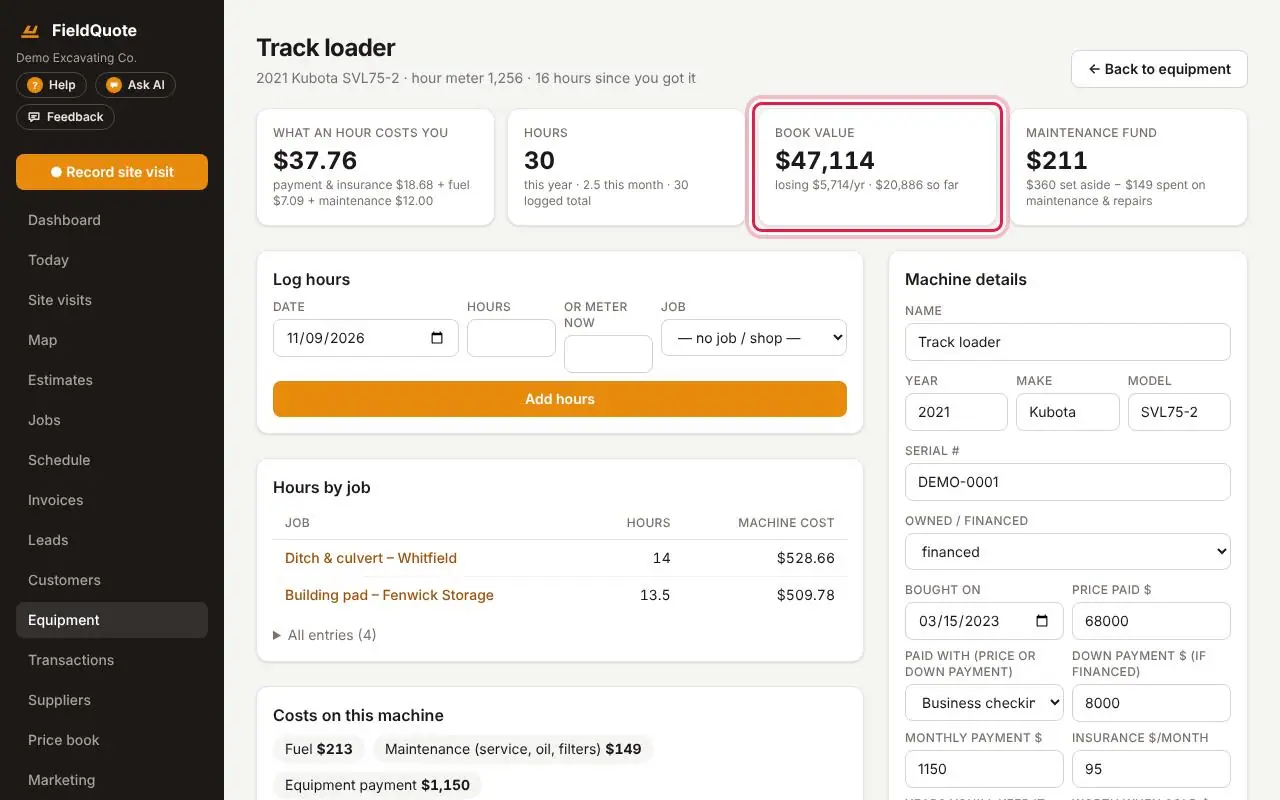
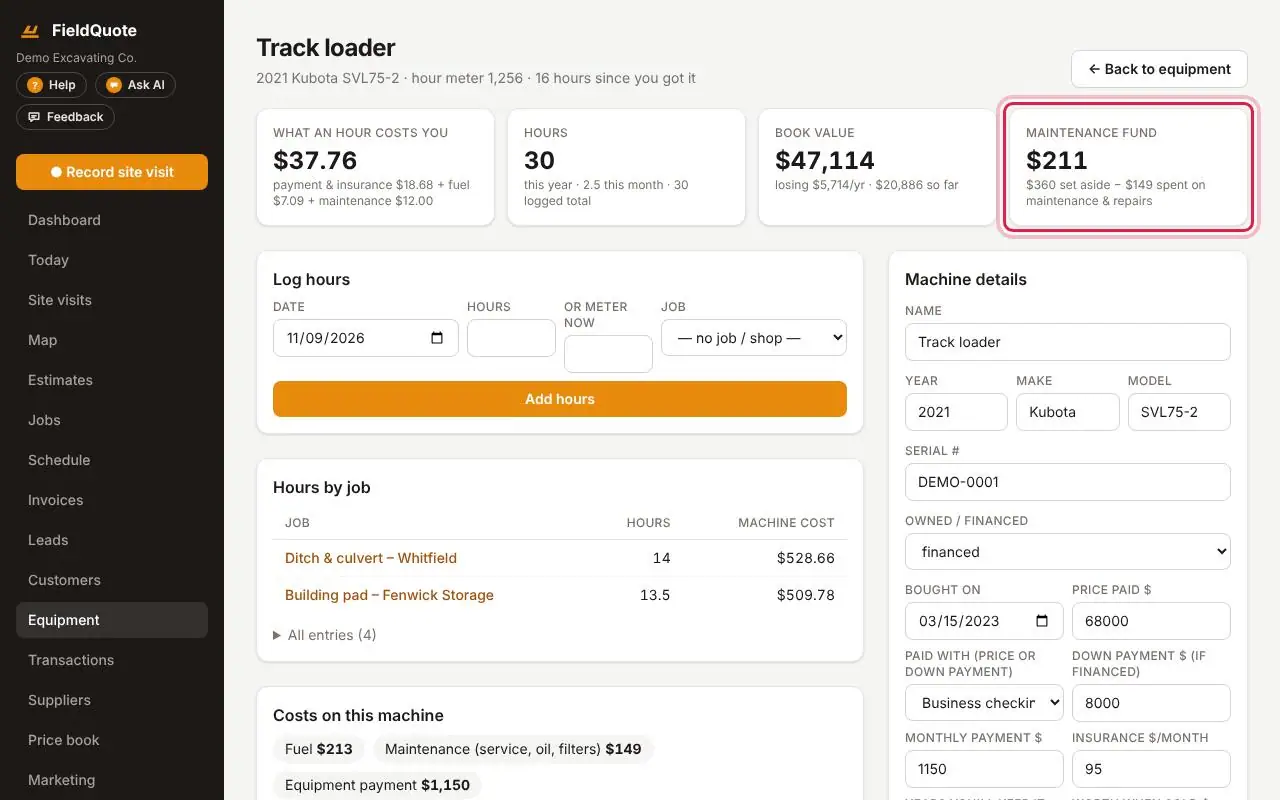
Maintenance fund is the money you've set aside for upkeep, minus what you've spent on maintenance and repairs. It turns red when you've spent more than you've set aside.
On the Dashboard, the Equipment box lists every machine you still have with its hours this month and this year, its cost and its fund.
What you'll see
How the cost per hour is figured, in short:
Payment & insurance: the monthly payment and insurance for a year, spread over Hours per year (800 hours, or 15,000 miles, if you left it blank).
Owning (no loan payment): the yearly wear-out from book value, plus insurance, spread the same way.
Fuel: all the fuel you've logged against the machine, divided by all the hours you've logged.
Maintenance: the Maintenance $/hour set-aside.
The how-it-works rule linked below has the exact math and an example.
Common mistakes
Expecting fuel in the cost before logging any. Fuel shows $0.00 until you've logged both fuel (on Transactions, picking the machine) and hours.
Counting loan payments twice. The monthly payment in Machine details is already in the cost. Equipment payments you log on Transactions are cash out the door; they aren't added again. The note under Costs on this machine says which one counts for that machine: the monthly payment when there is one, wear-out when there isn't.
Reading a red maintenance fund as a mistake. It means repairs have cost more than you've set aside so far — think about raising Maintenance $/hour.
Limits
Only the owner or an admin can change what goes into the cost (the money details under Machine details). Anyone can log the hours, miles and expenses.
The operator's pay is not in the cost per hour.
A sold machine keeps its numbers on its own page but drops off the Dashboard box and isn't counted in "Maintenance fund balance … across … machines & trucks" at the top of Equipment.
Book value is straight-line over Years you'll keep it, down to Worth when sold $. It's for pricing, not for taxes.
Checked against the app on Nov 9, 2026. Pictures are from Demo Excavating Co., a made-up company.