Equipment, machine costs & transactions
Guide 3 of 10
What it's for
Logged hours are what everything else is built on: the fuel cost per hour, the maintenance set-aside, the hours this month and this year, and what each job cost you in machine time.
Where
Equipment › tap the machine › Log hours (a truck says Log miles).
Watch it
Steps
Open the machine from Equipment. Log hours is at the top on the left.
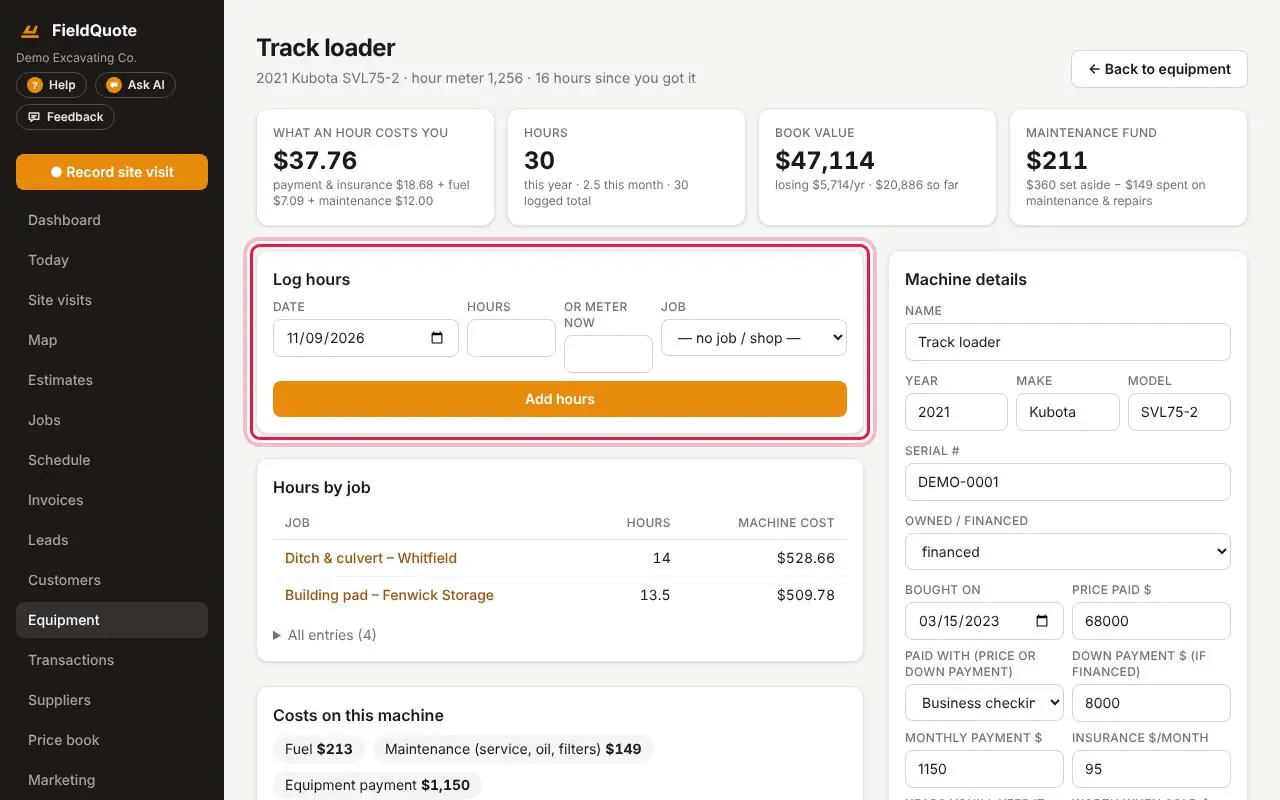
Pick the Date and type the Hours you ran it. Or type what the meter says now under or meter now and leave Hours empty — FieldQuote works out the hours since the last reading.
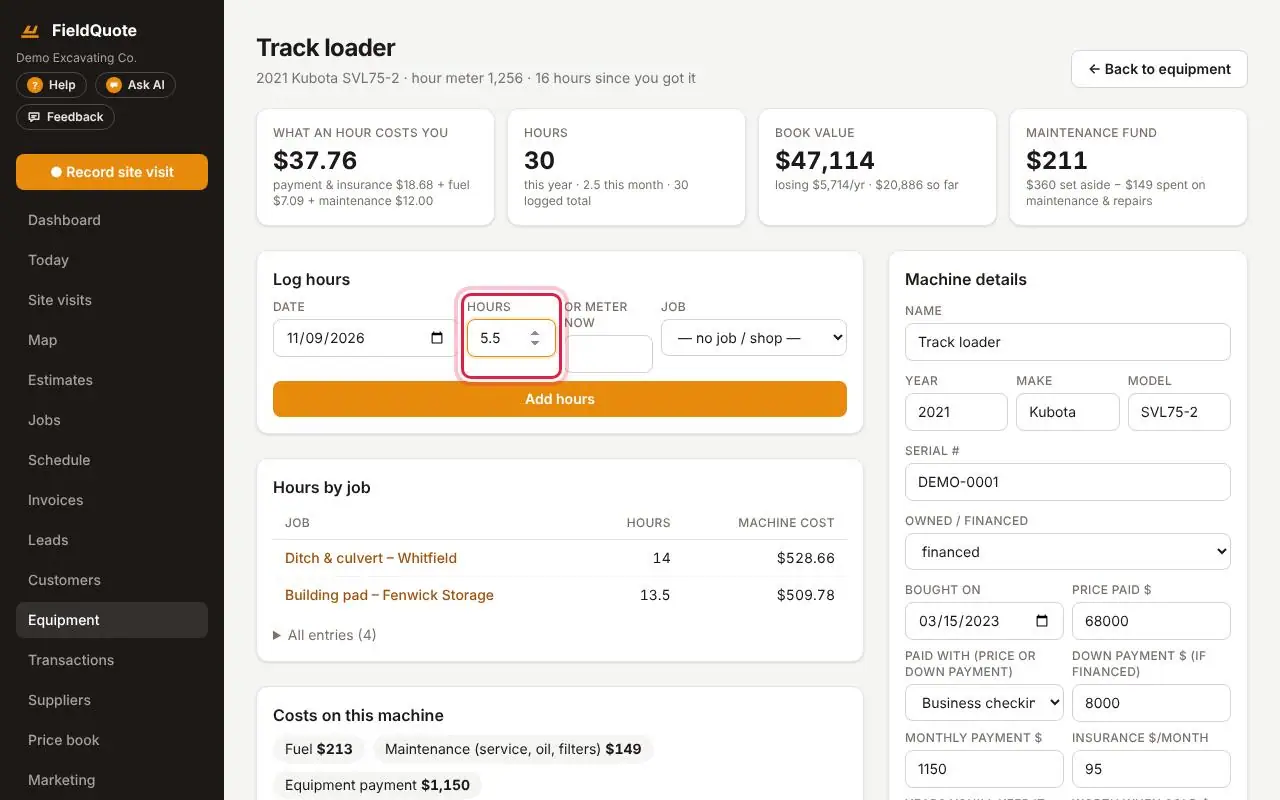
Pick the Job it worked on, or leave the first choice (no job / shop) for shop time.
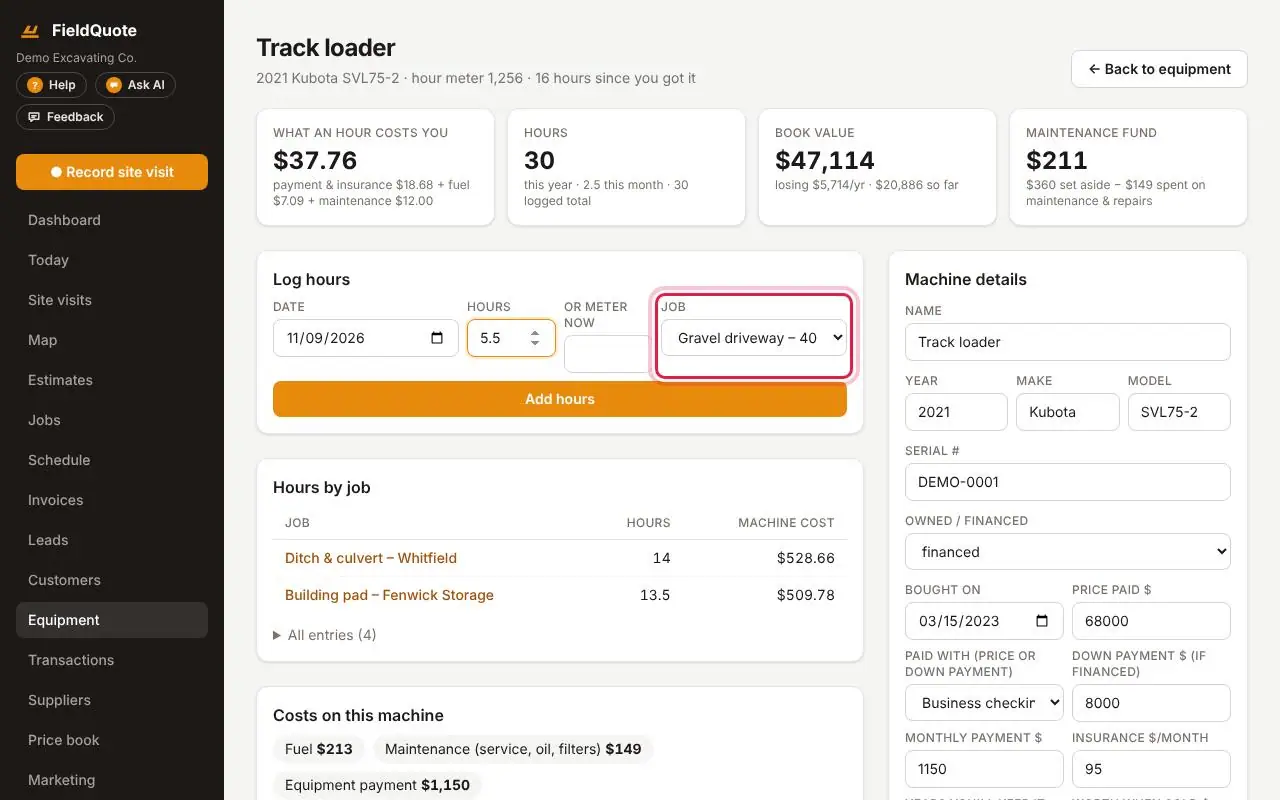
Tap Add hours.
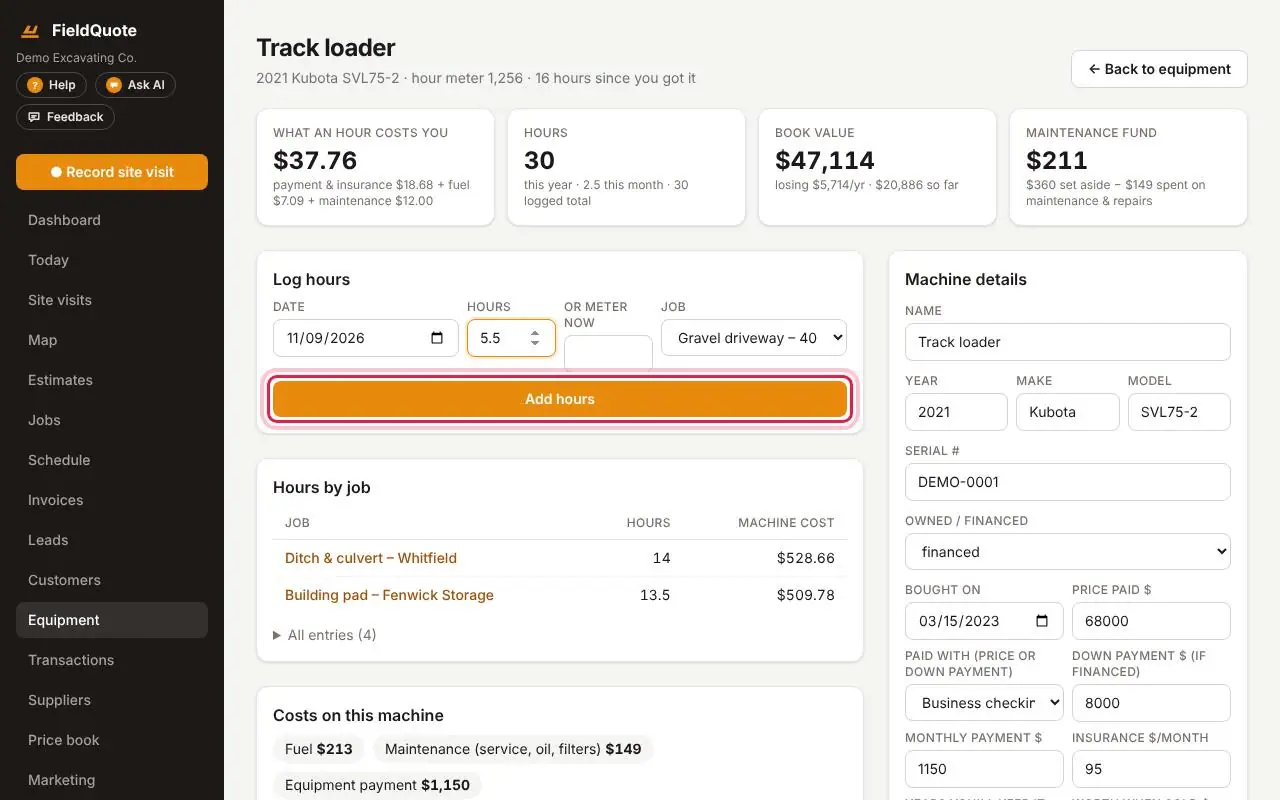
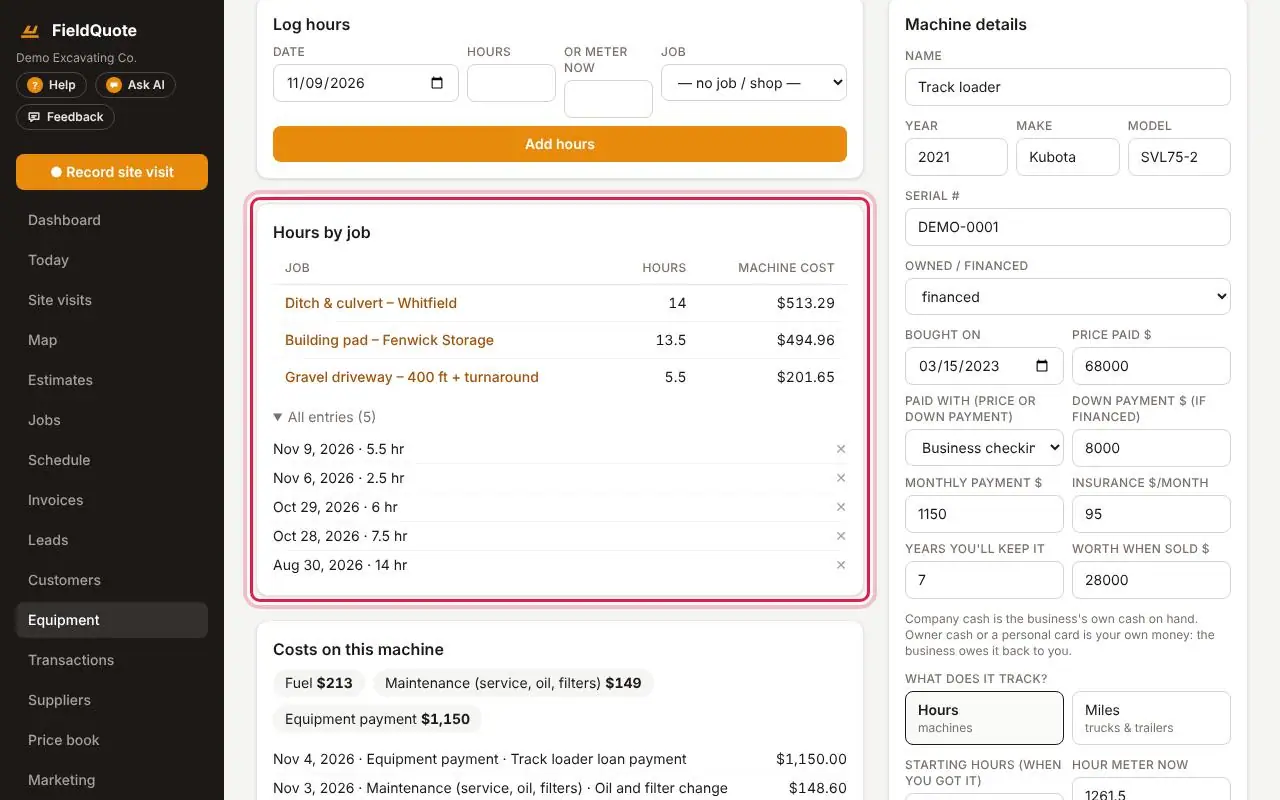
Hours by job shows the hours on each job and the Machine cost for them. Open All entries (…) to see every entry by date.
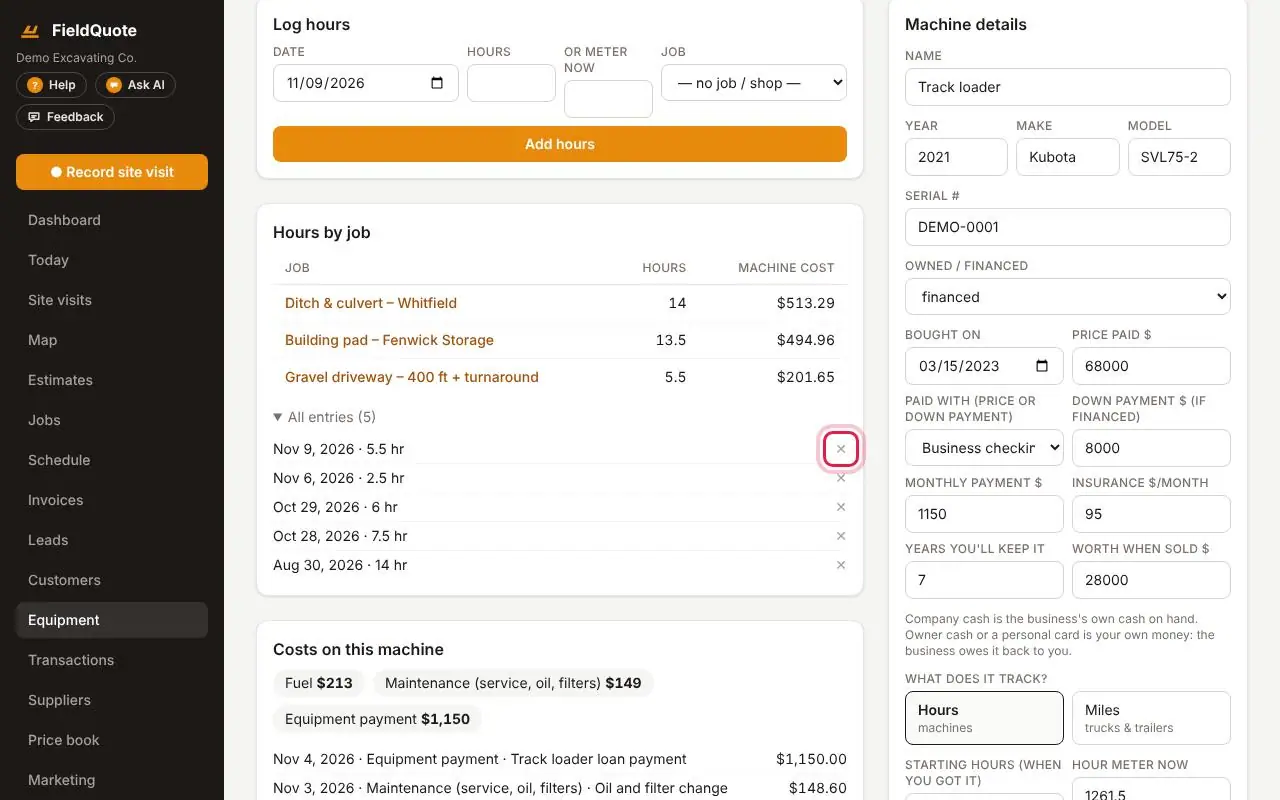
To take back a wrong entry, tap the ✕ at the end of its line. The hour meter goes back by what that entry added.
What you'll see
The hour meter at the top of the page moves forward by the hours you logged (or to the reading you typed). Deleting the entry moves it back again, along with the hours since you got it.
Maintenance fund grows by the set-aside for each hour.
The job's page lists the hours too, and counts them as machine time in what the job cost you.
Common mistakes
Typing the meter reading under Hours. Hours is how many hours you ran it that day; the reading goes under or meter now.
Typing a meter reading lower than the last one with Hours empty. Nothing is added — the hours would come out zero or less.
Logging the same day twice. Both entries count. Delete one with ✕.
Limits
Hours can also be logged from a job's page, under Machine hours & truck miles.
The cost per hour used for Machine cost is today's figure for that machine, so old jobs change a little when the machine's cost changes.
There's no edit: delete the entry and add it again.
Deleting an entry with an old meter reading (lower than the meter now) leaves the meter alone, because that entry never moved it.
Checked against the app on Nov 9, 2026. Pictures are from Demo Excavating Co., a made-up company.