Equipment, machine costs & transactions
Guide 5 of 10
What it's for
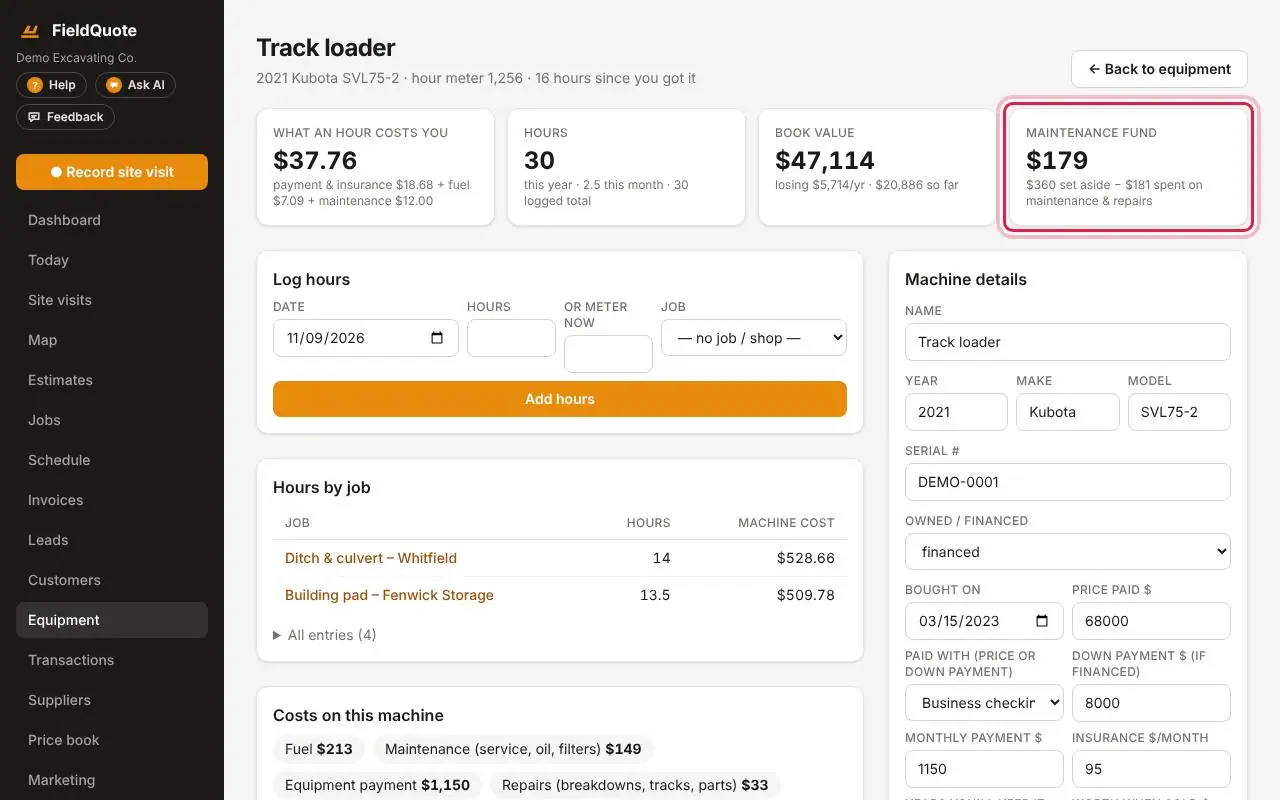
So each machine carries its own costs. You see what a machine has eaten in fuel and repairs, the fuel part of its cost per hour is real, and its maintenance fund shows whether your set-aside is keeping up.
Where
Transactions › Log money out. The costs then show on the machine's page under Costs on this machine.
Watch it
Steps
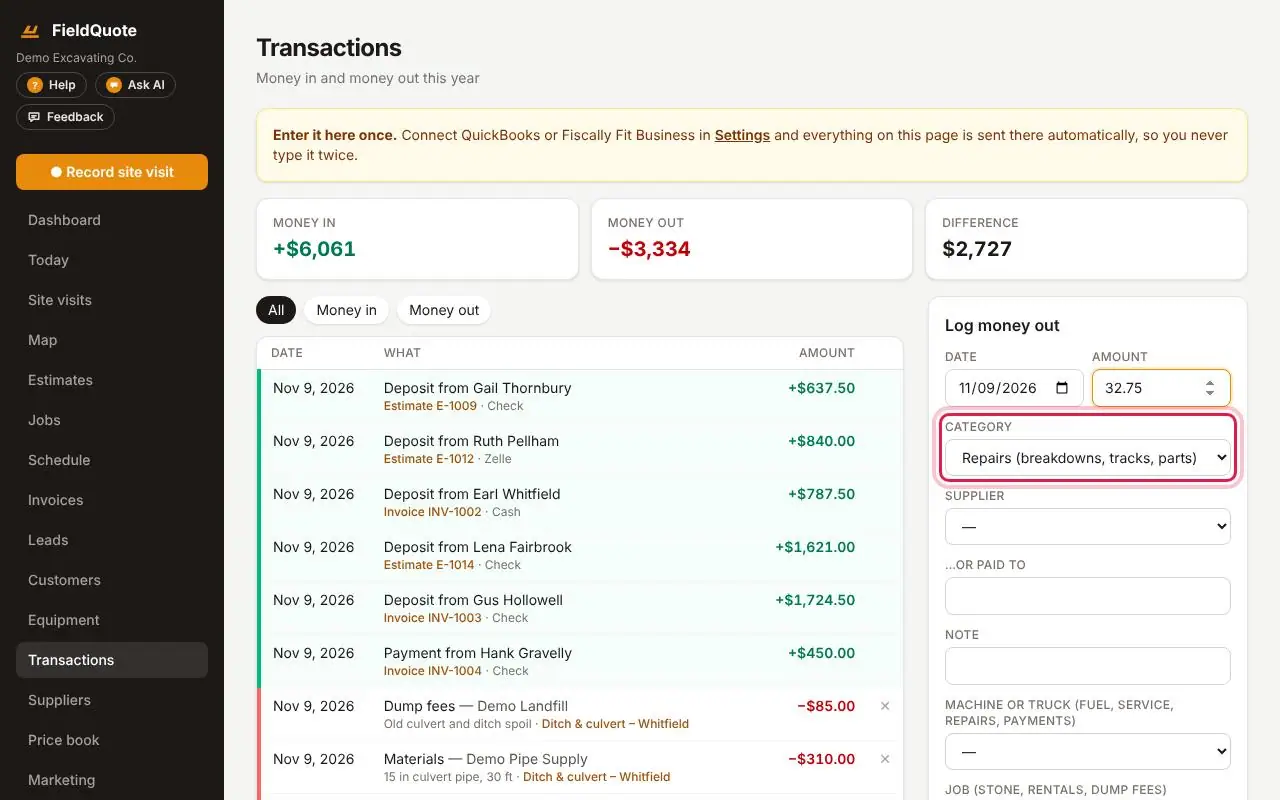
Open Transactions. Under Log money out, type the Amount and pick the Category: Fuel, Maintenance (service, oil, filters), Repairs (breakdowns, tracks, parts), or Equipment payment for a loan payment.
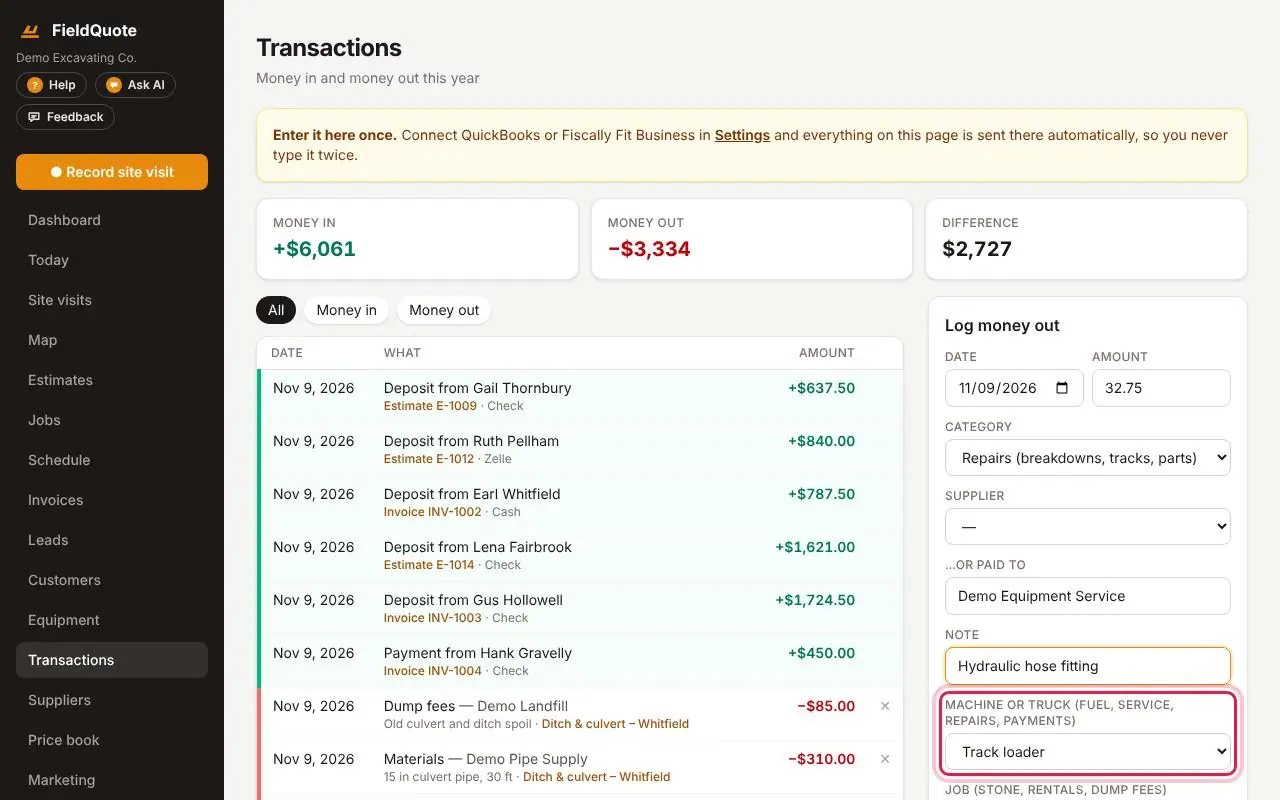
Pick the machine under Machine or truck (fuel, service, repairs, payments). Fill in who you paid, a Note and Paid with.
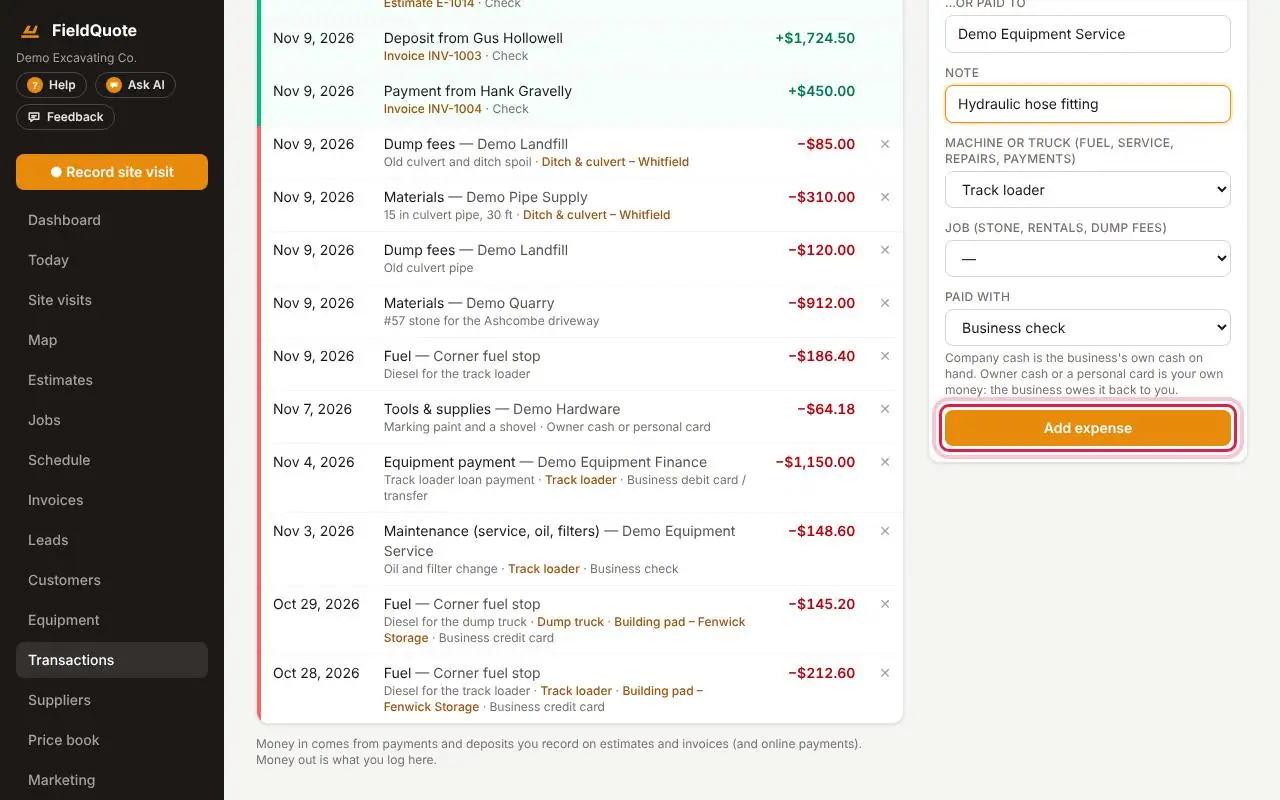
Tap Add expense.
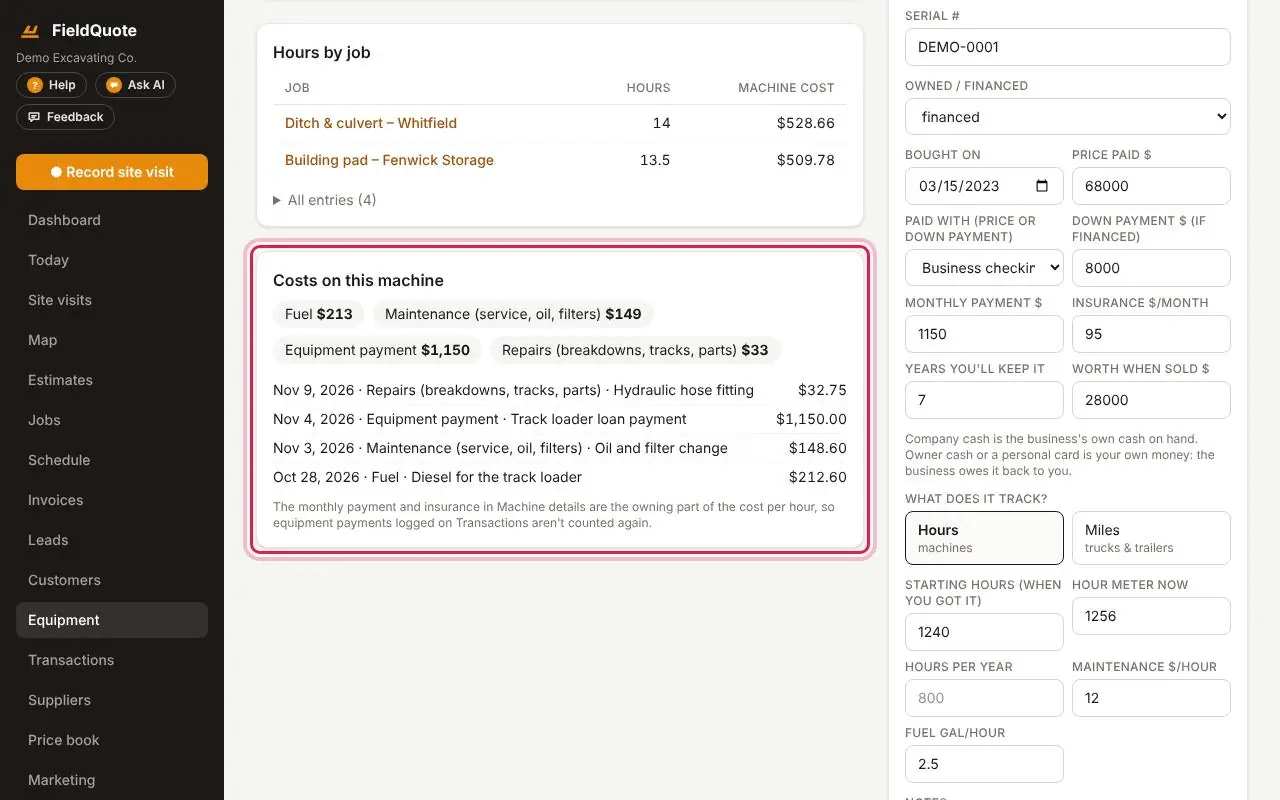
Open the machine from Equipment. Costs on this machine shows the total for each category and every cost by date.
Maintenance and repairs come out of the Maintenance fund at the top of the page.
What you'll see
Fuel costs are divided by the hours you've logged to give the fuel part of What an hour costs you.
Maintenance (service, oil, filters) and Repairs (breakdowns, tracks, parts) are taken out of the Maintenance fund.
Equipment payment shows in the list but isn't added to the cost per hour — the Monthly payment $ in Machine details already covers the loan.
The same expense is also on Transactions with the machine's name next to it (and the job, if you picked one).
Common mistakes
Not picking the machine. The expense still counts on Transactions, but not on the machine. Delete it and add it again with the machine picked.
Logging a machine's insurance as an expense and also typing it in Insurance $/month. The cost per hour already uses the monthly figure.
Using Truck & trailer for a dump truck's fuel. Pick Fuel and the truck; only fuel goes into the cost per mile.
Limits
Costs on this machine lists the latest 50 costs.
Other categories picked with a machine (tires bought as Tools & supplies, for example) show on the machine but don't change its cost per hour or its fund.
The Machine or truck (fuel, service, repairs, payments) box only shows when you have machines on Equipment.
Checked against the app on Nov 9, 2026. Pictures are from Demo Excavating Co., a made-up company.