Equipment, machine costs & transactions
Guide 9 of 10
What it's for
Every receipt goes in once: stone for a job, dump fees, fuel, a repair, a phone bill. Tied to a job, it counts against that job. Tied to a machine, it counts against the machine. And when your books are connected, it goes there too.
Where
Transactions › Log money out (on the right, or below the list on a phone).
Watch it
Steps
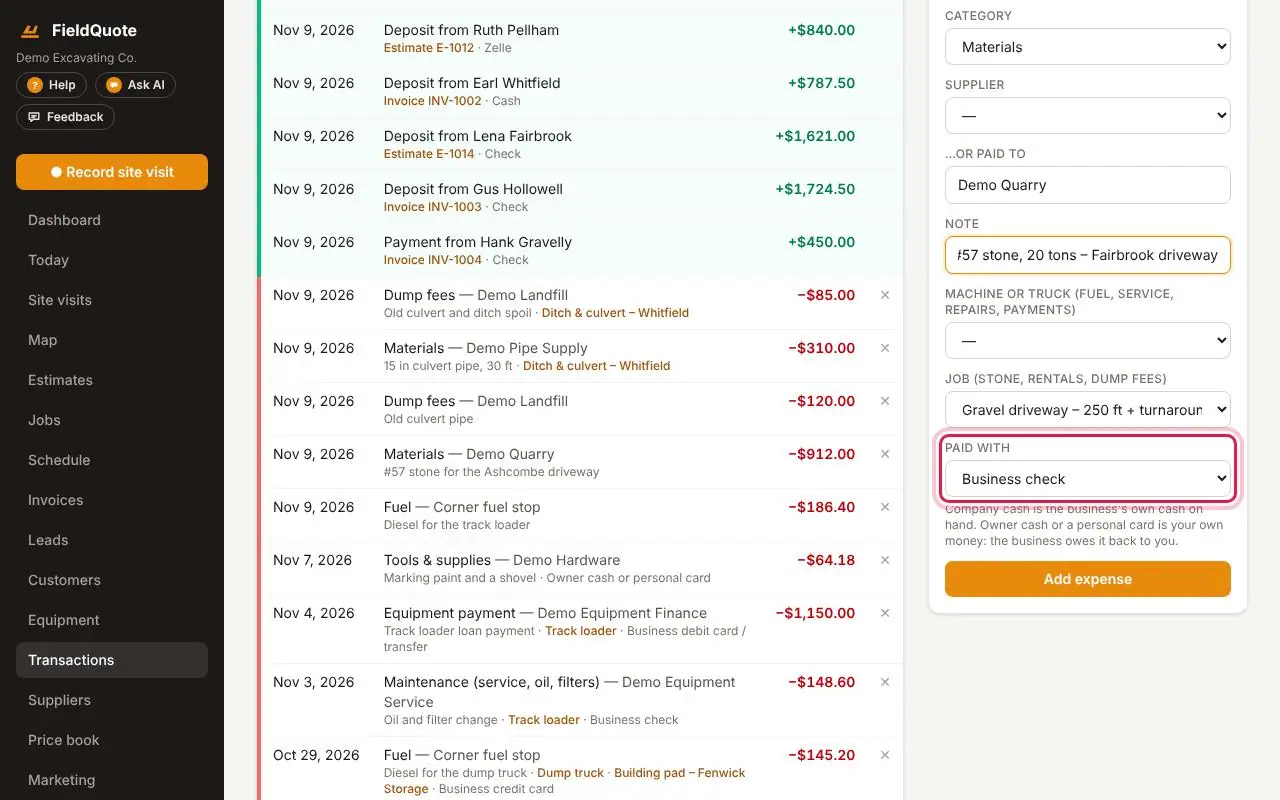
Under Log money out, set the Date (today is filled in) and type the Amount.
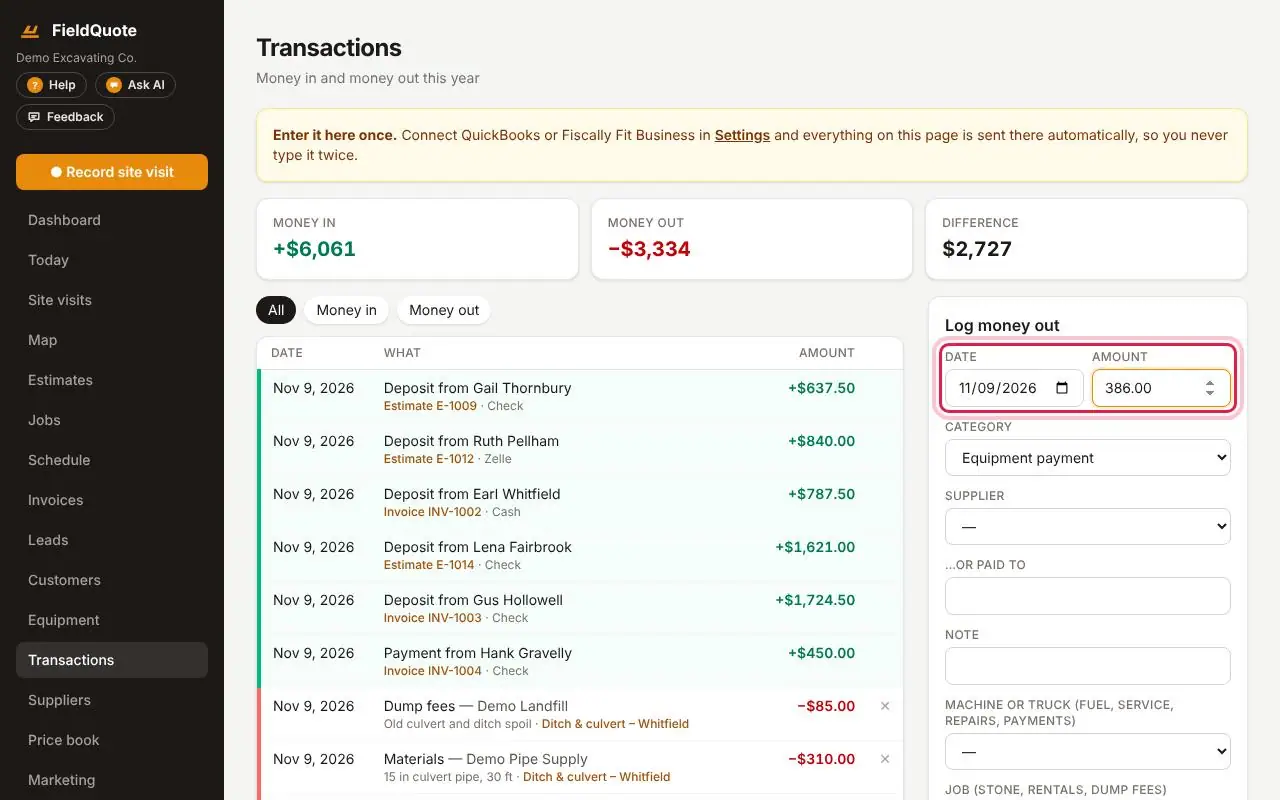
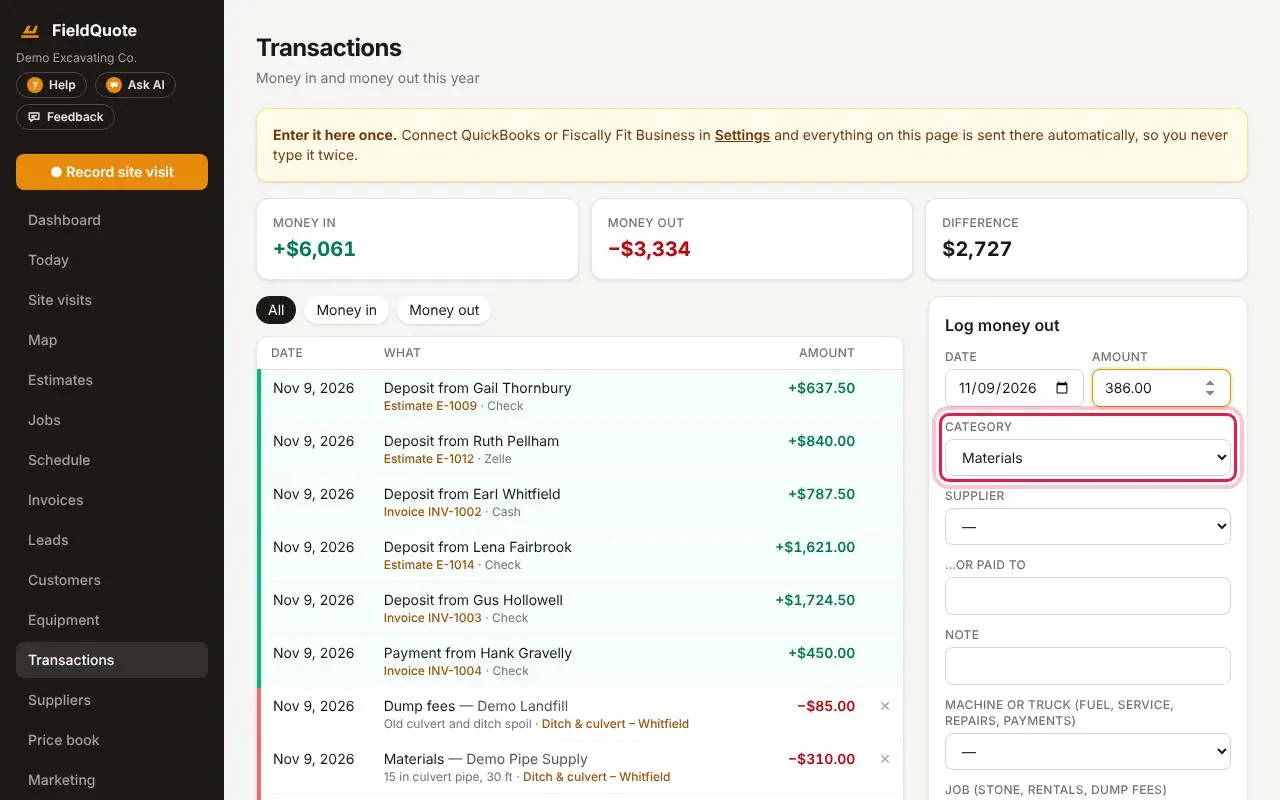
Pick the Category, such as Materials, Dump fees, Fuel or Subcontractor.
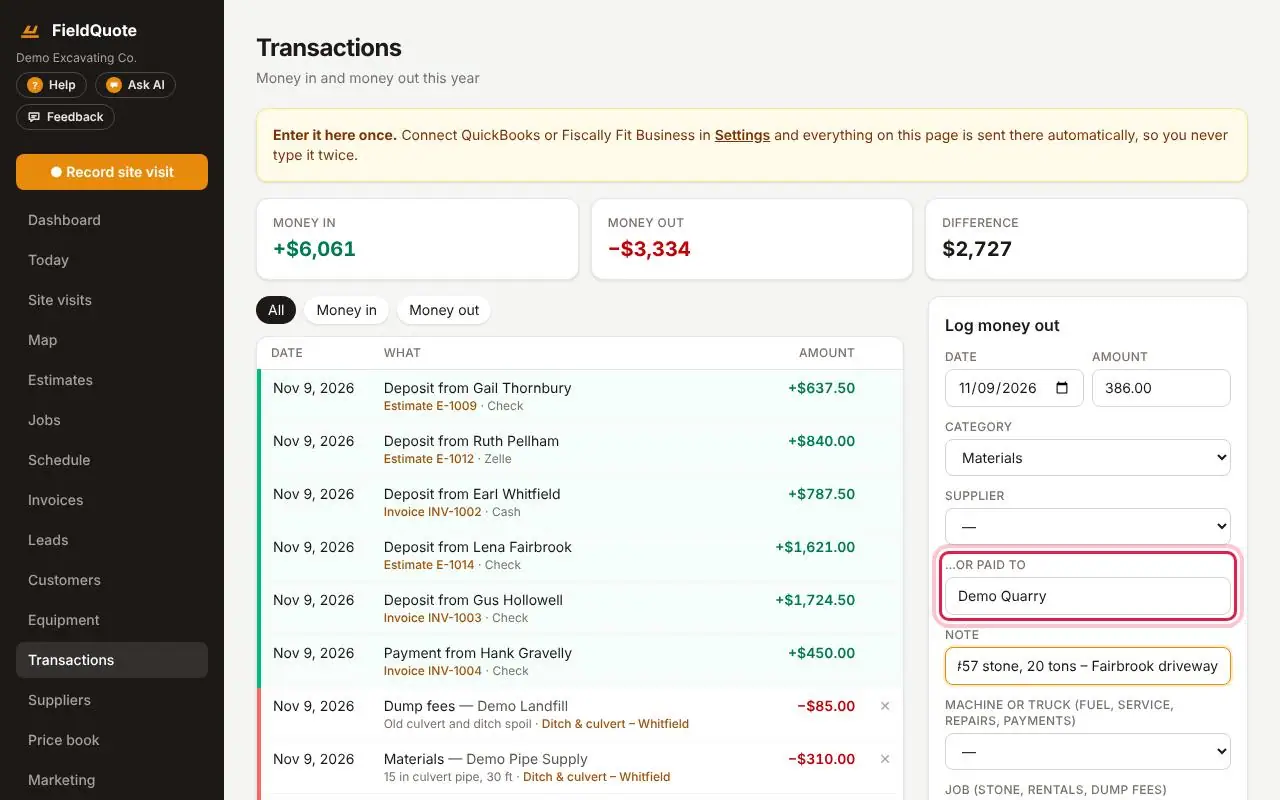
Type who you paid under Paid to. If you've added suppliers, you can pick one under Supplier instead of typing a name. Add a Note so you'll know what it was.
Pick the Job (stone, rentals, dump fees) it was for. For fuel, service, repairs or a loan payment, pick the Machine or truck (fuel, service, repairs, payments) instead or as well.
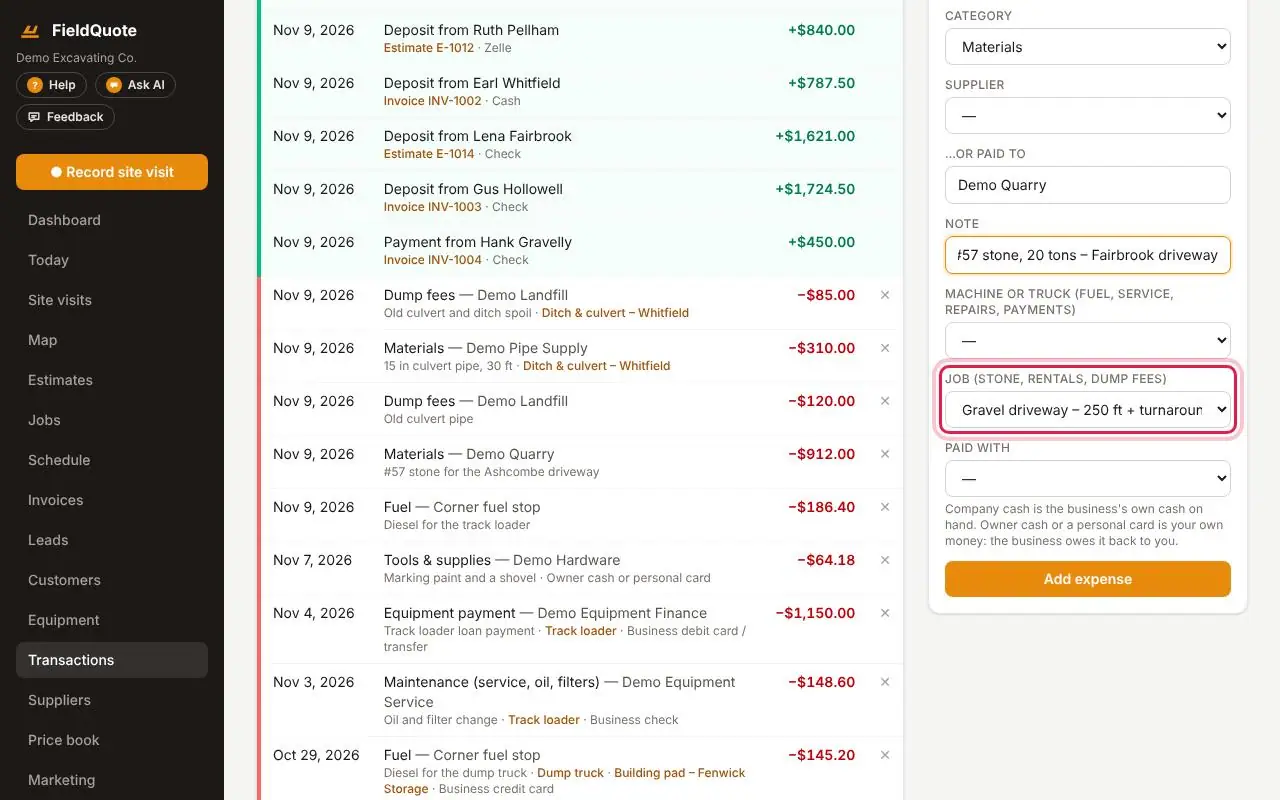
Pick Paid with: "Company cash" for the business's own cash on hand, "Owner cash or personal card" if you paid for it with your own money, or a business card, check, debit card or transfer, or PayPal.
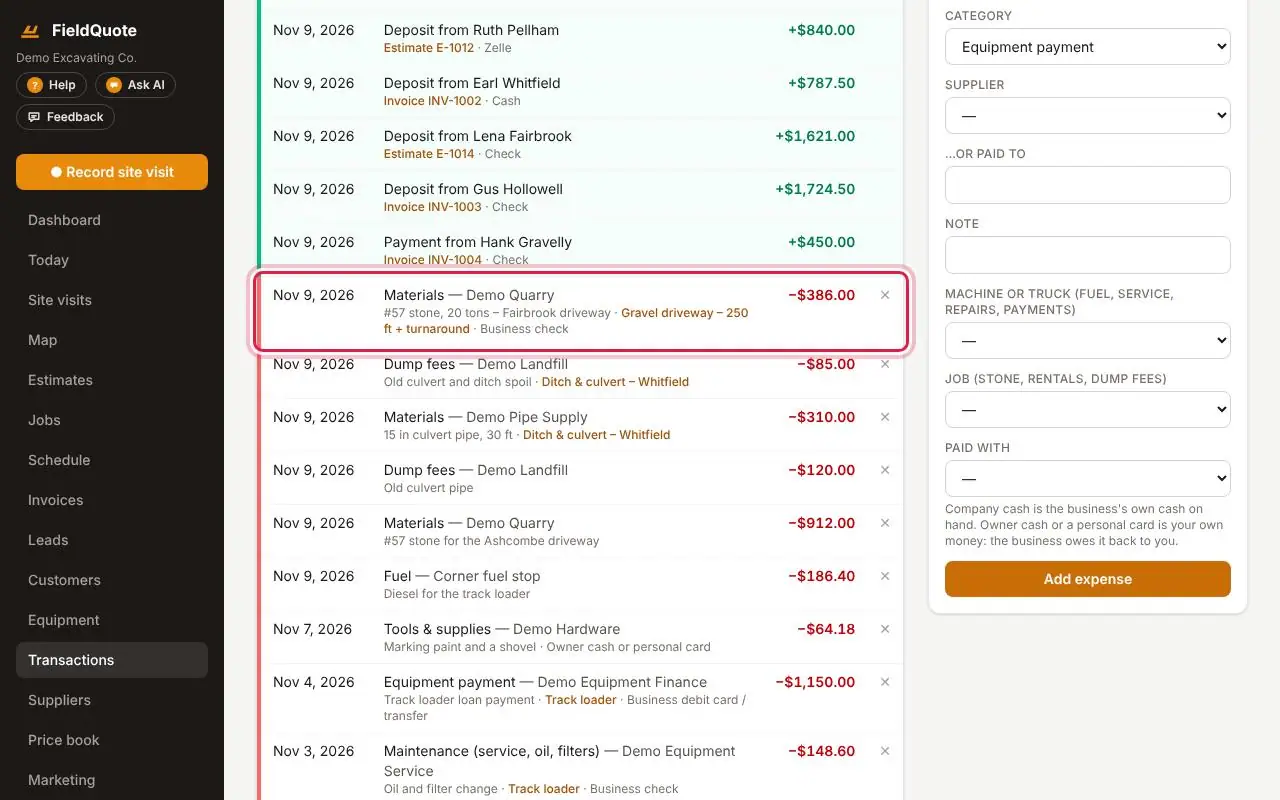
Tap Add expense. It shows at the top of the list in red.
What you'll see
The new line on Transactions with the category, who was paid, the note, links to the job and machine, and what it was paid with.
On the job's page, it counts in Job expenses and in what the job cost you.
With your books connected and sending automatically, it's sent as soon as you add it.
Common mistakes
Leaving Paid with empty for something you paid personally. Pick "Owner cash or personal card" so your books record that the business owes it back to you.
Picking "Owner cash or personal card" for cash from the company's cash box (or the other way round). Company cash is the business's money; owner cash is yours.
Logging stone you bought for a job without picking the job. It still counts in money out, but not against the job.
Logging an ad you're tracking as a campaign here. Ad spend for a campaign goes on Marketing; use Advertising (not in a campaign) only for ads you don't track there.
Limits
An expense can't be edited. Delete it and add it again.
There's no receipt photo on this form.
The Job list shows your 50 newest jobs. The Supplier, Machine or truck (fuel, service, repairs, payments) and Job (stone, rentals, dump fees) boxes only show once you have suppliers, machines or jobs.
Checked against the app on Nov 9, 2026. Pictures are from Demo Excavating Co., a made-up company.