Equipment, machine costs & transactions
Guide 8 of 10
What it's for
One place to see what came in and what went out this year, without opening every invoice. It's also the page your bookkeeping gets fed from: what's here is what goes to your connected books.
Where
Transactions in the menu.
Watch it
Steps
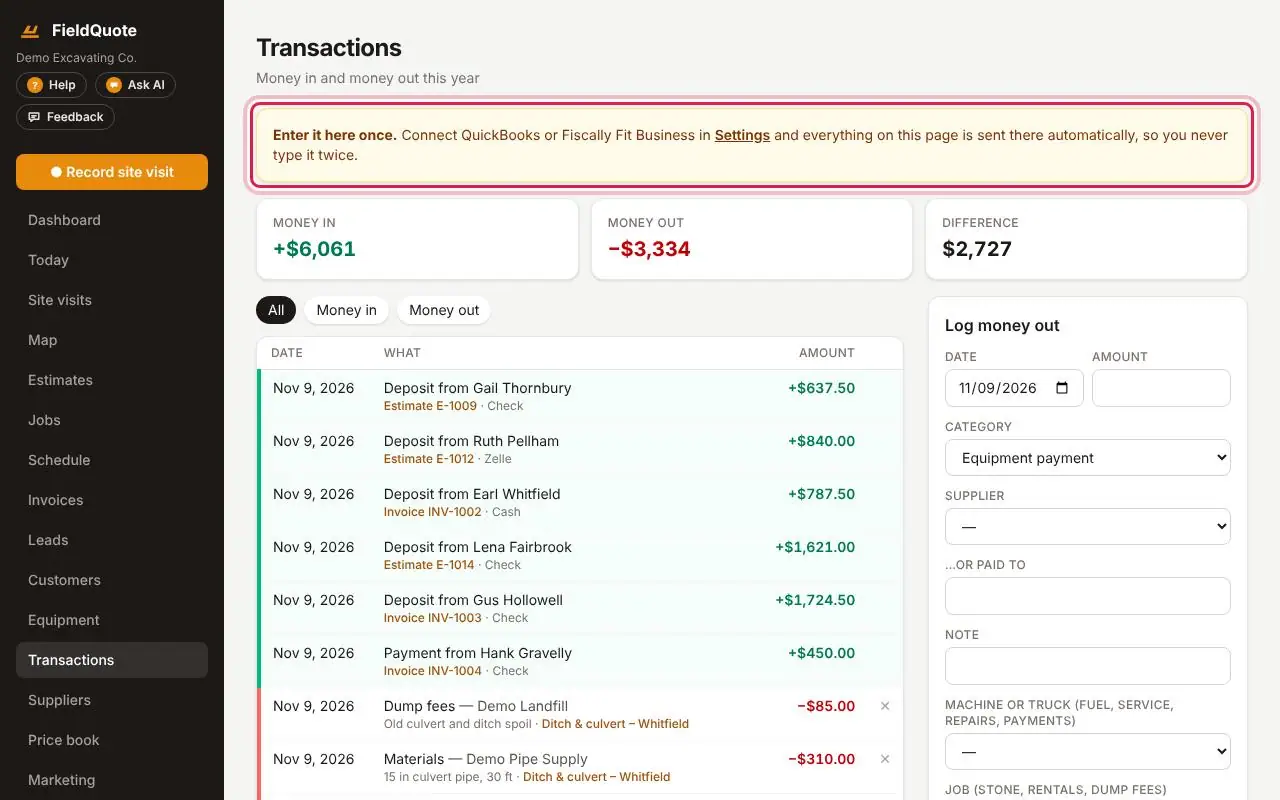
Open Transactions. The box at the top says "Enter it here once." and whether a bookkeeping app is connected.
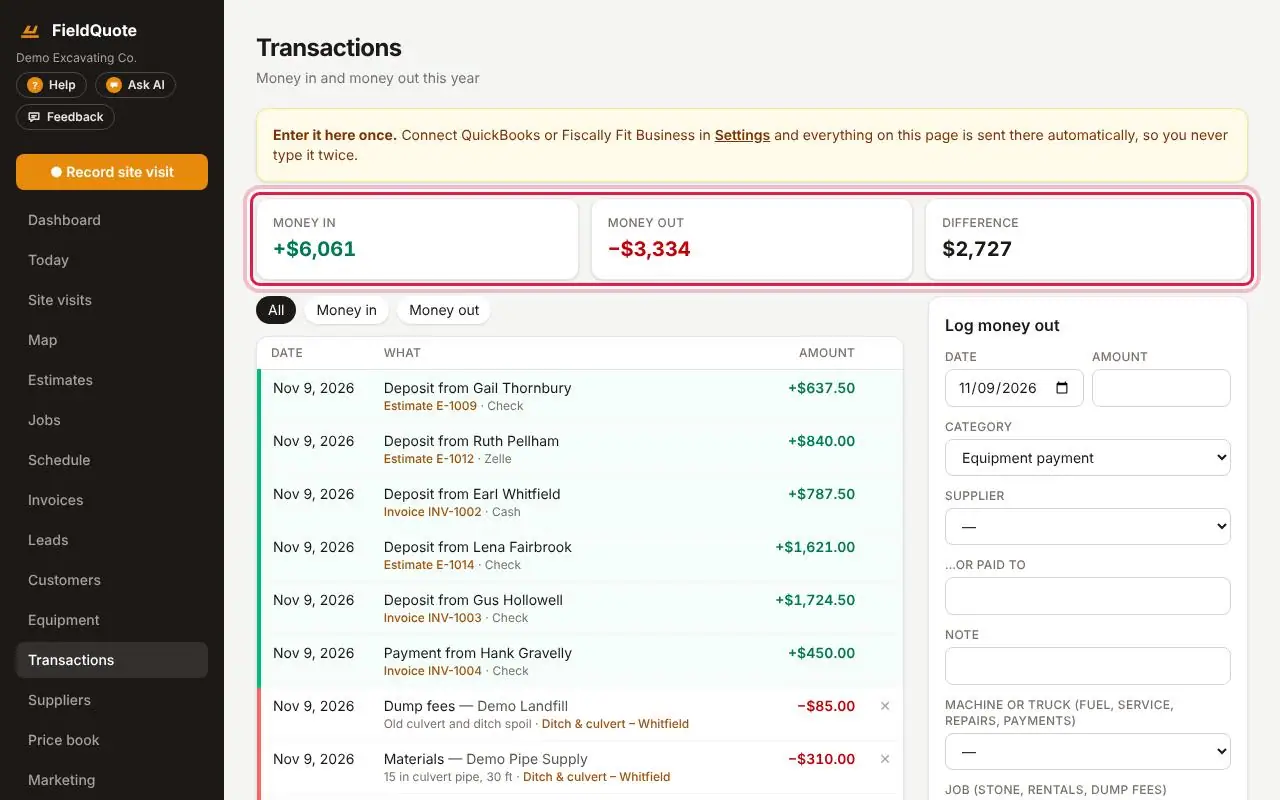
The three totals are for this year: Money in, Money out and the Difference.
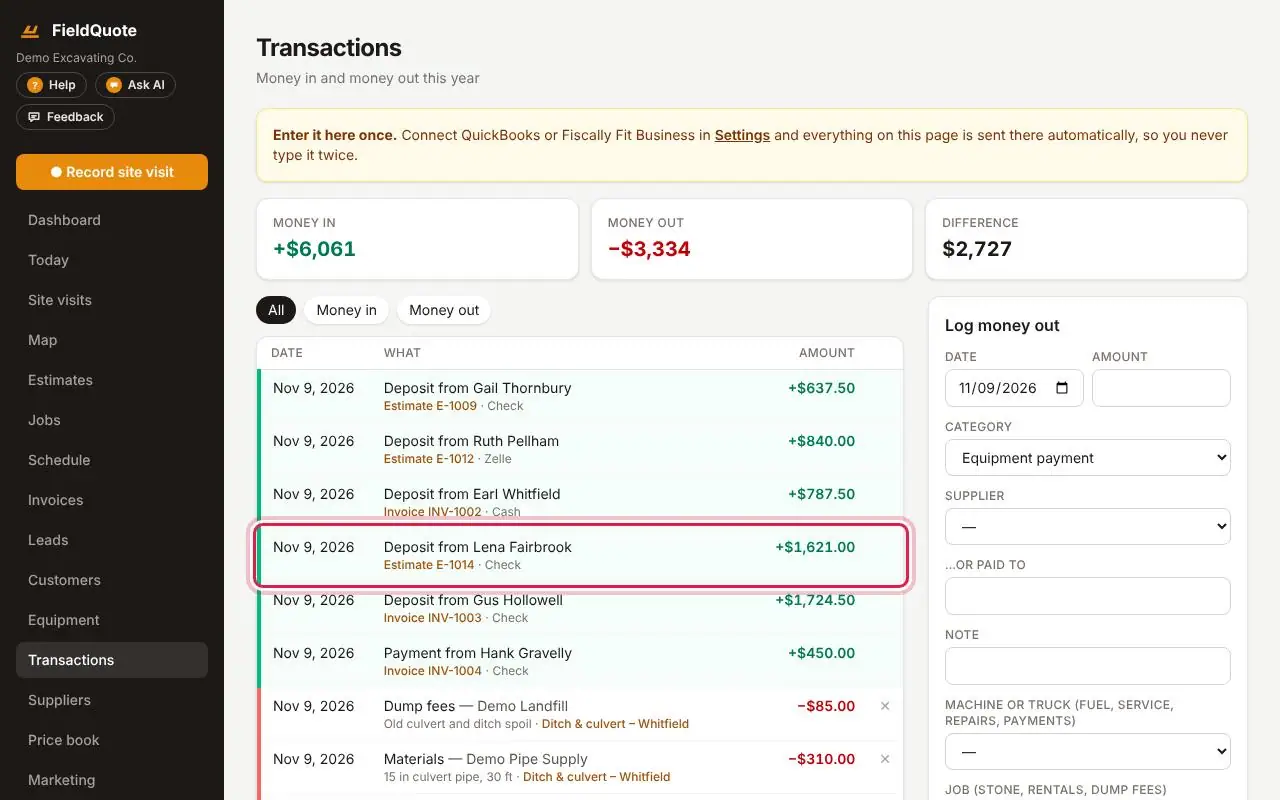
Money in has a green edge and a + amount: each payment or deposit, who it's from, and the invoice or estimate it was paid on. Tap the invoice or estimate to open it.
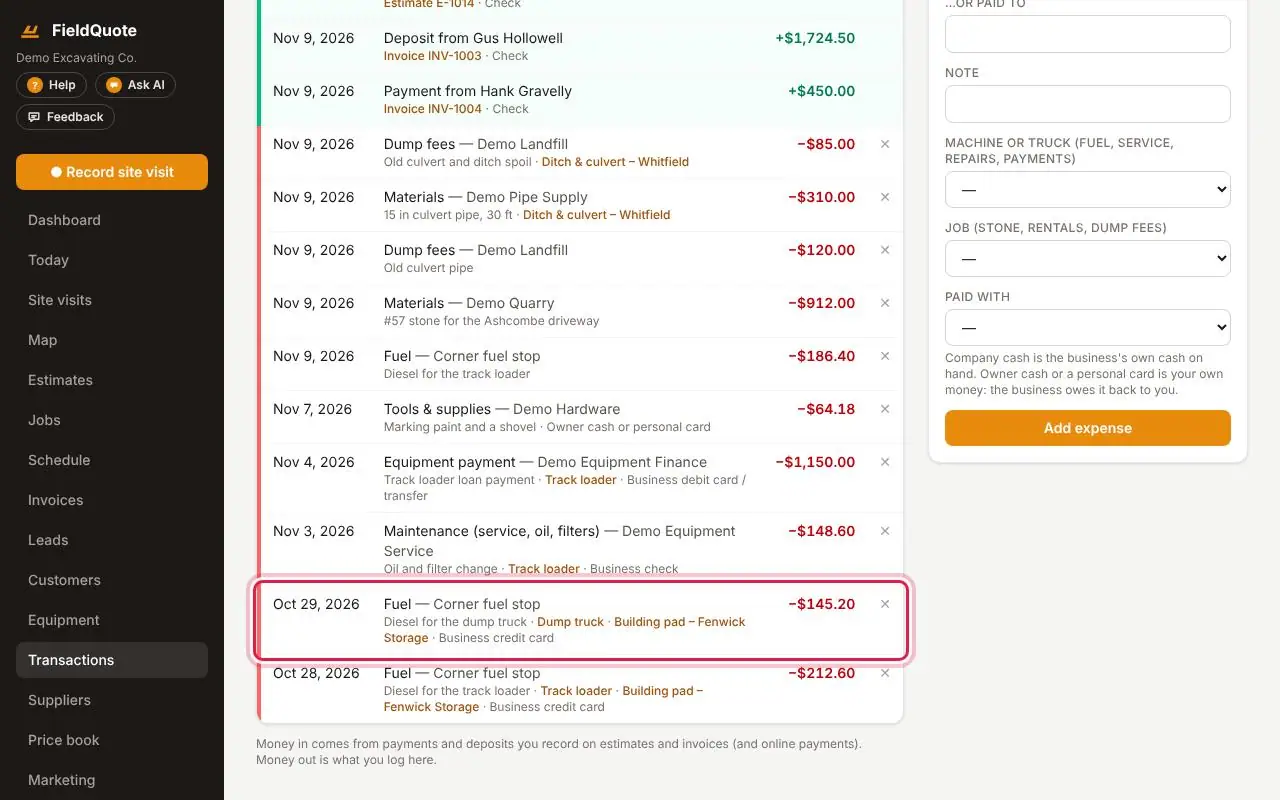
Money out has a red edge and a − amount: the category, who was paid, the note, and the machine and job it was for.
Tap Money in or Money out to see only one side. Tap All to see both again.
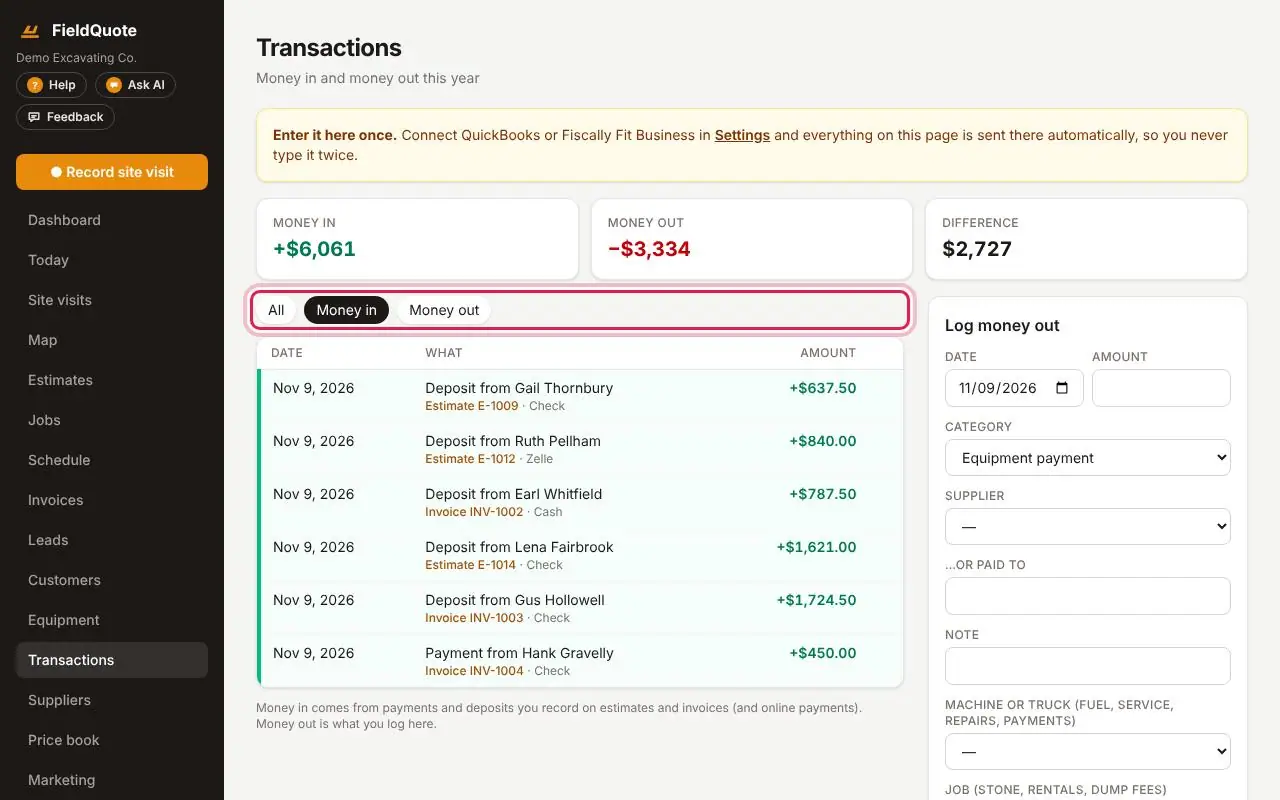
What you'll see
Newest first. Each money-in line also shows how it was paid (check, card, PayPal …) and, for online payments, the PayPal fee.
With QuickBooks connected, a QuickBooks column shows ✓ for what's in QuickBooks and "⚠ not sent" for anything that failed.
With nothing connected, the box at the top has a Settings link to connect your books.
Common mistakes
Looking for last year here. The page shows this year only (from January 1).
Trying to add a customer payment here. Payments and deposits are recorded on the invoice or the estimate; they show up here on their own.
Looking for ✕ on a payment. Only expenses can be deleted here; a payment is removed from its invoice or estimate.
Limits
The totals are simple sums of what's on the list. They aren't a profit and loss report — your bookkeeping app does that.
Ad spend you log on Marketing isn't on this page.
Checked against the app on Nov 9, 2026. Pictures are from Demo Excavating Co., a made-up company.