Equipment, machine costs & transactions
Guide 6 of 10
What it's for
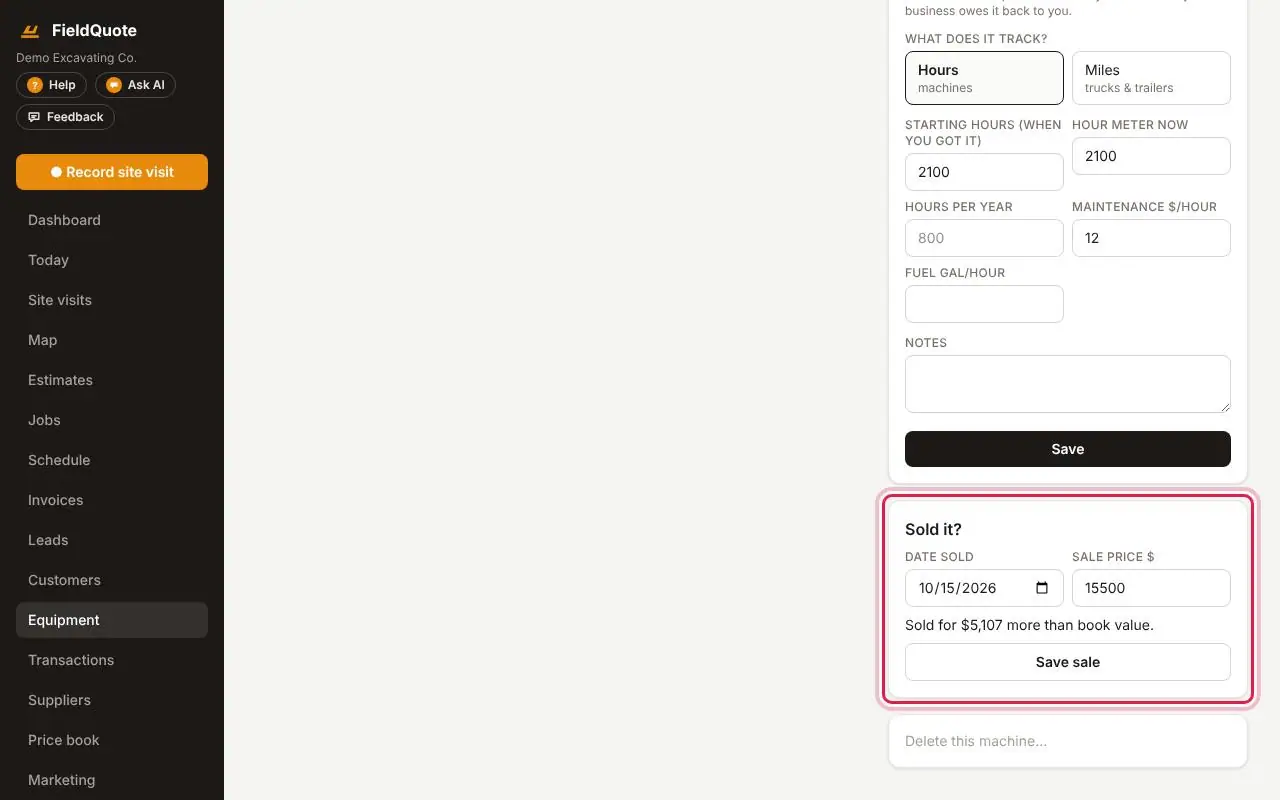
When a machine leaves the yard for good. Recording the sale keeps its hours, costs and book value in your records, takes it off your active list, and — if your books are connected — records the sale there too.
Where
Equipment › tap the machine › Sold it? (on the right, under the details).
Watch it
Steps
Open the machine from Equipment and find Sold it?
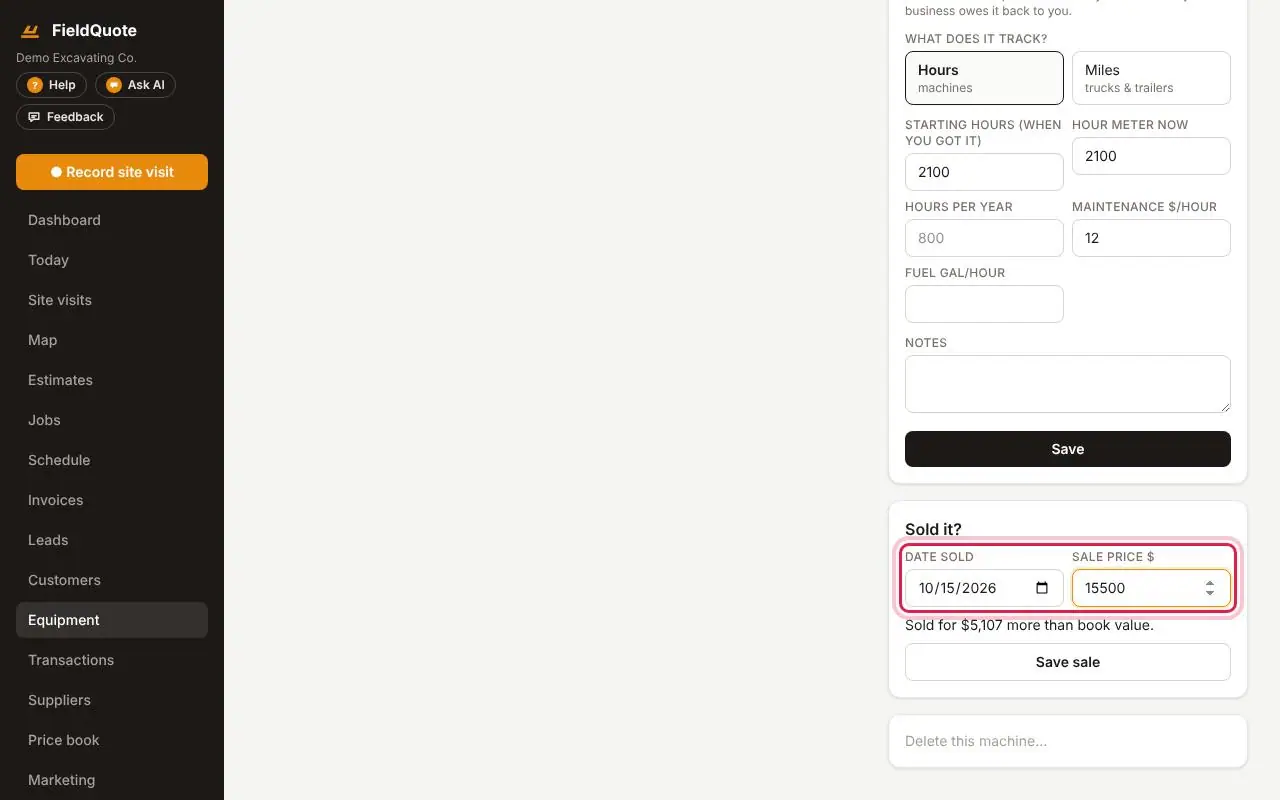
Fill in Date sold and Sale price $.
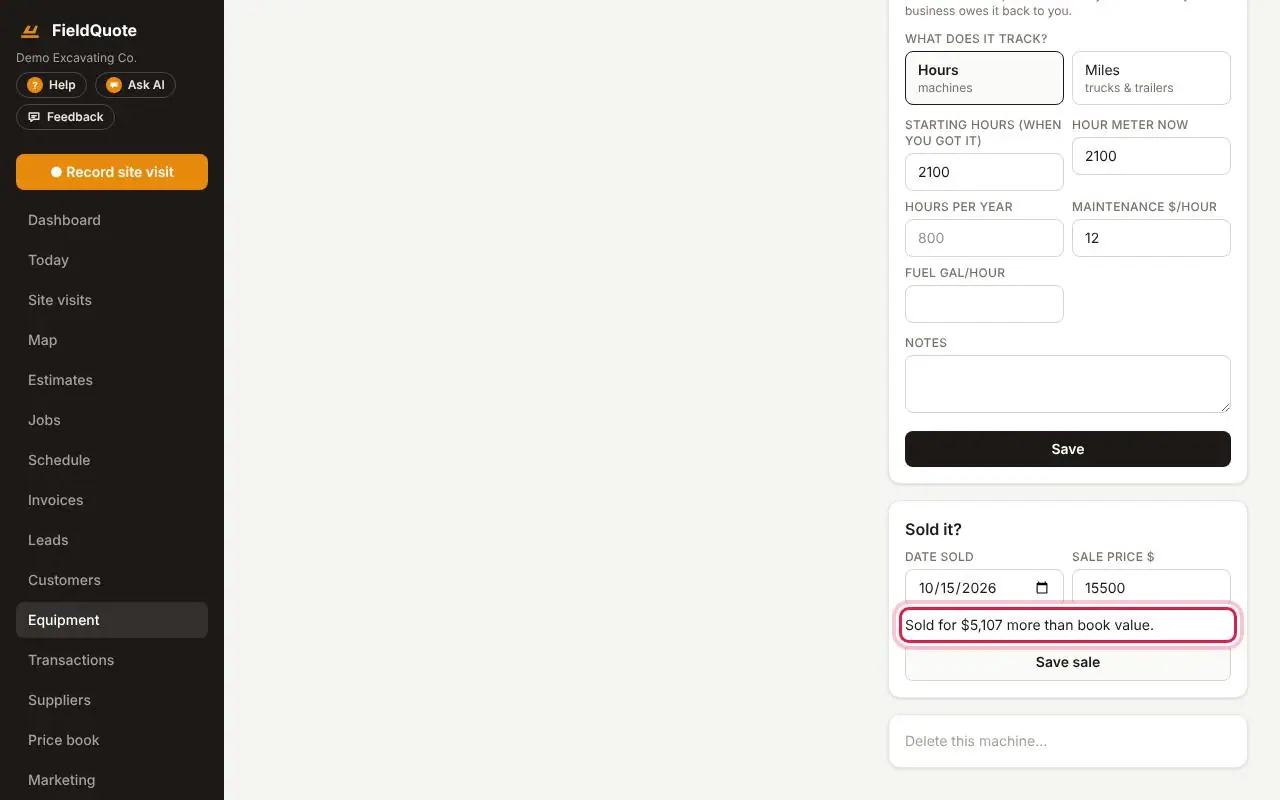
Tap Save sale. A line under the boxes says whether you got more or less than book value: "Sold for … than book value." — more or less.
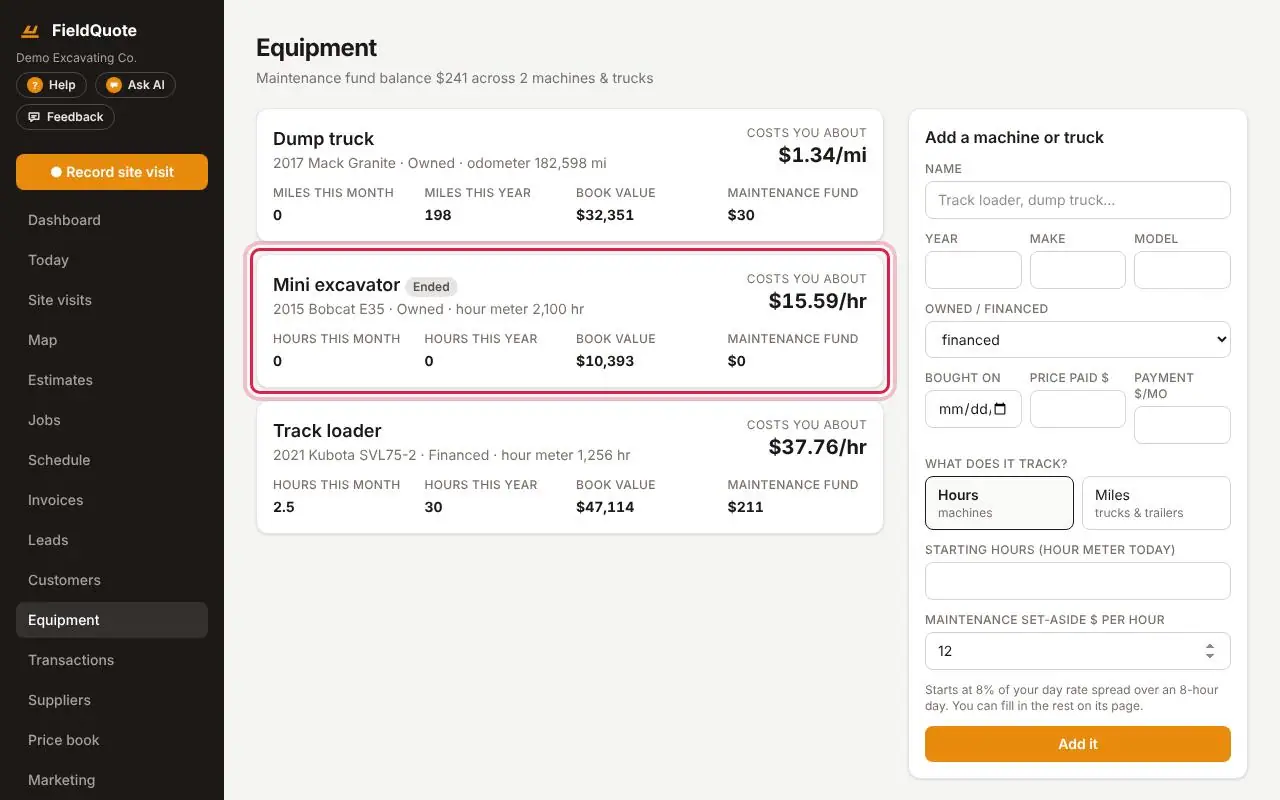
On Equipment, the machine is marked Ended.
What you'll see
The line under the machine's name adds sold and the date.
Book value stops going down on the date you sold it, so the comparison is against what it was worth that day.
The machine drops off the Dashboard Equipment box and out of the count in "Maintenance fund balance … across … machines & trucks".
With Fiscally Fit Business connected, the sale goes to your books.
Common mistakes
Deleting a sold machine instead. Delete this machine wipes its hours and history; use Sold it? so your records keep the sale.
Saving a sale by mistake. Clear Date sold and tap Save sale again — the machine is active again (and the sale is taken back in your connected books).
Limits
Only the owner or an admin can do this. Team members see it grayed out, with "Only the owner or an admin can change this."
Leaving Sale price $ blank records the sale date without a price; no more-or-less line is shown.
The money from the sale isn't added to Transactions — it's recorded with the machine.
Checked against the app on Nov 9, 2026. Pictures are from Demo Excavating Co., a made-up company.