Estimating & price book
Guide 18 of 18
What it's for
Clear out a duplicate, a test, or an extra draft from Generate another estimate so nobody sends the wrong one.
Where
On the estimate: Delete estimate… at the bottom of the Send & close box.
Watch it
Steps
Tap Delete estimate… at the bottom of Send & close.
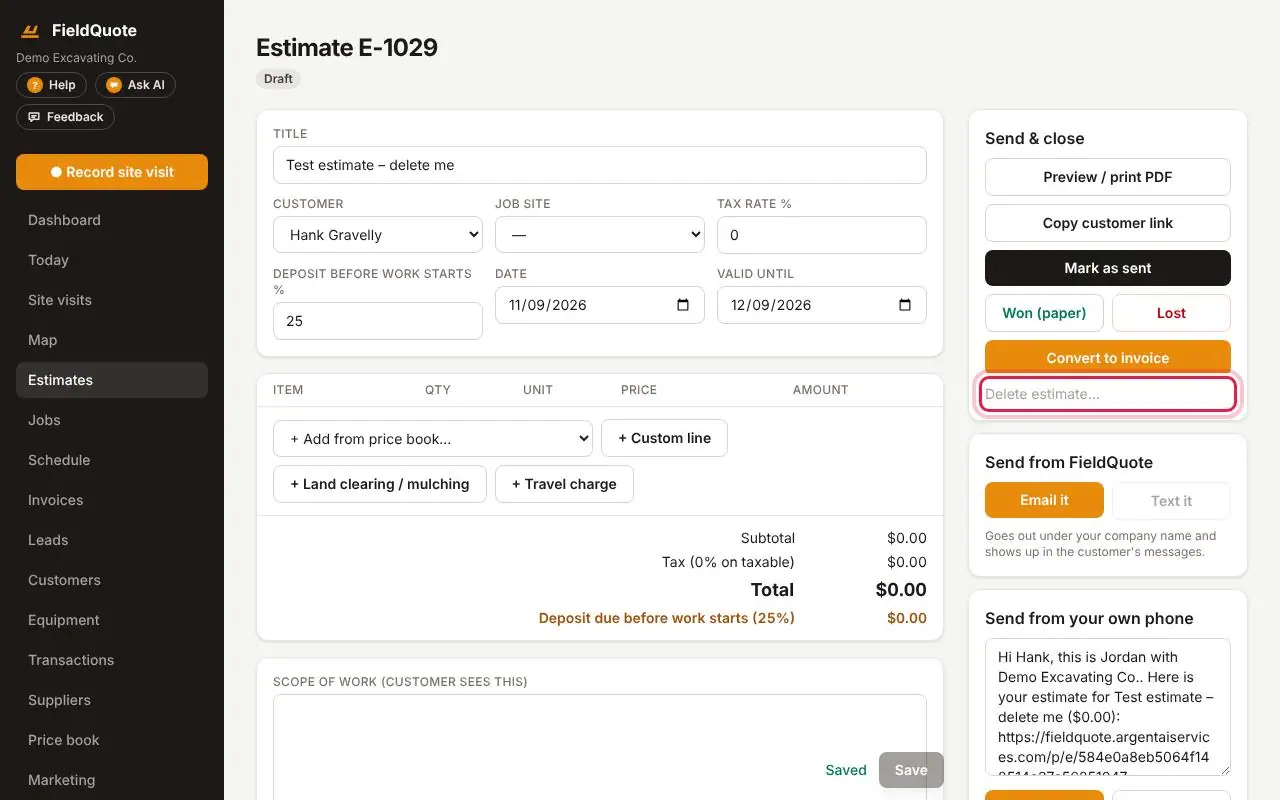
Read the warning, "Deletes this estimate and its line items for good.", and tap Yes, delete. You're taken back to Estimates.
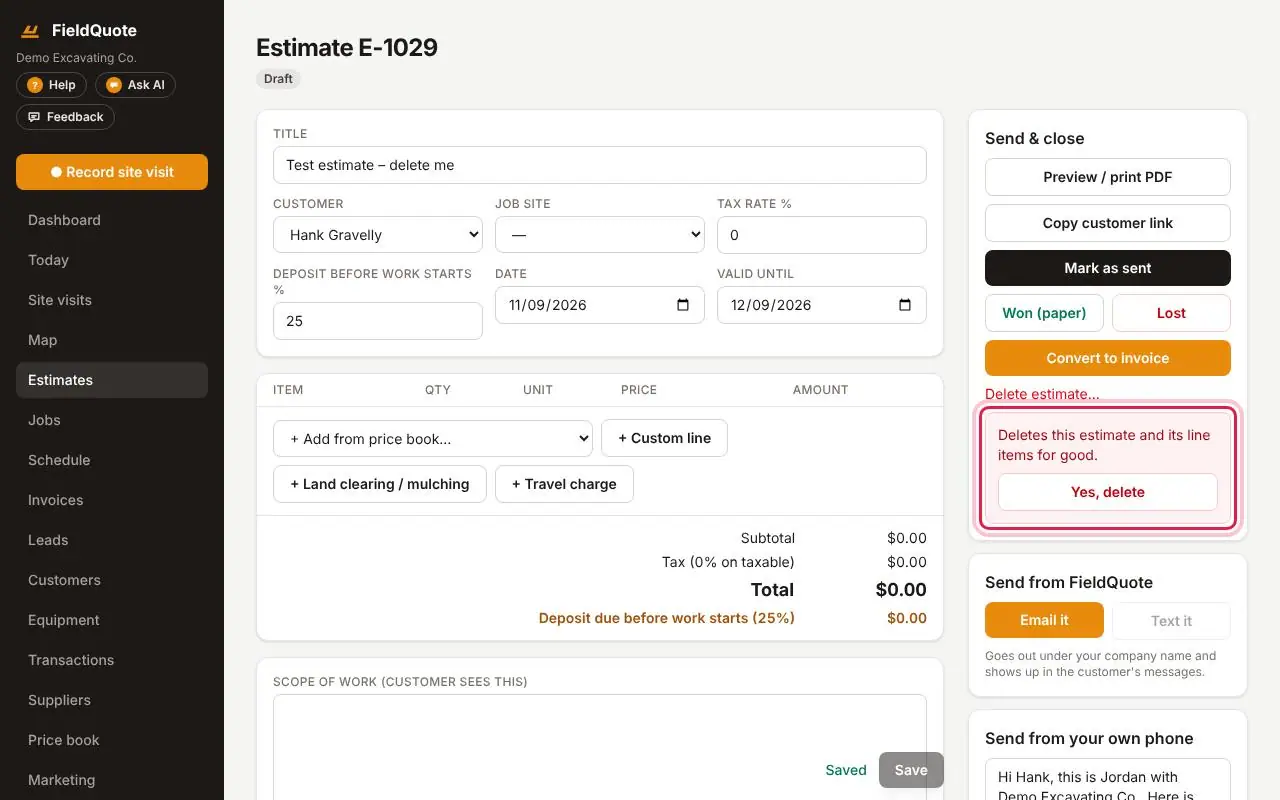
What you'll see
The estimate is gone from Estimates, from its visit and from the customer's page.
The customer's link stops working.
Common mistakes
Deleting a lost estimate to tidy up. That takes it out of your win rate. Leave lost estimates marked Lost.
Limits
There's no undo.
Accepted estimates (signed or won) and estimates that have an invoice can't be deleted, and the link isn't shown on them.
The number isn't reused.
Checked against the app on Nov 9, 2026. Pictures are from Demo Excavating Co., a made-up company.