Estimating & price book
Guide 16 of 18
What it's for
FieldQuote counts what you've sent, won and lost. A customer who signs online is marked won for you. For everything else, two taps keep the numbers honest.
Where
On an estimate: the Send & close box on the right.
Watch it
Steps
When the customer has the estimate (handed over, emailed or texted from your own phone), tap Mark as sent. The status changes from Draft to Sent.
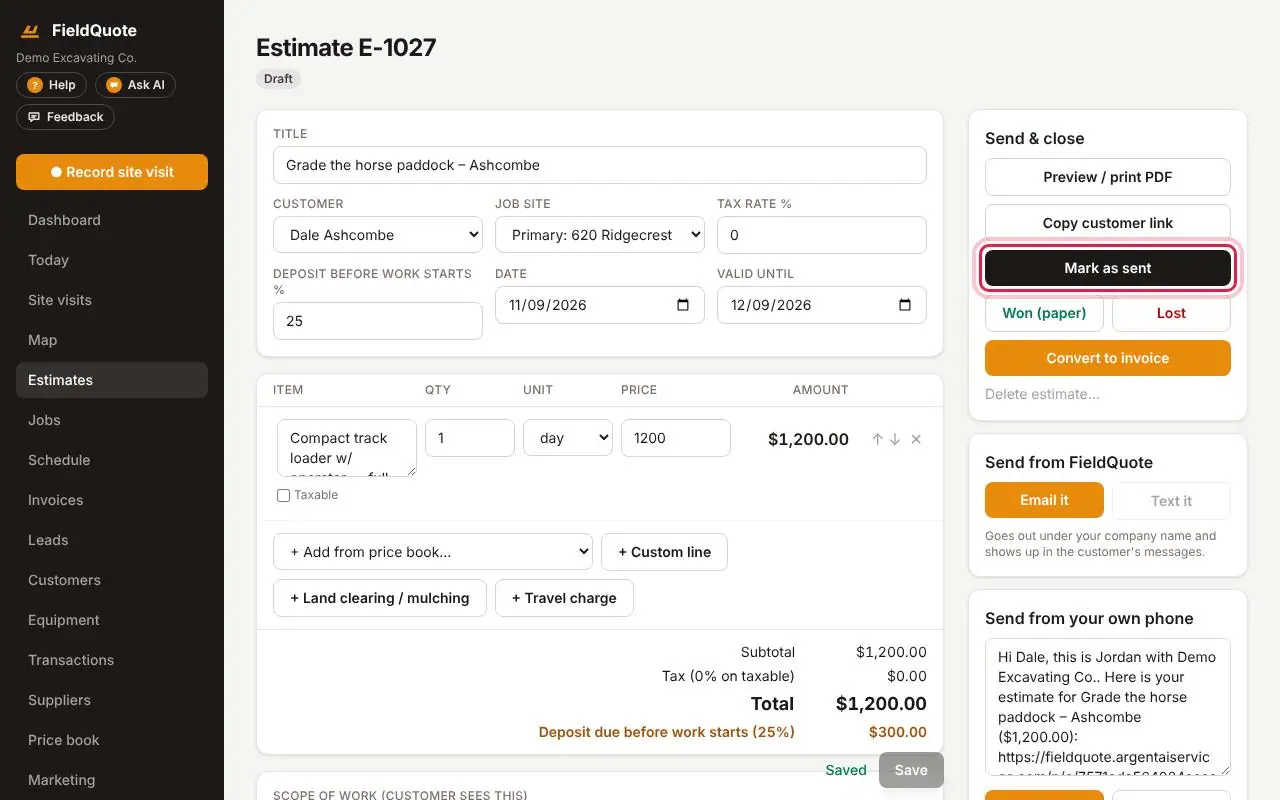
If the customer signed a paper copy, tap Won (paper).
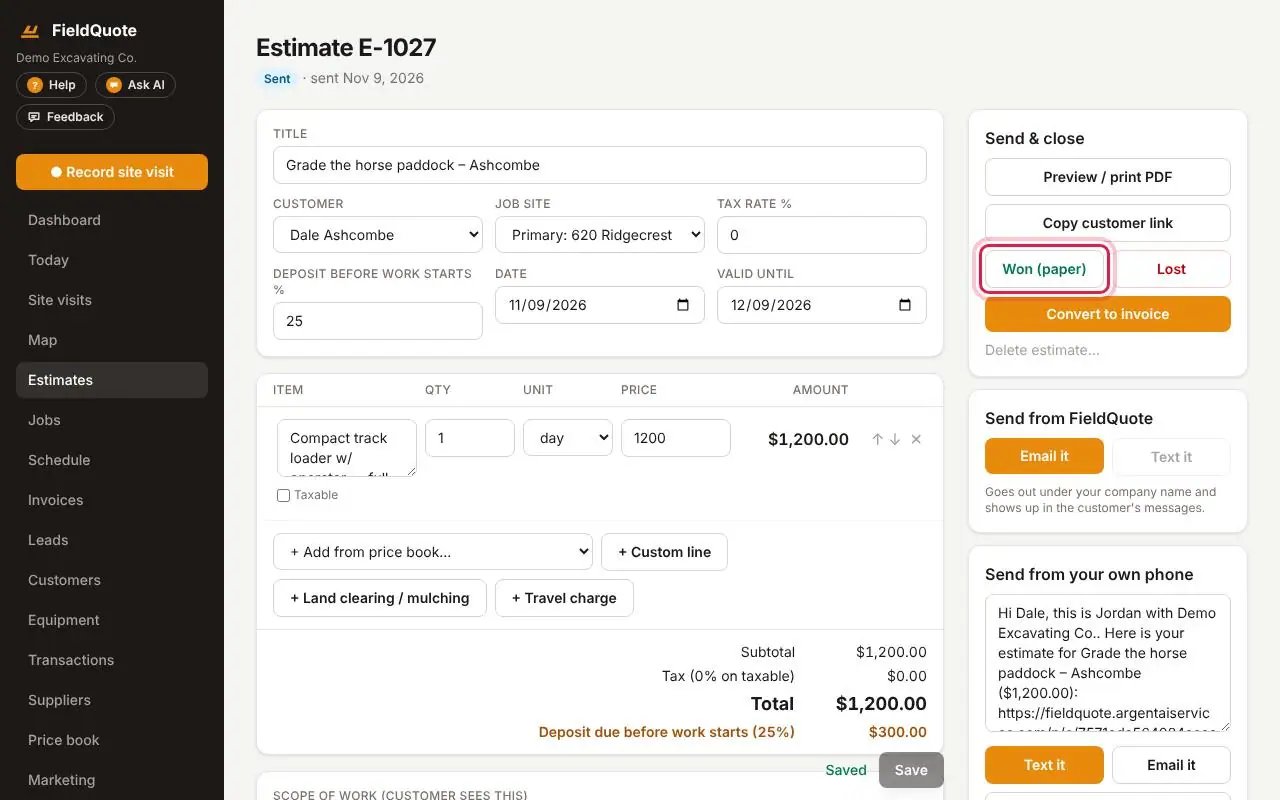
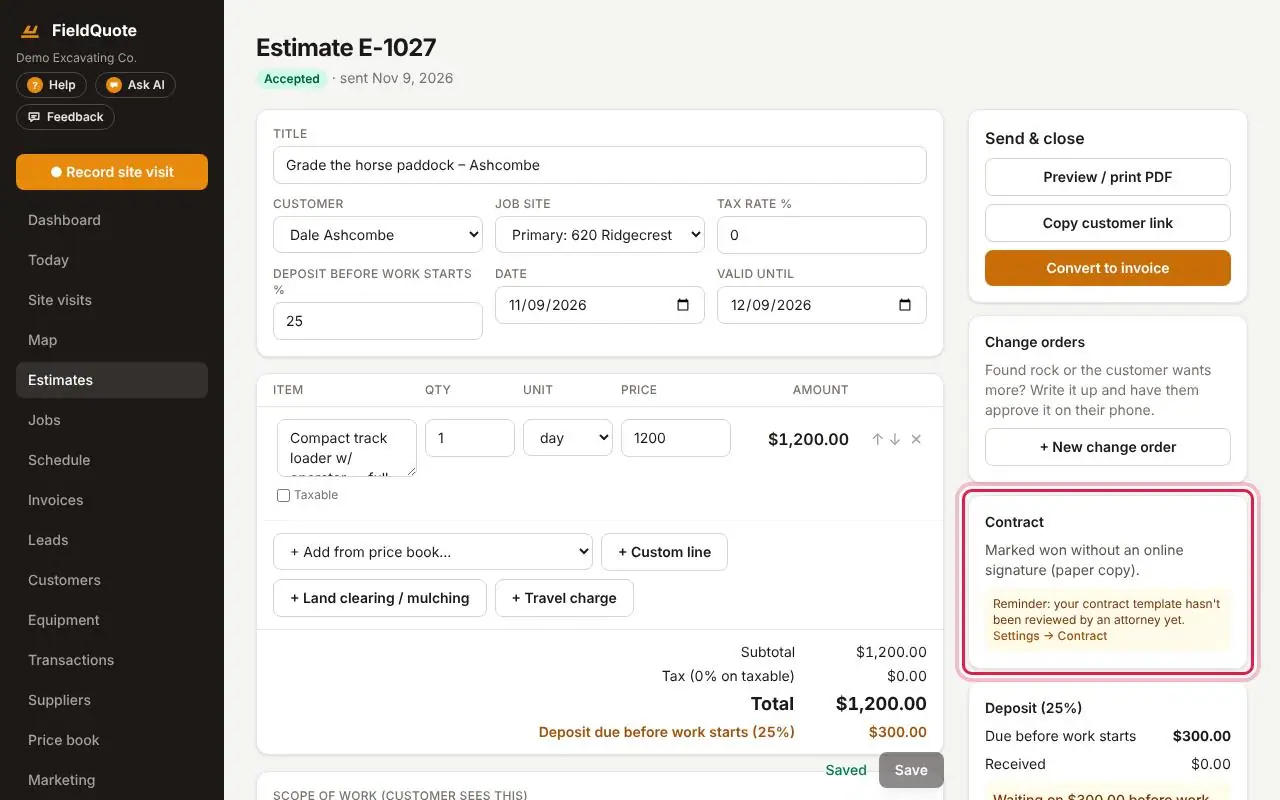
The estimate is Accepted and a job is made for it. The Contract box says "Marked won without an online signature (paper copy)." Keep the signed paper.
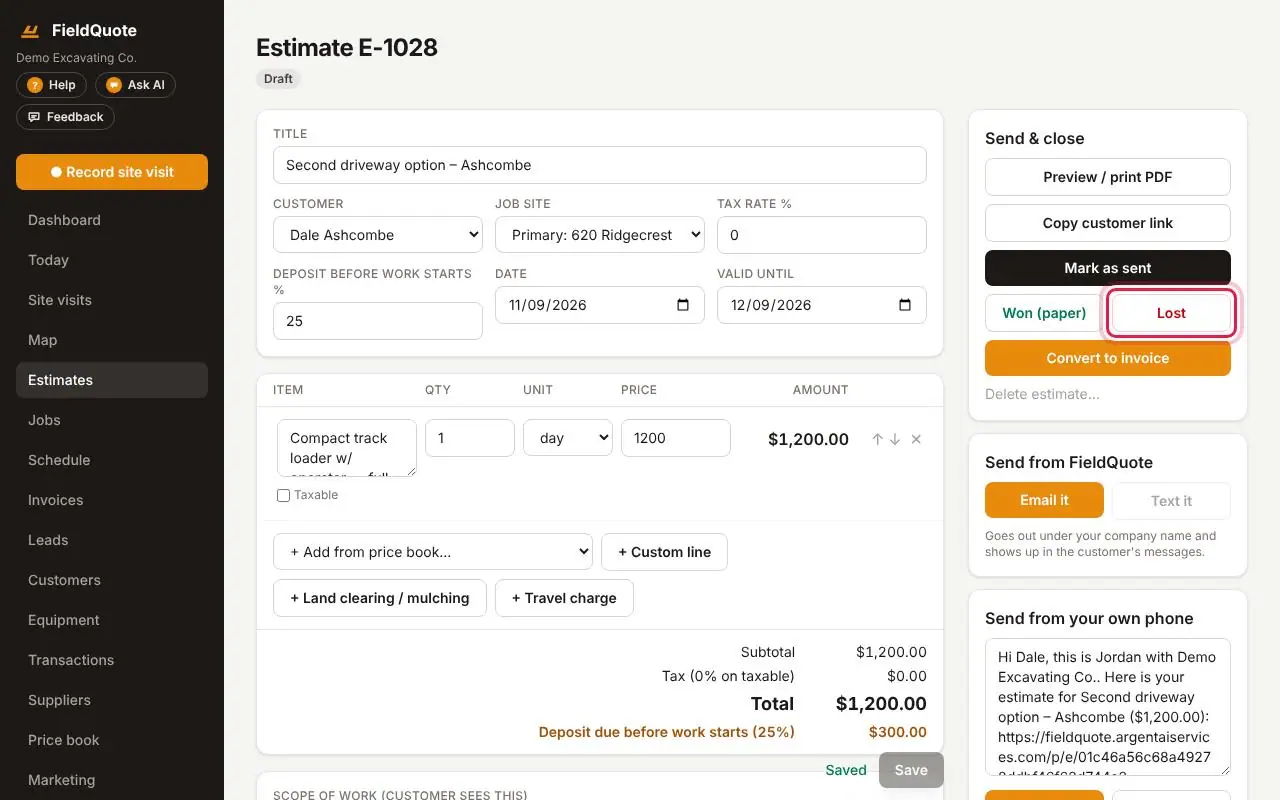
If the customer said no, tap Lost instead. The estimate is Declined.
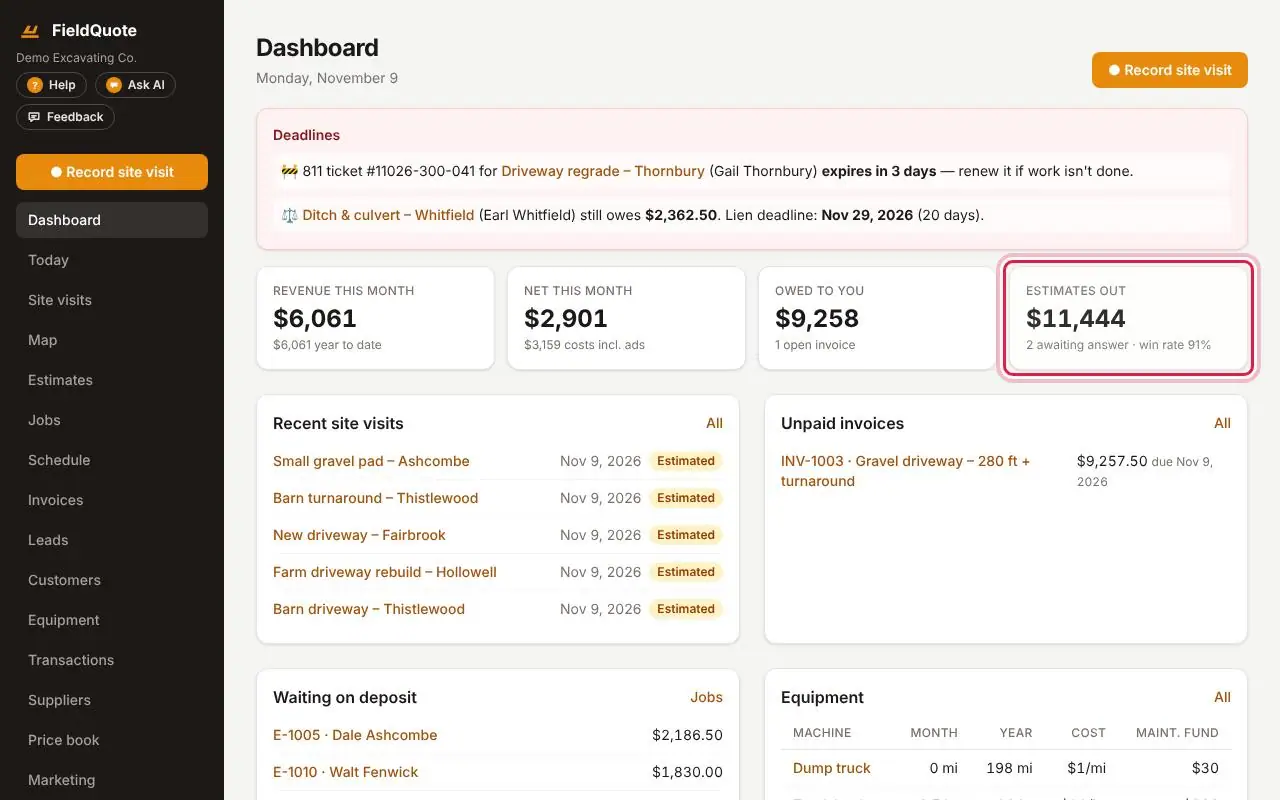
On the Dashboard, Estimates out shows what you're waiting on and your win rate.
What you'll see
Next to the status at the top, the date it was sent or accepted.
If the estimate came from a lead, the lead moves to Won or Lost with it.
The win rate is won estimates out of all won, lost and expired ones. Estimates out adds up estimates marked Sent whose Valid until date hasn't passed.
When Valid until passes on an estimate that wasn't won or lost, it shows Expired (here, on Estimates and on the customer's page), leaves Estimates out and counts as not won. The customer can't sign it. Change Valid until and tap Save to open it again.
Common mistakes
Marking won on paper when the customer could sign online. An online signature keeps a record of who signed, when and from where. Send the link instead (see Send the contract for the customer to sign).
Waiting for an expired estimate to come back by itself. It stays Expired until you change Valid until. If the customer said no, tap Lost so the lead is closed too.
Limits
Won (paper) and Lost show only on draft and sent estimates. There's no undo button.
A paper win has no 3-day cancel window on the job, because FieldQuote doesn't know when the paper was signed. Follow the dates on your paper copy.
Accepted estimates can't be deleted.
Checked against the app on Nov 9, 2026. Pictures are from Demo Excavating Co., a made-up company.