Estimating & price book
Guide 15 of 18
What it's for
Check the estimate the way the customer will read it, or print a copy to hand over at the kitchen table.
Where
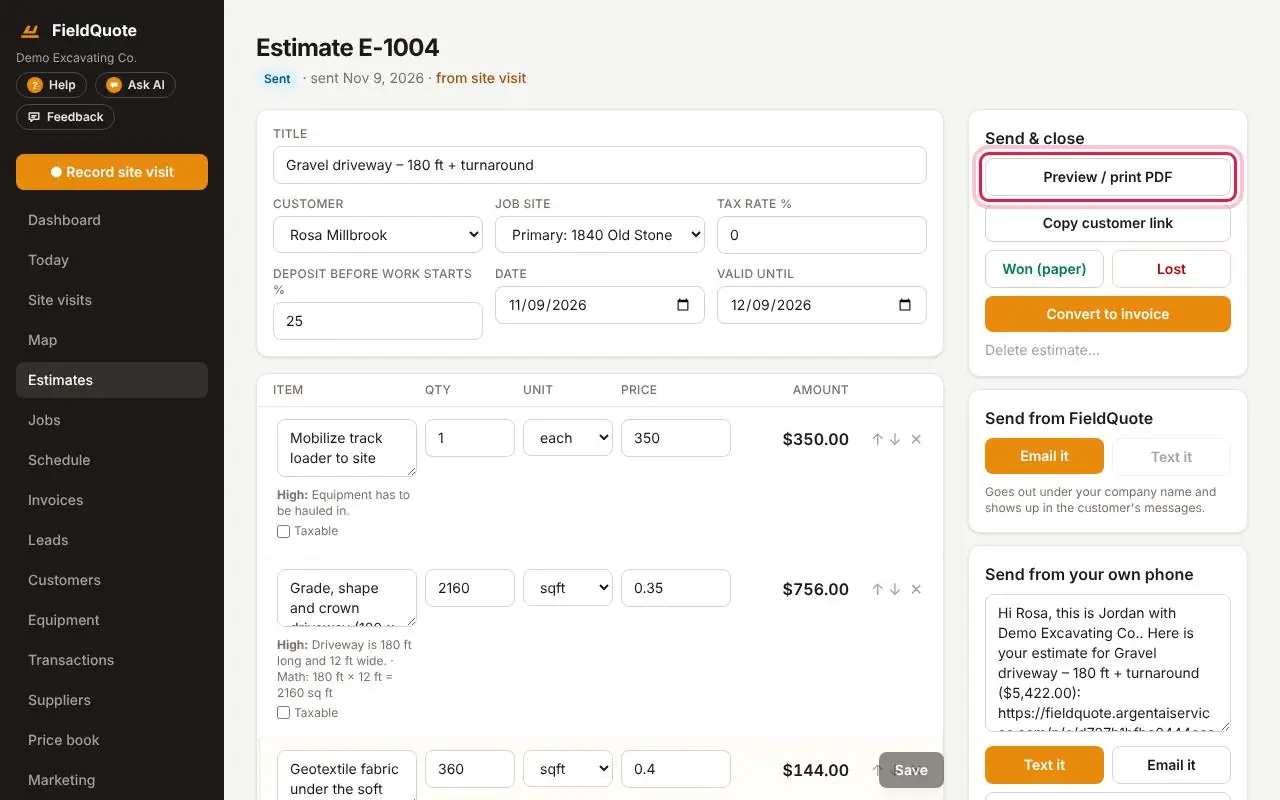
On an estimate: Send & close › Preview / print PDF.
Watch it
Steps
Tap Preview / print PDF in the Send & close box on the right.
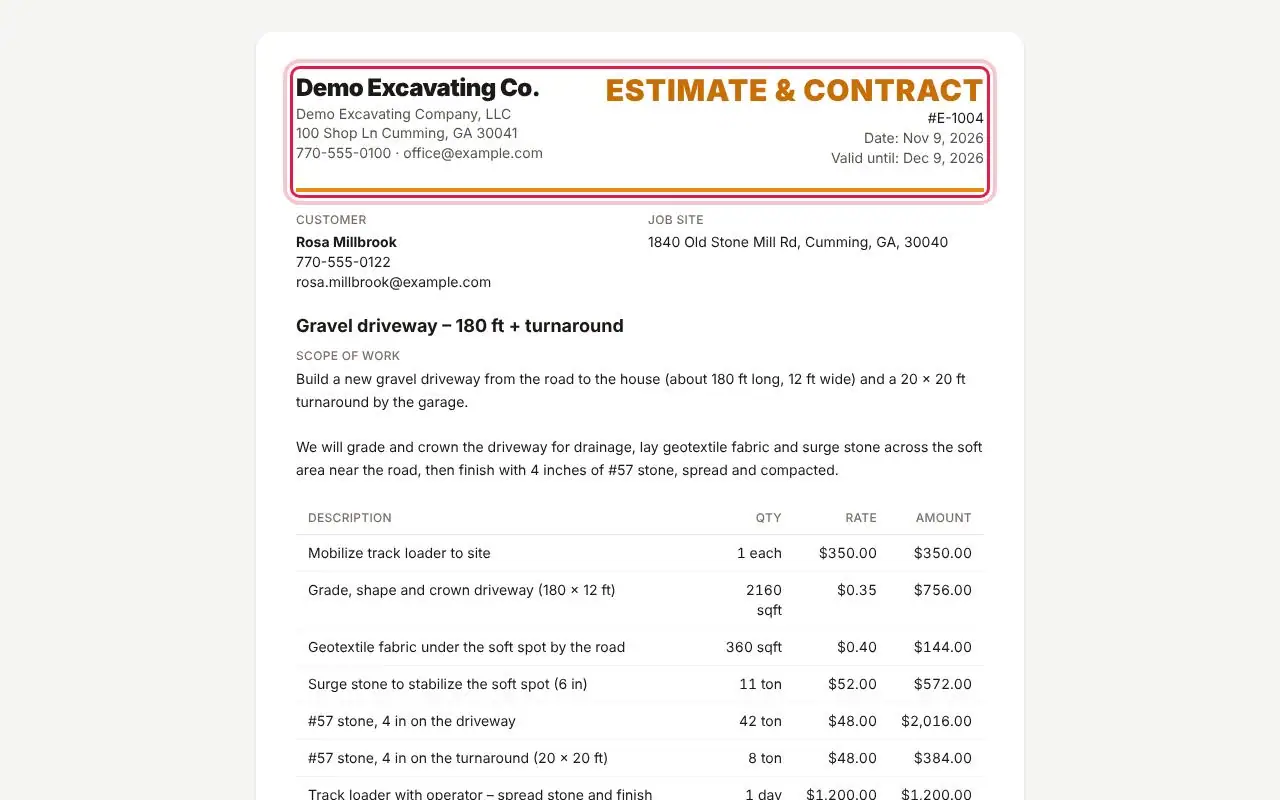
The customer's copy opens in a new tab: your company at the top, "Estimate & Contract", the customer and job site, the scope of work, the lines and totals, then the contract.
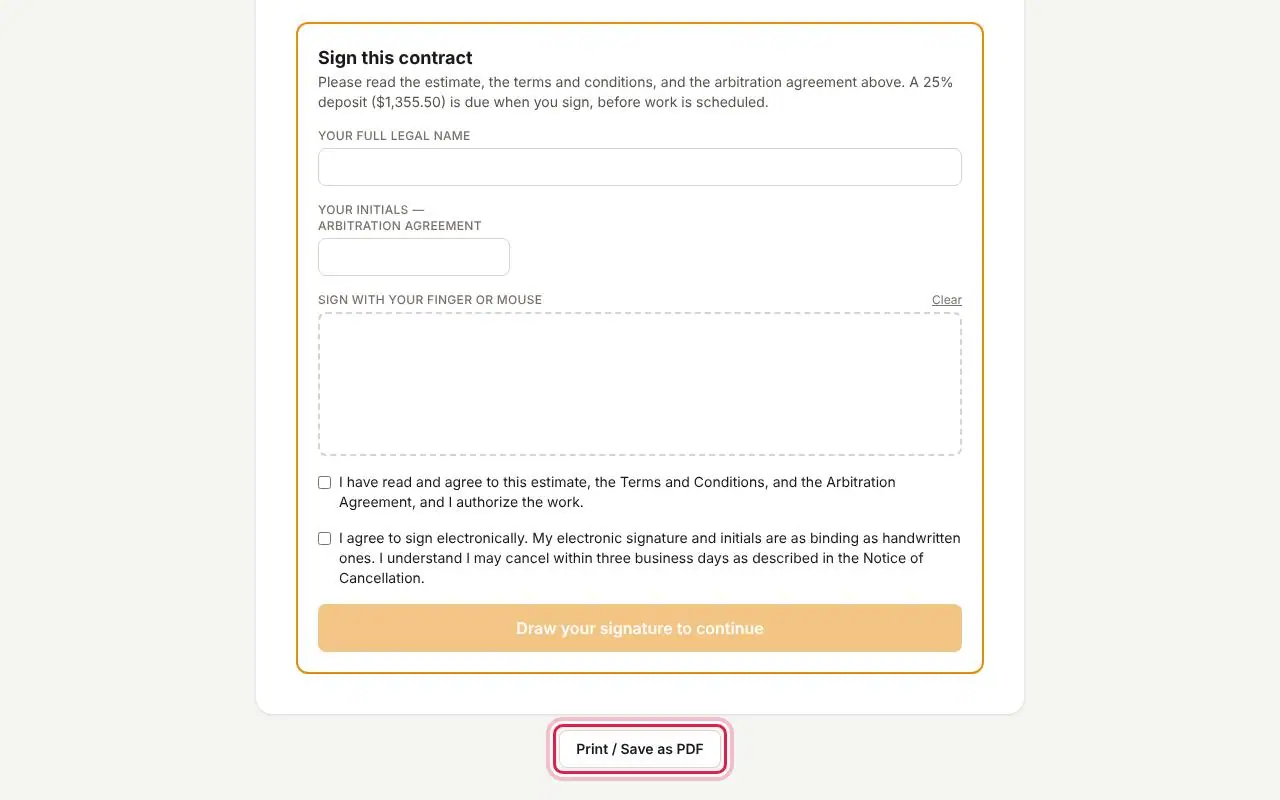
Scroll to the bottom and tap Print / Save as PDF. In the print window, pick your printer, or pick Save as PDF as the printer to get a file.
What you'll see
The same page the customer opens from their link, including the deposit, the Balance due on completion, your payment instructions and the contract.
Your costs, internal notes and AI notes are never on it.
Common mistakes
Expecting the signing box on paper. The signing box and the buttons don't print. For a paper signature, print it, have them sign, and mark it Won (paper).
Printing before saving your changes. The preview shows what's saved. Tap Save on the estimate first.
Limits
Opening the preview doesn't mark the estimate as sent. Tap Mark as sent when you've given it to the customer.
Once signed, the preview shows the signed copy, exactly as the customer signed it.
Checked against the app on Nov 9, 2026. Pictures are from Demo Excavating Co., a made-up company.