Site visits, recording & AI write-ups
Guide 11 of 14
What it's for
Every visit makes a draft estimate. Sometimes you want another one: after you priced the work on the map, after you changed prices in your price book, or to try a different take.
Where
Site visits › open a visit. The estimate button is at the top; the list is on the right under Estimates from this visit.
Watch it
Steps
Tap Open estimate at the top of the visit to open the newest estimate made from it.
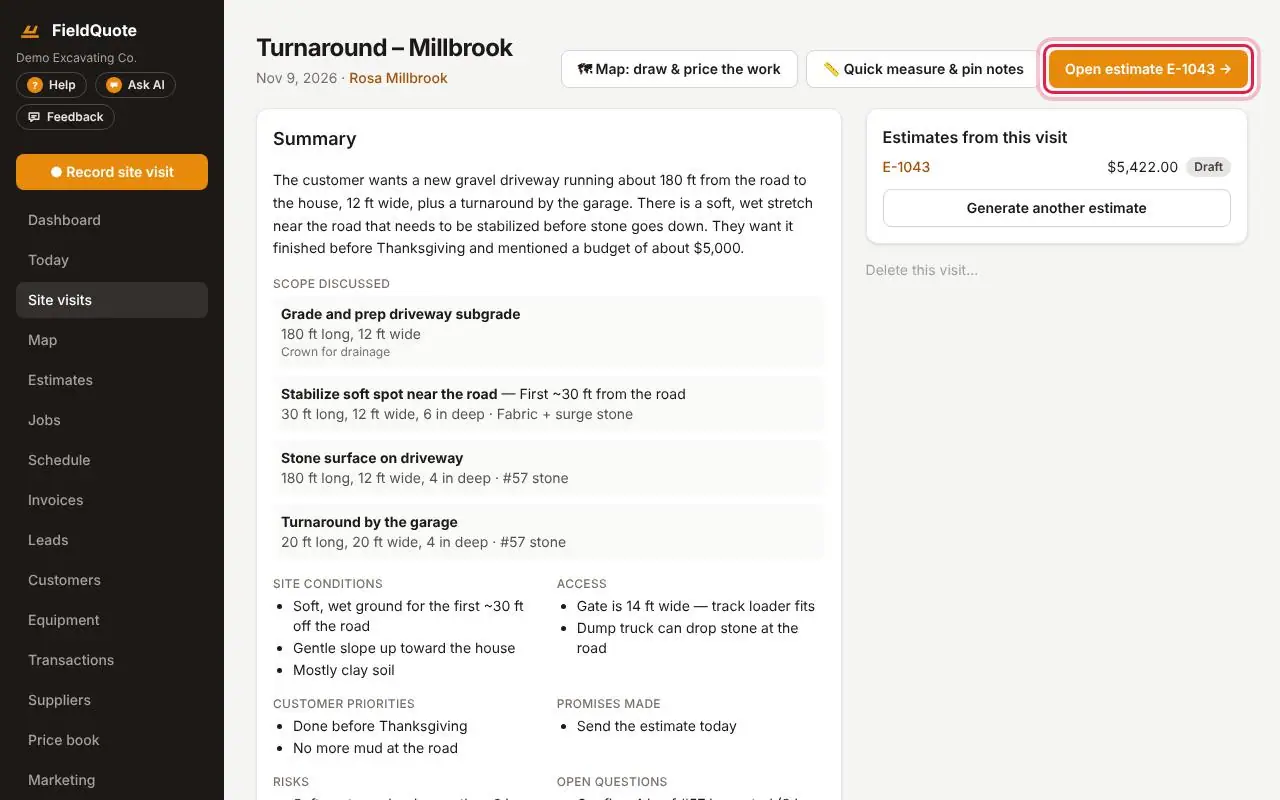
Every estimate from this visit is listed on the right with its total and status.
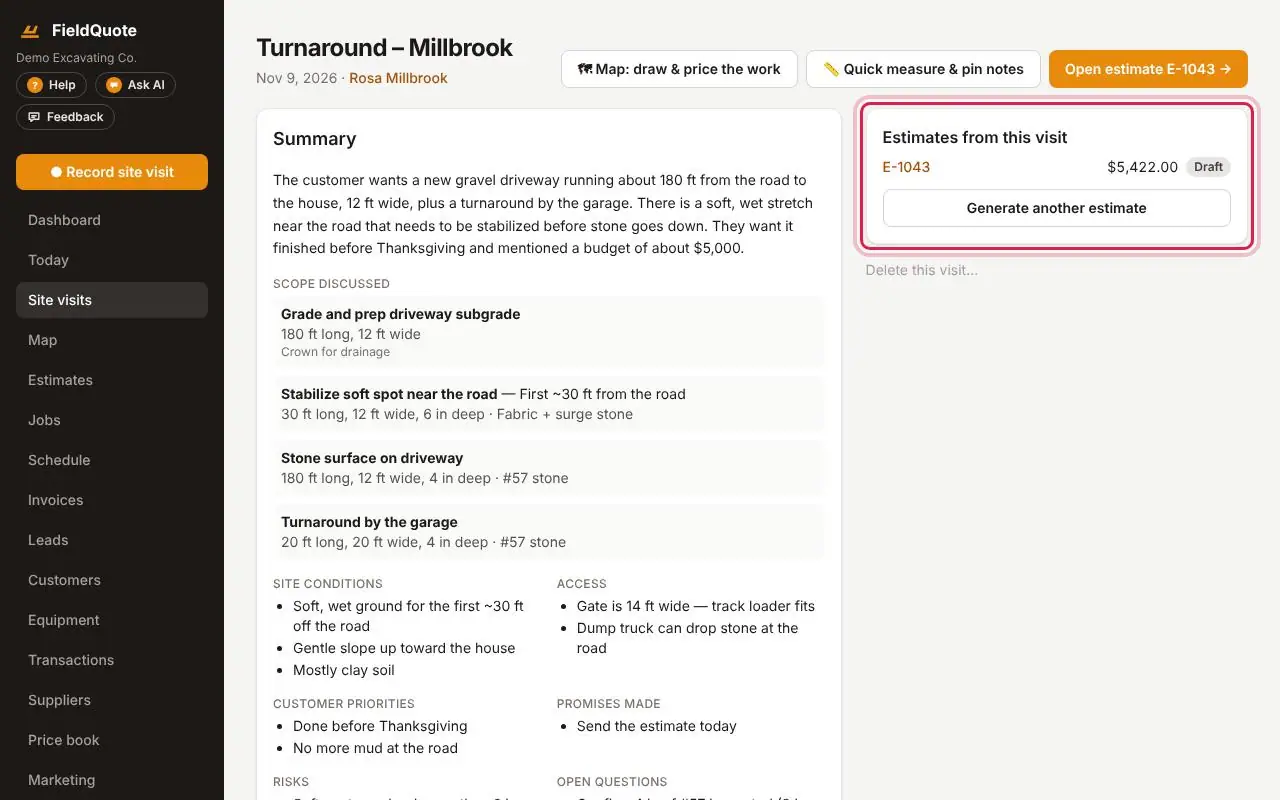
To make another one, tap Generate another estimate.
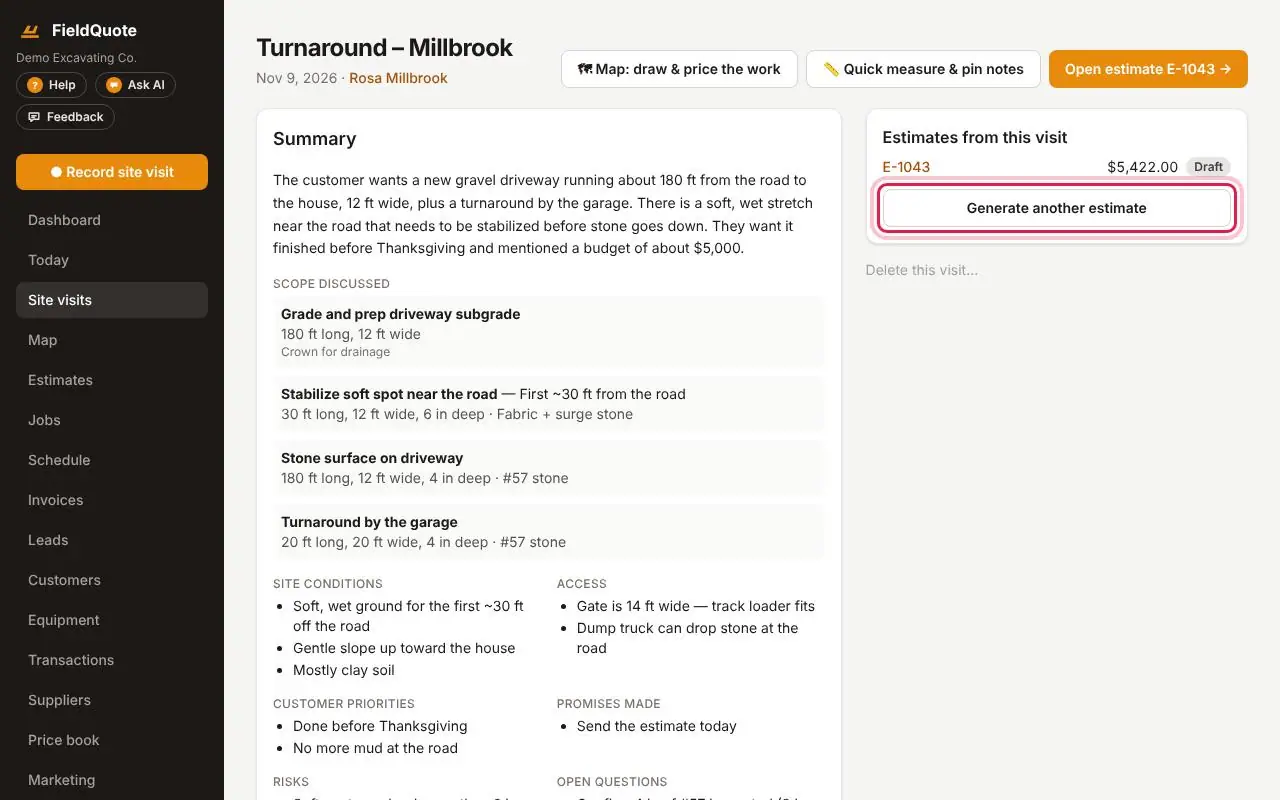
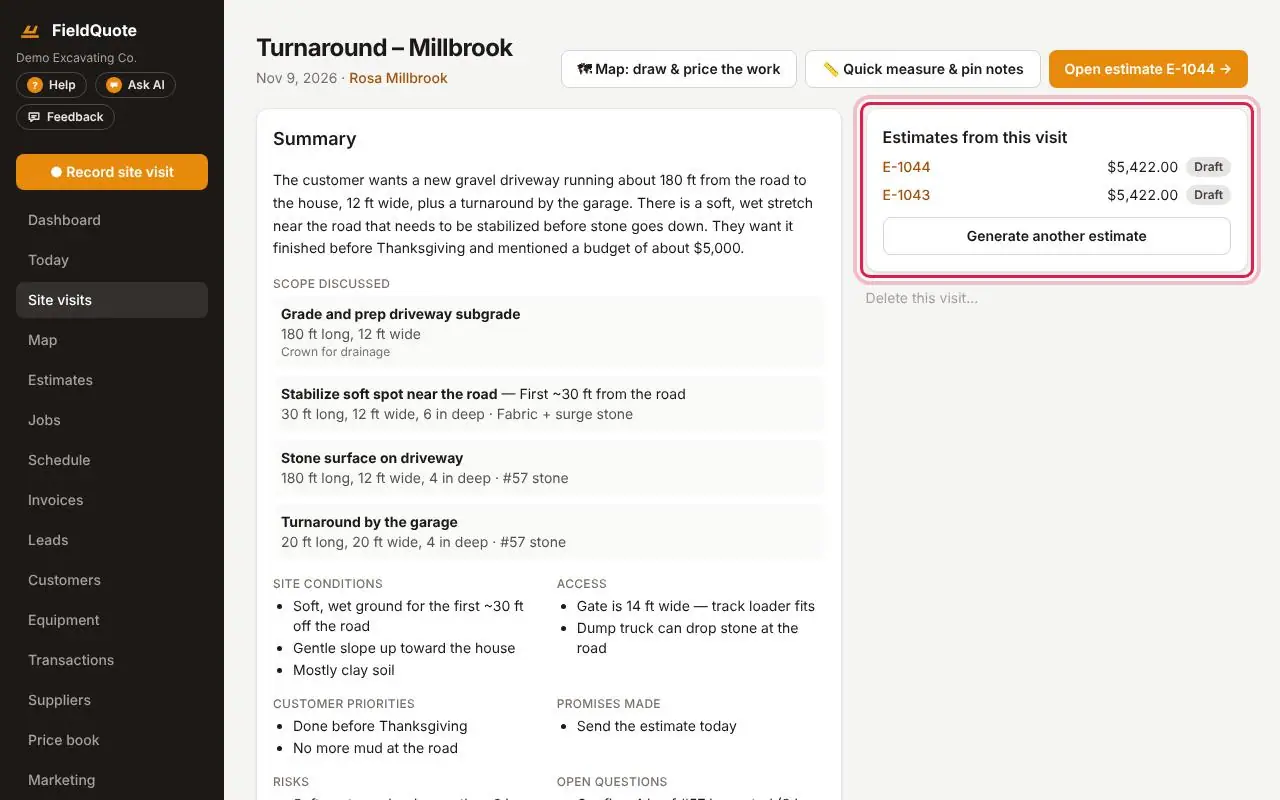
When it's done, the new estimate is added to the list with its own number. The first one stays as it was.
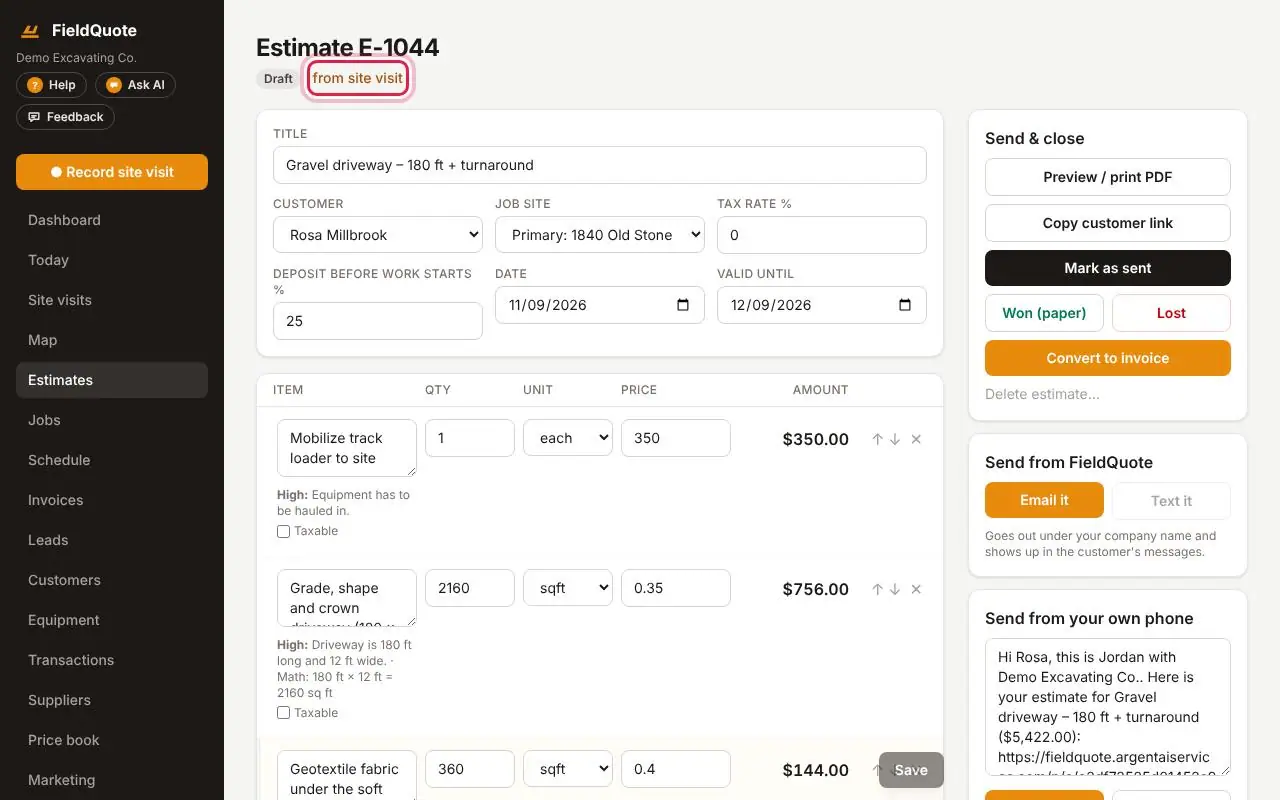
On an estimate, from site visit at the top takes you back to the visit.
What you'll see
A new estimate number each time, starting as a draft.
The new estimate uses the same summary. It also picks up anything you've since saved on the map for this visit and your current price book prices.
Common mistakes
Expecting the first estimate to change. Generate another estimate makes a new one. It never edits the old one.
Sending the wrong one. Delete the drafts you won't use.
Limits
Generate another estimate only shows once the visit has a summary.
It doesn't redo the transcript or the summary. To change those, fix the transcript and use Re-run summary + estimate.
Checked against the app on Nov 8, 2026. Pictures are from Demo Excavating Co., a made-up company.