Site visits, recording & AI write-ups
Guide 12 of 14
What it's for
When you pull up to a job you already know about, start from the lead or the customer. Their name, phone and job site are already filled in, and the visit stays tied to the lead.
Where
Leads › the lead › Site visit
Customers › open the customer › Record site visit
Watch it
Steps
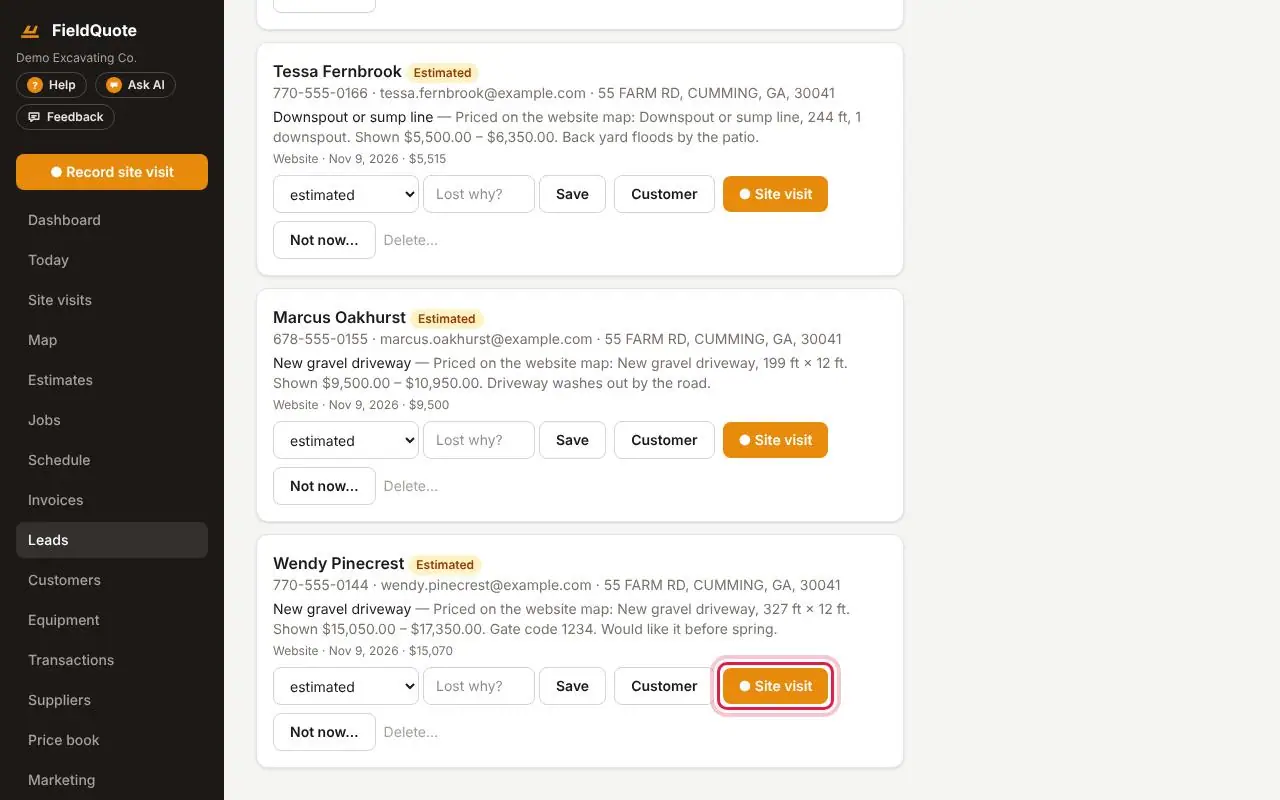
In Leads, find the lead and tap Site visit.
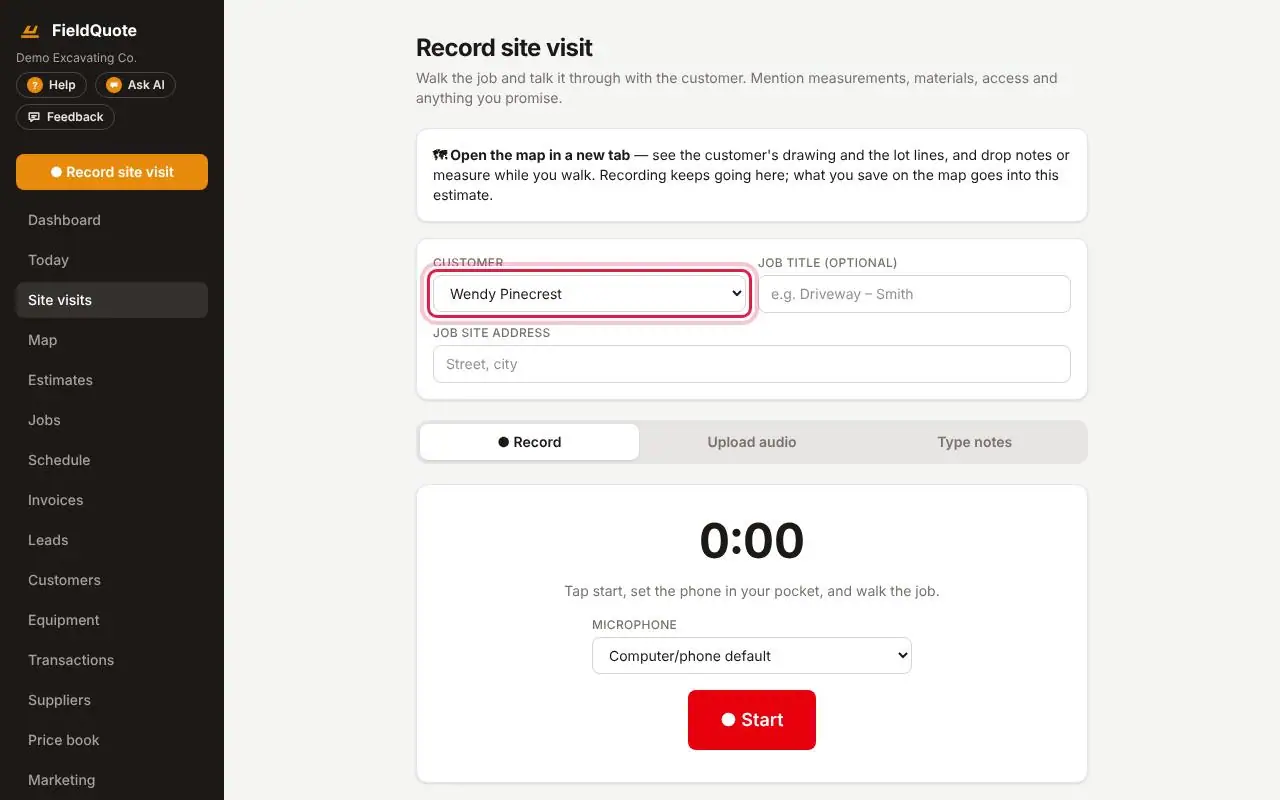
The Record site visit page opens with the customer picked under Customer. If the lead didn't have a customer yet, FieldQuote makes one from the lead's name, phone, email and address.
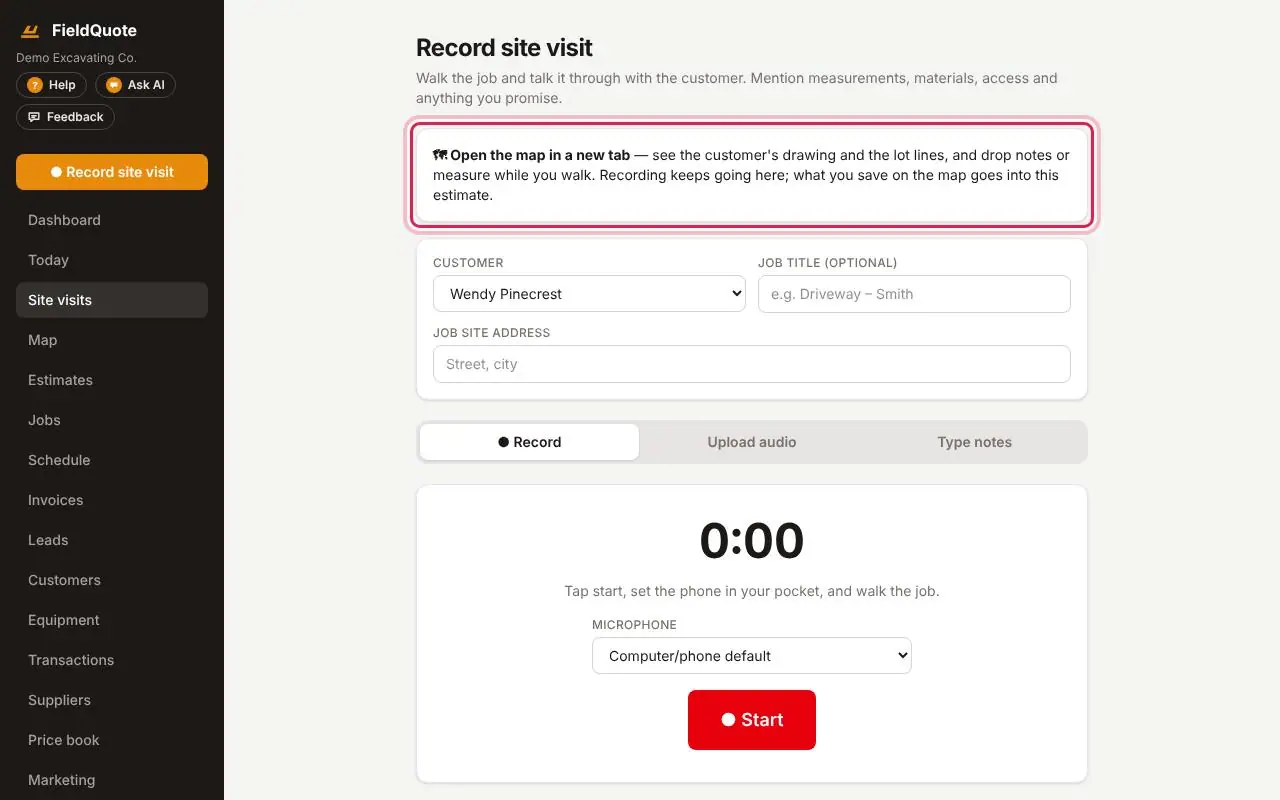
If the customer has a job site on file, a box at the top says Open the map in a new tab. Use it to see their drawing and the lot lines, and to measure or drop notes while you walk. The recording keeps going in this tab.
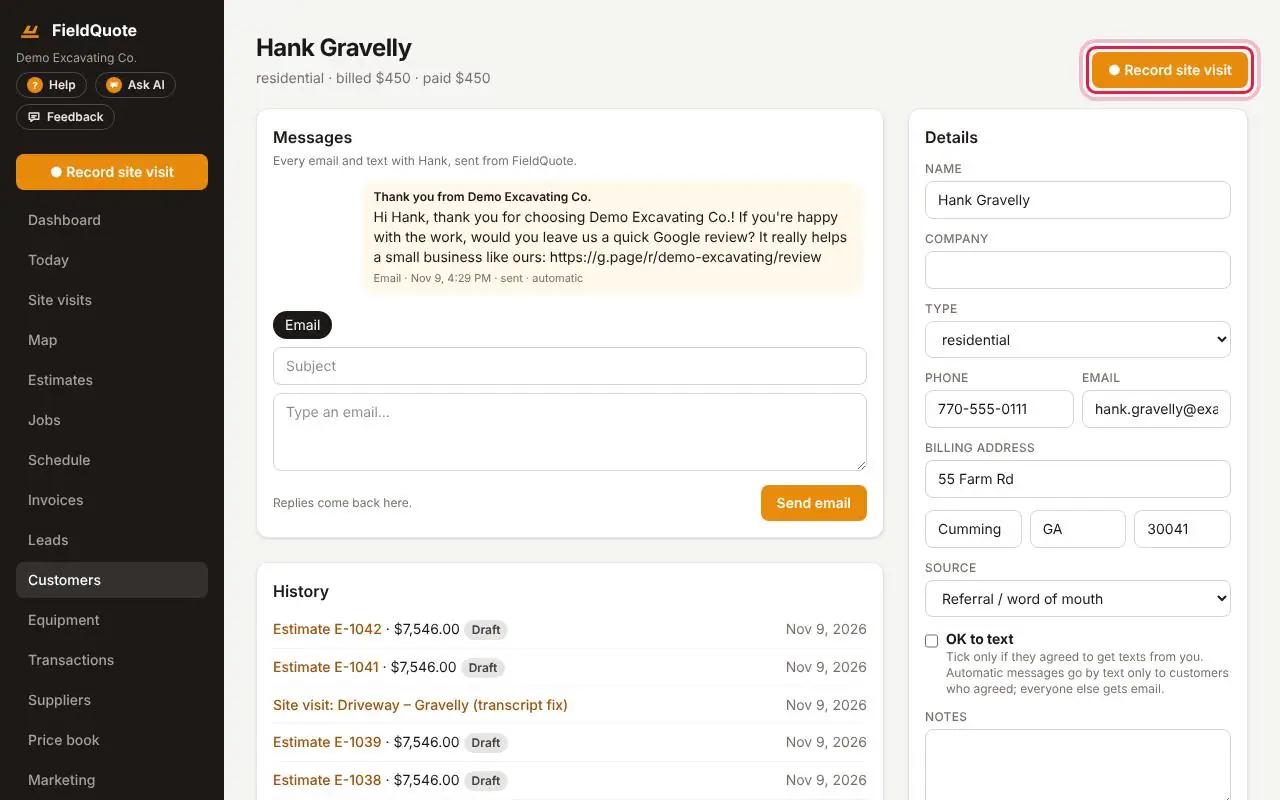
From a customer's page, tap Record site visit at the top. It works the same way.
What you'll see
A lead marked New or Contacted changes to Visit scheduled when FieldQuote makes its customer.
After the visit is built, the lead changes to Estimated and shows the estimate total.
Common mistakes
Typing the address again. The customer's job site on file is used when Job site address is left blank. Typing it again adds a second job site.
Starting from the Record button instead of the lead. That works, but the visit won't be tied to the lead, so the lead's status won't update.
Limits
Site visit doesn't show on leads marked Won or Lost.
If the customer has more than one job site, FieldQuote picks one of them. If it isn't the one you're at, type the address.
Checked against the app on Nov 8, 2026. Pictures are from Demo Excavating Co., a made-up company.