Site visits, recording & AI write-ups
Guide 13 of 14
What it's for
The homeowner already saw a price on your website. After you walk the job, you want one estimate that starts from what they asked for and fixes it to what you found, not a second estimate that confuses them.
Where
Leads › the website lead › Site visit. (Starting from the customer's page works too.)
Watch it
Steps
In Leads, find the homeowner's request. Its details start with "Priced on the website map".
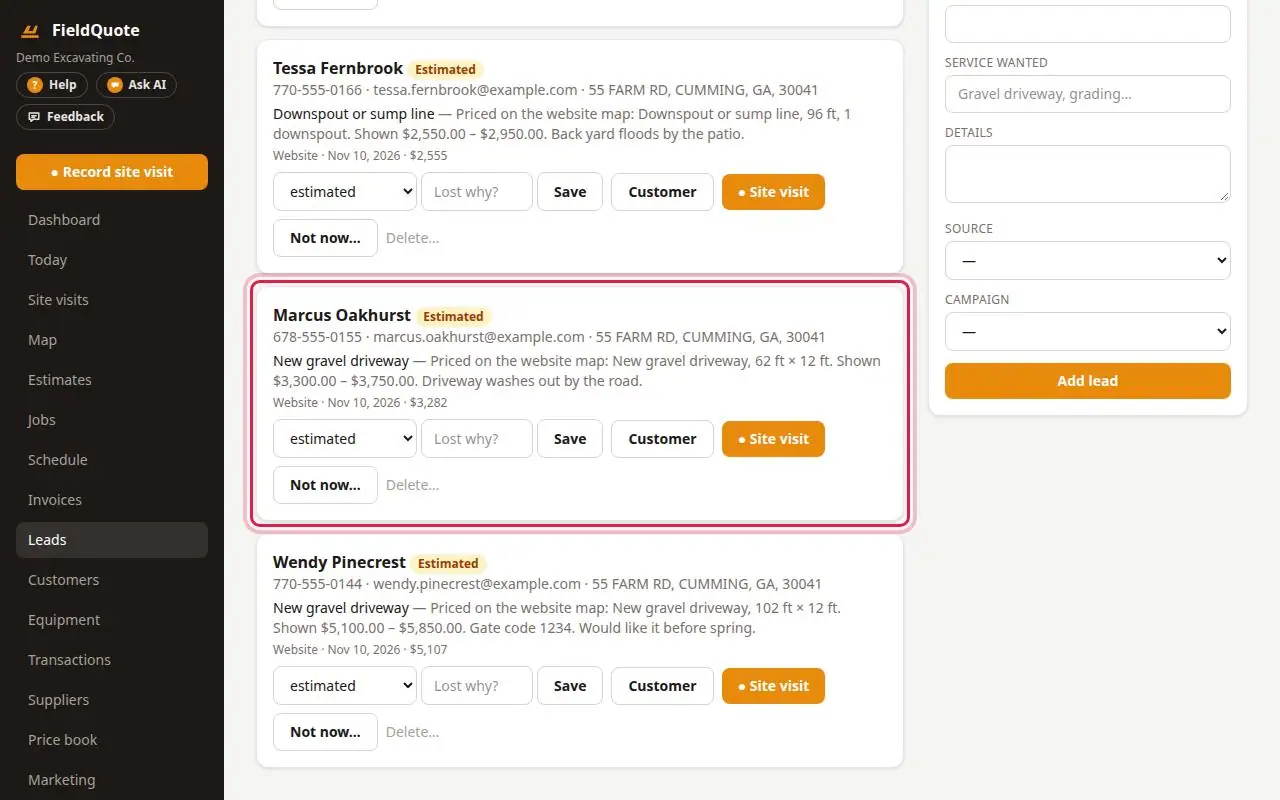
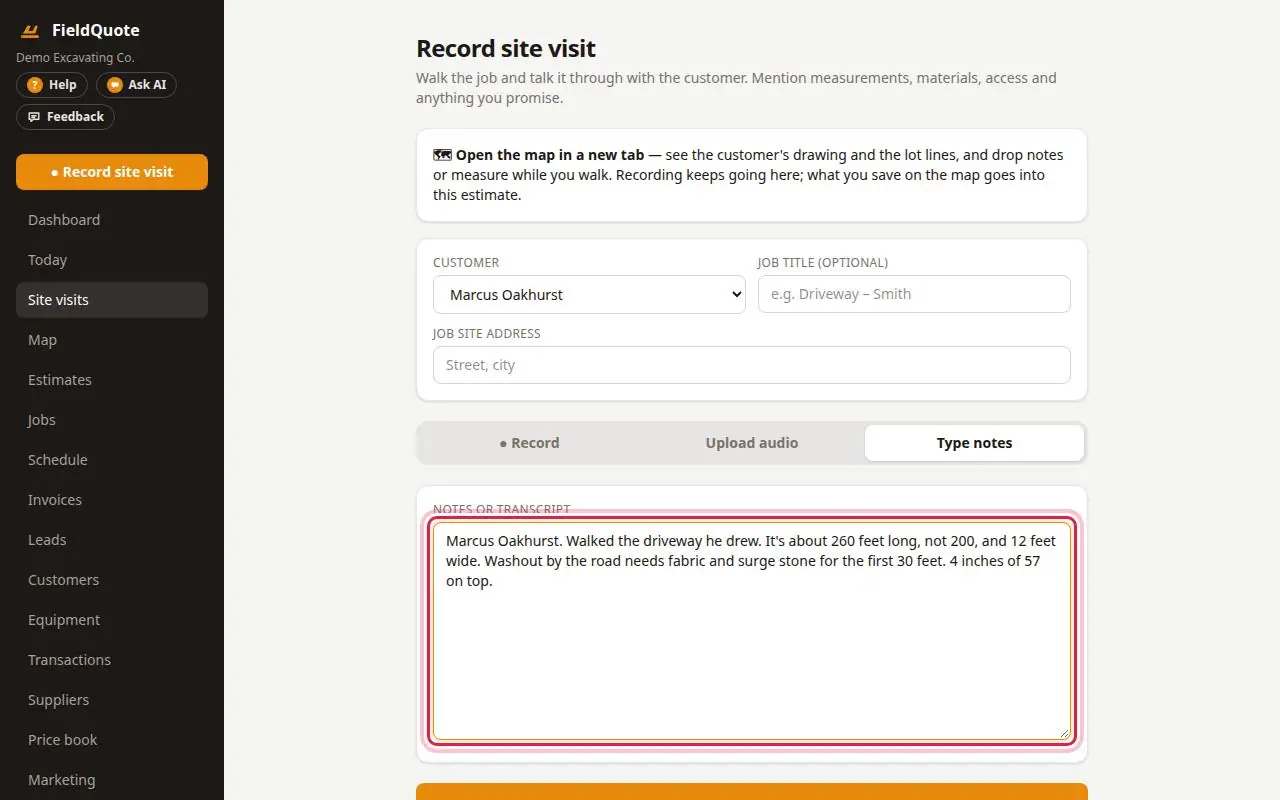
Tap Site visit and record the walk (or type notes) as usual. Say what's different from what they asked for: lengths, soft ground, extra work.
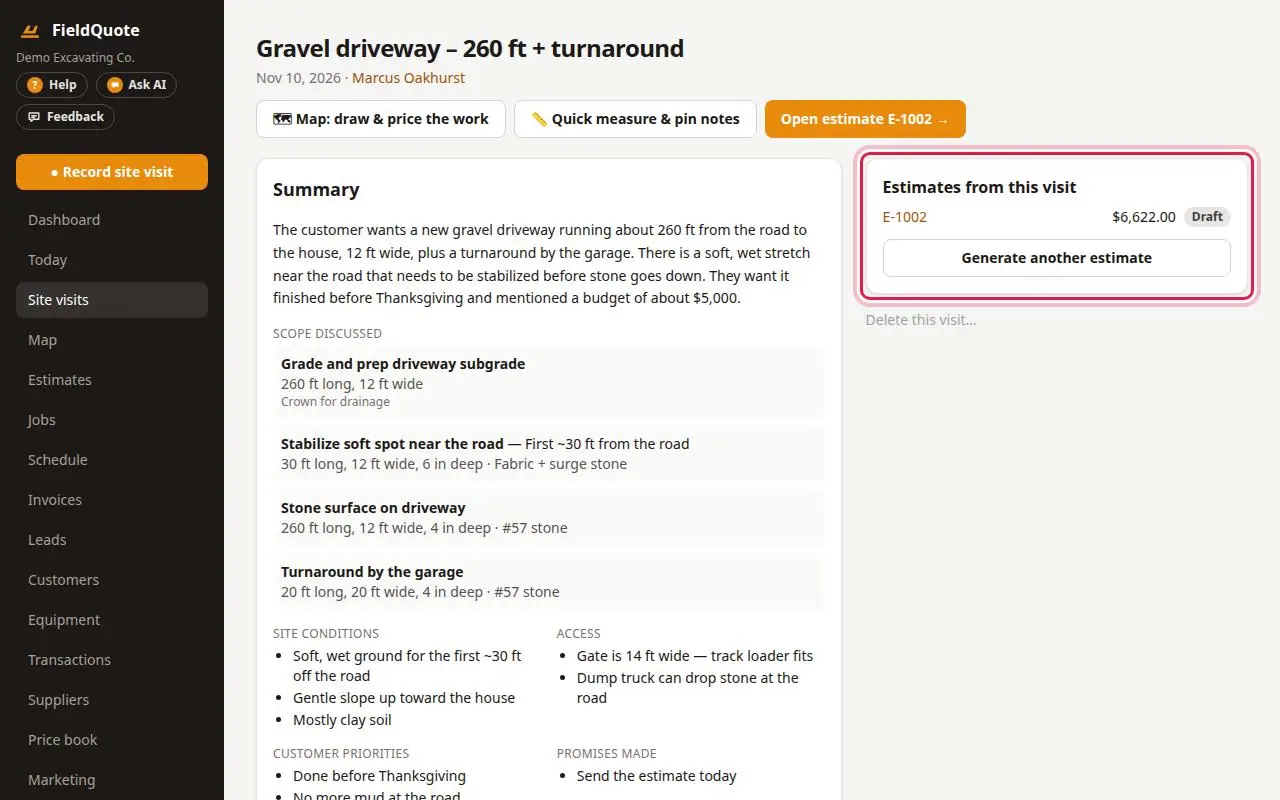
When it's done, Estimates from this visit shows the same estimate number the homeowner already has.
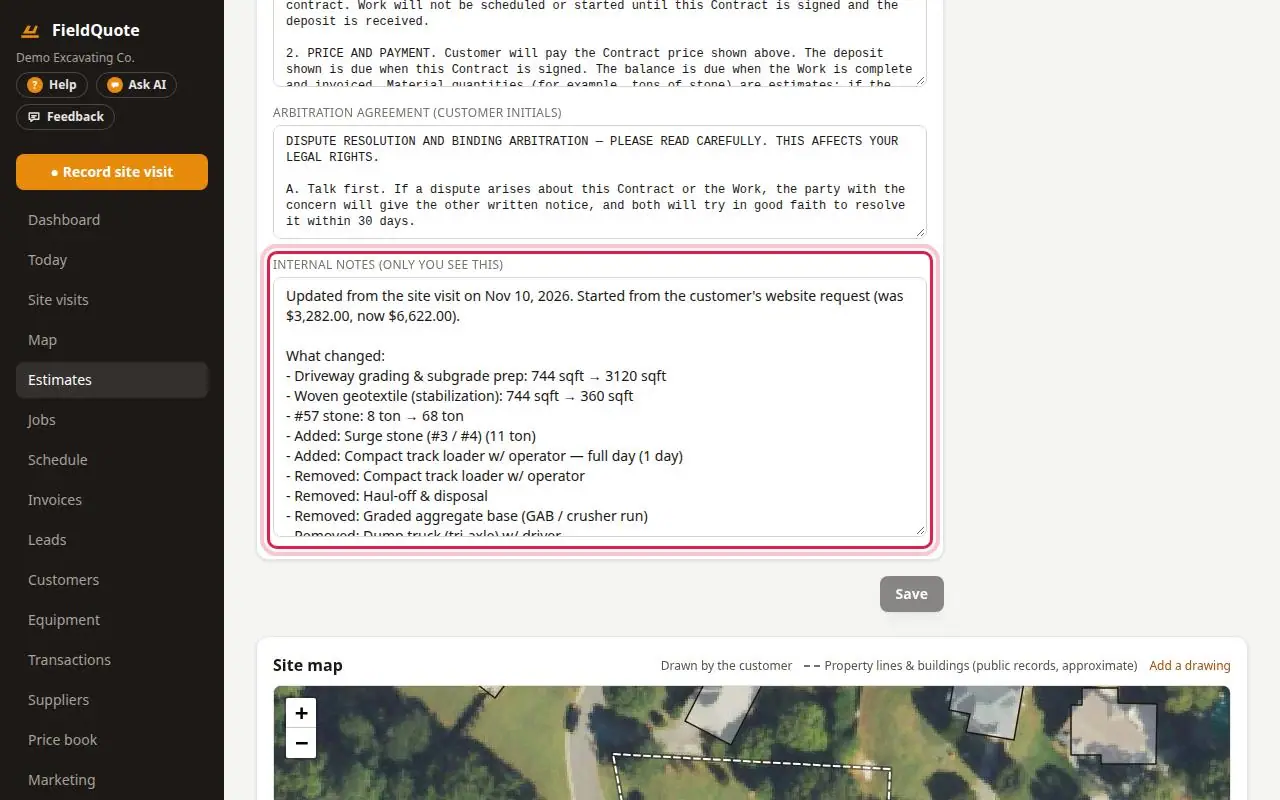
Open it. The Internal notes (only you see this) box says it was updated from the site visit, the old and new totals, and a list under "What changed".
Map shows a sample property.
What you'll see
The estimate's lines are rebuilt from the visit, starting from the homeowner's request. Lines they asked for stay unless the visit changed or removed them; new work you found is added.
If you also drew the work on the map at the visit, what you measured counts over what the homeowner drew.
The homeowner's link to their estimate keeps working and shows the new price.
The lead changes to Estimated with the new total.
Common mistakes
Sending the estimate before the visit is built. Wait for the update, then check it.
Expecting this after you've already changed the website estimate's status. It only updates a website estimate that is still a draft and hasn't been updated by a visit yet. Otherwise the visit makes a new estimate.
Limits
It only works for requests from your website price map (they come with a draft estimate). Other leads get a new estimate.
One visit updates it once. Later visits for the same customer make new estimates.
The visit rebuilds the estimate's lines. Lines you changed by hand before the visit are only the starting point, so check them again.
Checked against the app on Nov 8, 2026. Pictures are from Demo Excavating Co., a made-up company.