Site visits, recording & AI write-ups
Guide 10 of 14
What it's for
Sometimes a visit can't be finished: the recording was too quiet, the service didn't answer, or the subscription ran out. You don't have to start over. Retry from where it stopped.
Where
Site visits › open the visit. The red box shows at the top.
Watch it
Steps
Read the red box. It starts with "Processing stopped:" and says why.
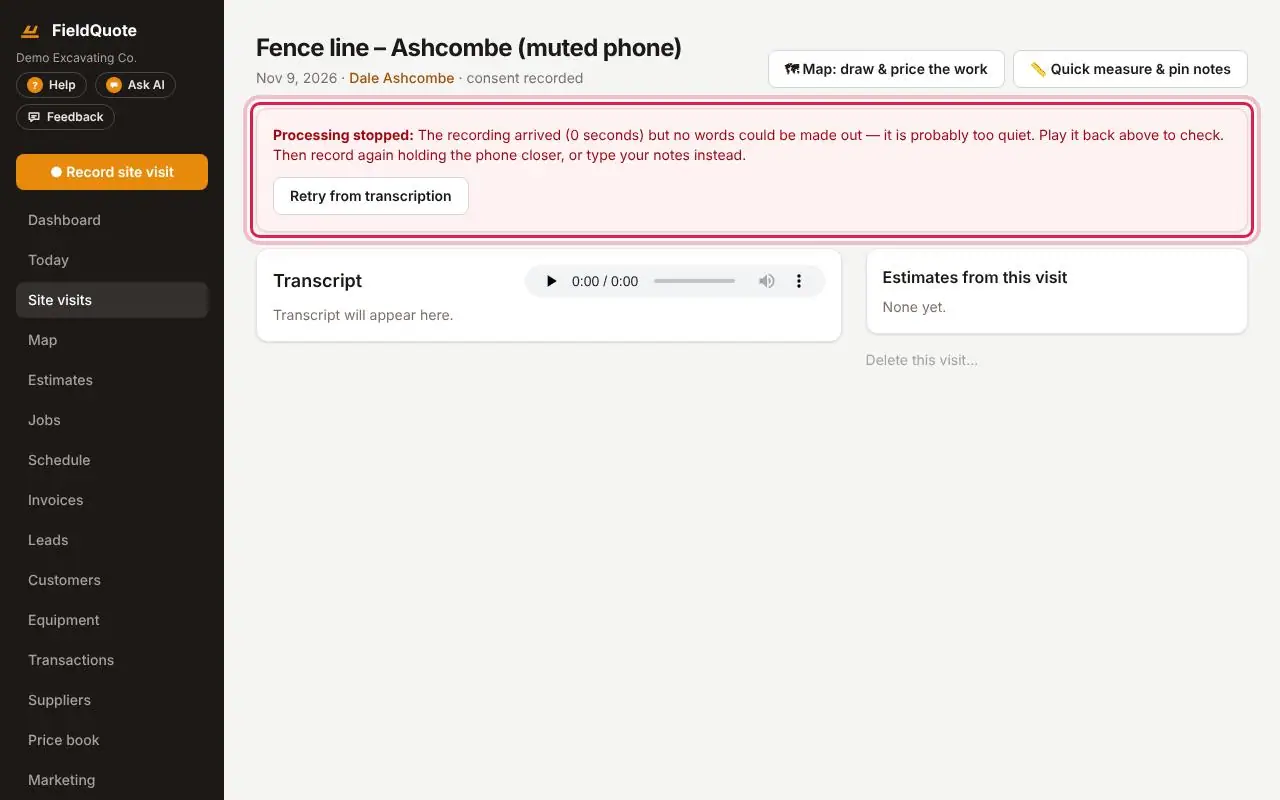
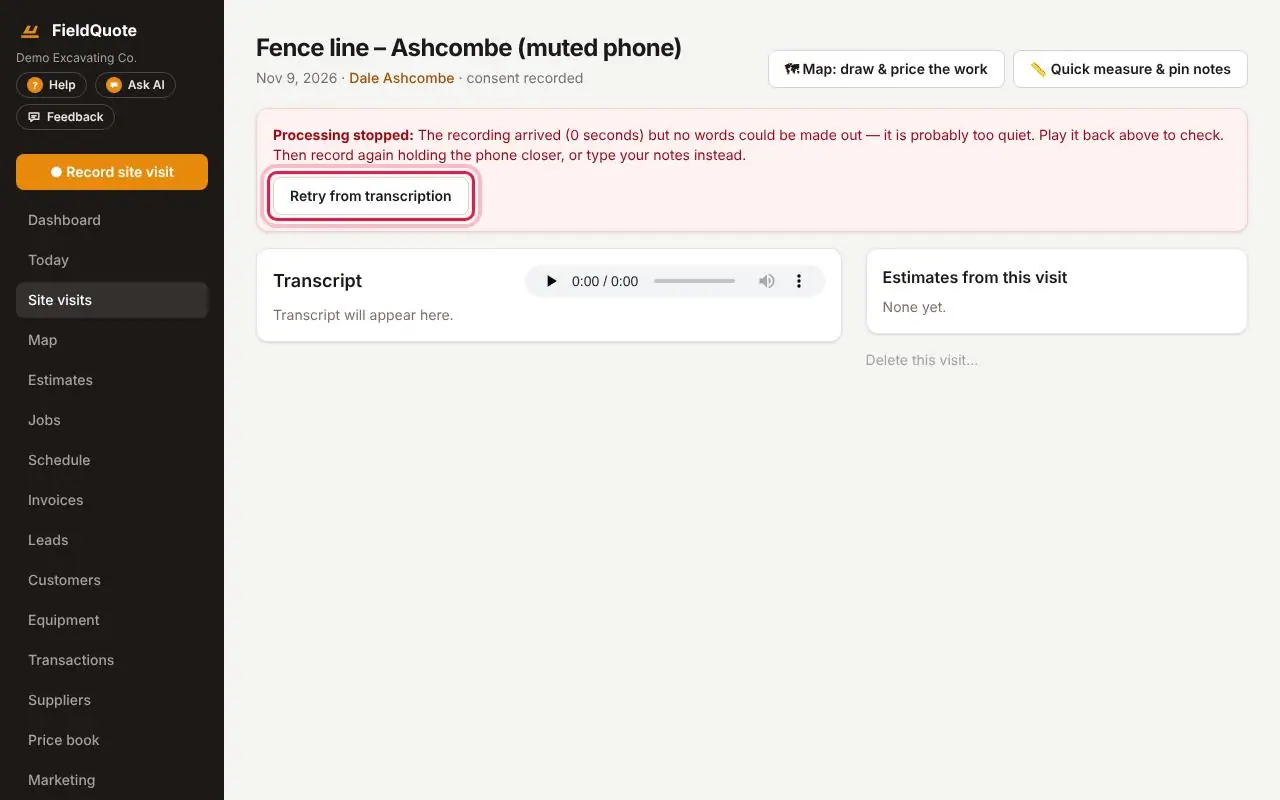
Fix the cause if you can (see below), then pick where to start again: Retry from transcription (type up the recording again), Retry from summary (rewrite the summary from the transcript), or Retry the estimate only (keep the summary, rebuild the estimate).
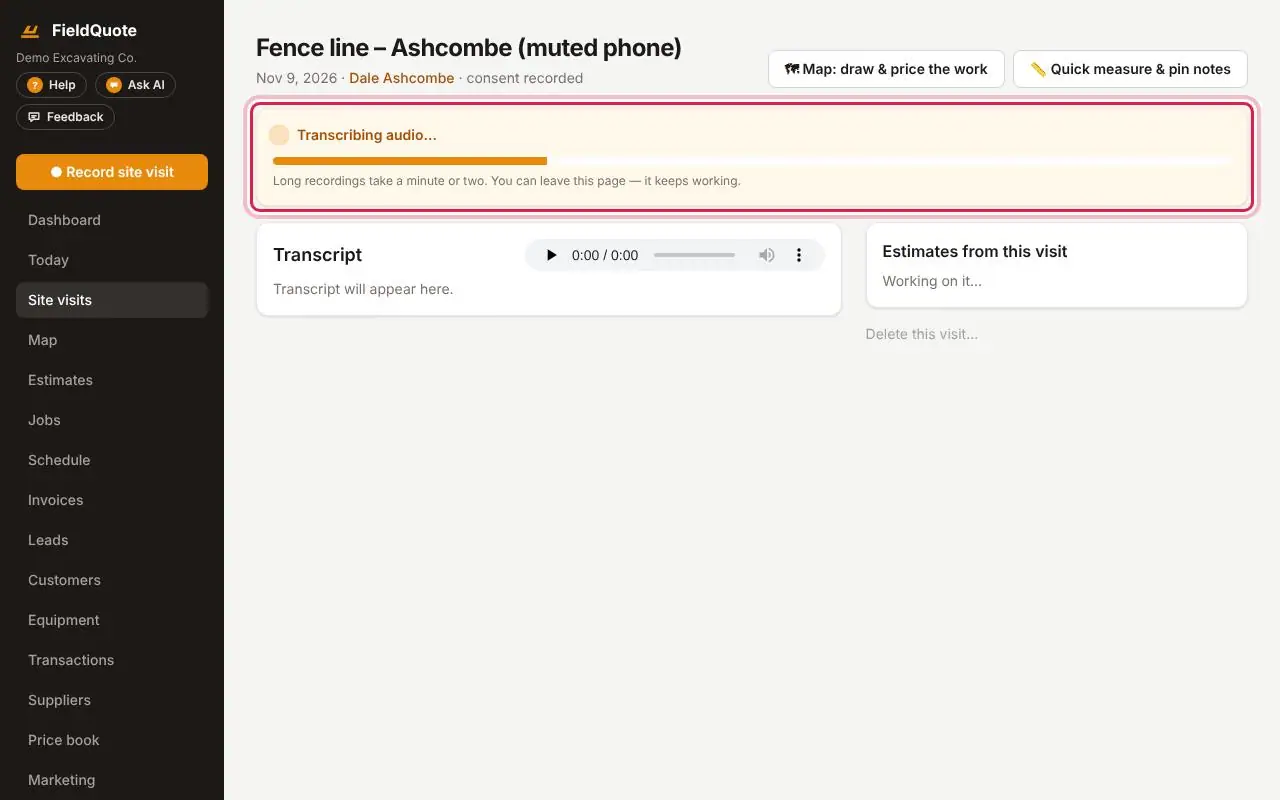
The progress bar shows it working again.
What you'll see
Only the buttons that make sense show up: Retry from transcription needs a recording, Retry from summary needs a transcript, Retry the estimate only needs a summary.
A visit that has been working for more than 5 minutes shows "This has been working for over 5 minutes and looks stuck." with the same buttons.
Common mistakes
Retrying a recording with no words in it. If the reason says no words came back, play the recording first. If it's silent, retrying won't help: type your notes on a new visit instead.
Retrying when the subscription isn't active. The reason will say so. Restart it under Team, billing & sign-in first.
Limits
Retrying can't fix a recording that's too quiet or cut off.
Each retry that builds an estimate adds a new one. Delete extras you won't use.
Checked against the app on Nov 8, 2026. Pictures are from Demo Excavating Co., a made-up company.