Estimating & price book
Guide 1 of 18
What it's for
Every estimate FieldQuote drafts is priced from your price book, and nothing else. A new company starts with a list of typical excavation, grading, drainage and clearing items at placeholder prices. Put in your own numbers and the estimates come out at your prices.
Where
Price book in the menu.
Watch it
Steps
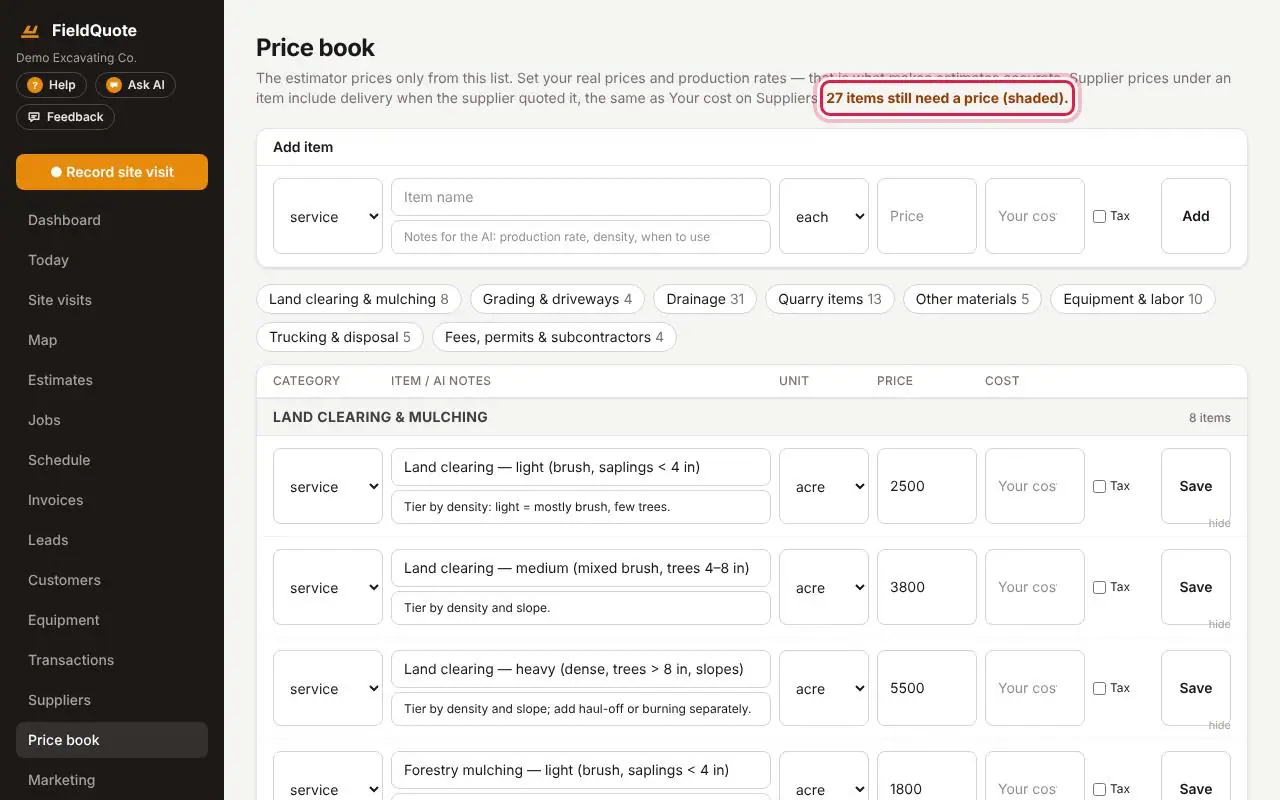
Open Price book. The line at the top says how many items still need a price. Those rows are shaded.
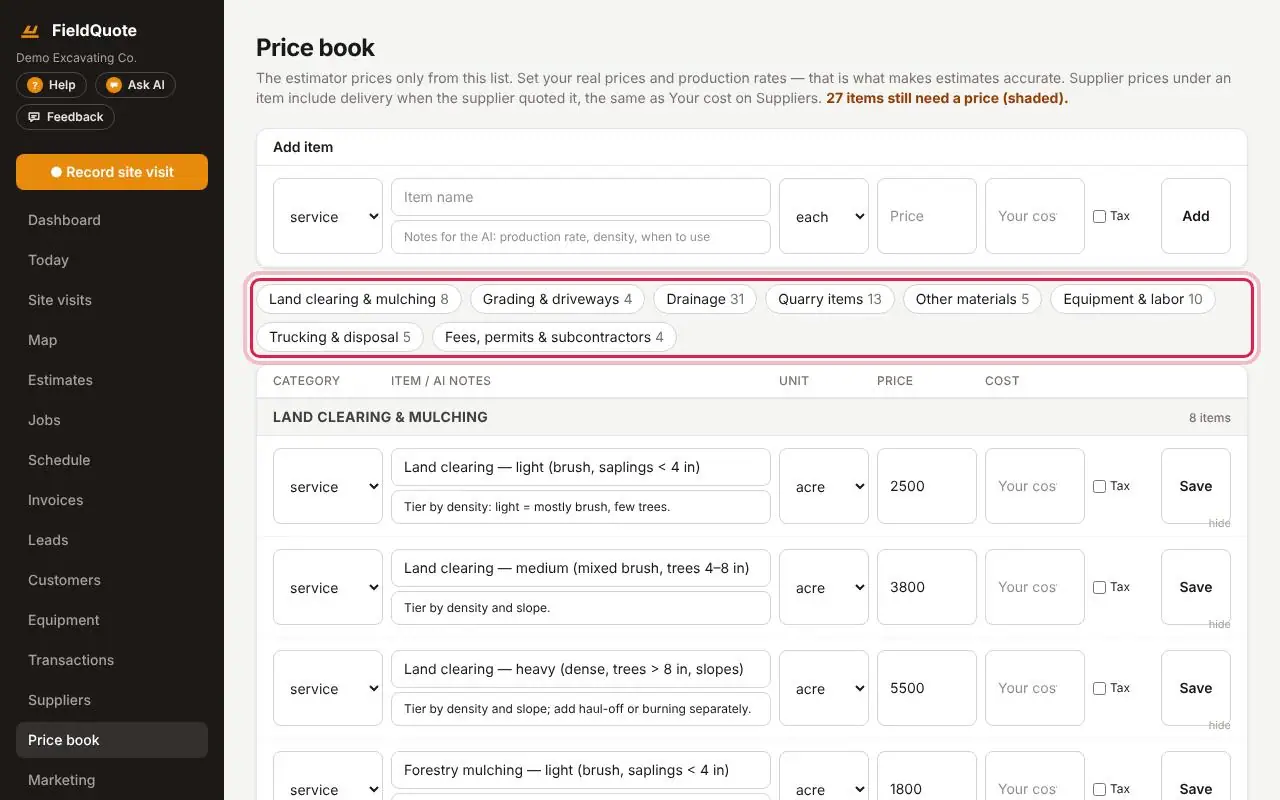
Use the buttons at the top to jump to a section, such as Grading & driveways or Equipment & labor. Each button shows how many items are in it, and each section has a heading over its rows, such as Drainage — services & parts.
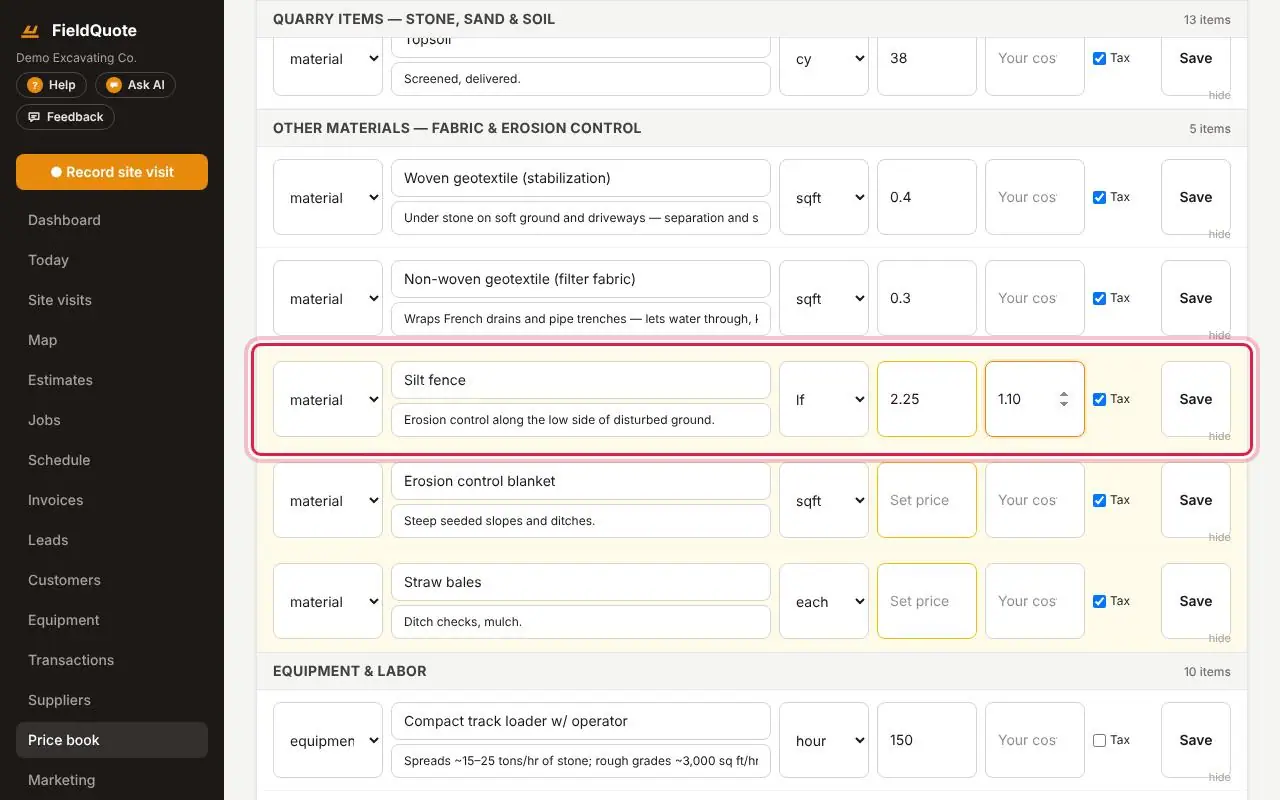
On an item's row, type your selling price in Price and what it costs you in Cost. Check Tax if you charge sales tax on it. Then tap Save on that row.
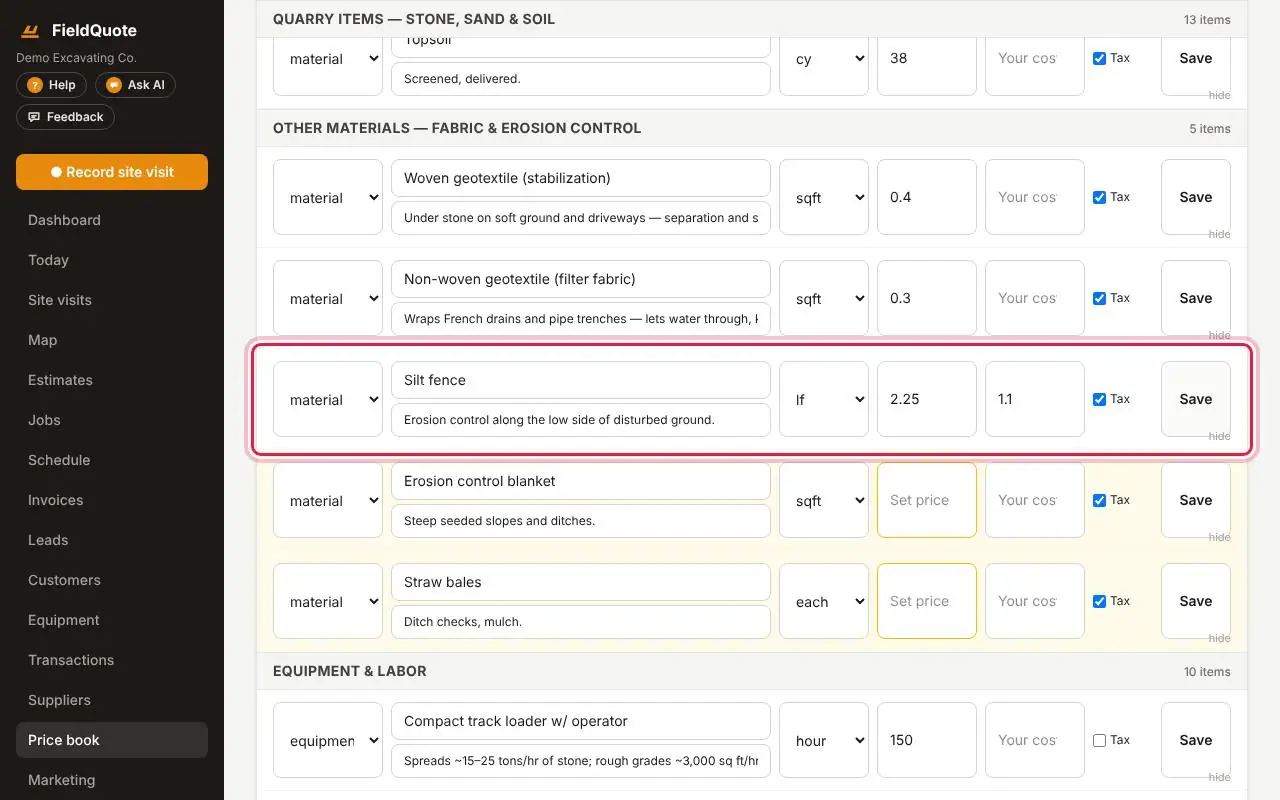
The row is no longer shaded, and the count at the top goes down by one.
What you'll see
"… items still need a price (shaded)." at the top while any item you use has no price.
Rows sorted into sections. The section comes from the item's category and name, so there's nothing to set up.
On items you have supplier quotes for, a line under the row with where the cost came from (see See when another supplier is cheaper).
Common mistakes
Changing several rows and tapping Save once. Each row saves on its own. Tap Save on every row you change.
Leaving the cost blank. It's optional, but without it the estimate can't show your margin.
Expecting old estimates to change. Estimates keep the prices they were made with. Change the line on the estimate if you need to.
Limits
Only the owner or an admin can change the price book. Team members see the prices grayed out, without Add item or hide, and "View only. Only the owner or an admin can change this."
Prices are per unit: hour, day, ton, cy, sqft, lf, acre, each, load or lump.
Customers never see your cost.
If the AI uses an item that has no price, the line comes in at $0, marked low confidence and shaded red so you notice it.
Checked against the app on Nov 9, 2026. Pictures are from Demo Excavating Co., a made-up company.